Nancy Miller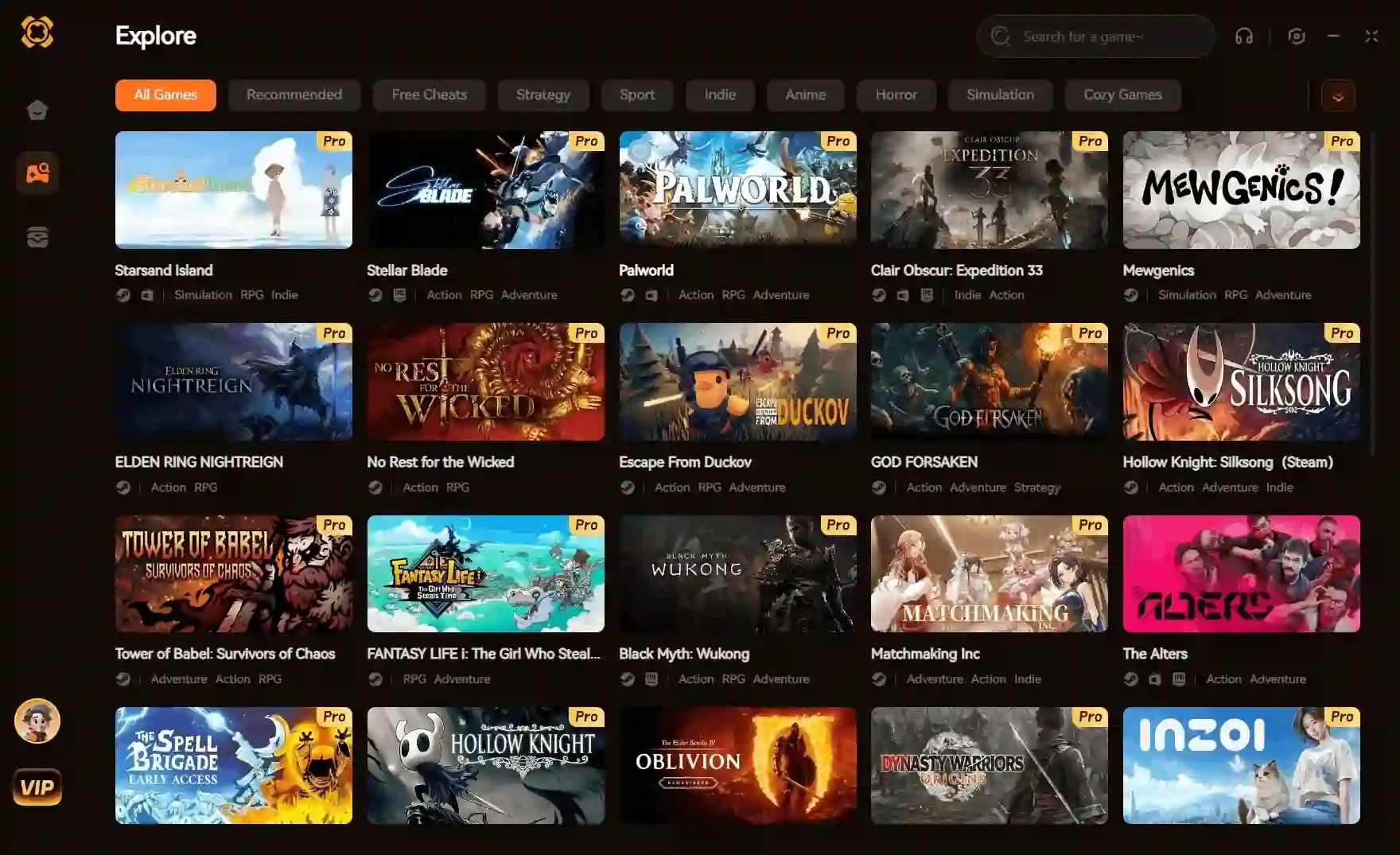
PC game trainers are specialized modding tools that alter a game’s memory addresses in real-time, instantly granting single-player cheats like infinite health, unlimited resources, or custom game speeds. To avoid malware, out-of-date files, and account bans in 2026, always use trainers strictly in offline mode through verified, auto-updating platforms like XMODhub instead of standalone .exe files.
Principaux enseignements
- Top Platforms — XMODhub leads in 2026 by replacing outdated standalone files and complex Cheat Engine tables with a safe, one-click interface.
- Malware Avoidance — Downloading random .exe files from unverified forums is the #1 cause of modding-related PC infections.
- Ban Prevention — Use mods strictly in offline, single-player environments. Never bypass Easy Anti-Cheat (EAC) for multiplayer.
- Handheld Support — Modern trainer platforms now offer streamlined support for Windows handhelds like the ROG Ally and Lenovo Legion Go.
What Are PC Game Trainers?
At their core, PC game trainers are background applications designed to bypass the tedious grind of single-player games. They work by locating and injecting code into specific dynamic memory allocations while your game is actively running. This allows players to customize their offline experience without permanently modifying core game files or digging through complex script folders.
Instead of spending 40 hours farming materials, a trainer lets you play on your exact terms. Whether you want to toggle God Mode to survive punishing boss fights in Anneau d'Elden, instantly spawn unlimited Eddies in Cyberpunk 2077, or completely bypass wanted levels in GTA V single-player, trainers hand the control back to you. It is crucial to differentiate these: safe, single-player enhancement tools are completely separate from malicious multiplayer aimbots that ruin competitive play.
The 3 Best PC Game Trainers in 2026
If you’re looking to modify your games, you generally have three distinct paths. Here is how the most popular options stack up against each other today.
1. Traditional Standalone Repacks (e.g., Fling Trainers)
For years, individual .exe files from groups like Fling were the gold standard. While they are usually free and effective, they carry major drawbacks. Every time a game patches, the memory addresses shift, rendering your downloaded file useless. You then have to hunt down a new version online, dramatically increasing the risk of accidentally downloading malware from a spoofed “imposter” website.
2. Advanced Memory Editors (e.g., Cheat Engine)
Cheat Engine (CE) is incredibly powerful, allowing you to manually scan and edit hex values yourself. However, the learning curve is steep. While you can download pre-made “CE Tables” from forums, keeping them updated is a massive chore. If you just want to launch a game and play, wrestling with memory pointers in Cheat Engine is often more frustrating than the game itself.
3. All-in-One Platforms (e.g., XMODhub)
Platform-based trainers represent the modern evolution of game modding. Platforms like XMODHUB ↗ act as a centralized hub. They automatically scan your Steam, Epic, or Xbox Game Pass library, detect the exact game version you have installed, and seamlessly pull the correct cheat profile from the cloud. It’s a completely “plug-and-play” experience that eliminates version mismatches and malware risks entirely.
Are Game Trainers Actually Free?
This is one of the most common questions. The short answer is: Yes, the core functionality of most trainers is free, but premium options exist for convenience.
Many legacy sites charge a monthly subscription just to download the latest files. Other popular freemium platforms give you basic hotkey cheats for free, but lock mobile app integration or “point-and-click” UI toggles behind a paywall. When choosing a platform like XMODhub, check their specific pricing tier—often, the essential cheats you need for a frictionless single-player experience are readily available without a subscription.
Are Safe Game Trainers Real? (Avoiding Malware)
Yes, safe PC game trainers absolutely exist, but you must avoid random forum links and YouTube descriptions.
Because legitimate trainer software must inject code to modify values (like changing ammo from 10 to 999), Windows Defender often flags them using heuristic analysis. This is a standard false positive. However, reputable platforms like XMODhub mitigate this by digitally signing their software and running it through strict malware scanning. They use secure memory injection protocols that ensure your PC remains infection-free and your save files do not corrupt.
Pro Tip
If your antivirus blocks a verified trainer platform, do not disable your antivirus entirely. Instead, safely whitelist the specific installation folder in your security settings to stop the false positives.
How to Use Trainers Without Getting Banned
The golden rule of safe modding: Keep it strictly offline.
You will not get banned for cheating in a strictly single-player game like Cyberpunk 2077 ou The Witcher 3. However, games with “drop-in” multiplayer or online leaderboards (like Anneau d'Elden ou Monster Hunter) are heavily monitored by software like Easy Anti-Cheat (EAC). If you attempt to launch these games while a memory editor is running, the server will flag your account immediately.
- Disconnect your game client (Steam/Epic) by launching it in “Offline Mode”.
- Bypass anti-cheat triggers (For games like Elden Ring, you must explicitly launch the game without EAC active. Verified trainer platforms often do this for you automatically).
- Activate cheats only after you have fully loaded into the game world to prevent engine crashes.
Do PC Trainers Work on Steam Deck / Handhelds?
With the explosion of handheld PC gaming, this is highly relevant. If you are using a Windows-based handheld like the ASUS ROG Ally ou Lenovo Legion Go, PC game trainers work exactly as they do on a desktop. You install the client, map the hotkeys to your controller buttons, and play.
For the Steam Deck (SteamOS), it’s slightly more complicated because trainers are native Windows applications. While advanced users can run trainers alongside games using Proton compatibility layers or tools like Decky Loader, the easiest workaround is streaming. You can run the game and the trainer seamlessly on your main Windows PC, and stream the fully-modded gameplay to your Steam Deck via Moonlight or Steam Remote Play.
Why Do Your Modding Tools Stop Working?
Nothing is more frustrating than a trainer crashing your game. In 99% of cases, this happens because a recent game patch caused a version mismatch.
When developers release a patch, the game’s internal code structure shifts. The trainer is suddenly looking for your “health” value in the wrong digital location, causing a fatal error. If you use standalone files, you have to wait days for the creator to upload a new .exe. If you use a modern platform, the client will automatically detect the version mismatch and download the updated memory pointers from the cloud the moment the community verifies them.
Final Verdict
The safest and most reliable way to modify your games in 2026 is through verified, all-in-one platforms like XMODHUB ↗. Traditional standalone files are simply too risky and high-maintenance for the modern gamer. By sticking to cloud-synced platforms and strictly adhering to offline environments, you bypass the grind entirely without risking account bans or system malware. Whether you want to explore freely with god mode or max out your inventory, using the right centralized tool ensures your focus stays exactly where it should be—on enjoying the game.
XMODhub Trainers & Mods — XMODHUB
Upgrade your single-player experience with the official XMODHUB ↗ client, offering thousands of verified mods across major PC titles.
Mode Dieu
Become completely invulnerable to all incoming damage.
Infinite Currency
Never run out of money or crafting resources.
Game Speed Multiplier
Speed up tedious travel and grinding sequences.
Tué d'un seul coup
Eliminate enemies instantly with a single strike.
Max Experience
Instantly level up your character and unlock all skills.
Why Choose XMODHUB for PC Game Trainers
XMODHUB ↗ is the trusted choice for PC gamers because of its impeccable safety record and automatic game-version updates. By scanning all files and syncing directly with your game launcher, it guarantees a seamless, malware-free experience without the hassle of manual installations.
Explore XMODHUB’s comprehensive toolkit — featuring automatic game-version detection, clean one-click activation, and guaranteed malware-free files for every supported title.
Player Health & Stats
Inventory & Economy
Progression
Questions fréquemment posées
Prêt à améliorer votre jeu ?

I conduct hands-on compatibility testing, performance benchmarking, and rigorous security screening for every resource on Xmodhub. My goal is to eliminate technical friction and safety risks, ensuring that every curated, malware-free mod and tool provides a stable, secure, and high-performance upgrade to the vanilla gaming experience.

 Catherine Hu