
 Catherine Hu
You finally beat the main campaign of Solasta 2. You maxed out your party, rolled the credits, and now you have that post-RPG emptiness. The good news? The game is just getting started.
Thanks to the Dungeon Maker, Solasta 2 has an infinite lifespan. The community has built thousands of custom campaigns—ranging from faithful recreations of legendary D&D tabletop modules (like Curse of Strahd adaptations) to entirely original 20-hour epics.
But let’s be brutally honest: diving into community maps is the Wild West. For every masterpiece, there are ten “meatgrinder” maps where a sadistic modder traps your Level 3 party in a room with three Minotaurs and “forgets” to place a campfire so you can Long Rest.
In this guide, we will show you exactly how to download and install custom campaigns (whether you are on Steam or Game Pass), rank the best community maps to play right now, and give you the ultimate tool to survive the most unfairly balanced dungeons without rage-quitting.
Solasta II: Cheat Engine Table vs. XMODhub Trainer (Best Free Alternative)
Part 1: What is the Solasta 2 Dungeon Maker?
The Solasta 2 Dungeon Maker is an official, built-in tool that allows players to create, share, and play custom D&D adventures. Unlike complex modding tools, it uses a user-friendly, tile-based interface where creators can write custom dialogue, design branching quests, and build massive dungeons. You can even import your existing, fully-leveled party from the main campaign into these custom worlds to continue their story.
Part 2: How to Install Custom Campaigns (Steam vs. Mod.io)
Downloading community maps depends entirely on where you bought the game. Here is the easiest way to get them running:
⚙️ How to Install via Steam Workshop:
- ➤ Open your Steam Library and select Solasta 2.
- ➤ Click the Workshop tab.
- ➤ Browse for a campaign and click the green Subscribe button.
- ➤ Launch the game, click New Game, and select Custom Campaign. The map will be there automatically.
🎮 How to Install via PC Game Pass / Epic Games (Mod.io):
- ✦ Visit the official Solasta 2 Mod.io website and download the campaign’s
.jsonfichier. - ✦ Presse Victoire + R sur votre clavier pour ouvrir la boîte de dialogue Exécuter.
- ✦ Paste exactly this path:
%userprofile%\AppData\LocalLow\Tactical Adventures\Solasta2and hit Enter. - ✦ Open the UserContent folder, then the Campaigns folder.
- ✦ Drag and drop your
.jsonfile into this folder. Launch the game to play.
Part 3: Top 5 Best Custom Campaigns to Play First
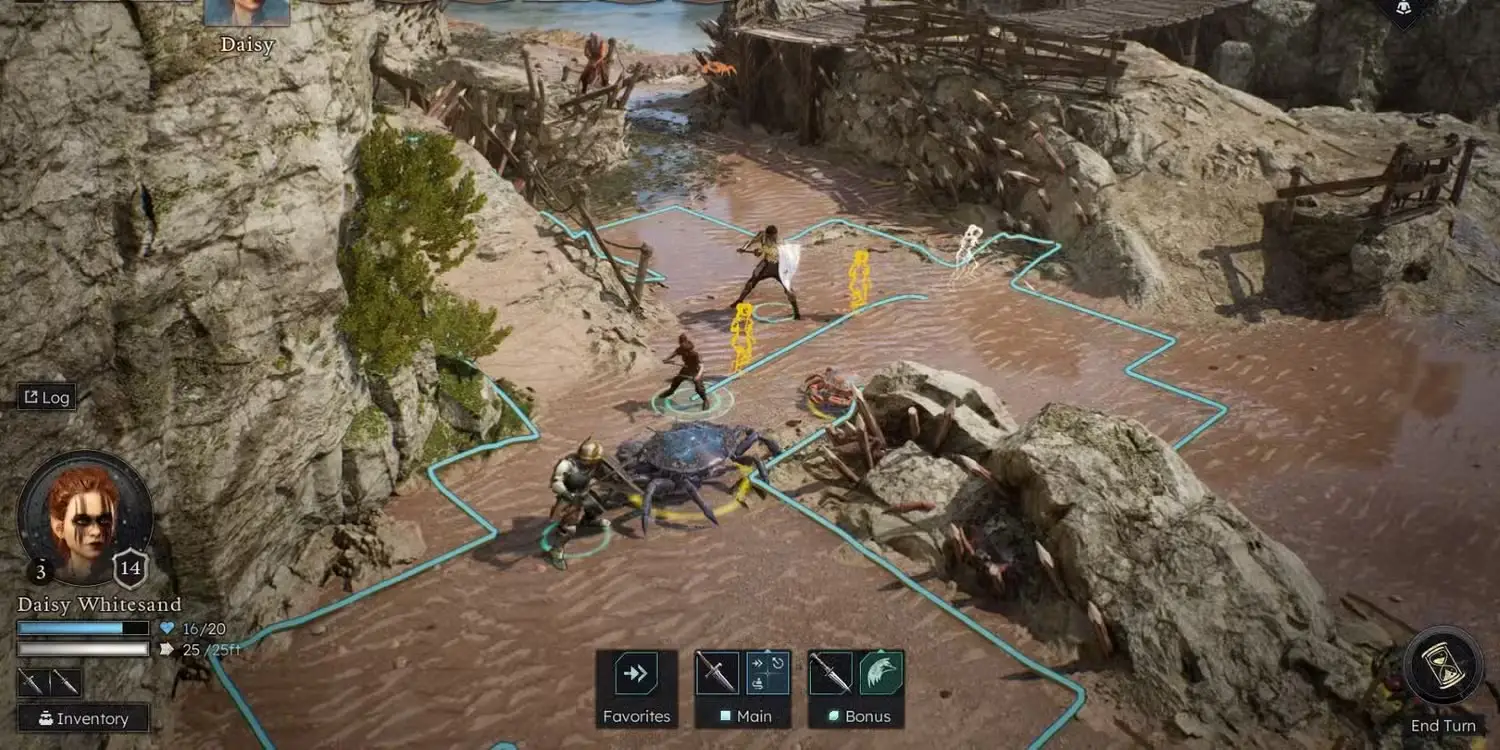
With thousands of maps flooding the workshop, finding the gems takes time. Here are five top-tier community campaigns that feel like official DLC expansions:
A massive 20-hour adventure perfect for a fresh Level 1 party. It features heavy puzzle-solving, excellent custom dialogue, and multiple endings based on your Charisma checks.
A purely combat-focused mega-dungeon. Import your Level 10 party and see how deep you can go. (Warning: Brutally difficult).
A brilliant community attempt to recreate a classic D&D city setting. Expect heavy roleplay, faction reputation mechanics, and urban exploration.
A survival-horror-themed campaign where light sources are scarce, and you are constantly hunted by the undead. You will need a Cleric.
A combat-only wave survival mode. This is the absolute best map for testing new character builds and multiclass synergies quickly.
Part 4: Fixing Multiplayer Desync in Custom Maps
One of the most heavily searched issues is: “Why does Solasta 2 multiplayer disconnect in custom campaigns?” When playing co-op Dungeon Maker maps, desync usually happens because of version mismatches.
🔧 The Fix
Ensure the Host and all joining players have the exact same version of the custom campaign file downloaded. If the Host updated the map on Steam Workshop but a guest has an older version from Mod.io, the lobby will crash during combat transitions.
Part 5: How to Survive Unbalanced Maps (The DM Tool)
Here is the dirty secret of user-generated content: many modders have no idea how to balance D&D encounters. You will inevitably encounter a beautifully designed 5-hour dungeon where the creator completely forgot to place campfires. Without a campfire, you cannot take a Long Rest. Without a Long Rest, your Wizards and Clerics cannot recover Spell Slots. Pushing through a boss fight with zero magic is a guaranteed TPK (Total Party Kill).
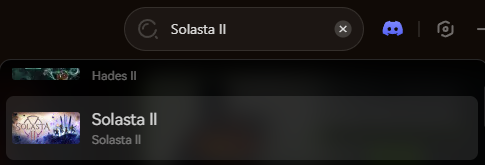
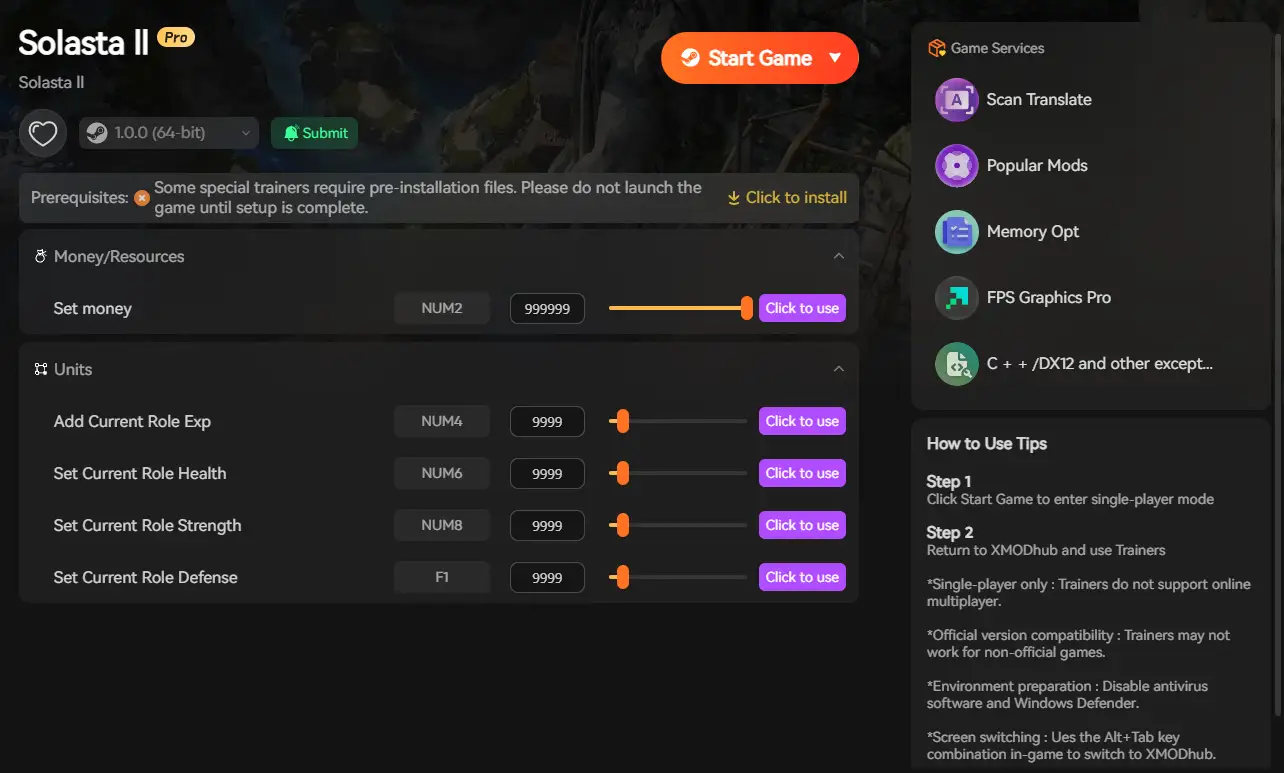
You shouldn’t have to abandon a great story just because of poor encounter design. This is why the XMODhub PC Trainer is an essential tool for Dungeon Maker fans. Treat it like your personal “Dungeon Master Override.”
Here is how to take control of your custom adventures:

Frequently Asked Questions (FAQ)
Q Do you earn XP and level up in custom campaigns?
Yes. Your characters will earn XP, level up, and acquire loot just like they do in the main story. You can even export your leveled-up characters from a finished custom campaign and import them into a brand-new one.
Q Can you play Solasta 2 custom campaigns in multiplayer?
Yes, Solasta 2 fully supports up to 4-player co-op for Dungeon Maker campaigns. Just ensure that the host has the custom campaign installed. The game will automatically sync the map data with the other players when they join the lobby.
Q Why are some Dungeon Maker campaigns missing textures or objects?
If a custom map has missing walls or invisible enemies, the creator likely used assets from an official DLC that you do not own. Always read the mod description to see if a campaign requires specific DLC packs (like the Primal Calling DLC) to function correctly.
Conclusion: Rule the Forgotten Realms
The Solasta 2 Dungeon Maker guarantees that you will never run out of D&D content. Whether you are exploring massive community-made mega-dungeons or testing bizarre multiclass builds in an arena, the possibilities are literally endless.
But remember: your free time is valuable. You are playing to have fun, not to be punished by a modder’s unbalanced encounters. With the XMODhub PC Trainer, you become the ultimate Dungeon Master. Fix broken encounters, restore your spell slots anytime, and enjoy the community’s creativity without the frustration.
The adventure doesn’t stop here. XMODhub is your ultimate PC gaming companion, supporting over 5,000+ titles (including huge RPGs like Baldur’s Gate 3, Monster Hunter: World, and Dragon’s Dogma 2).
Beyond safe memory injection, our all-in-one desktop app elevates your entire gaming setup with built-in utility tools:
- ✦ Universal DLSS/FSR Boost: Maximize your FPS and eliminate stuttering in poorly optimized custom maps.
- ✦ Real-Time AI Translation: Instantly translate UI and text to play unlocalized global games on Day 1.
Take back your playtime.

Je suis un joueur passionné et j'écris sur XMODhub, qui se consacre à vous apporter les dernières nouvelles, astuces et idées en matière de jeux.
Connectez-vous avec moi :
Profil LinkedIn

 Nancy Miller