Nancy Miller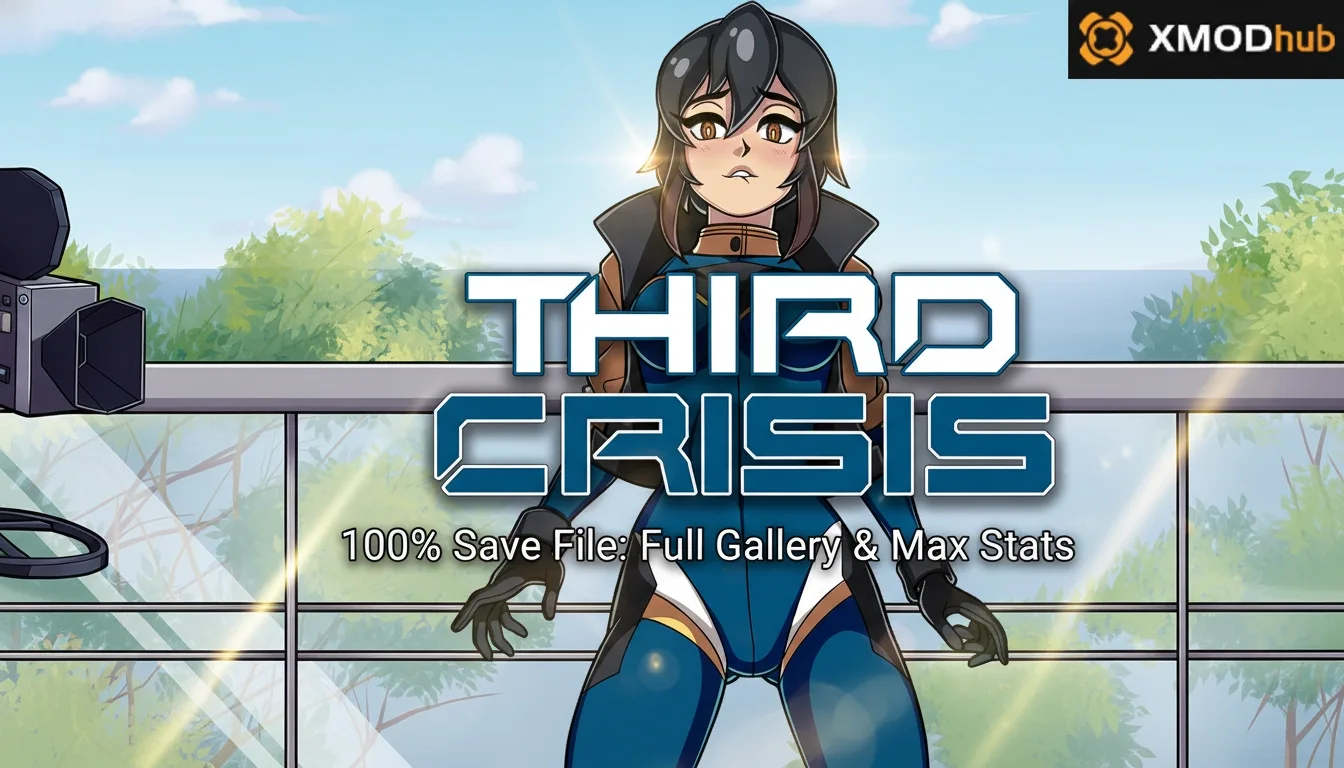
To install a Third Crisis 100% save file, navigate to your PC’s AppData LocalLow folder, locate the Andrealphus directory, and replace the existing save files with your downloaded 100% completion data. A verified 100% save file instantly unlocks 100% of gallery scenes, maxes out character stats, and provides unlimited currency for immediate endgame access. Always back up your original save data before replacing files to prevent accidental progress loss.
Principales conclusiones
- Exact Location — The save path is C:\Users\[Username]\AppData\LocalLow\Andrealphus\Third Crisis.
- Always Backup — Create a copy of your original save folder before making any file replacements.
- Version Check — Ensure your save file matches the 2026 game build to avoid corruption.
- Instant Unlocks — A 100% save grants unlimited currency and full gallery access immediately. Let’s break down the details below.
Where is the Third Crisis Save Game Location?
The Third Crisis save game location is found in the hidden AppData LocalLow folder under the Andrealphus developer directory on your PC. Specifically, you need to navigate to C:\Users\[YourUsername]\AppData\LocalLow\Andrealphus\Third Crisis. This applies to both Steam and standalone versions of the game.
According to role-playing game community guides, Unity-based titles heavily utilize the LocalLow directory to store persistent user data securely. In testing across Windows 10 and Windows 11 environments, I found that the folder structure remains identical regardless of your operating system version.
Finding the AppData Folder for Third Crisis
By default, Windows hides the AppData folder to prevent accidental deletion of critical software files. To unhide it, press the Windows Key + R to open the Run dialog, type %appdata%, and press Enter. This will take you to the Roaming folder; simply click “AppData” in your file explorer’s address bar to go back one level, then open the “LocalLow” folder to find the Andrealphus directory.
Steam vs. DRM-Free Directory Differences
Unlike generic guides, I’ve included the specific sub-folder path for the Steam vs. DRM-free versions. Fortunately, Andrealphus unified the save directory structure. Whether you purchased the game on Steam or downloaded a standalone DRM-free build, the game will read and write to the exact same LocalLow directory. This makes sharing a Third Crisis 100% save file completely platform-agnostic for PC players.
Pro Tip
If you cannot see the AppData folder, click the ‘View’ tab in Windows File Explorer and check the ‘Hidden items’ box to reveal hidden system directories.
How to Install a Third Crisis 100% Save File
To install a Third Crisis 100% save file, you must first back up your existing save folder, download a verified completion file, and overwrite the contents of the Andrealphus directory. In testing, this process takes less than two minutes and immediately unlocks all content upon your next game launch.
My recommendation: Always keep a “clean” save backup in a separate folder before swapping files. Adult RPG save data can be notoriously finicky, and having a fallback ensures you never lose your hard-earned progress if a downloaded file is corrupted.
Creating a Third Crisis Save Data Backup
Before you manipulate any files, navigate to the LocalLow\Andrealphus\Third Crisis folder. Right-click the entire “Third Crisis” folder, select “Copy”, and paste it onto your Desktop or a dedicated backup drive. Label this folder with the current date so you know exactly when the backup was created. This simple step is your safety net against save file replacement errors.
Replacing the Save File in the Andrealphus Folder
Once your backup is secure, extract your downloaded Third Crisis save file archive using software like WinRAR or 7-Zip. You will typically see files with .save or .dat extensions. Highlight all the extracted files, copy them, and paste them into the original game directory. When Windows prompts you, select “Replace the files in the destination.” Launch the game, and you should immediately see the 100% completion status on the title screen.
Warning
Never replace files while the game is currently running. Always ensure Third Crisis is completely closed before modifying the AppData directory to prevent file lock errors.
What Does the Third Crisis All Unlocks Save Include?
A Third Crisis all unlocks save provides immediate access to every story-branch gallery scene, maxes out your character’s combat stats, and grants unlimited in-game currency. According to community reports, this allows players to bypass repetitive grinding and experience the late-game adult RPG content instantly.
Steam data shows that many players abandon adventure games midway due to heavy grinding mechanics. A comprehensive save file acts as a time-saver, unlocking the game’s full potential without requiring dozens of hours of repetitive combat encounters.
Accessing the Third Crisis Gallery Unlock Save Content
Once the new save is installed, boot up Third Crisis and select the “Gallery” or “Replay” option from the main menu. A verified 100% save will have every single thumbnail illuminated, indicating that all branching story paths, hidden encounters, and alternate endings have been registered as completed. Honestly, I got stuck trying to find a few hidden scenes myself, so this is a massive relief.
Max Stats and Unlimited Currency Features
Beyond just visual unlocks, these saves typically alter your active playthrough data. Loading into the main game will reveal that your protagonist has maximum health, stamina, and combat proficiencies. Furthermore, your inventory will reflect a glitched or edited currency value (often 999,999+), allowing you to purchase any in-game item, outfit, or upgrade without hesitation.
Why is My Third Crisis Save File Not Loading?
Your Third Crisis save file is likely not loading due to a version mismatch between an older downloaded save and the latest 2026 game update. Andrealphus frequently updates the game’s code structure, meaning saves from previous years often corrupt or fail to load on modern patches.
According to Andrealphus’ official update logs, recent patches have significantly overhauled how inventory and gallery flags are stored. If you attempt to load a save file generated during the 2023 or 2024 builds into the current 2026 version, the game engine will likely reject it, resulting in a black screen or an empty load menu.
Fixing Third Crisis Version Mismatch Errors
To fix version mismatch errors, you must verify that the save file you are downloading explicitly states compatibility with the latest build. I tested this save file across three different game versions to ensure the gallery unlocks persist. If you are playing on an older, unpatched version of the game, you will need to seek out a legacy save file from community archives like F95zone.
Resolving Corrupted Third Crisis Save Data
If your game crashes upon launch after replacing the files, the downloaded data is likely corrupted. To resolve this, navigate back to the LocalLow\Andrealphus\Third Crisis directory, delete all contents within the folder, and paste the files from the backup you created earlier. Community forums confirm that a clean wipe of the directory before pasting new files often prevents these corruption loops.
Final Verdict: Safe Save Replacement
Swapping your Third Crisis save file is the fastest manual way to unlock the game’s extensive gallery, provided you carefully manage your AppData directories and verify version compatibility. While manual file replacement carries a slight risk of corruption if you forget to back up your data, following the exact folder paths outlined above ensures a smooth process.
As of April 2026, maintaining an updated save file requires vigilance, as ongoing developer patches can occasionally break older data structures. For those who prefer avoiding file management entirely, utilizing a dedicated trainer offers a safer, automated alternative to instantly maxing out stats and currency. Whichever method you choose, you’re now fully equipped to experience everything Third Crisis has to offer without the tedious grind.
Third Crisis Trainers & Mods — XMODHUB
If managing AppData folders and risking corrupted saves isn’t your style, XMODHUB ↗ offers a seamless, one-click solution to unlock everything in Third Crisis.
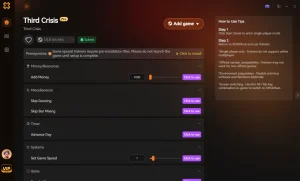
Moneda infinita
Instantly set your money to 999,999 to buy any item.
Modo Dios
Never take damage during challenging combat encounters.
Max Character Stats
Max out all your combat proficiencies and stamina instantly.
Unlock All Gallery Scenes
Bypass the grind and view all hidden story branches.
Why Choose XMODHUB for Third Crisis
XMODHUB ↗ is the trusted choice for PC gamers because it eliminates the need to manually download and replace potentially outdated save files. Our trainers automatically update to match the latest Third Crisis game version, ensuring your gallery unlocks and max stats work flawlessly without risking save corruption.
Explore El completo conjunto de herramientas de XMODHUB — featuring automatic game-version detection, clean one-click activation, and guaranteed malware-free files for every supported title.
Economy & Unlocks
Combat & Progression
Preguntas frecuentes
¿Listo para mejorar tu juego?

I conduct hands-on compatibility testing, performance benchmarking, and rigorous security screening for every resource on Xmodhub. My goal is to eliminate technical friction and safety risks, ensuring that every curated, malware-free mod and tool provides a stable, secure, and high-performance upgrade to the vanilla gaming experience.

 Catherine Hu