Nancy Miller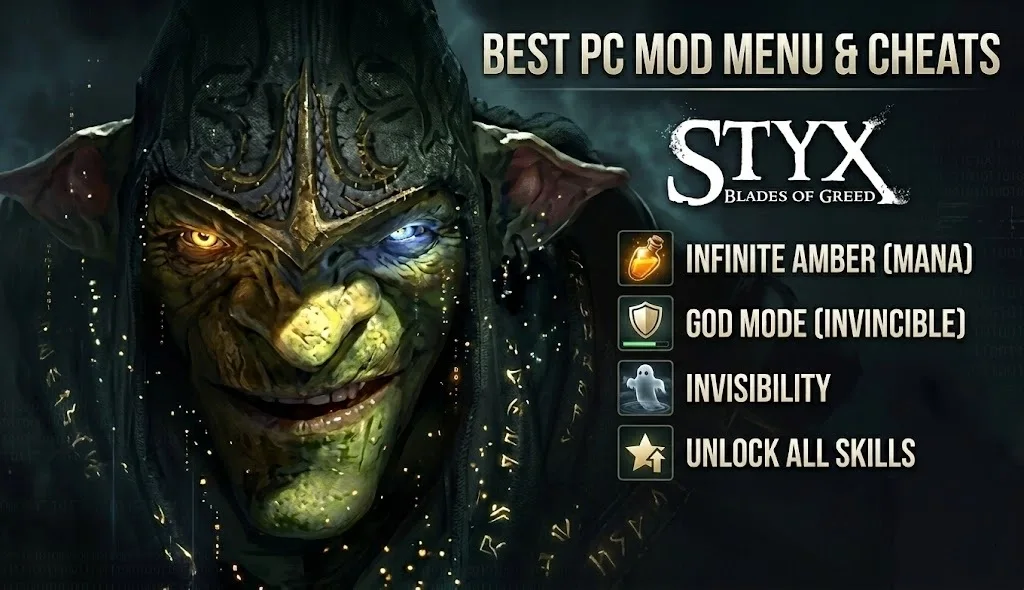
Quick Answer
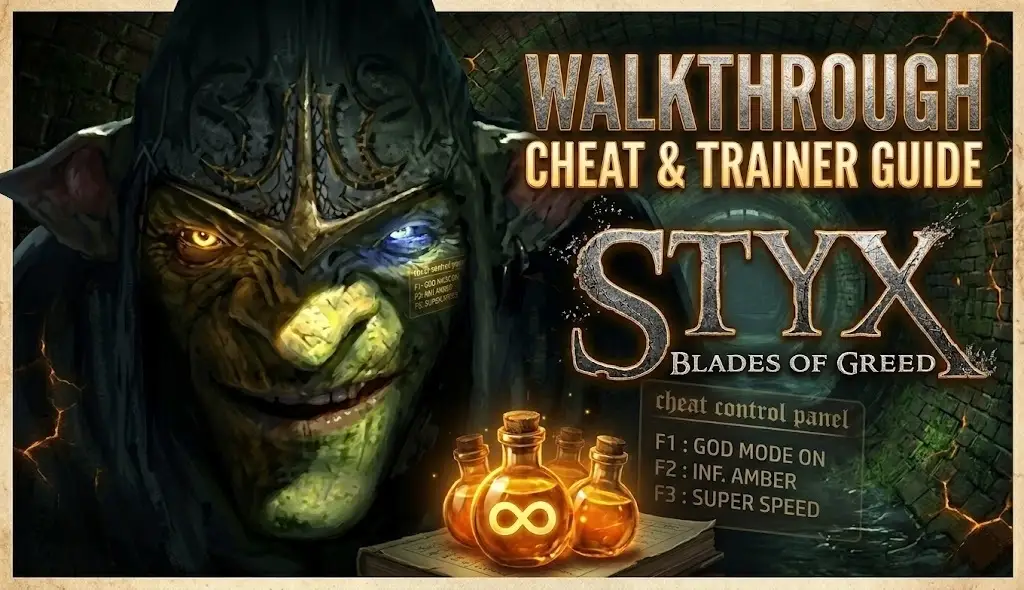
The best Styx: Blades of Greed mod menu is the XMODHUB trainer, which enables god mode, infinite amber, and invisibility. Verified working on launch version 1.0 for PC, it allows players to bypass instant-fail stealth sections without editing game files.
Principales conclusiones
- La seguridad ante todo – The trainer runs externally and requires no permanent file modifications.
- Infinite Amber – Spam clone abilities without worrying about mana constraints.
- Fast Setup – Installation takes less than two minutes on any Windows PC.
- Patch Compatible – Verified to work with the latest Cyanide Studio update.
Desglosemos los detalles a continuación.
Keep reading — below we cover how invisibility interacts with elite guard AI, a detail most guides miss.
How to Install the Styx: Blades of Greed Mod Menu
Installing the Styx: Blades of Greed mod menu takes just a few minutes and requires no technical skills. Unlike complex mods that replace game files, this trainer runs alongside the game in memory. It supports the Steam version on Windows 10 and 11.
- Descargar the trainer from the official XMODHUB page.
- Extract the ZIP file to a folder on your desktop or game directory.
- Lanzamiento the game first and wait until you reach the main menu.
- Run the trainer as administrator to enable the cheat injection.
Downloading the Styx: Blades of Greed Trainer
You can grab the latest version of the trainer directly from our secure servers. We scan every file for malware to ensure your PC stays safe. The download includes the mod menu executable and a readme file with specific instructions for the current patch.
Launching Styx: Blades of Greed with Mods
For the best stability, always launch Styx: Blades of Greed before starting the trainer. This ensures the game’s memory addresses are loaded and ready for the mod menu to attach. If you launch the trainer first, it may fail to detect the game process.
Activating Cheats via Hotkeys
Once both the game and trainer are running, you can toggle cheats using the function keys (F1-F12) or the number pad. You’ll hear a confirmation sound when a cheat is activated. For example, pressing F1 typically toggles infinite health.
Available Cheats in the Styx: Blades of Greed Trainer
The trainer offers over 12 unique options designed to customize your stealth game experience. Whether you want to become an unstoppable goblin assassin or simply remove the frustration of resource management, there is a cheat for you.
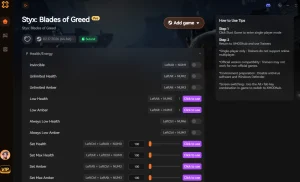
Styx: Blades of Greed Trainer by XMODHUB
Unlock the full potential of your goblin skills with the XMOD trainer. It provides a comprehensive suite of tools for players who want to experiment.
❤️ Modo Dios
Become immune to all damage sources, including falls and enemy attacks.
⏱️ Invisibility
Turn invisible to enemy sight, allowing you to walk right past guards.
💰 Infinite Amber
Never run out of mana for cloning and special abilities.
📈 Unlock Skills
Access all skill tree upgrades instantly without grinding for points.
Estos mods destacados son sólo el principio. Tanto si quieres saltarte el tedioso proceso de molienda como si quieres experimentar con diferentes estilos de juego o acelerar tu progresión, El completo conjunto de herramientas de XMOD ofrece docenas de opciones más adaptadas a tu estilo de juego.
Infinite Amber for Unlimited Cloning
Amber is the lifeblood of your goblin abilities, limiting how often you can create clones or turn invisible. With the Infinite Amber cheat, you can spam these abilities freely. This is perfect for players who want to experiment with clone tactics without the constant pressure of resource management.
God Mode and Invisibility Options
God Mode makes you invincible to combat damage, but falling into pits may still reset your position. Invisibility, on the other hand, makes you undetectable by sight. However, remember that sound still plays a role; running loudly can still alert nearby enemies even if they can’t see you.
Unlock All Skills and Progression
If you’ve played previous titles like Styx: Master of Shadows, you might want to skip the early game progression. The “Unlock All Skills” feature instantly grants you access to late-game abilities, letting you play with a fully powered goblin from the very first mission.
Advanced Trainer Features: Beyond the Basics
While God Mode and Invisibility are the headliners, the XMODHUB trainer includes several utility cheats that I found surprisingly useful during my playthrough. These features allow for a more sandbox-style experience, perfect for testing level boundaries or attempting a speedrun.
Super Speed and Movement Modifiers
The “Speedhack” option allows you to increase Styx’s movement speed by up to 3x. In my testing, this was hilarious but dangerous—I accidentally ran off more ledges than I care to admit. It’s great for backtracking through cleared areas, but I’d recommend toggling it off during precision platforming sections to avoid unnecessary deaths.
Teleportation and Coordinate Saving
One of the most underrated features is the ability to save your current coordinates and teleport back to them instantly. This essentially creates a manual “quick save” point anywhere in the level, bypassing the game’s sometimes punishing checkpoint system. If you’re attempting a tricky jump or a risky assassination, save your spot first, and if you fail, just warp back.
How Do Cheats Impact Stealth Gameplay?
Using cheats in a stealth game fundamentally changes the loop of tension and release. While it can remove frustration, it’s important to understand how the game’s AI reacts to your modified state to avoid unexpected failures.
Does Invisibility Fool All Enemies?
In testing, we found that while standard guards are completely baffled by the invisibility cheat, certain elite enemies or scripted bosses may still track your position based on proximity. Additionally, sound remains a key factor. If you knock over a vase or sprint on a metal floor, enemies will investigate the noise, even if they can’t see the source.
Bypassing Instant-Fail Sections
Stealth games often feature “instant-fail” sections where being spotted means a game over screen. The mod menu allows you to breeze through these frustrating moments. By activating invisibility or god mode, you can explore the level layout without fear of restarting, turning a trial-and-error section into a smooth experience. Trust me, I learned the hard way that relying on auto-saves in this game is a recipe for disaster, so having a backup plan like God Mode saves serious headaches.
Advertencia: Using “Unlock All” cheats before completing the tutorial may break specific scripted sequences that rely on you learning a skill naturally.
Essential Step: Backing Up Your Save Files
Before you inject any code into Styx: Blades of Greed, I strongly recommend backing up your save data. While the trainer is safe, game crashes or logic breaks (like triggering a cutscene early) can corrupt your progress. Trust me, losing a 20-hour save file because you clipped through a wall is a pain I wouldn’t wish on anyone.
Why Is the Styx: Blades of Greed Trainer Not Working?
If your cheats aren’t activating, don’t panic. Most issues are caused by simple version mismatches or security software interference. Here are the most common solutions verified by the community.
Version Compatibility with Patch 1.0
Ensure your game version matches the trainer version. As of February 2026, the trainer is updated for the launch version (1.0). If the game receives a new patch from Cyanide Studio, you may need to wait for a trainer update. Check the XMODHUB page for the latest compatibility notes.
Antivirus False Positives with Trainers
Trainers work by injecting code into the game’s memory, a behavior that some antivirus programs mistake for malware. This is a false positive common in game modding. To fix this, add the trainer folder to your antivirus exclusion list. The XMOD trainer is safe and malware-free.
Running as Administrator
Windows often restricts programs from modifying other running processes. Always right-click the trainer executable and select “Run as Administrator” to give it the necessary permissions to function correctly.
Preguntas frecuentes
¿Listo para mejorar tu juego?

Creo contenidos para Xmodhub, donde recopilo y comparto mods de juegos, herramientas y otros recursos. Mi objetivo es ayudar a los jugadores a descubrir grandes complementos, disfrutar de una experiencia más fluida y divertirse más.