Resumen: If you’ve spent countless hours exploring the vast world of The Elder Scrolls V: Skyrim, you probably know there’s always something new to discover — and sometimes, something to fix.
Whether you want to spawn Daedric armor, teleport across Tamriel, or simply go full-on Dragonborn god mode, Skyrim console commands give you total control over your adventure.
In this guide, we’ll explore everything you need to know about console commands — how to use them, the most powerful cheats, and how to push your Skyrim experience even further with Xmod, the ultimate platform for PC gamers who love mods, trainers, and freedom of gameplay.
Outline:
- What Are Skyrim Console Commands?
- How to Use Console Commands in Skyrim?
- Most Useful Skyrim Console Commands
- FULL Skyrim Console Commands List (2025 Edition)
- How to Level Up Your Skyrim Experience with Xmod?
- Conclusión
What Are Skyrim Console Commands?

Skyrim comandos de consola are essentially developer tools built into the PC version of the game. By pressing the ~ (tilde) key, you can open a special console where you can type in various commands that instantly alter your game — adding gold, changing skills, teleporting, or even reviving NPCs.
They’re perfect for players who:
- Want to test new builds or characters quickly.
- Encounter broken quests or bugs.
- Love experimenting with the game’s hidden systems.
- Just want to have fun wreaking havoc across Skyrim.
But if you want to go beyond simple cheats — and easily manage your game’s mods, trainers, and configurations — Xmod is your best ally. It lets you launch Skyrim, customize your gameplay with one click, and safely apply modifications without worrying about game crashes or conflicts.
How to Use Console Commands in Skyrim?
Using them is easy:
- Pulse
~ to open the console.
- Type your command (for example,
tgm).
- Pulse Entre en to activate it.
- Pulse
~ again to close the console.
Example:
player.additem 0000000F 1000
This gives you 1000 gold al instante.
Most Useful Skyrim Console Commands
Here’s a quick list of the most popular Skyrim console commands every player should know:
| Comando |
Description |
Example |
| tgm |
Toggle god mode (invincible) |
tgm |
| tcl |
No clipping (walk through walls) |
tcl |
| player.additem [ID] [#] |
Add item(s) to inventory |
player.additem 0000000F 1000 |
| player.setlevel [#] |
Set player level |
player.setlevel 50 |
| player.modav carryweight [#] |
Change carry weight |
player.modav carryweight 1000 |
| player.advskill [skill] [value] |
Level up a skill |
player.advskill smithing 100000 |
| player.addperk [PerkID] |
Add perk to skill tree |
player.addperk 000BE125 |
| coc [LocationName] |
Teleport to a location |
coc Whiterun |
| resurrect |
Bring a dead NPC back to life |
resurrect |
| setstage [QuestID] [Stage#] |
Jump to a specific quest stage |
setstage MQ103 200 |
These commands cover the basics — but if you’re ready to explore everything Skyrim’s console has to offer, the next section has the complete list.
FULL Skyrim Console Commands List (2025 Edition)
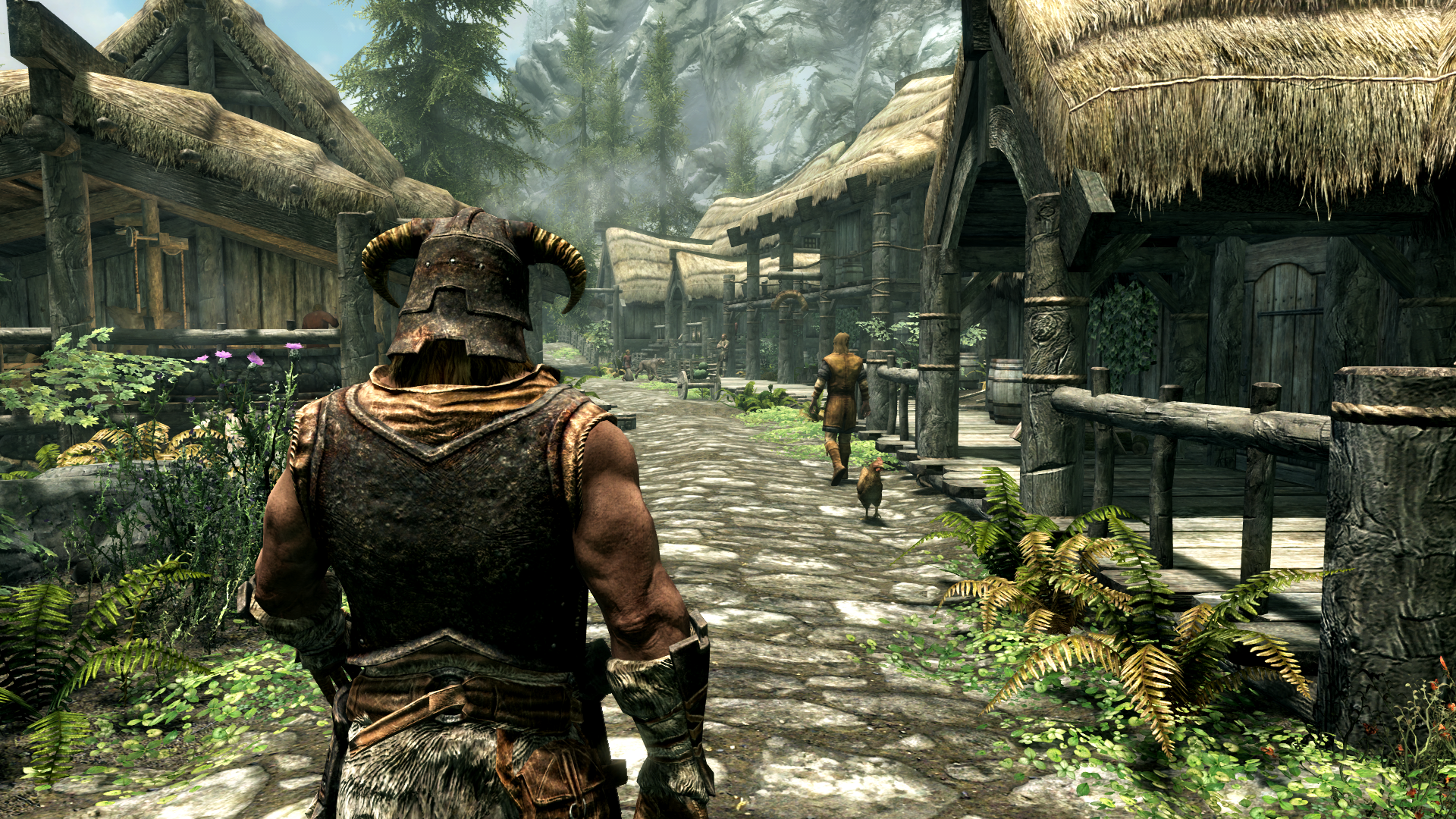
Below you’ll find the comprehensive list of Skyrim console commands, neatly categorized for easy reference. Perfect for players who love experimenting or modders testing new builds.
Player and Character Commands
| Comando |
Description |
| tgm |
God Mode (invincible) |
| tim |
Immortal Mode (take damage but never die) |
| player.additem [itemID] [amount] |
Add items to inventory |
| player.additem 0000000F 1000 |
Add 1000 gold |
| player.setlevel [#] |
Set character level |
| player.setav health [#] |
Adjust health |
| player.setav stamina [#] |
Adjust stamina |
| player.modav carryweight [#] |
Increase carrying capacity |
| player.advskill [skill] [value] |
Increase skill experience |
| player.addperk [PerkID] |
Unlock perk manually |
| sexchange |
Change character gender |
NPC and Combat Commands
| Comando |
Description |
| kill |
Instantly kill selected target |
| resurrect |
Bring NPC back to life |
| disable |
Temporarily remove NPC/object |
| enable |
Re-enable NPC/object |
| setrelationshiprank player 4 |
Make NPC friendly |
| player.placeatme [NPCID] |
Spawn NPC clone |
| tai |
Toggle AI on/off |
| tcai |
Disable combat AI |
Movement and Teleportation Commands
| Comando |
Description |
| tcl |
Toggle collision (walk through walls) |
| coc [LocationName] |
Teleport to any map location |
| player.moveto [RefID] |
Move to NPC or object |
| player.setpos [x/y/z] [#] |
Manually reposition player |
| unlock |
Unlock targeted door/chest instantly |
Example:
coc Riverwood
Teleports you directly to Riverwood.
Environment and Visual Commands
| Comando |
Description |
| fw [WeatherID] |
Change weather instantly |
| tfc |
Toggle free camera |
| tm |
Hide or show UI |
| sgtm [#] |
Adjust game speed (default: 1.0) |
| fov [#] |
Change camera field of view |
| set timescale to [#] |
Adjust time flow rate |
| tws |
Toggle water visibility |
| tll |
Toggle level of detail (LOD) |
Quest and Debug Commands
| Comando |
Description |
| showquesttargets |
Display active quest IDs |
| sqs [QuestID] |
Show quest stage list |
| setstage [QuestID] [#] |
Jump to quest stage |
| completequest [QuestID] |
Instantly complete quest |
| resetquest [QuestID] |
Reset quest progress |
| player.addperk [PerkID] |
Add specific perk |
| caqs |
Complete all quests (use with caution) |
Common Item Codes
| Item |
ID |
Example Command |
| Oro |
0000000F |
player.additem 0000000F 5000 |
| Lockpick |
0000000A |
player.additem 0000000A 100 |
| Daedric Sword |
000139B9 |
player.additem 000139B9 1 |
| Dragonbone Armor |
00013966 |
player.additem 00013966 1 |
| Potion of Healing |
0003EAF2 |
player.additem 0003EAF2 10 |
Utilice help [item name] to find any item code directly in-game.
Troubleshooting Tips
Even the Dovahkiin runs into issues sometimes. Here’s how to fix common console command errors:
- Command not recognized: Double-check spelling or syntax.
- Target not selected: Click the NPC/object before typing.
- Quest stuck: Try
resetquest [QuestID] before setstage.
- Console won’t open: Check your keyboard layout — on some keyboards, it’s the
@ o ¬ key.
Pros and Cons of Using Console Commands
| Pros |
Cons |
| Fix bugs and glitches instantly |
Can disable achievements |
| Experiment with builds |
May break quest scripts |
| Create cinematic screenshots |
Can make the game too easy |
| Unlimited fun and creativity |
Requires memorizing commands |
That’s where Xmod comes in — it’s the perfect balance between power and safety. Instead of manually typing commands that might corrupt your game, you can use Xmod’s curated tools and trainers to tweak Skyrim exactly how you want, with built-in safety checks to avoid crashes.
How to Level Up Your Skyrim Experience with Xmod?
If you love tweaking Skyrim, Xmod is the ultimate companion tool. It lets you enjoy all the fun of console commands without memorizing a single code.
With Xmod, you can:
- Activate God Mode, infinite gold, or one-hit kills al instante.
- Save and switch mod profiles with one click.
- Launch Skyrim directly with all your settings pre-applied.
- Explore community mods and trainers for thousands of other PC games.
Xmod + Skyrim = Unlimited power — it’s the ultimate combo for players who love experimenting and personalizing their adventures.
Beyond these features, XMOD provides additional utilities like translation tools for international players, FPS boosters for smoother performance, DLC unlockers, and other quality-of-life enhancements. Whether you want to make the survival-horror experience easier, discover hidden content, or optimize gameplay, XMOD gives you complete control over how you enjoy Skyrim.
Conclusión
Whether you’re fixing a bugged quest, building the strongest Dragonborn, or just goofing around with dragons in Whiterun, Skyrim console commands give you total control over your world.
And when you combine them with Xmod, the possibilities expand even further — offering smoother mod management, one-click cheats, and endless customization.
So go ahead — type tgm, summon Alduin, or create your dream build. With Xmod by your side, Skyrim truly becomes your world.
Soy un jugador apasionado y escritor en XMODhub, dedicado a traerte las últimas noticias de juegos, consejos y puntos de vista.
Conecta conmigo:
Perfil en LinkedIn

 Catherine Hu

 Nancy Miller

