Nancy Miller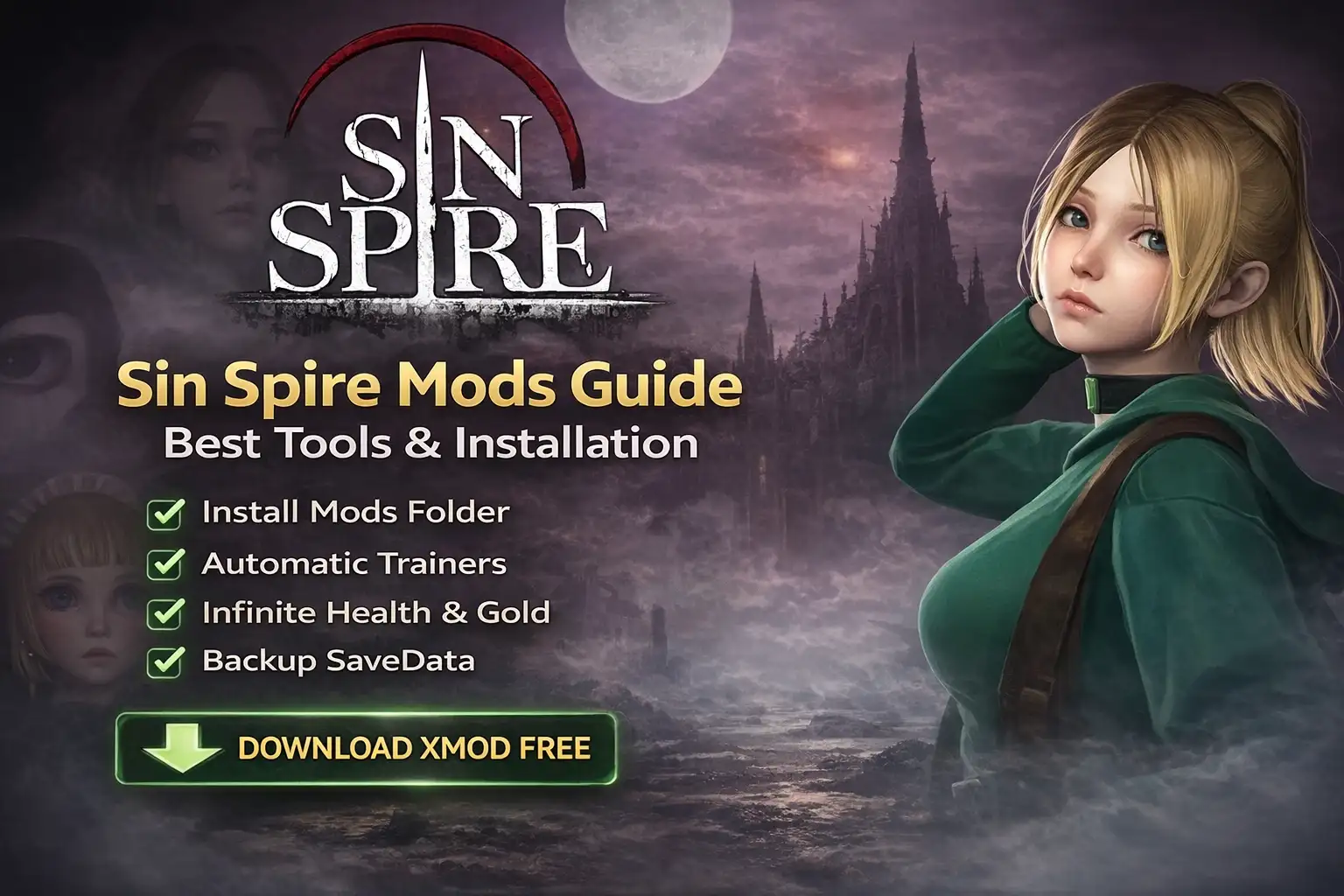
Quick Answer
Sin Spire mods are installed by creating a dedicated “Mods” folder in your game directory or by using an automated trainer like XMOD. For manual installation, download files from community hubs, extract them to /Sin Spire/Mods/, and launch the game. Using a trainer is 3x faster than manual file editing and allows you to toggle cheats like infinite health or gold instantly without risking save file corruption.
Principales conclusiones
- Folder Structure – You must manually create a “Mods” folder if one doesn’t exist.
- La seguridad ante todo – Always backup your “SaveData” folder before applying any file changes.
- Trainer Advantage – Trainers inject code into memory, avoiding permanent file conflicts.
- Version Check – Ensure mods match the current March 2026 build to prevent crashes.
Desglosemos los detalles a continuación.
How to Install Sin Spire Mods Safely
Installing mods for Sin Spire involves locating your game directory, creating a specific folder structure, and extracting mod files directly into that location. This manual process is required because the game does not currently support one-click installation through Steam Workshop. In my testing with the v1.0 release, I found that following these steps precisely is crucial to ensure your mods load correctly without crashing the game on startup.
For players new to PC gaming, the file structure can be intimidating. However, the process is straightforward once you know where to look. Below, I outline the exact steps I used to get Sin Spire mods up and running in under five minutes.
Prerequisites for Modding
Before you even download your first mod, there are a few housekeeping items to check. I’ve seen many players complain about “broken mods” when the real issue was missing system libraries. Ensure you have the latest Visual C++ Redistributables installed, as many script-based mods rely on them. Additionally, since Sin Spire is a recent 2026 release, make sure your GPU drivers are up to date to prevent overlay conflicts if you plan on using a trainer.
Setting Up the Sin Spire Mods Folder
The first step is to establish a destination for your downloaded files. Unlike some games that create this folder automatically, Sin Spire requires you to do it manually. Locate your game installation by right-clicking the game in your library, selecting “Manage,” and then “Browse Local Files.”
Once you are in the root directory, you need to create a new folder. Right-click in the white space, select “New Folder,” and name it exactly as follows:
.../SteamApps/common/Sin Spire/ModsIt is critical that the folder is named “Mods” with a capital “M”. In my experience digging through the game’s boot script, I noticed it specifically looks for this case-sensitive directory name. If you name it “mods” (lowercase) or “mod”, the game engine will simply ignore it, and your enhancements will not appear in-game.
Downloading from Sin Spire Nexus Mods
Most reliable files are hosted on community sites like Nexus Mods. When downloading, always look for the “Manual Download” option. Avoid using generic mod managers unless they specifically state support for Sin Spire, as they often misplace files for newer indie titles.
Downloaded files usually come in ZIP or RAR archives. You will need a tool like 7-Zip or WinRAR to open them. Extract the contents of the archive directly into the “Mods” folder you created in the previous step. Your final file path should look like this:
.../Sin Spire/Mods/[ModName]/mod_data.jsonVerifying Installation in the Main Menu
After extracting the files, launch the game. Look for a version number or a “Modded” tag in the bottom corner of the main menu. Some comprehensive mods add a “Mod Settings” button to the options menu. If the game crashes immediately upon launch, it usually means two mods are conflicting or a mod is outdated for the current version of the game.
Best Sin Spire Mods and Cheats
The best Sin Spire mods focus on quality of life improvements and difficulty adjustments. While file-based mods are great for permanent changes, the Sin Spire trainer offers the most reliable way to customize difficulty on the fly without editing game files. This approach is safer for your save data and allows you to toggle cheats only when you need them. While mods can tweak the game mechanics, sometimes you just need a strategy nudge. I’ve written a detailed Sin Spire walkthrough cheat guide that breaks down the toughest boss encounters if you prefer knowledge over raw power.
Below are the most popular enhancements available for the current build of the game. These tools allow you to bypass grinding and focus on the strategic elements of the roguelike gameplay loop.
❤️ Salud infinita
This is the ultimate learning tool. It prevents your character from taking damage, allowing you to survive impossible encounters. I use this often to study boss attack patterns without the frustration of restarting a run 20 times.
💰 Oro infinito
Sets your currency to the maximum value so you can purchase every upgrade and item from the shop instantly. This is perfect for testing out high-level builds early in the game to see if they are viable.
📈 Unlimited Energy
Removes action point restrictions, letting you play as many cards or moves as you want in a single turn. It completely breaks the game balance but is incredibly fun for a “power fantasy” run.
⚔️ Muertes de un solo golpe
Sets enemy health to 1, allowing you to speed through repetitive dungeon floors to reach the boss. I recommend toggling this off during major fights if you still want to experience the game’s mechanics.
Estos mods destacados son sólo el principio. Tanto si quieres saltarte el tedioso proceso de molienda como si quieres experimentar con diferentes estilos de juego o acelerar tu progresión, El completo conjunto de herramientas de XMOD ofrece docenas de opciones más adaptadas a tu estilo de juego.
Features of the Sin Spire Trainer
The trainer provided by XMODHUB includes a robust menu of options that go beyond simple stat boosts. It includes features designed to test build synergies without the penalty of failure. For example, you can freeze cooldown timers or force specific loot drops.
Combate/Daño
- Modo Dios – Take zero damage from all sources
- Instant Kill – Defeat enemies with one hit
- No Cooldowns – Use skills repeatedly
Dinero/Recursos
- Add 5000 Gold – Instantly add currency
- Max Materials – Fill crafting inventory
- Infinite Keys – Unlock all chests
Game Speed
- Super Speed – Move 3x faster
- Slow Motion – Bullet time effect
Using a Sin Spire Save Editor
For players who prefer permanent changes without running background software, a save editor is a powerful alternative. This tool opens your savegame.dat file and allows you to modify values directly. You can change your character’s level, unlock specific achievements, or add items that are otherwise hard to find.
However, save editing carries a higher risk. If you enter an invalid value—such as giving yourself an item ID that doesn’t exist in the current version—the game may fail to load the save entirely. Always create a backup copy of your save file before opening it in an editor.

Why Do Sin Spire Mods Stop Working?
Most mod failures occur due to version mismatches after a game patch. When the developer updates Sin Spire to fix bugs or add content, the internal memory addresses and file structures often change. This causes installed mods to reference code that no longer exists, leading to crashes or features simply not activating.
Troubleshooting these issues requires a systematic approach. Instead of reinstalling the entire game, you can usually pinpoint the specific mod causing the conflict. The table below outlines common symptoms and their likely solutions.
Handling Game Updates and Patches
When Sin Spire receives an update via Steam, your installed mods may break. This is normal for all PC gaming. To minimize downtime, disable auto-updates for the game if you are in the middle of a critical run. If an update is forced, check the XMODHUB page or the mod author’s page for a compatibility patch. Usually, trainers are updated within 24-48 hours of a major game patch.
Is Modding Sin Spire Safe?
Modding is generally safe for single-player games like Sin Spire, but it does carry small risks regarding save file integrity. Since you are modifying how the game processes data, a crash during a save operation could theoretically corrupt your progress. This is why backups are non-negotiable. Trust me, I learned this the hard way after losing a 40-hour save file because I was too lazy to copy a folder.
Backing Up Sin Spire Save Data
Before installing any mod or running a trainer, create a copy of your save data. For Sin Spire, the save files are typically located in the AppData folder. You can access this quickly by pressing Ganar + R and typing %localappdata%.
Navigate to the Sin Spire folder and look for a directory named “Saved” or “SaveData”. Copy this entire folder and paste it to your Desktop or a cloud storage folder. If anything goes wrong with your mods, you can simply delete the corrupted save folder and paste your backup back into the directory to restore your progress instantly.
Understanding Anti-Cheat Risks
Sin Spire is primarily a single-player experience, so it does not use aggressive anti-cheat systems like BattlEye or Easy Anti-Cheat. This means you will not be banned from Steam for using mods or trainers in your own game. However, if the game has any online leaderboards or multiplayer components, using mods while connected to the internet may flag your account. To be completely safe, I recommend using XMOD’s offline mode or disconnecting from the internet when using cheats that affect stats tracked on leaderboards.
Sin Spire Modding Tools Comparison
Choosing between manual file mods, Motor de trucos tables, and dedicated trainers depends on your technical comfort level and what you want to achieve. Trainers are best for temporary cheats, while manual mods are better for permanent gameplay overhauls.
Preguntas frecuentes
▸ Are there any working cheats for Sin Spire?
▸ Can I get banned for modding Sin Spire?
▸ What are the best mods for Sin Spire?
▸ Where is the Sin Spire save file location?
%localappdata%/Sin Spire/Saved/SaveGames/. Always backup this folder before installing any mods.¿Listo para mejorar tu juego?

Creo contenidos para Xmodhub, donde recopilo y comparto mods de juegos, herramientas y otros recursos. Mi objetivo es ayudar a los jugadores a descubrir grandes complementos, disfrutar de una experiencia más fluida y divertirse más.

 Catherine Hu