Resumen: Before diving into the chaos of Dead Island 2, check if your PC can handle it. Knowing the Dead Island 2 specs is key for smooth gameplay. Here’s a quick look at the minimum and recommended system requirements.
Dead Island 2 delivers intense zombie-slaying action in a vibrant, gore-filled version of Los Angeles—but before jumping in, it’s crucial to ensure your system can handle the chaos.
In this guide, we’ll cover everything you need to know, from the game’s storage size to the minimum and recommended PC requirements.
Plus, we’ll show you how to enhance your gameplay experience with Xmod, a powerful tool designed to unlock new features and boost performance in single-player games.
Índice
Dead Island 2 Storage Size
Dead Island 2 Recommended Requirements
Dead Island 2 System Requirements (Minimum)
How to Enhance Dead Island 2 Gaming with Xmod
Conclusión
Dead Island 2 Storage Size
Before downloading Dead Island 2, it’s essential to know how much space you’ll need. The game requires approximately 70 GB of free storage, though this may vary slightly depending on updates or the platform you’re using. Make sure your drive has sufficient space—not just for installation, but also for smooth performance and future patches. If you’re running low on disk space, consider uninstalling unused games or moving files to an external drive to make room for this zombie-slaying adventure.
Dead Island 2 Recommended Requirements
To enjoy Dead Island 2 at its best—with smooth framerates, high-quality graphics, and stable performance—you’ll want to meet the recommended PC requirements. Here’s what Deep Silver suggests for an optimal experience:
These specs are aimed at delivering fluid gameplay at 1080p or higher resolutions with most settings on high or ultra. If your PC matches or exceeds these requirements, you’re all set for a visually stunning and responsive experience in HELL-A.
Dead Island 2 System Requirements (Minimum)
If you’re running a mid-range system, you might still be able to play Dead Island 2—just with a few graphical compromises. Here are the minimum system requirements to run the game:
Meeting these requirements should allow for decent gameplay at 1080p with low-to-medium settings. However, upgrading your GPU or switching to an SSD can significantly improve loading times and overall performance.
How to Enhance Dead Island 2 Gaming with Xmod
Want to take your Dead Island 2 experience to the next level? Xmod is a powerful tool that enhances single-player gameplay with advanced features like customizable game mechanics, visual tweaks, and performance optimizations. Whether you’re looking to experiment with different builds, unlock hidden content, or simply make the game more fun and fluid, Xmod can help.
Here’s how to use Xmod:
1.Download and install the Xmod app.
xmod descargar
2.Search for Dead Island 2 or any other game you want to enhance.
Dead Island 2
3.Launch the game directly through the Xmod app.
Mods de Dead Island 2
4.Select and activate the mods you want to use to customize your gameplay experience.
Using Xmod makes it easy to enhance your game with useful mods and cheats.
Conclusión
In conclusion, understanding Dead Island 2’s storage size, recommended specs, and minimum requirements is essential for optimizing performance on your device. Whether you’re preparing your system for the game or looking to boost your experience, tools like Xmod offer additional enhancements that can make your gameplay more immersive and enjoyable.
Soy un jugador apasionado y escritor en XMODhub, dedicado a traerte las últimas noticias de juegos, consejos y puntos de vista.
Conecta conmigo:
Perfil en LinkedIn
How to Unlock Catavan Stands and Fast Travel in MHS3| XMODhub
After twenty hours of gameplay, manually running your Monstie back and forth between the same Hub City and distant quest markers becomes incredibly tedious. You want to focus on hunting Deviant monsters and…
Can You Change Your Rider’s Appearance or Gender in MHS3? | XMODhub
Monster Hunter Stories 3: Twisted Reflection features the most robust character creator the spin-off series has ever seen. Thanks to Capcom’s RE Engine, the textures, lighting, and facial animations for your custom Rider…

 Catherine Hu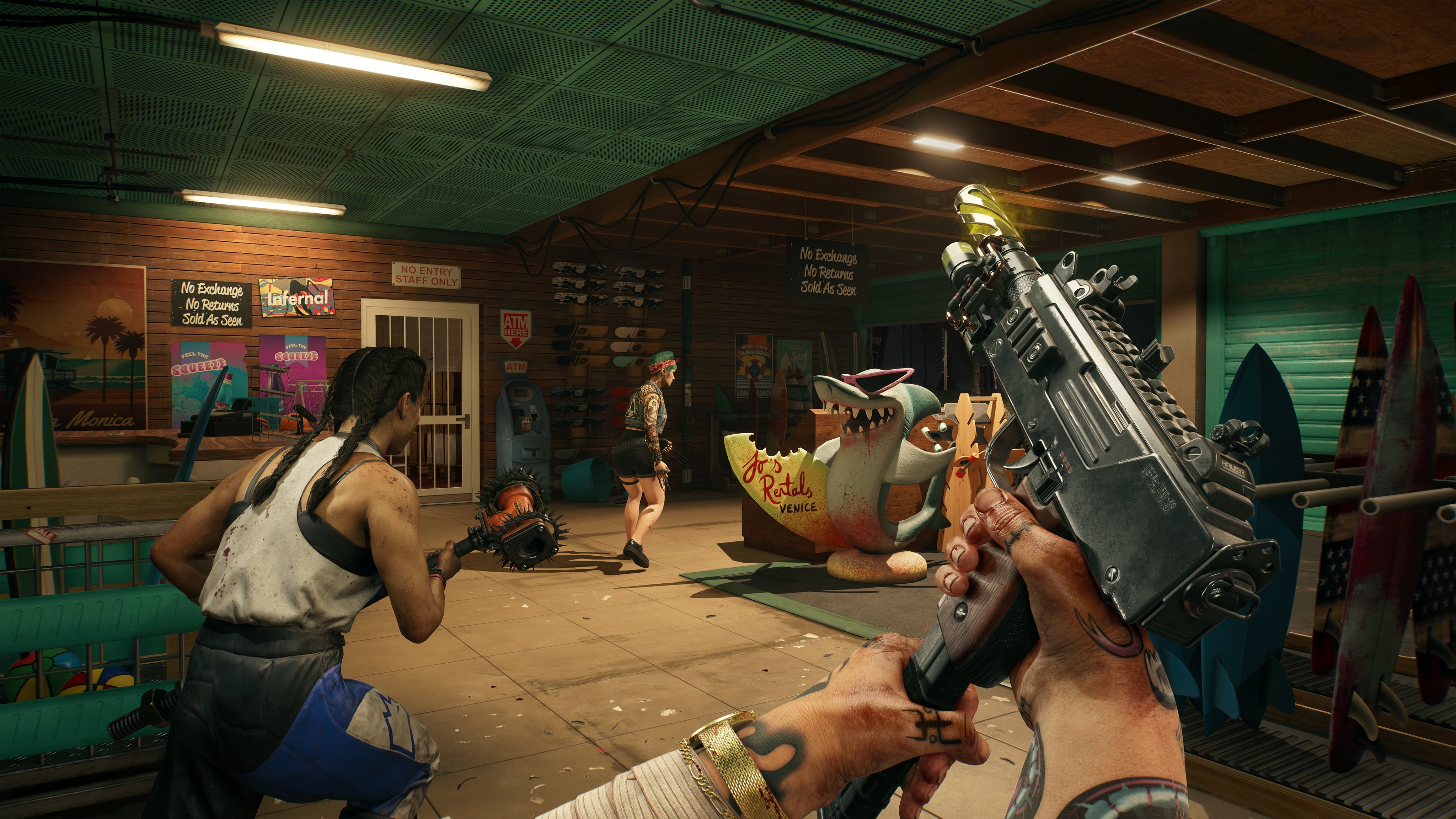




 Nancy Miller