Resumen: This guide covers Sintopia system requirements, including minimum and recommended specs, so you can check if your PC can run the game smoothly and enjoy optimal performance.
Sintopia is an immersive game that combines strategy, exploration, and action, attracting players with its unique gameplay and vibrant world.
Before diving in, it’s important to understand the system requirements to ensure smooth performance on your PC.
This guide covers the minimum and recommended specs, helps determine whether low-end PCs can run the game, and shows how to optimize your experience with XMOD.
Whether you have a high-end rig or a more modest setup, this guide will help you enjoy Sintopia to the fullest.
Índice
- ¿Qué es el Sintopia?
- Requisitos del sistema para Sintopia: Mínimo y recomendado
- ¿Puede correr? Sintopia on a Low-End PC?
- ¿Puede funcionar mi PC? Sintopia?
- ¿Cómo mejorar la experiencia de juego con XMOD?
- Conclusión
What is Sintopia?
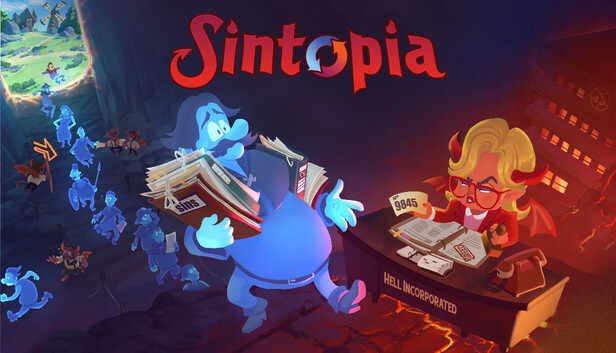
Sintopia is a unique blend of sandbox god game and management simulation, set in a chaotic, 1980s-inspired version of Hell. Developed by Piraknights Games and published by Team17, the game invites players to assume the role of Hell’s administrator, overseeing the punishment and rehabilitation of souls. Your mission is to cleanse the sins of the “Humus”—the denizens of the Overworld—before they are reincarnated, ensuring they return as better individuals.
The gameplay is divided into two main areas:
- The Overworld: Here, you can influence the actions of the Humus by casting spells to encourage sinful behavior, thereby sending more souls to Hell.
- Hell: Within this domain, you manage a team of “Imployees” to design and operate punishment facilities that purify souls. The challenge lies in creating efficient pathways and systems to maximize the cleansing process while maintaining a profitable operation.
Sintopia combines elements of god games like Dungeon Keeper with modern management sim structures, offering a satirical take on bureaucracy and sin management. Its colorful, cartoonish art style and dark humor provide a distinctive and engaging experience for players who enjoy strategic planning and creative problem-solving.
System Requirements for Sintopia: Minimum and Recommended
Antes de jugar Sintopia, it’s important to ensure your PC meets the necessary hardware and software specifications. Meeting the system requirements will help you enjoy smooth gameplay and take full advantage of the game’s features.
Minimum System Requirements
These are the baseline specs needed to run the game at playable settings:
| Componente |
Especificación |
| OS |
Windows 10 x64 |
| Procesador |
Intel i5-10400 (6×2.9GHz) / Ryzen 5 3600 (6×3.6GHz) |
| Memoria |
8 GB DE RAM |
| Gráficos |
GTX 1070 (8GB) / RX 580 (8GB) |
| Additional Notes |
Requires a 64-bit processor and OS |
Recommended System Requirements
For optimal performance, higher graphics settings, and smoother gameplay, aim for these specs:
| Componente |
Especificación |
| OS |
Windows 11 x64 |
| Procesador |
Intel i7-10700 (8×2.9GHz) / Ryzen 7 3700X (8×3.6GHz) |
| Memoria |
12 GB RAM |
| Gráficos |
RTX 3070 (8GB) / RX 6750 (12GB) |
| Additional Notes |
Requires a 64-bit processor and OS |
By comparing your PC to these requirements, you can determine whether your system can run the game smoothly or if adjustments, like lowering graphics settings, might be needed.
Can You Run Sintopia on a Low-End PC?
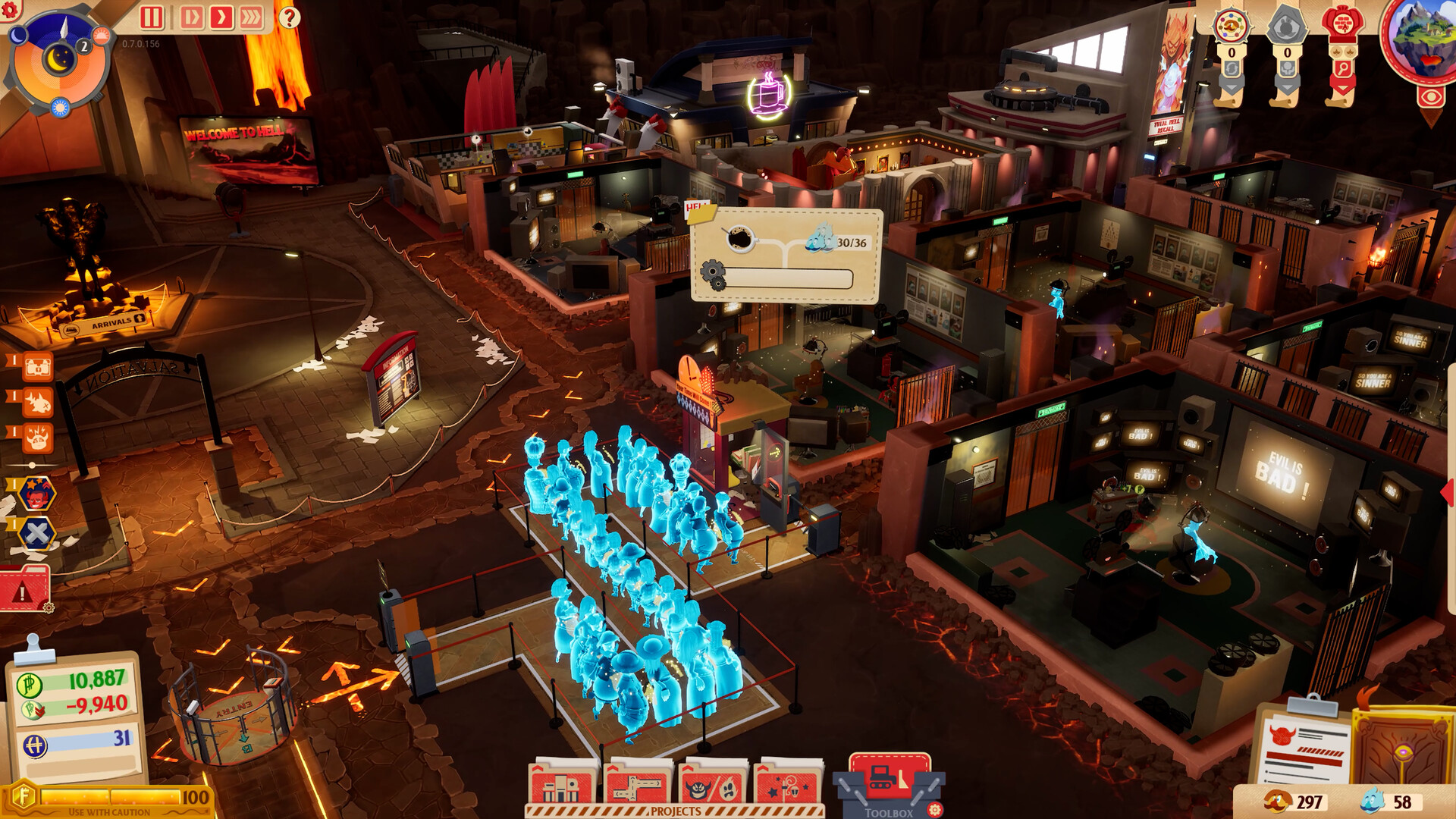
Ejecutar Sintopia on a low-end PC can be challenging due to its strategy-heavy gameplay and detailed graphics. The minimum requirements already call for a modern CPU, 8 GB of RAM, and a GPU like the GTX 1070 or RX 580. Systems below these specs may experience low frame rates, long loading times, or graphical issues. However, lowering in-game graphics settings, reducing resolution, and disabling optional visual effects can help make the game playable, though the experience may not be optimal.
Can My PC Run Sintopia?
To check if your PC can run Sintopia, compare your system’s CPU, GPU, RAM, and OS to the game’s minimum and recommended specifications. If your hardware meets or exceeds the recommended specs, you can expect smooth gameplay at higher settings. Meeting only the minimum requirements will allow the game to run, but you may need to lower graphics settings for better performance. Tools like ¿Puede ejecutarlo? or Steam’s built-in hardware check can also help quickly assess your PC’s compatibility.
¿Cómo mejorar la experiencia de juego con XMOD?
XMOD is a versatile gaming platform that improves your gaming experience by offering cheats, trainers, and mods immediately after a game launches. With access to over 5.000 entrenadores y mods, including free options, players can customize gameplay, optimize performance, and unlock hidden or premium features.
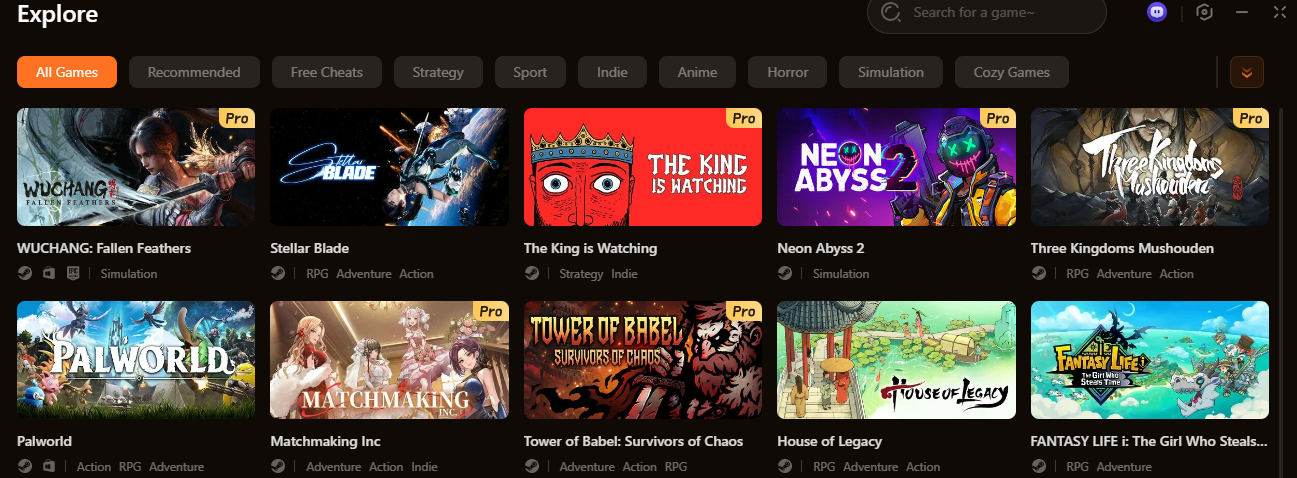
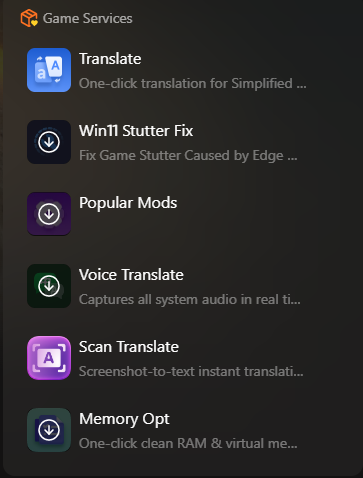
Additionally, XMOD provides tools to enhance overall gameplay, such as translation utilities, Potenciadores de FPS, y Desbloqueadores de DLC, ensuring smoother, more accessible, and fully enriched gaming.
As the fastest and most comprehensive platform for mods and trainers, XMOD guarantees that players always have the latest tools to enjoy any game to its fullest.
Conclusión
Understanding the system requirements for Sintopia is essential for a smooth and enjoyable gaming experience. By comparing your PC to the minimum and recommended specs, you can determine whether adjustments are needed or if your system is ready for optimal performance. After that, feel free to dive into the world of games with Xmod along your side.
Soy un jugador apasionado y escritor en XMODhub, dedicado a traerte las últimas noticias de juegos, consejos y puntos de vista.
Conecta conmigo:
Perfil en LinkedIn

 Catherine Hu