
 Catherine Hu
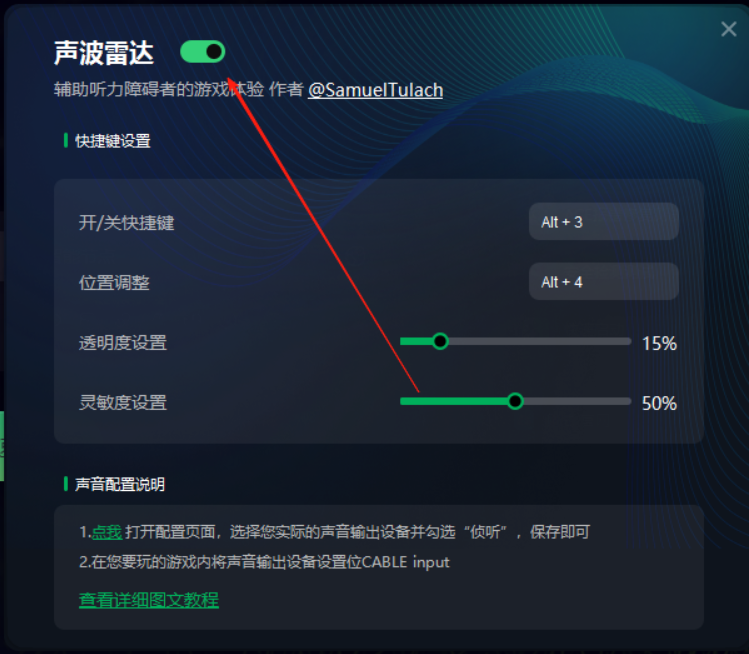
1. Launch Sonic Radar from the tool.
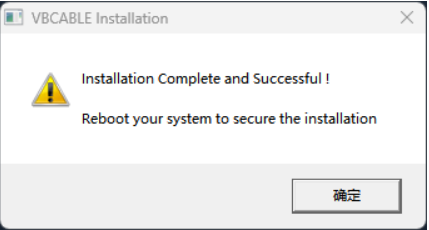
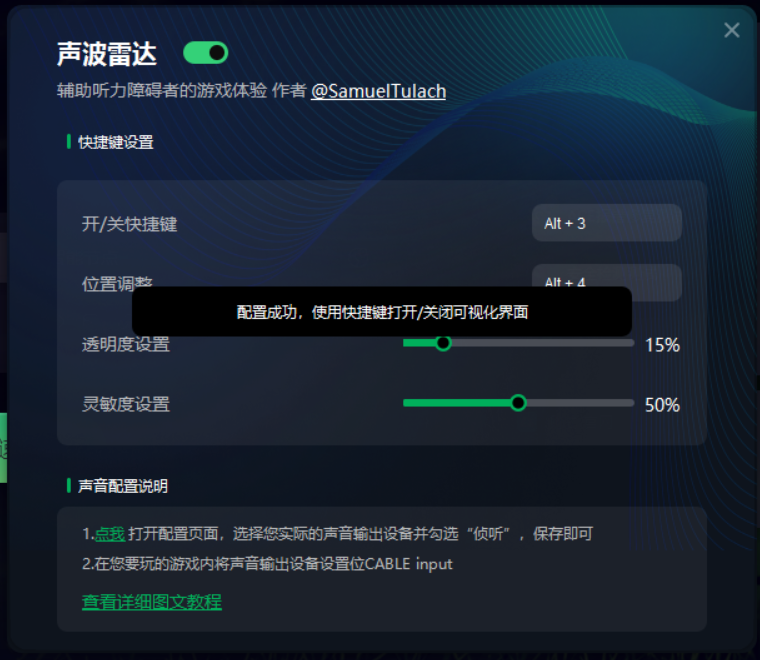
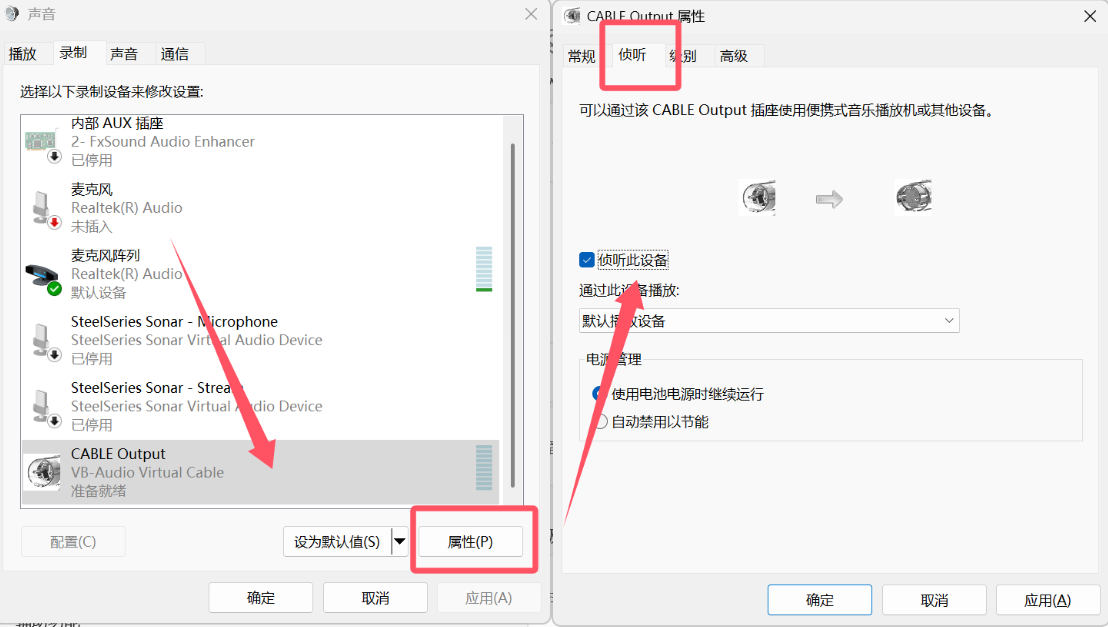
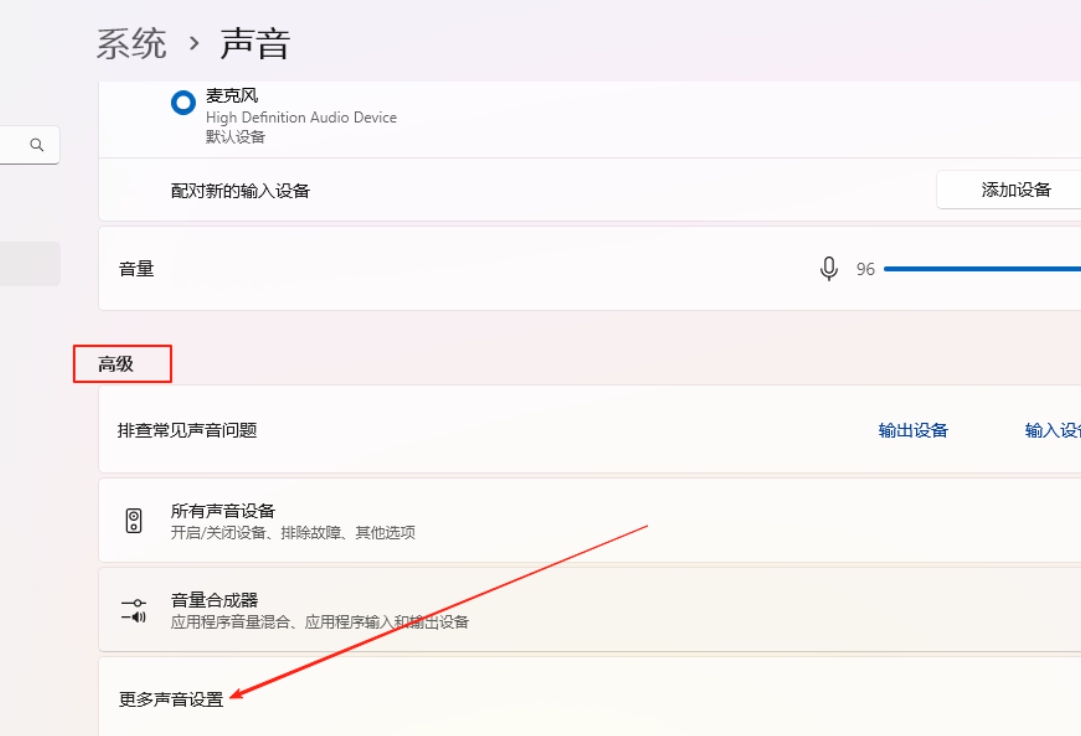
3. Once the installation is complete, click the location shown in the image below to open the settings page. Then go to Output Device → Recording → Cable Output → Properties → Listen, and check the option “Listen to this device.”
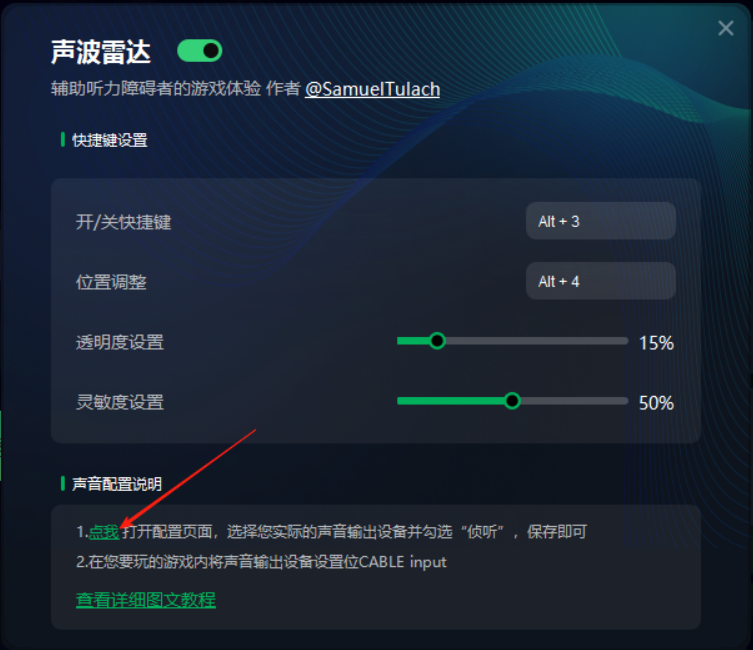
4. Depending on the game, one of the following two situations may occur.
Case 1: In the audio settings, find the output device and select “CABLE Input.”
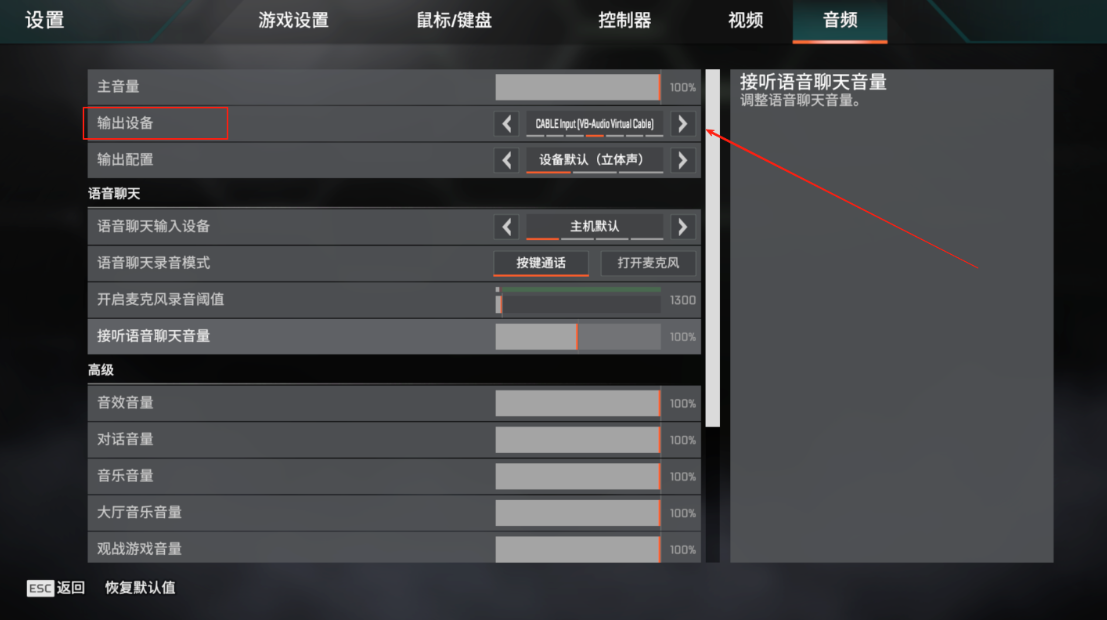
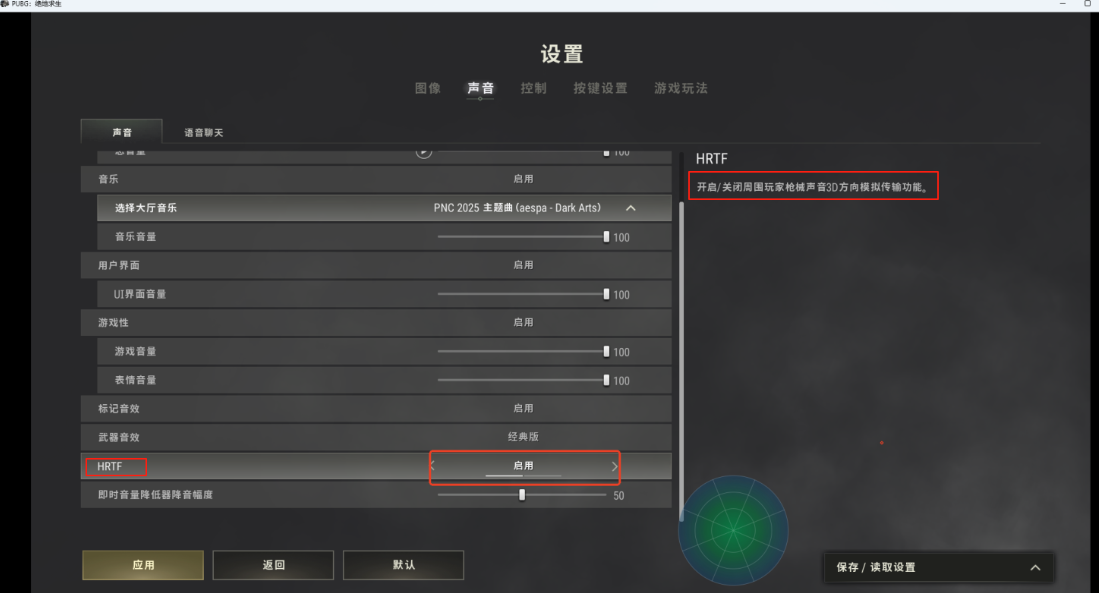
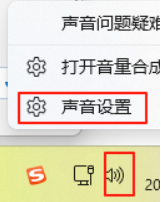
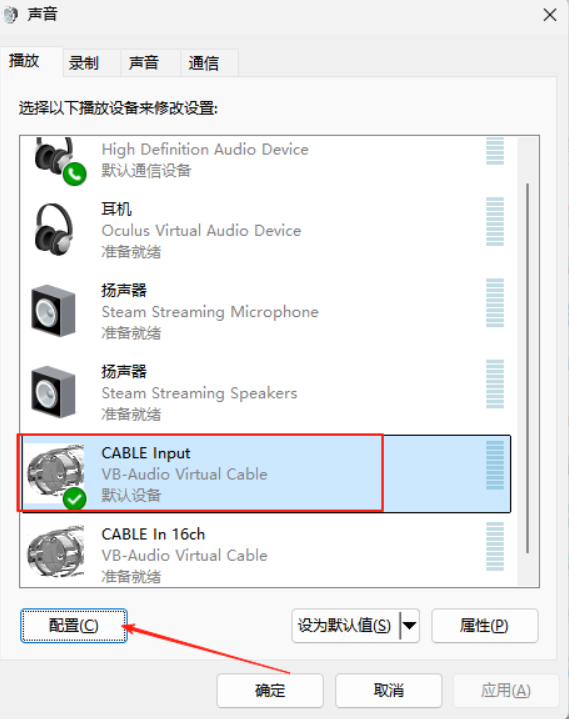
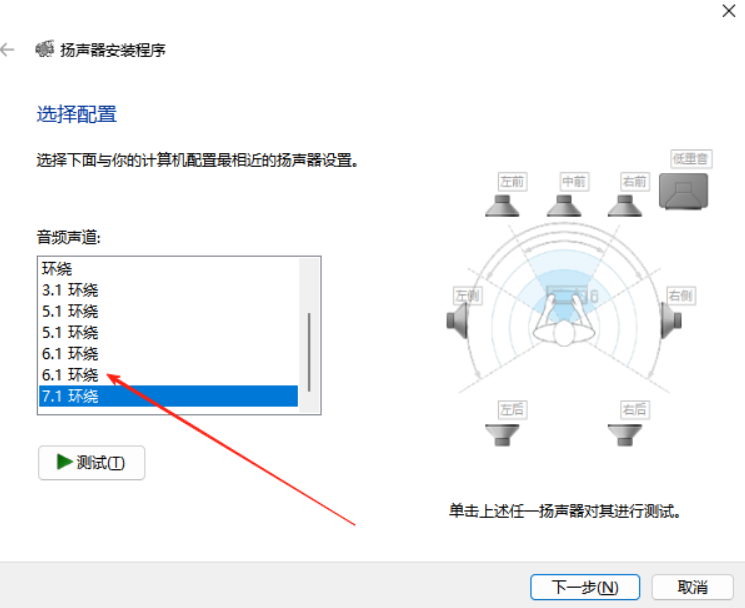
Nota: If there is no sound output after the settings, try the following: Right-click the sound icon in the lower-right corner → Sound Settings → CABLE Input → Configure → change 7.1 Surround a 6.1.

Soy un jugador apasionado y escritor en XMODhub, dedicado a traerte las últimas noticias de juegos, consejos y puntos de vista.
Conecta conmigo:
Perfil en LinkedIn

 Nancy Miller