Catherine Hu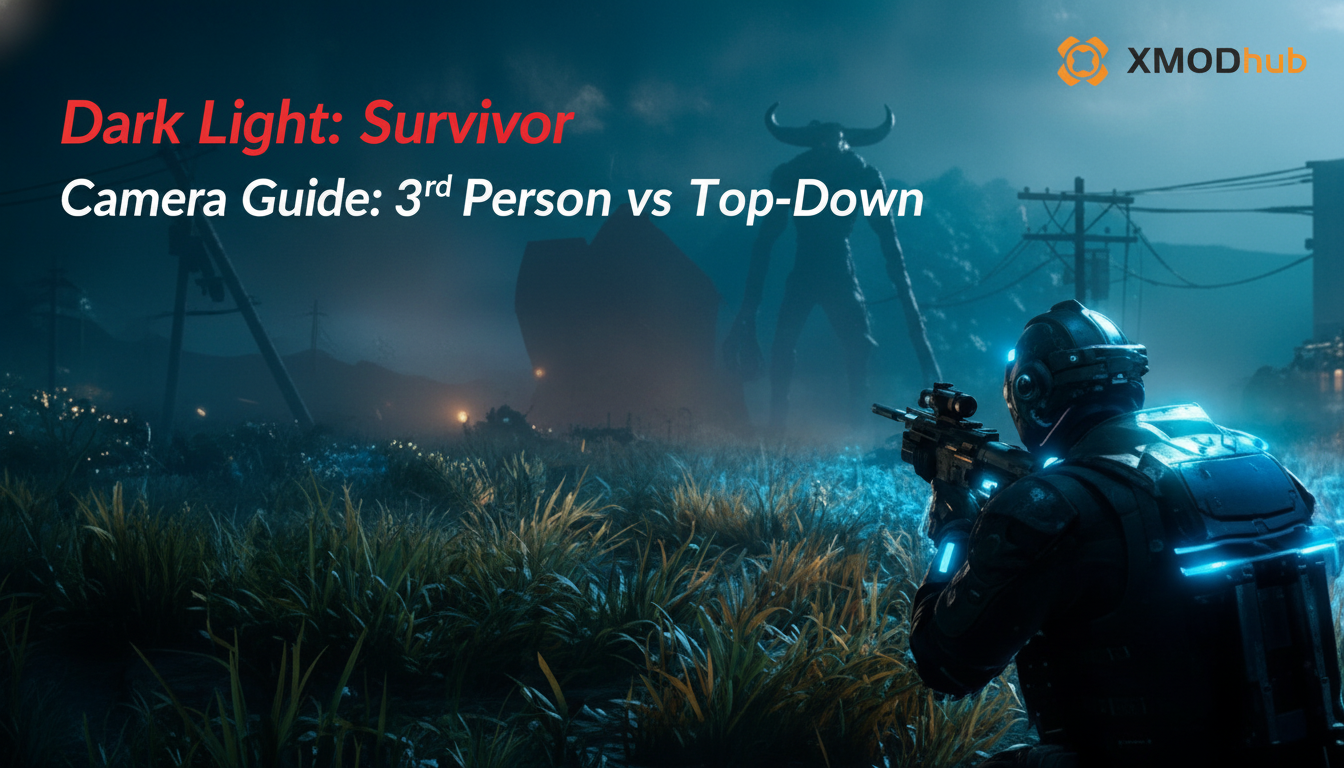
We have all been there. You are deep into a high-intensity run in Dark Light: Survivor, your inventory is stacked with high-tier loot, and your energy reserves are peaking. Suddenly, a massive swarm descends from the periphery. You panic, your camera clips against a piece of geometry, the view locks onto a wall, and before you can rotate your perspective, your health bar vanishes. It is the most frustrating way to end a streak, and it almost always comes down to one critical, often overlooked setting: your camera perspective.
🎥 Editor’s Note
Having clocked over 100 hours in Dark Light: Survivor since its early access phase, I have tested every possible configuration. The debate between 3rd Person and Top-Down isn’t just about preference; it is about cognitive load and spatial awareness. This guide breaks down the objective advantages of each, backed by real-world testing in the most punishing biomes the game has to offer.
⚡ TL;DR: The Short Answer
If you are looking for the quick verdict on which camera mode to use in Dark Light: Survivor, refer to the table below. The “best” choice depends heavily on your current objective and character build.
| Camera Mode | Best For | Key Advantage | Main Drawback |
|---|---|---|---|
| 3rd Person | Boss fights, exploration, intense combat | Immersion & precision aiming | Limited peripheral awareness |
| Top-Down | Resource farming, swarm management | Maximum spatial awareness | Less cinematic, harder to aim vertical shots |
📐 Mechanics Deep Dive: The Cognitive Load of Perspective
In Dark Light: Survivor, the camera is not just a window into the world; it is a primary gameplay mechanic. The engine processes inputs differently based on your field of view (FOV) and perspective. Understanding the difference between 3rd Person and Top-Down is essential for mastering the game’s complex physics engine.
When playing in 3rd Person, the game engine prioritizes the Z-axis, allowing for more precise headshots and weak-point targeting. However, this comes at the cost of the X and Y axes—the ground beneath you and the immediate surroundings. Conversely, the Top-Down view flattens the world, giving you a comprehensive look at the “arena.” This is vital when the swarm density in Dark Light: Survivor exceeds fifty enemies on screen, as you need to identify pathing gaps instantly.
⚠️ Common Mistakes: Why You Are Dying
Before we dive into the specific modes, let’s address the elephant in the room: player error. Most players treat the camera as a static element, but in Dark Light: Survivor, it is dynamic.
🎯 3rd Person: The Precision Specialist
3rd Person in Dark Light: Survivor is the default for a reason. It creates a high level of immersion and allows for the precise weapon handling required to take down elite mobs and bosses. When you are engaged in a 1v1 duel with a high-health enemy, the 3rd Person perspective is objectively superior. It allows you to track the enemy’s animations, telegraphs, and attack wind-ups with much greater clarity.
However, the limitation is the “cluttered screen.” When the effects of explosions, muzzle flashes, and enemy projectiles fill the screen, the 3rd Person camera can become a hindrance. You lose the ability to see the “flow” of the battlefield. If you are a player who relies on reflex-based flick shots, 3rd Person is your best friend, but you must supplement this with constant camera movement.
🦅 Top-Down: The Tactical Strategist
Switching to Top-Down in Dark Light: Survivor changes the game from an action shooter to a tactical survival simulator. This mode is indispensable when you are deep in a farming run. When you are looking for energy cores, rare materials, or simply clearing a path through a dense forest of enemies, the Top-Down view provides an unparalleled advantage.
By elevating the camera, you can see the entire spawn pattern of the swarm. This allows you to plan your movement routes, identify chokepoints, and avoid getting cornered. This is particularly important when you are trying to optimize your farming efficiency.
Speaking of efficiency, if you are currently focusing on accumulating resources, you should definitely check out our guide on How to Farm Energy Fast in Dark Light: Survivor (Best Routes 2026) to maximize your yields while utilizing the Top-Down perspective for better pathfinding.
🔄 Alternative Methods: The Hybrid Switch
The true “pro” way to play Dark Light: Survivor is the Hybrid Switch method. This involves binding your camera toggle to a mouse side button. You spend 80% of your time in Top-Down view while navigating the map, looting, and kiting swarms. The moment you encounter a high-priority target or a boss, you switch to 3rd Person to execute precise damage.
Mastering this switch takes time. It requires muscle memory. You need to be able to toggle, adjust your aim, and fire in a split second. Practice this in the lower-level zones of Dark Light: Survivor before attempting it in the endgame content. Once you master the Hybrid Switch, you effectively remove the primary weakness of both camera modes.
🚀 Advanced Tips for Pro Players
To truly master the camera in Dark Light: Survivor, you need to go beyond the basic settings. Here are three advanced tips:
⌨️ Optimizing Controls: Input Synergy
Your hardware choice significantly impacts which camera mode feels “natural.” Many players struggle because they try to use 3rd Person settings with a mouse setup that is optimized for Top-Down clicking. To maximize performance, align your control scheme with your perspective.
| Input Device | Recommended Primary Mode | Why? |
|---|---|---|
| Gamepad / Controller | 3rd Person | Analog sticks provide better control over camera tracking and movement arcs. |
| Mouse & Keyboard | Top-Down | Rapid cursor movement allows for faster reaction times during swarm clearing. |
🗺️ Biome-Specific Camera Logic
Not all maps are created equal. The game’s engine reacts differently to environment geometry depending on your view. Use this checklist to decide your perspective based on the biome you are currently traversing:
🚀 The XMODhub Advantage
Even with the perfect camera settings, Dark Light: Survivor can be an unforgiving grind. Sometimes, the RNG is against you, the swarm is too dense, or you simply do not have the time to manually farm for hours on end to upgrade your gear. This is where XMODhub comes into play. It is the ultimate tool for players who want to bypass the repetitive grind and focus on the high-octane action.
By using XMODhub, you can unlock features like infinite resource multipliers or invincibility toggles, allowing you to master the combat mechanics without the constant fear of losing your progress. It turns the game into a sandbox where you can test builds and perfect your camera control without consequences.
Getting started with XMODhub is simple:

💬 Frequently Asked Questions
A: Yes, you can. The game allows for on-the-fly switching. We highly recommend binding this to a convenient key or mouse button to facilitate the Hybrid Switch method mentioned earlier.
A: Not inherently, but it makes precision aiming at long distances much harder. If you are using a sniper rifle or a weapon that requires headshots, Top-Down view will significantly lower your accuracy.
A: For early game, stick to Top-Down. You will be dealing with large groups of weaker enemies, and the situational awareness provided by the Top-Down view is more valuable than the precision of 3rd Person.
A: Generally, no. The game engine is well-optimized. However, if you are playing on a lower-end rig, frequent switching might cause minor frame stutters. Ensure your graphics drivers are up to date.
🌟 Final Verdict: Mastering the Perspective
Mastering the camera in Dark Light: Survivor is the difference between a casual player and a veteran. By understanding when to utilize the immersion of 3rd Person and the tactical advantages of Top-Down, you significantly increase your survivability. It is a skill that compounds over time, making every run more successful than the last.
If you find that the mechanics are still too punishing or that the grind is taking the fun out of the experience, do not hesitate to leverage the tools available to you. XMODhub offers a vast ecosystem supporting over 5,000 games, including similar titles like Caballero Hueco y Células muertas. Whether you are looking to master Dark Light: Survivor or explore other survival hits, XMODhub is your gateway to a more enjoyable and controlled gaming experience.

Soy un jugador apasionado y escritor en XMODhub, dedicado a traerte las últimas noticias de juegos, consejos y puntos de vista.
Conecta conmigo:
Perfil en LinkedIn
 Nancy Miller