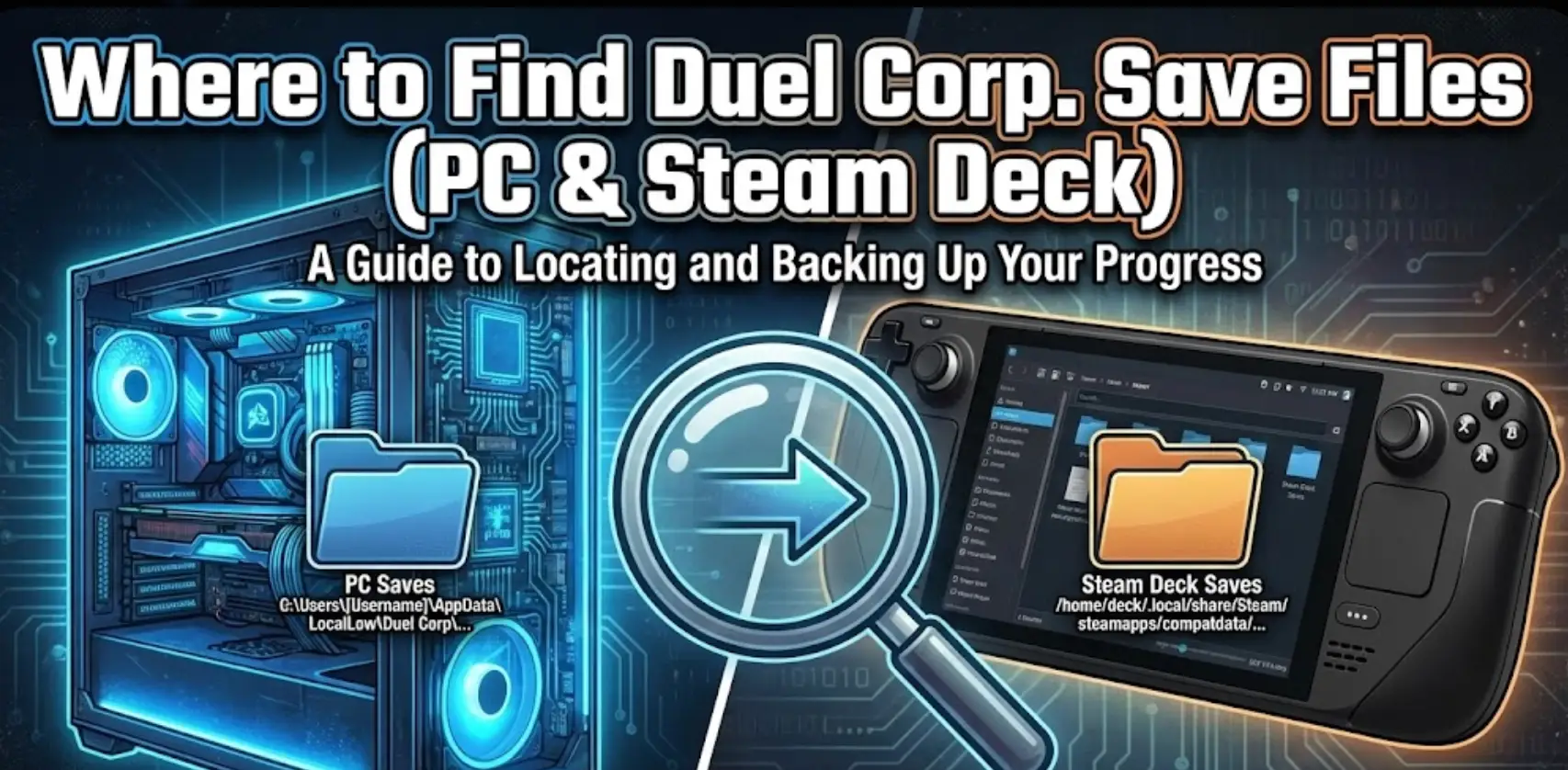
Duelo Corp. is unforgiving. Between the procedural dungeons and the souls-like combat, every level gained feels like a victory. But because the game is in active Early Access, your progress is vulnerable. A buggy update or a Steam Cloud sync error can wipe out a 40-hour character in seconds.
Whether you need to manually backup your world, fix a corrupted config file, or transfer your progress to a Steam Deck, you first need to locate the data.
A continuación se muestra la ruta de archivo verificada para Duelo Corp. on Windows and Linux, along with a failsafe method to automate your backups.
También te puede gustar:
Duelo Corp. Comandos de consola (2026): Lista de códigos de trucos e ID de objetos
Índice
- Editor’s View: The “LocalLow” Trap
- Windows PC Guardar ubicación del archivo
- Duel Corp. Config & Settings Location
- Steam Deck / Linux Save Location
- Critical: Steam Cloud Sync Conflicts
- La forma más inteligente: Copia de seguridad con un solo clic
- PREGUNTAS FRECUENTES
Opinión del Editor: Por qué es importante
“I’ve spent dozens of hours testing builds in Duelo Corp., and I’ve learned one thing the hard way: Unity games behave differently.
Most guides will tell you to look in your ‘Local’ AppData folder. They are wrong. Duelo Corp. stores data in ‘LocalLow’. If you are looking in the wrong folder, you’ll think your data is gone. I wrote this guide to make sure you find the actual files, specifically to help players who want to experiment with different builds without losing their main save.” — Catherine Hu, Senior Editor & RPG Enthusiast at XMODhub
Windows PC Guardar ubicación del archivo
Para la versión Steam de Duelo Corp., the save files are located in the LocalBajo directory (standard for Unity Engine games).
El camino directo es:
Plaintext
C:\Users\[YourUsername]\AppData\LocalLow\Dreambakers\DuelCorp\
Cómo llegar rápidamente:
- Pulse Tecla Windows + R on your keyboard.
- Tipo
%userprofile%\AppData\LocalLow y pulse Entre en. (Note: Do not just type %appdata% or you will end up in the Roaming folder).
- Abra el Dreambakers carpeta.
- Abra el DuelCorp carpeta.
En qué fijarse: Inside, you will see a folder with a long string of numbers (this is your Steam ID). Your actual character data is inside that folder, usually named SaveData or similar .dat / .json files.
Duel Corp. Config File Location
If you have a black screen on startup or need to reset your resolution manually, you need the configuration file.
Senda:
Plaintext
C:\Users\[YourUsername]\AppData\LocalLow\Dreambakers\DuelCorp\
File Name: Look for Settings.json o Jugador.log.
- Fixing Crashes: If your game won’t launch after an update, deleting
Settings.json will force the game to generate a fresh one with default settings next time you launch. This is a common fix for Early Access bugs.
Steam Deck / Linux Save Location
Duelo Corp. runs on the Steam Deck via Proton. You need to access the internal Proton prefix folder.
Senda:
Plaintext
/home/deck/.local/share/Steam/steamapps/compatdata/1804470/pfx/drive_c/users/steamuser/AppData/LocalLow/Dreambakers/DuelCorp/
Important Details:
- Steam App ID:1804470 (You must memorize this to find the right folder in
compatdata).
- Transferring Saves: You can copy the contents of the
DuelCorp folder from your PC to this location on your Deck (or vice versa) to manually sync your progress if Steam Cloud fails.
Critical: Steam Cloud Sync Conflicts
A very common search query for Duelo Corp. involves Steam Cloud overwriting local saves. If you play on multiple devices, Steam may ask you to choose between “Local Save” and “Cloud Save.”
- El riesgo: If you choose “Cloud Save” by mistake when your local progress is actually newer, Steam will overwrite your file with old data.
- The Solution: We strongly recommend keeping a manual backup of the
Dreambakers folder on your desktop before switching PCs. Or, use a tool to handle versioning for you.
La forma más inteligente: Copia de seguridad en un clic con XMODhub
Navigating deep into hidden system folders like LocalBajo is risky. If you accidentally delete the wrong .json file, your character could be corrupted forever.
XMODhub ofrecerá a specialized Save Manager for Early Access games like Duelo Corp..
- Auto-Backup : XMODhub detects when you close Duelo Corp. and instantly zips your save folder.
- Conflict Protection: Before Steam Cloud has a chance to sync a bad file, XMODhub has already secured your local copy.
- Retroceso visual: Died due to a glitch? Right-click and restore your save from 15 minutes ago.
How to Use XMODhub: Instant Security in 3 Steps
XMOD proporcionará asistencia completa a los entrenadores cuando se publique oficialmente el juego, garantizando la compatibilidad y la estabilidad desde el primer día.
XMODhub is not only a modding tool but also streamlines backup and recovery into three easy steps:
Step 1: Select Your Game Launch XMODhub. It automatically detects supported games on your system. Just select the game you want to protect from the library sidebar.

Step 2: Click “Create Backup” On the game’s dashboard, click the prominent “Crear copia de seguridad” button once. XMODhub automatically locates, compresses, timestamps, and secures your save data instantly.
Step 3: Restore Anytime Need to recover a save? Go to the game’s “Guardar Historia” tab, select a timestamped backup from the list, and click “Restaurar”. Your game is immediately rolled back to that point.
Consejo más inteligente: Want it fully automated? Enable “Copia de seguridad automática inteligente” in the settings. XMODhub will create a new restore point every time you exit the game.
PREGUNTAS FRECUENTES
Q: Can I share my Duel Corp. world with a friend?
Yes. You can zip the folder inside AppData\LocalLow\Dreambakers\DuelCorp\ and send it to your friend. They must place it in the exact same directory on their PC. Note: This will overwrite their existing characters, so tell them to backup first!
Q: I don’t see the “AppData” folder?
This is a hidden Windows folder. In File Explorer, go to the Ver tab and check the box for “Hidden items”.
Q: What is the file extension for Duel Corp. saves?
The game typically uses .json o .dat files for player data and settings, located within the numeric Steam ID folder.
Conclusión
Encontrar el Duelo Corp. save file location in LocalBajo is the first step to securing your gameplay. Whether you are tweaking Settings.json for better FPS or manually transferring files to a Steam Deck, knowing your way around the Dreambakers folder is a necessary skill for this game.
However, for total peace of mind—especially during Early Access updates—we recommend the Gestor de almacenamiento XMODhub. Don’t let a sync error erase your grind.
Backup smarter. Play harder.
[Descargar XMODhub ahora]
Soy un jugador apasionado y escritor en XMODhub, dedicado a traerte las últimas noticias de juegos, consejos y puntos de vista.
Conecta conmigo:
Perfil en LinkedIn

 Catherine Hu

 Nancy Miller