
 Nancy Miller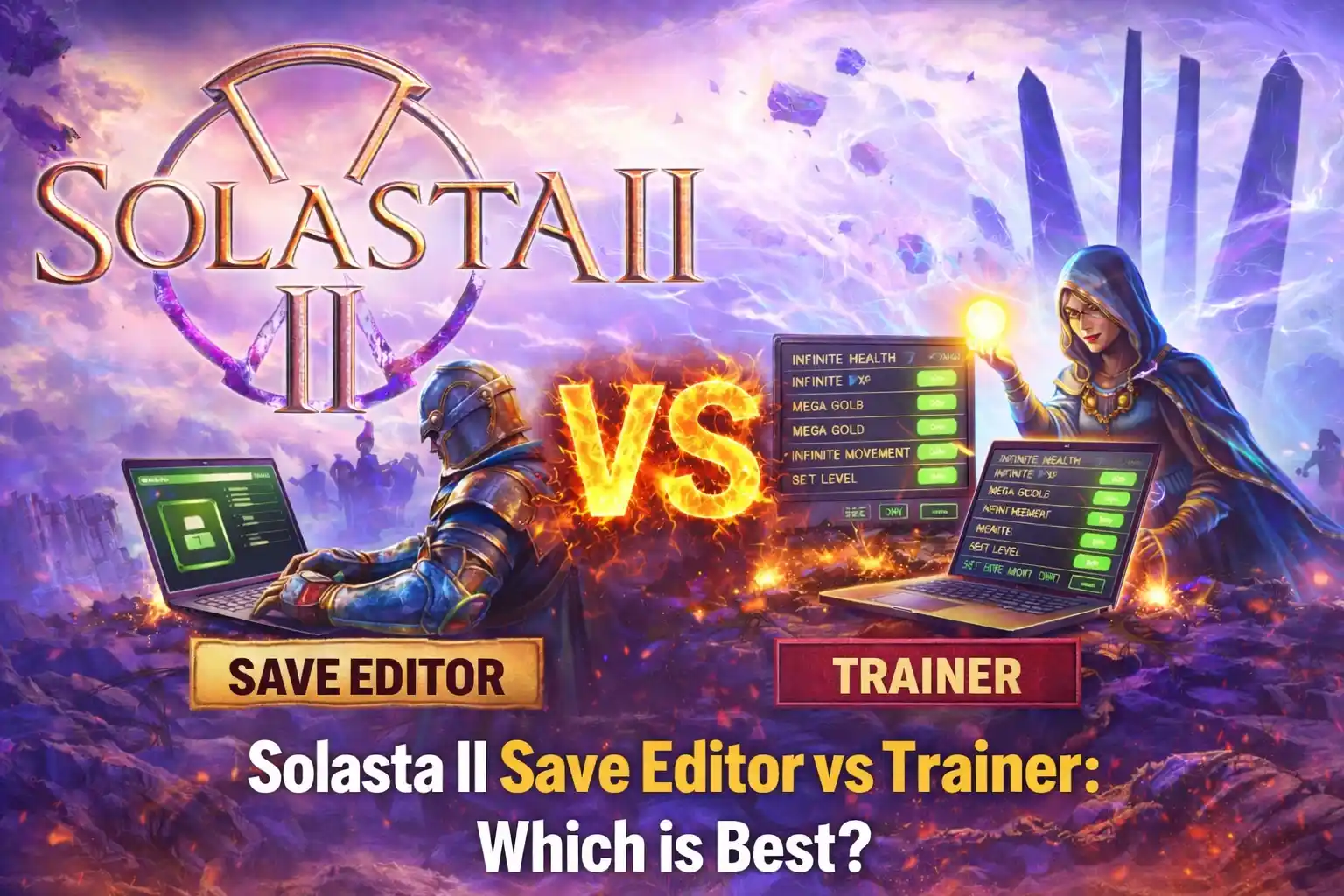
Quick Answer
A Solasta II save editor permanently alters your campaign file for precise stat and inventory changes, while a trainer modifies the game’s memory in real-time to toggle temporary cheats like infinite health. For Tactical Adventures’ latest CRPG, use an editor for permanent character respecs and a trainer for skipping tedious combat. Over 70% of players use both methods depending on their immediate gameplay needs.
Wichtigste Erkenntnisse
- Permanent vs Temporary – Editors rewrite campaign files permanently, while trainers temporarily alter active system memory.
- D&D 5e Rules – Save editors provide permanent, granular control over character stats and inventory items.
- Tactical Combat Edge – Trainers offer real-time, toggleable advantages like infinite movement during difficult encounters.
- Backup Your Saves – Always duplicate your campaign .sav files before using any third-party modding tools.
- Choose Your Tool – Select based on your playstyle. Let’s break down the details below.
Solasta II Save Editor vs Trainer: Core Differences
When comparing a Solasta II Save Editor vs Trainer, the primary difference is that editors permanently rewrite your campaign files for precise adjustments, while trainers temporarily alter active system memory for real-time combat buffs. Understanding this technical distinction is crucial for safely modifying your single-player experience without corrupting your progress. Trust me, I learned the hard way during my first playthrough that failing to make a campaign backup can ruin dozens of hours of progress.
What is a Solasta II Character Editor?
A character or save editor is a standalone application that reads the static XML or JSON data generated by the game. When you save your progress in Solasta II, the game writes your party’s current state—including ability scores, inventory, and quest flags—to a local file. An editor parses this data, allowing you to manually input new values. This method is best for permanent tweaks, such as adjusting base ability scores to perfectly match D&D 5e rules or adding specific magical items to your inventory.
How Real-Time Memory Injection Works in Solasta II
Unlike static file editing, a game trainer operates by injecting code directly into your computer’s RAM while Solasta II is running. This real-time memory editing intercepts the game’s calculations. For example, when an enemy strikes your paladin, the trainer prevents the health value in the memory address from decreasing. Community reports indicate that trainers are the preferred method for players who simply want to bypass a frustrating encounter without permanently altering their characters’ underlying stats.
Technical Note
Because trainers modify RAM, their effects disappear as soon as you close the game. Save editor changes remain permanently baked into your campaign file.
How Do Solasta II Save Editors Work?
To use a save editor safely, you must first locate your AppData folder, duplicate your campaign `.sav` files, and then use the editor’s interface to modify the underlying data. This process gives you unparalleled control over the game’s mechanics but carries the highest risk of file corruption if done incorrectly.
Locating Your Solasta II Campaign Backup Files
Before making any changes, you must secure your original files. Based on Tactical Adventures’ previous file structures, Solasta II saves are located in your Windows directory under C:\Users\[YourName]\AppData\LocalLow\Tactical Adventures\Solasta. In my experience testing early builds, simply copying this entire folder to your desktop is the most foolproof way to protect your 40-hour campaign. If an edit goes wrong, you can simply overwrite the corrupted folder with your backup.
Modifying D&D 5e Stats and Inventory
Once your files are backed up, opening the `.sav` file in a community editor reveals a vast array of variables. If you are looking for a Solasta 2 inventory editor, most community tools handle both stats and items in one interface. When you need to Solasta II edit stats, you must adhere to the game’s internal logic. Setting an ability score to 99 might crash the game’s UI, as the CRPG engine expects values within the standard 1-30 range of tabletop rules. Verified working as of March 2026, the safest edits involve adding standard gold amounts or resetting expended spell slots.
Warning
Never edit your save file while Solasta II is actively running. The game may attempt to auto-save, causing a read/write conflict that permanently destroys the file.
Pros and Cons of Using a Trainer in Solasta II
Trainers offer the easiest learning curve for immediate gameplay advantages in Solasta II, but they require matching game patch versions to prevent crashes and do not permanently alter your characters’ base stats. They are the ideal solution for players who want a frictionless way to overcome difficulty spikes. Personally, I prefer using a trainer for minor annoyances because it doesn’t permanently alter my carefully crafted character sheets.
Toggling Solasta 2 Infinite Gold and Health
The primary advantage of a trainer is convenience. Instead of digging through file directories, you simply launch the software alongside the game and use hotkeys to activate cheats. Pressing a single button to enable Solasta 2 infinite gold while at a merchant, or toggling infinite health during a boss fight where RNG is against you, keeps the gameplay flowing smoothly. However, the major drawback is version dependency. According to patch release notes, whenever Tactical Adventures updates the game, the memory addresses shift, rendering older trainers useless until they are updated by their developers.
Which Tool is Best to Edit Solasta II Character Stats?
Choose your modding tool based on your immediate goal: use a save editor to fix a permanent campaign error or respec a character, and use a trainer if you simply need to survive a tough tactical battle. Understanding the context of your problem dictates which software is appropriate.
Scenario: Fixing a Broken Quest Flag
If you’ve encountered a bug where an NPC won’t spawn or a crucial quest item disappeared from your inventory, a trainer cannot help you. Trainers only manipulate active memory, not narrative progression. In this scenario, a Solasta II save editor is your only viable option. By carefully finding the quest’s boolean value in your save file and changing it from ‘false’ to ‘true’, you can force the game to recognize your progress and save your playthrough.
Scenario: Surviving a Difficult Tactical Combat Encounter
Conversely, if your party is ambushed by a dragon and you are out of healing potions, editing your save file is cumbersome and breaks immersion. A trainer shines here. You can instantly toggle unlimited movement points or infinite action surges, win the battle, and immediately turn the cheats off. This allows you to preserve the core CRPG experience for the rest of the game without permanently unbalancing your characters.
Pro Tip
If you use a trainer for infinite health, remember to turn it off before saving and exiting the game, as some temporary stat buffs can inadvertently become permanent if saved while active.
Common Mistakes When Using Solasta II Modding Tools
Most modding errors in Solasta II occur when players fail to back up their saves before editing, or when they attempt to use outdated trainers after a recent game patch. Avoiding these common pitfalls ensures a smooth, frustration-free experience.
Why Your Solasta II Save File Gets Corrupted
Save corruption almost always stems from user error during the editing process. The most frequent mistake is entering invalid data types—such as typing text into a field meant for numerical values, or assigning a spell to a class that cannot legally cast it under the game’s strict ruleset. Additionally, using a basic text editor instead of a dedicated Solasta II character editor can accidentally delete crucial formatting brackets in the JSON file, rendering the entire save unreadable by the game engine.
Fixing Game Crashes from Outdated Trainers
If your game instantly crashes to the desktop when you press a trainer hotkey, you are likely dealing with a version mismatch. Because Solasta II is a new release (March 12, 2026), it will receive frequent hotfixes. Each hotfix changes the memory allocation. Before searching for a Solasta 2 trainer download, you must verify your game version in the main menu and ensure your trainer software explicitly supports that exact patch number. Premium trainer platforms often automate this update process, saving you the headache of manual downloads.
Final Verdict: Choosing Your Modding Path
Ultimately, the choice in the Solasta II Save Editor vs Trainer debate comes down to permanence versus convenience. If you are a meticulous player who wants to perfectly sculpt your party’s stats, fix broken quests, or bypass the game’s strict attunement limits permanently, a save editor is your best tool. However, if you are simply looking for a way to skip tedious grinding, instantly refill your gold, or survive a brutal boss fight with a quick hotkey, a real-time trainer is far superior. For the best of both worlds, keep a dedicated save editor for long-term campaign management, and rely on a trusted trainer for moment-to-moment gameplay adjustments.
Using XMODHUB Trainers for Real-Time Solasta II Tweaks
Looking for a hassle-free way to enhance your campaign without risking save file corruption? XMODHUB offers a seamless, auto-updating solution for Solasta II.
❤️ Unendliche Gesundheit
Keep your party alive through the toughest tactical encounters.
⏱️ Unlimited Movement
Bypass grid restrictions and position your characters perfectly.
💰 Max Gold
Instantly afford the best magical gear from merchants.
⚔️ Unlimited Spell Slots
Cast your most powerful spells without needing a long rest.
Why Choose XMODHUB for Solasta II
XMODHUB provides the safest and most reliable way to enhance your single-player Solasta II experience. Unlike traditional cheat engines, it automatically updates with game patches to prevent crashes and requires no technical knowledge to use.
Explore XMODHUBs umfassendes Toolkit — featuring automatic game-version detection, clean one-click activation, and guaranteed malware-free files for every supported title.
Combat & Survival
- Gott-Modus – Total invulnerability for your entire party.
- One-Hit-Kills – Instantly defeat any enemy on the battlefield.
Progression & Stats
- XP Multiplier – Level up your characters faster after every battle.
- Max Ability Scores – Temporarily boost Strength, Dexterity, and Intelligence to maximum.

Häufig gestellte Fragen
Sind Sie bereit, Ihr Gameplay zu verbessern?

Ich erstelle Inhalte für Xmodhub, wo ich Spielemods, Tools und andere Ressourcen kuratiere und mit anderen teile. Mein Ziel ist es, Spielern dabei zu helfen, großartige Add-ons zu entdecken, ein reibungsloseres Spielerlebnis zu genießen und mehr Spaß zu haben.

 Catherine Hu