Zusammenfassung: Get all the details on Simon the Sorcerer Origins system requirements. Learn the minimum and recommended specs to ensure smooth gameplay and optimal performance on your PC.
Simon the Sorcerer Origins is a modern adventure game that brings back the beloved classic series with updated graphics, immersive storytelling, and engaging puzzles.
Fans of the franchise and new players alike will want to ensure their systems are ready for the adventure.
In this guide, we’ll explore the system requirements, including both minimum and recommended specifications, to see if your PC can handle the game.
We’ll also cover tips for playing on low-end PCs, how to check if your PC is compatible, and ways to enhance your gameplay experience using XMOD.
By the end, you’ll have all the essential information to enjoy Simon the Sorcerer Origins to its fullest.
Inhaltsübersicht
- What is Simon the Sorcerer Origins?
- System Requirements: Minimum and Recommended
- Can You Run the Game on a Low-End PC?
- Can My PC Run Simon the Sorcerer Origins?
- How to Enhance Gameplay Experience with XMOD?
- Schlussfolgerung
What is Simon the Sorcerer Origins?
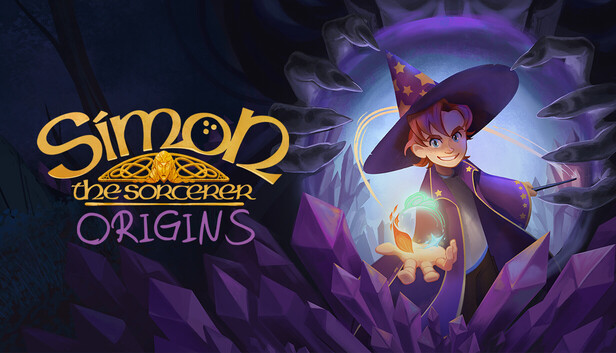
Simon the Sorcerer Origins is a modern adventure game that revives the classic Simon the Sorcerer series with updated graphics, immersive storytelling, and challenging puzzles. Developed to capture both nostalgia and a new audience, the game combines humor, fantasy, and clever problem-solving in a richly detailed world.
Players follow Simon, a young and witty wizard-in-training, as he navigates magical realms filled with quirky characters, tricky puzzles, and unexpected adventures. The game emphasizes exploration, puzzle-solving, and narrative-driven gameplay, making it suitable for fans of classic point-and-click adventures as well as modern adventure game enthusiasts.
System Requirements: Minimum and Recommended
Genießen Simon the Sorcerer Origins without performance issues, it’s important to know both the minimum and recommended system requirements.
Mindestanforderungen
- Operating System: Windows 8
- Prozessor: 2.5 GHz
- Gedächtnis: 8 GB RAM
- Grafiken: Intel HD Graphics 4400 with 4 GB VRAM
- Lagerung: 5 GB available space
These specifications allow the game to run at basic settings, suitable for players on older or lower-end PCs.
Empfohlene Anforderungen
- Operating System: Windows 10
- Prozessor: 3.0 GHz
- Gedächtnis: 8 GB RAM
- Grafiken: NVIDIA GeForce GTX series or higher
- Lagerung: 5 GB available space
Meeting or exceeding the recommended specs ensures smoother gameplay, higher graphics quality, and a better overall experience.
Can You Run the Game on a Low-End PC?
If you have a lower-end PC, you might still be able to play Simon the Sorcerer Origins, but performance and visual quality will depend on your system specifications. The minimum requirements (Windows 8, 2.5 GHz processor, 8 GB RAM, and Intel HD Graphics 4400 with 4 GB VRAM) indicate that the game is fairly accessible to mid-range or older systems.
Tips for Low-End PCs:
- Lower Graphics Settings: Reduce resolution, shadows, and effects to improve performance.
- Close Background Applications: Free up RAM and processing power by shutting down unnecessary programs.
- Update Drivers: Ensure your GPU and system drivers are up to date for optimal compatibility.
- Use SSD Storage if Possible: Installing the game on an SSD can reduce loading times significantly.
- XMOD Enhancements: Tools like XMOD can help optimize performance further, offering FPS boosters or other quality-of-life improvements.
By adjusting settings and optimizing your PC, even players with less powerful hardware can enjoy the core gameplay experience of Simon the Sorcerer Origins without major issues.
Can My PC Run Simon the Sorcerer Origins?
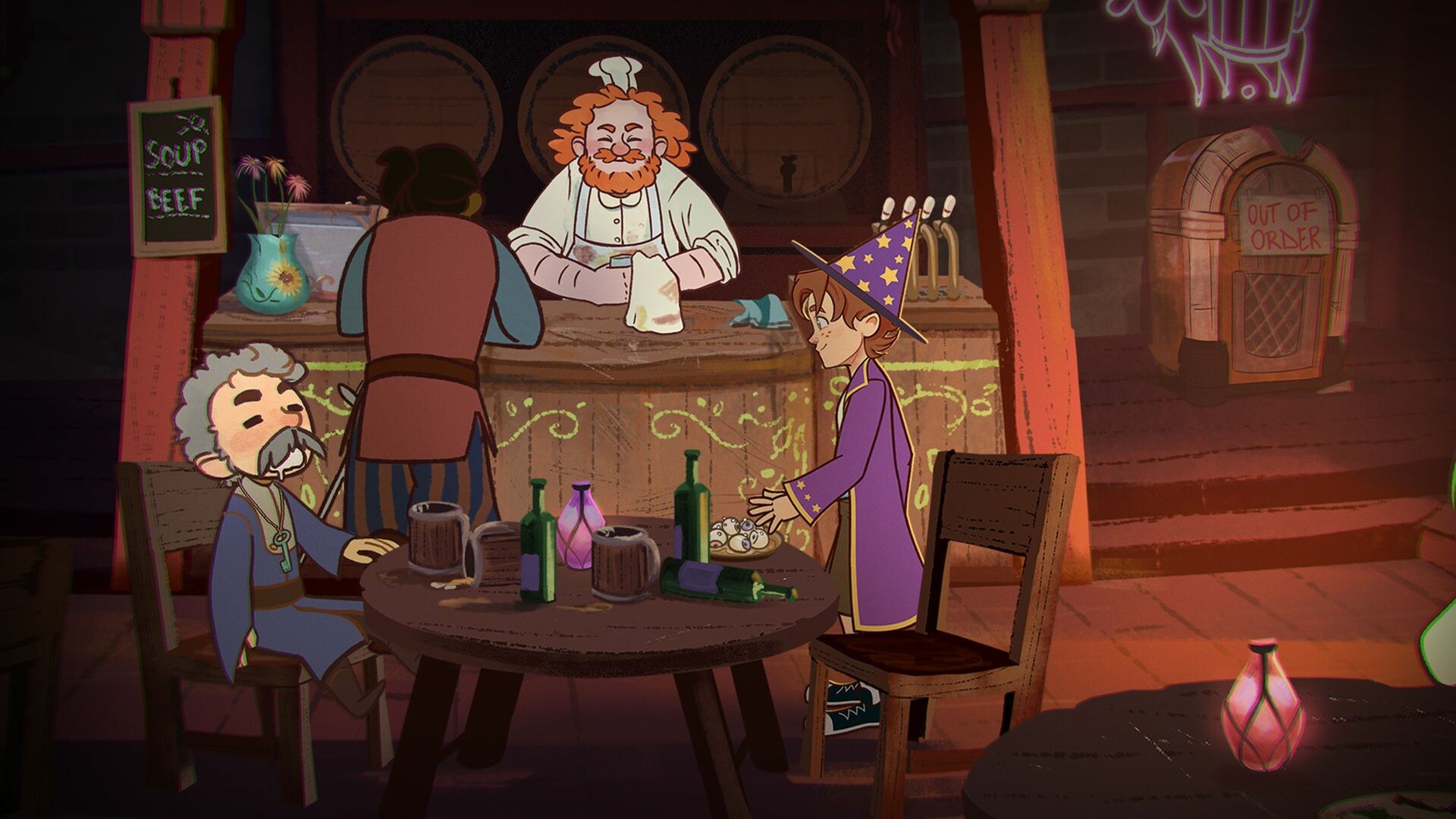
Before playing Simon the Sorcerer Origins, it’s important to check if your PC meets the system requirements. Ensuring compatibility helps prevent performance issues, crashes, and long loading times.
Steps to Check Compatibility:
- Compare Your Specs:
-
- Check your PC’s operating system, processor speed, RAM, and graphics card.
- Compare them with the game’s minimum and recommended requirements.
- Use System Tools:
-
- On Windows, press
Win + R, type dxdiag, and press Enter to view your system specs.
- You can also check GPU and CPU information via Device Manager or Settings.
- Online Tools:
-
- Websites like Can You RUN It allow you to automatically check if your PC can run the game.
- These tools provide a breakdown showing which components meet or fall short of requirements.
How to Enhance Gameplay Experience with XMOD?
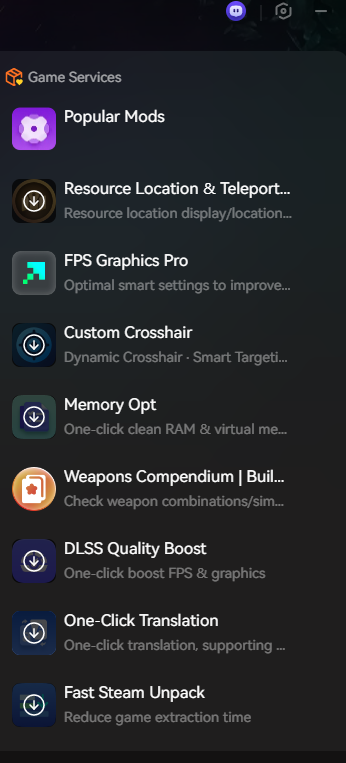
XMOD is a versatile platform designed to improve and customize your gaming experience. For Simon the Sorcerer Origins, it provides tools, mods, trainers, and cheats that help players tailor gameplay, optimize performance, and enjoy the game in new ways.
Ways XMOD Can Enhance Your Gameplay
Performance & Quality-of-Life Improvements
-
- FPS Boosters: Ensure smoother performance on mid-range or low-end PCs.
- UI Tweaks: Customize menus, health bars, and HUD elements for easier navigation.
- Translation Tools: Play the game in your preferred language for better accessibility.
Gameplay Customization
-
- Mods: Improve graphics, enhance textures, adjust the UI, or add new features for a more immersive experience.
- Ausbilder: Modify in-game values such as health, stamina, inventory items, or skill points to ease progression or experiment with strategies.
- Schummeln: Instantly unlock items, skip difficult sections, or spawn equipment, allowing you to focus on exploration and story.
Exploration & Progression Assistance
-
- Highlight important collectibles, hidden areas, and quest items.
- Track main and side objectives for more efficient gameplay.
- Adjust difficulty or enemy behavior to suit your preferred challenge level.
Using XMOD, players can customize their experience in Simon the Sorcerer Origins—whether they want to enhance visuals, optimize performance, explore every hidden corner, or simply make the game easier. It gives you full control over how you enjoy the adventure.
Conclu sion
Simon the Sorcerer Origins offers a charming mix of classic adventure gameplay and modern enhancements, making it a delightful experience for both longtime fans and new players. Before diving in, it’s important to ensure your PC meets the system requirements—whether minimum or recommended—to enjoy smooth performance. Even players with lower-end systems can often run the game with some adjustments, while tools like XMOD can further enhance gameplay by offering customization, mods, and quality-of-life improvements. By preparing your setup and exploring available enhancements, you can fully enjoy the whimsical world of Simon the Sorcerer Origins without interruptions.
Ich bin ein leidenschaftlicher Gamer und Autor bei XMODhub, der sich der Aufgabe verschrieben hat, euch die neuesten Gaming-News, Tipps und Einblicke zu geben.
Verbinden Sie sich mit mir:
LinkedIn-Profil

 Catherine Hu

 Nancy Miller

