
 Catherine Hu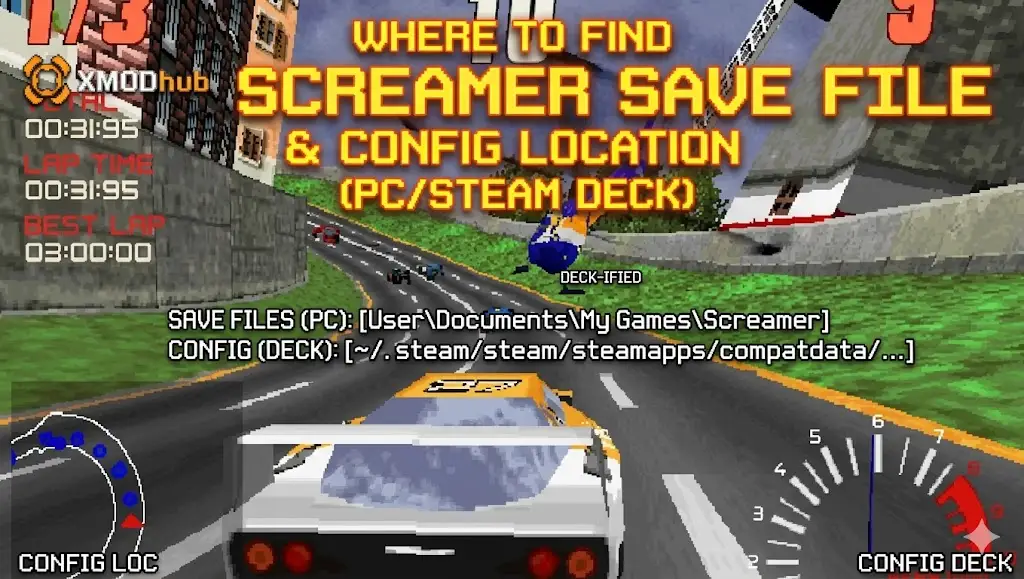
There is nothing worse than sinking 50 hours into Screamer, perfectly tuning your hypercar’s ECHO system and dominating the underground tournaments, only to lose your progress to a corrupted save file, a bad mod, or a Steam Cloud sync error.
Whether you want to manually back up your racing career, transfer your save data to a new PC, or modify the configuration file to uncap your frame rate for smoother drifting, you first need to know exactly where the game stores its data on your hard drive.
Below are the exact, verified file paths for Screamer across Steam, Epic Games, Xbox Game Pass, and Steam Deck, along with the safest way to automate your save backups.
Expert Note: The Cloud Sync Danger
“We have all been there. You are deep into the neon-lit tracks of Screamer, just about to face a major rival crew in the final tournament, and your PC crashes due to a graphics driver timeout. When you relaunch, Steam Cloud accidentally overwrites your local save with an older version. It is a racing gamer’s worst nightmare.
I specifically wrote this guide because Screamer utilizes Unreal Engine 5, which buries save files deep in the system folders instead of your standard Documents directory. Even if you don’t plan on using trainers or unlocking infinite Overdrive, please back up your SaveGames folder manually right now. Don’t lose your tuned hypercars and learn this lesson the hard way.”
— Catherine Hu, Senior PC Modding Specialist, XMODhub
Windows PC Save File Location (Steam & Epic Games)
(Quick Answer: Press Win + R, type %LOCALAPPDATA%, and look for the Screamer folder.)
For players who purchased the game on Steam, Epic Games Store, or GOG, the save files are generally located in the hidden Windows AppData directory.
C:\Users\YourUsername\AppData\Local\Screamer\Saved\SaveGames\How to navigate there quickly:
Press the Windows-Taste + R to open the Run dialog box.
Type
%localappdata% and press Enter.Scroll down and open the folder named Screamer.
Öffnen Sie Saved, then SaveGames. Your career progression files are located here.
💡 Note:
If you cannot see the AppData folder manually, open File Explorer, click the View tab at the top, and check the box for Versteckte Gegenstände.
Xbox Game Pass / Microsoft Store Save Location
If you are playing Screamer via PC Game Pass, Microsoft encrypts the save data and stores it in a completely different, highly protected system folder.
C:\Users\YourUsername\AppData\Local\Packages\Screamer_Publisher_String\SystemAppData\wgs\Inside the wgs (Windows Game Saves) folder, you will see folders with long alphanumeric strings. These are your encrypted save files. Backing these up manually is incredibly difficult because the file names are randomized and lack standard extensions. (See the XMODhub Save Manager section below for an easier Game Pass solution).
Where to Find the Screamer Config File
If you are trying to manually tweak graphics settings that are missing from the in-game menu (such as disabling Motion Blur for clearer high-speed turns, forcing V-Sync off, or altering the FOV for better track visibility), you need to edit the Unreal Engine 5 configuration file.
C:\Users\YourUsername\AppData\Local\Screamer\Saved\Config\WindowsNoEditor\How to Edit: Right-click the GameUserSettings.ini file and select Open with Notepad.
🔥 Warning:
Always make a copy of the configuration file before changing values. Deleting or breaking a line of rendering code can cause the game to crash to a black screen on startup.
Steam Deck / Linux Save Location
Playing Screamer on the go? The Steam Deck uses Proton to emulate the Windows file structure. Your save files are buried inside the compatdata folder.
/home/deck/.local/share/Steam/steamapps/compatdata/YourSteamAppID/pfx/drive_c/users/steamuser/AppData/Local/Screamer/Saved/SaveGames/Troubleshooting: Steam Cloud Sync Errors
If your save file keeps disappearing or reverting to an older version where you are missing your recently purchased engine parts, Steam Cloud might be conflicting with your local files.
✦

Right-click Screamer in your Steam Library and select Eigenschaften.
✦
Under the General tab, toggle Steam Cloud to OFF.
✦
Play the game, complete a quick race to force a manual auto-save, and then exit.
✦
You can safely turn Steam Cloud back on, and it should upload your newest local save to the servers, resolving the conflict.
The Smarter Way: 1-Click Auto-Backups with XMODhub
Navigating through hidden AppData folders every time you want to secure your progress before a risky race is tedious and risky. One accidental click, and your entire garage is deleted forever. Furthermore, if you are on Game Pass, managing those alphanumeric folders is nearly impossible.
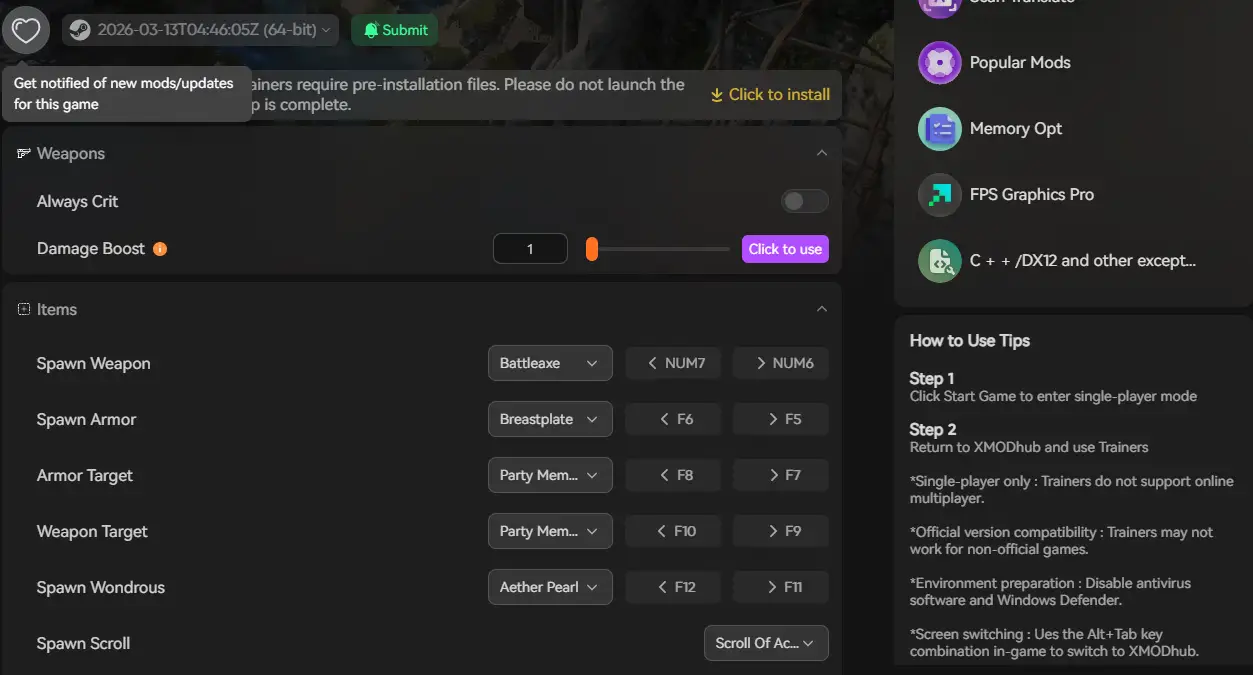
Die XMODhub PC Client features a built-in Save Manager designed specifically for high-stakes games like Screamer.
✨
Automated Backups: XMODhub automatically creates a secure backup of your save file every time you exit the game.
✨
Version History Rollback: Did a glitch ruin your tournament run? Instantly roll back to yesterday’s save state with one click.
✨
Game Pass Native Support: XMODhub automatically detects and manages encrypted Windows Store saves without you needing to dig through system folders.
✨
Visual Dashboard: Manage, name, and organize multiple career save slots visually.
Frequently Asked Questions (FAQ)
Q: Can I transfer my Screamer save file to another PC?
A: Yes. For Steam and Epic users, simply copy the entire contents of the SaveGames folder mentioned above onto a USB drive, and paste it into the exact same directory path on your new computer.
Q: What happens if I accidentally delete the config file?
A: Don’t panic. If you delete GameUserSettings.ini, the Unreal Engine 5 will automatically generate a brand new, default config file the next time you launch Screamer. All your graphics and keybind settings will just revert to their factory defaults.
Q: Can I get banned for modifying my single-player save file?
A: Modifying your local save file (e.g., giving yourself more Entropy currency via a hex editor) in a strictly offline environment will not result in a ban. However, Screamer utilizes Easy Anti-Cheat (EAC) for its multiplayer modes. Ensure you do not take modified save data into official online matchmaking servers.
Conclusion: Protect Your Progress
Locating your Screamer save file is a vital skill for recovering from game-breaking glitches, migrating to a Steam Deck, or fine-tuning configuration files for maximum frame rates during intense drifts.
However, digging through hidden system directories is a chore. If you prefer a highly secure, set-it-and-forget-it solution, the XMODhub Save Manager automates your backups and eliminates the risk of human error.
Think Bigger: XMODhub is far more than just a save manager—it is the ultimate all-in-one Gaming Platform. With native support for over 5,000+ titles, we provide a unified ecosystem for PC gamers. Whether you need an auto-updating Trainer for Screamer, real-time translation tools, or performance tweaks for similar racing hits like Need for Speed Unbound and Forza Horizon 5, XMODhub ensures you always have the best tools at your fingertips.

Ich bin ein leidenschaftlicher Gamer und Autor bei XMODhub, der sich der Aufgabe verschrieben hat, euch die neuesten Gaming-News, Tipps und Einblicke zu geben.
Verbinden Sie sich mit mir:
LinkedIn-Profil
 Nancy Miller