Catherine Hu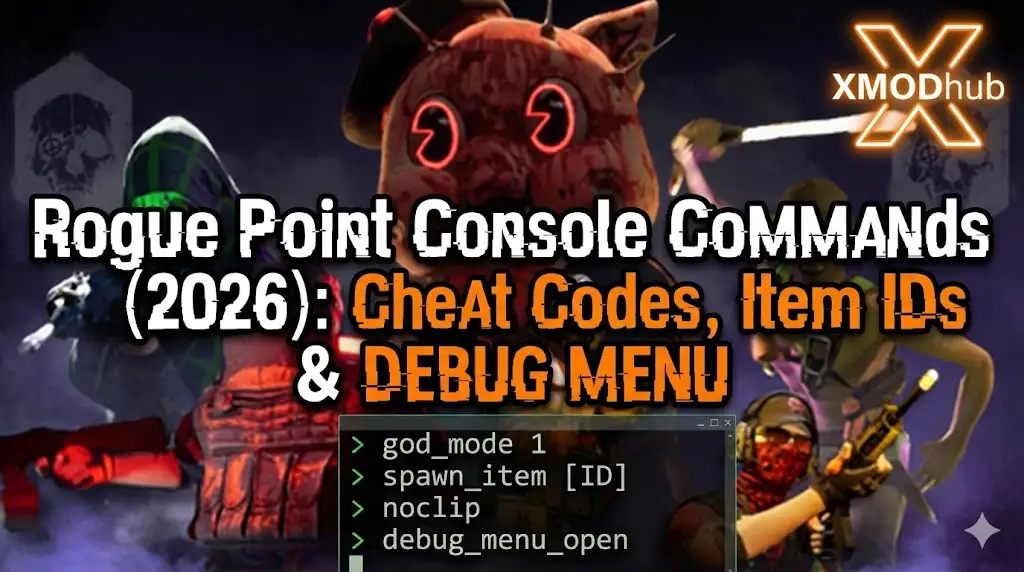
Editor’s Note: Can You Cheat in Rogue Point?
While you can try modifying launch arguments, this often causes the game to crash during level transitions. At XMODhub, we recommend using an external memory trainer to inject cheats like ‘Infinite Merx’ safely, especially if you are playing solo to test loadouts.”
Mastering Rogue Point can be brutal. One moment you are executing a perfect breach on a CEO’s office, and the next, a squad of elite mercs flanks you, ending your campaign run instantly.
Given Crowbar Collective’s history with Black Mesa, many players expect to simply press ~ and type sv_cheats 1 to bypass the grind. However, Rogue Point is a different beast. Whether you are stuck on a High-Value Target mission or simply want to experiment with end-game weapon builds in a sandbox environment, using console commands is a popular request.
Below is the complete guide on the current state of the developer debug menu, why standard Source commands might not work, and the safer alternative to cheat without corrupting your save data or risking Co-op stability.
Das könnte Ihnen auch gefallen:
Rogue Point Cheat Engine Table vs. XMODhub Trainer: Best Free Alternative (2026)
The “Source” Expectation: How to Enable the Console
Because this is a Crowbar Collective game, players often try standard Valve Source methods. Here is what works and what doesn’t:
- Method A (The Classic Tilde): Pressing
~usually does nothing in the retail Early Access build. - Methode B (Startoptionen): Right-click Rogue Point in Steam > Properties. In Launch Options, type:
-Konsole,-dev, oder-debug.Result: This may expose a log window, but inputting commands is often disabled.
- Method C (Config File): Checking
input.inioderautoexec.cfgto bind a key manually.
(Conclusion: The console is currently hard-locked for most players. Skip to the XMODhub Solution below for a guaranteed working method.)
Essential Console Commands List (If Accessible)
If you manage to open the command line (or use a mod tool to restore it), here are the most requested cheats for survival and testing.
Spieler & Überleben Cheats
| Befehl | Wirkung |
|---|---|
| god / god_mode 1 | Grants invincibility against enemy fire. |
| add_merx [amount] | Instantly adds Merx (Currency) to your wallet to buy weapons. |
| infinite_ammo 1 | Never reload your primary or secondary weapon. |
| noclip | Fly through walls to scout level layouts or escape glitches. |
| notarget | Enemies ignore you (perfect for stealth testing). |
Welt- und Systembefehle
- killall: Eliminates all nearby enemies in the current sector.
- stat fps: Displays your current frame rate and ping.
- slomo [value]: Changes game speed (e.g.,
slomo 0.5for Matrix-style slow motion).
Rogue Point Item IDs List
To use any spawn commands, you need specific internal codes. These change frequently with Early Access updates:
Currency & Resources
- ID_Currency_Merx
- ID_Resource_Intel
Weapons & Attachments
- ID_Weapon_AssaultRifle_Tactical
- ID_Weapon_Shotgun_Pump
- ID_Attachment_Scope_4x
- ID_Attachment_Suppressor_L
(Tired of guessing IDs? The XMODhub Trainer has a built-in “Unlock All Attachments” feature, so you don’t need to memorize hex codes to build your dream gun.)
The Problem: Why Console Commands Are Risky
Using the developer console in a tactical roguelite comes with severe downsides:
- Errungenschaftssperre: Typing cheats usually flags your save file, permanently disabling Steam Achievements for that campaign run.
- Co-op Desync: Forcing commands like
slomowhile in a Co-op lobby will almost certainly cause lag, rubber-banding, or disconnects for your teammates. - Unannehmlichkeiten: You have to re-type codes every time you load into a new procedurally generated map.
Die bessere Alternative: XMODhub Trainer (ohne Tippen)
Stop memorizing codes and risking bans. XMODhub acts as a visual overlay that bypasses the need for the developer console entirely.
| Merkmal | Konsolenbefehle | XMODhub Trainer |
|---|---|---|
| Methode | Manuelles Eingeben von Text | Ein-Klick-Hotkeys |
| Co-op Safety | High Risk (Desync) | Client-Side (Safer) |
| No Recoil | Not available via command | Supported |
| Infinite Merx | Requires debug access | One Toggle |
| Spiel-Version | Pausen mit Aktualisierungen | Automatische Aktualisierung über die Cloud |
How to Use XMODhub Trainer for Rogue Point
Verschwenden Sie keine Zeit mit der Bearbeitung von Konfigurationsdateien. Hier ist, wie man XMODhub in 3 einfachen Schritten benutzt:
1. Download: Holen Sie sich das kostenlose XMODhub Client safely.

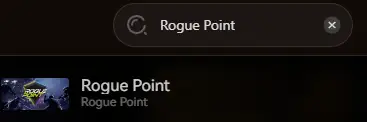
2. Launch: Open XMODhub—it automatically detects your installed copy of Rogue Point.
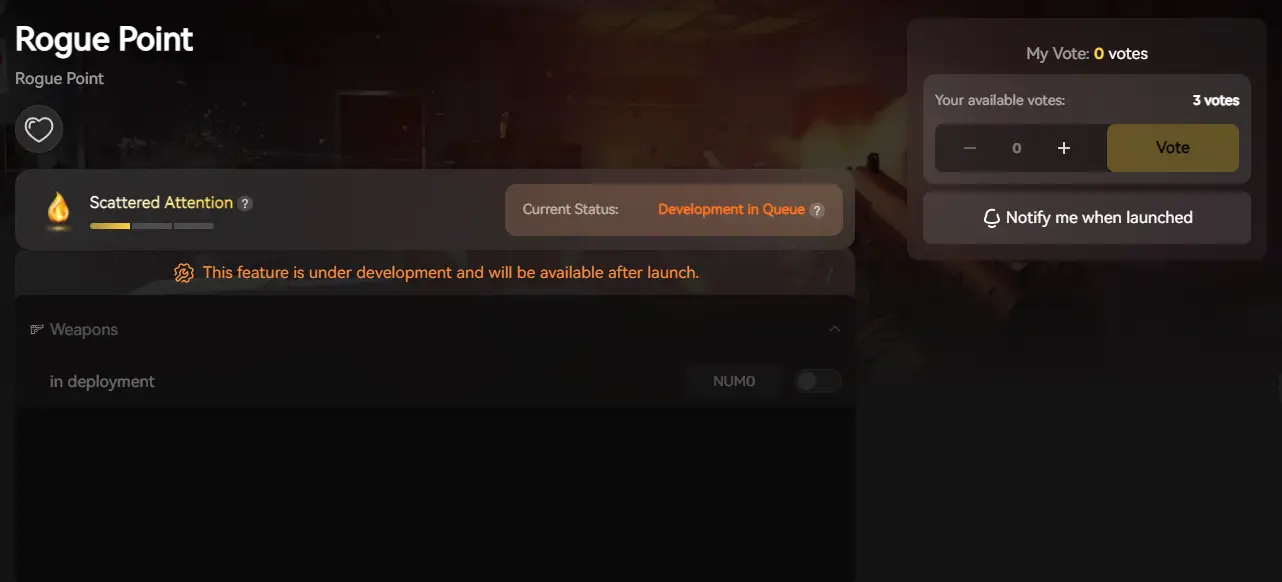
3. Activate: Click “Infinite Merx” or “No Recoil” and enjoy the game.
FAQ
Q: Can I use console commands in Rogue Point Multiplayer?
A: No. Console commands are often server-side disabled. Using XMODhub allows for client-side tweaks (like No Recoil) in private lobbies, but always use responsibly to avoid ruining the game for others.
Q: What is the cheat for Infinite Merx?
A: You can try typing add_merx, but since the console is often locked, the XMODhub Trainer’s “Edit Merx” feature is your only reliable option to unlock weapons fast.
Q: Will I get banned for using cheats?
A: In solo or private co-op with friends, you are generally safe. However, avoid using cheats in public matchmaking or leaderboards to respect the community.
Schlussfolgerung: Schlauer schummeln
While classic console commands are nostalgic for Crowbar Collective fans, they are often risky and clunky in modern tactical shooters like Rogue Point. XMODhub offers a safer, visual, and achievement-friendly way to customize your experience.
Test builds, skip the grind, and dominate the campaign.

Ich bin ein leidenschaftlicher Gamer und Autor bei XMODhub, der sich der Aufgabe verschrieben hat, euch die neuesten Gaming-News, Tipps und Einblicke zu geben.
Verbinden Sie sich mit mir:
LinkedIn-Profil

 Nancy Miller