Catherine Hu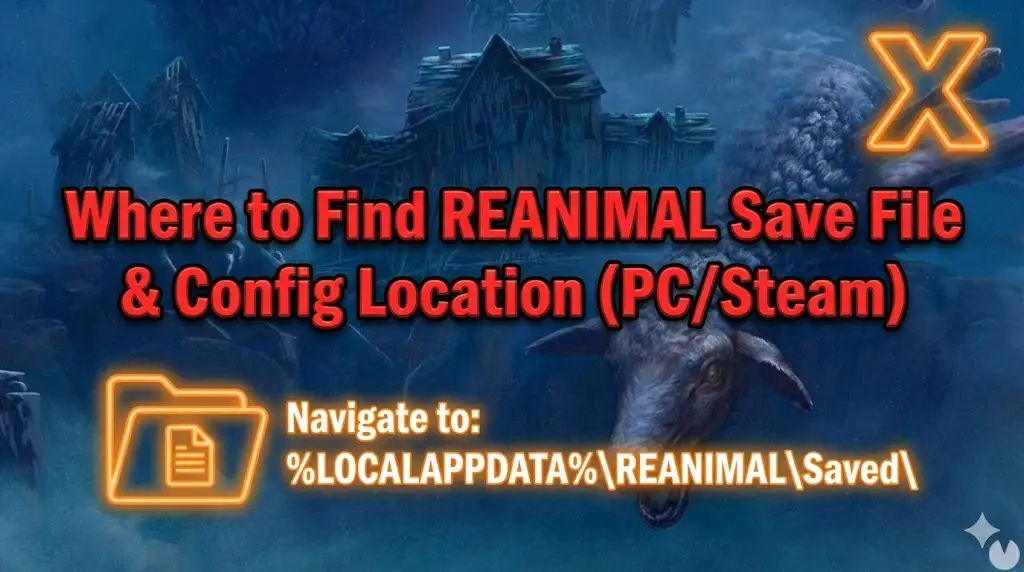
Editor’s View: Why This Matters
I specifically wrote this guide because Unreal Engine 5 horror games can be volatile with checkpoints. Even if you aren’t modding, please backup your Saved folder manually. Tarsier Studios creates beautiful nightmares, but you don’t want to live through them twice because of a corrupted file.”
There is nothing worse than surviving a terrifying chase sequence in REANIMAL, only to have a power outage or a cloud sync error wipe your progress. In a horror game where every checkpoint feels like a victory, losing your save file is the ultimate jump scare.
Whether you want to manually backup your progress before a difficult puzzle, transfer your save to a Steam Deck, or tweak the configuration files to disable Motion Blur, you first need to find where the data is hidden on your drive.
Below is the exact file path for REANIMAL on Windows and Steam Deck, along with a safer, automated method to protect your Co-op sessions.
Das könnte Ihnen auch gefallen:
REANIMAL Cheat Engine Table vs. XMODhub Trainer: Best Free Alternative (2026)
Windows PC Save File Location
For the Steam and Epic Games versions of REANIMAL, the save files are located in the hidden AppData folder, following the standard Unreal Engine structure.
C:\Users\%USERNAME%\AppData\Local\REANIMAL\Saved\SaveGames\How to navigate there quickly:
- Presse Windows-Taste + R on your keyboard to open the Run dialog.
- Type
%localappdata%and press Enter. - Scroll down and open the REANIMAL folder.
- Navigieren Sie zu Gesichert > SaveGames.
Anmerkung: You will typically see a .sav file named after your Steam ID or simply CheckPoint.sav.
REANIMAL Config File Location (Graphics & Settings)
Horror games often force Chromatic Aberration and Motion Blur on players. If you want to disable these for a clearer image, or adjust the FOV to reduce motion sickness, you need to edit the configuration files.
C:\Users\%USERNAME%\AppData\Local\REANIMAL\Saved\Config\Windows\Key Files to Edit:
- GameUserSettings.ini: Resolution, V-Sync, and overall Quality presets.
- Engine.ini: Add commands like
r.MotionBlurQuality=0to disable blur completely. - Input.ini: Manually rebind keys if the in-game menu is restricted.
Warning: Right-click and select Open with Notepad. Always create a backup of the .ini file before editing.
Steam Deck / Linux Save Location
REANIMAL is intense on the big screen, but many play on Steam Deck. Linux stores these files inside the Proton compatibility layer.
/home/deck/.local/share/Steam/steamapps/compatdata/[Steam_App_ID]/pfx/drive_c/users/steamuser/AppData/Local/REANIMAL/Saved/SaveGames/Tipp: You will need the specific Steam App ID. You can find this by right-clicking the game in your library -> Properties -> Updates (App ID is listed there).
Co-op Logic: Does the Second Player Save?
A common question for REANIMAL players: “If I join my friend’s game, does my progress save?”
- Story Progress: Generally, story progress is tied to the Host’s Save File. If you are the guest (Client), the “Continue” option on your main menu might not update to the latest chapter you played with your friend.
- Recommendation: The Host should always be the one to backup the save files. If the Host loses their save, both players lose their progress.
The Smarter Way: One-Click Backup with XMODhub
Navigating through hidden AppData folders every time you reach a safe room is tedious. One accidental delete, and your nightmare starts over. XMODhub offers a built-in Save Manager tool designed specifically for narrative horror games.
01Auto-Backup
XMODhub automatically creates a backup of your save every time the game triggers a “Saving…” icon.
02Checkpoint Rewind
Did a bug soft-lock you in a wall? Roll back to the previous checkpoint instantly without restarting the chapter.
03Visual Management
Label your saves (e.g., “Before Pig Monster Chase”) to replay your favorite scary moments easily.
XMODhub: More Than Just a Save Manager
XMODhub is your ultimate all-in-one toolkit for PC gaming. Whether you need Trainers for God Mode to get past a difficult boss, or Photo Mode tools to appreciate the art style, XMODhub has you covered.
How to Use XMODhub for REANIMAL:
1. Download and Install the XMODhub client safely.

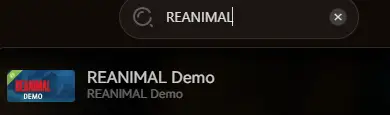
2. Search for “REANIMAL” in the client.
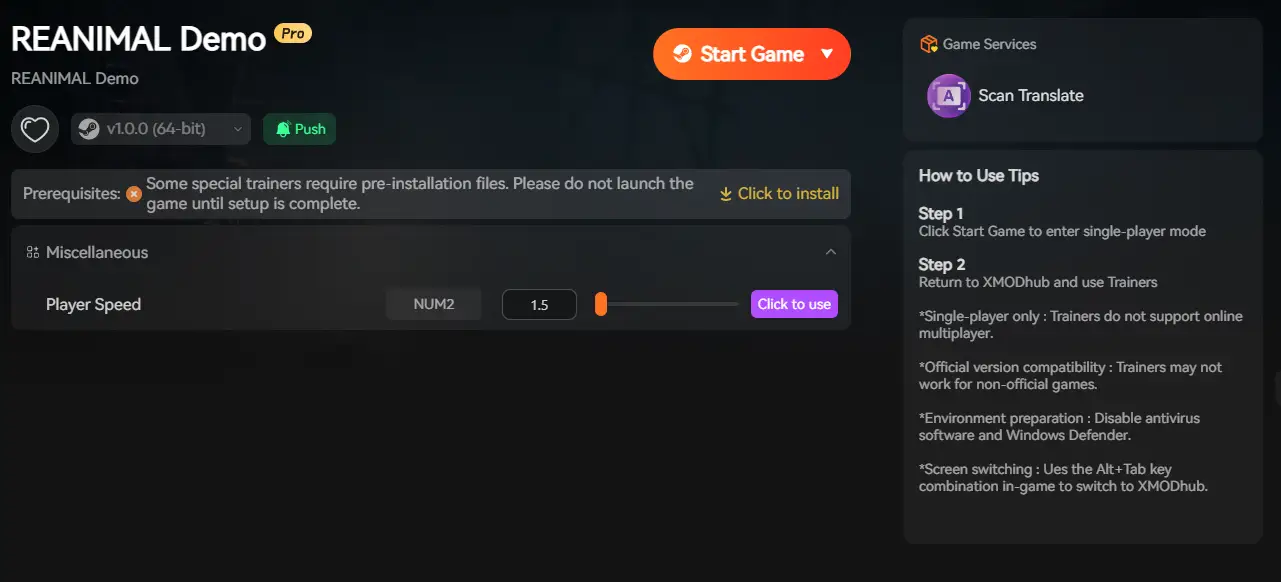
3. Launch the game directly from the client.
FAQ
Q: Can I share my REANIMAL save file with a friend?
A: Yes. You can send your .sav file to a friend so they can host the game from the same chapter. Just copy it to their SaveGames folder.
Q: What happens if I delete the Config files?
A: The game will regenerate default .ini files upon the next launch. This is the best way to fix “Black Screen” launch issues caused by bad resolution settings.
Q: Does modifying save files get me banned?
A: No. REANIMAL is a PvE co-op experience. Modifying your save or config files is perfectly safe and allowed.
Schlussfolgerung
Locating your REANIMAL save file is a crucial skill, whether you are recovering from a crash, migrating your progress to a Steam Deck, or tweaking the Engine.ini for better visibility.
However, digging through system folders carries a risk. One wrong deletion can wipe out your survival progress. If you prefer a safer, “set it and forget it” solution, we highly recommend the XMODhub Save Manager. It automates your backups, keeping your progress secure so you can focus on surviving the horror, not managing files.

Ich bin ein leidenschaftlicher Gamer und Autor bei XMODhub, der sich der Aufgabe verschrieben hat, euch die neuesten Gaming-News, Tipps und Einblicke zu geben.
Verbinden Sie sich mit mir:
LinkedIn-Profil

 Nancy Miller