Zusammenfassung: XMOD is the ultimate Cheat Engine alternative for Monster Hunter Wilds, offering safe, one-click cheats and powerful trainers. With XMOD, players can unlock unlimited resources, boost stats, and enjoy smoother gameplay—all without coding or risky installs.
Monster Hunter Wilds offers thrilling hunts and deep progression—but mastering its toughest monsters can be challenging.
That’s where XMOD comes in. As the best Cheat Engine alternative, XMOD lets players safely enhance gameplay with powerful cheats, trainers, and mods.
Whether you want infinite resources, faster crafting, or boosted damage, XMOD delivers a smooth, one-click solution.
In this guide, you’ll learn why XMOD stands out from other tools, explore the best Monster Hunter Wilds cheats and mods, and see how to use them safely.
Plus, we’ll cover extra features, safety tips, and FAQs to help you get the most from your hunts.
Inhaltsübersicht
- Warum XMOD die beste Cheat-Engine-Alternative ist für Monster Hunter Wilds
- Am besten Monster Hunter Wilds Cheats und Mods auf XMOD
- So verwenden Sie XMOD für Monster Hunter Wilds Betrügereien
- Mehr als nur Cheats: XMOD-Mods & Spiel-Tools
- Ist XMOD sicher in der Anwendung?
- FAQs über XMOD und Monster Hunter Wilds Betrügereien
- Abschließende Überlegungen
Why XMOD Is the Best Cheat Engine Alternative for Monster Hunter Wilds

Cheat Engine has been a go-to tool for modifying games, but it often comes with risks like malware, crashes, or corrupted saves. XMOD solves these problems with a safer and easier solution for Monster Hunter Wilds.
Here’s why XMOD is the better choice:
- Ein-Klick-Betrug – No need for coding or complex setups.
- Stable, virus-free trainers – All files are tested by the XMOD team.
- Wide game support – Works across thousands of PC titles, including Monster Hunter Wilds.
- Automatische Aktualisierungen – Always compatible with the latest patches.
- Sicher für den Einzelspielereinsatz – Keeps your account secure while enhancing gameplay.
Whether you’re a casual player or a dedicated hunter, XMOD makes it easy to customize and enjoy Monster Hunter Wilds without the usual risks or hassles.
Best Monster Hunter Wilds Cheats and Mods on XMOD
XMOD offers a wide range of powerful cheats and mods for Monster Hunter Wilds, giving players full control over their hunting experience.
Here are some of the most popular features available:
- Infinite Money & Guild Points – Buy any item or upgrade without limits.
- Unlimited Ammo & Tool Bags – Hunt without worrying about running out of supplies.
- Super Damage & One-Hit Knockdown – Defeat even the toughest monsters instantly.
- Max Sharpness & Infinite Health – Keep your weapon and character at peak condition.
- Craft Without Materials – Instantly build equipment and items without grinding.
- Unlock All Equipment Blueprints – Access every weapon and armor set right away.
- Infinite Resource Gathering & Buff Duration – Farm faster and keep buffs active indefinitely.
Every mod is tested for the latest game version, ensuring a stable, smooth, and safe experience for all players.
How to Use XMOD for Monster Hunter Wilds Cheats
Verwendung von XMOD for Monster Hunter Wilds is simple and beginner-friendly. Follow these quick steps: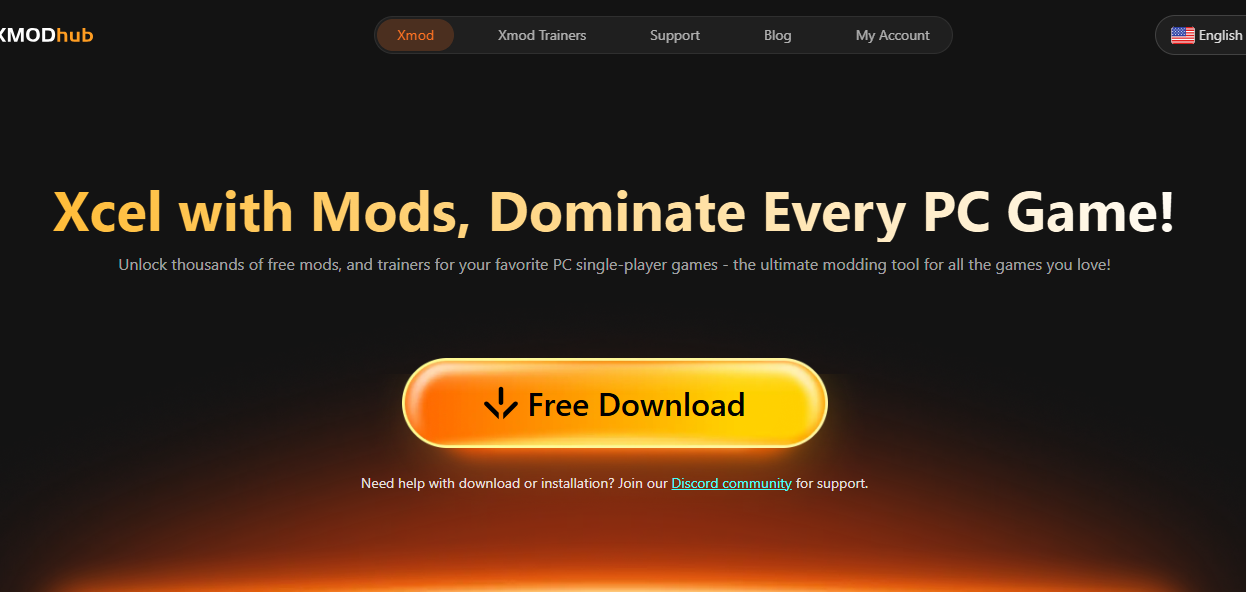
- Download and install XMOD – Get the official app from the XMOD website and complete installation.
- Launch XMOD – Open the program and sign in to your account.
- Find Monster Hunter Wilds – Use the search bar to locate the game in the XMOD library.
- Select your cheats or mods – Enable features like infinite health, unlimited ammo, or max sharpness with one click.
- Start the game through XMOD – The selected cheats will automatically load when you launch the game.
You can adjust or toggle cheats anytime during gameplay for a smooth, customized experience.
Mehr als nur Cheats: XMOD-Mods & Spiel-Tools
XMOD isn’t just a platform for cheats and trainers — it’s a complete hub for enhancing your PC gaming experience. Beyond boosting stats or unlocking items, XMOD offers a variety of tools that make gaming smoother, faster, and more enjoyable.
With XMOD, you can:
- Install game mods easily – Add visual upgrades, gameplay tweaks, and UI enhancements with one click.
- Use trainers safely – Adjust money, skills, or performance without editing files manually.
- Access extra gaming tools – Enjoy built-in features like translation support, FPS boosters, and performance optimizers.
- Stay up to date – New trainers and mods are added regularly for the latest game versions.
This all-in-one setup helps you save time, avoid risks, and enjoy a seamless gaming experience — whether you’re hunting monsters or optimizing performance across other PC titles.
Ist XMOD sicher in der Anwendung?

Ja - XMOD is designed with safety as a top priority. Unlike traditional Cheat Engine tools that can expose your system to viruses or unstable scripts, XMOD uses verified trainers and mods that are tested and digitally signed before release.
Here’s why it’s safe to use:
- Malware-free: All files are scanned and authenticated through McAfee for extra protection.
- Automatic updates: Trainers adjust automatically to the latest game versions, reducing crashes or file corruption.
- Local and offline use: XMOD runs on your PC without requiring risky external connections.
- Single-player focus: It’s built for solo gameplay, ensuring fair use without affecting online servers.
As long as you download XMOD from its official website, you can enjoy all its mods and features with full confidence.
FAQs About XMOD and Monster Hunter Wilds Cheats
1. Can XMOD be used safely with Monster Hunter Wilds?
Yes. XMOD trainers for Monster Hunter Wilds are tested to ensure stability, compatibility, and virus-free operation.
2. Do I need Cheat Engine to use XMOD?
No. XMOD is a standalone tool — you don’t need Cheat Engine or any scripts. Just install, launch, and activate your preferred cheats with one click.
3. Will using XMOD get me banned?
XMOD is designed for offline single-player use, not online multiplayer. As long as you stay offline, your account is safe.
4. Does XMOD support automatic updates?
Yes. The software updates automatically to stay compatible with the latest Monster Hunter Wilds patches.
5. What platforms support XMOD?
XMOD is available for Windows PC, supporting games from Steam, Epic Games Store, and other major launchers.
6. Is XMOD free to use?
Yes. You can download and use XMOD for free, though some premium features and trainers may require a subscription.

Abschließende Überlegungen
XMOD stands out as the best and safest Cheat Engine alternative for Monster Hunter Wilds. It offers powerful cheats, stable trainers, and easy mod management — all without the risks of viruses or complex setups. Whether you want unlimited resources, faster hunting, or performance tweaks, XMOD gives you full control with just a few clicks.
If you’re ready to enhance your Monster Hunter Wilds experience, download XMOD and explore a smarter, safer way to play.
Ich bin ein leidenschaftlicher Gamer und Autor bei XMODhub, der sich der Aufgabe verschrieben hat, euch die neuesten Gaming-News, Tipps und Einblicke zu geben.
Verbinden Sie sich mit mir:
LinkedIn-Profil

 Catherine Hu

 Nancy Miller

