
 Catherine Hu
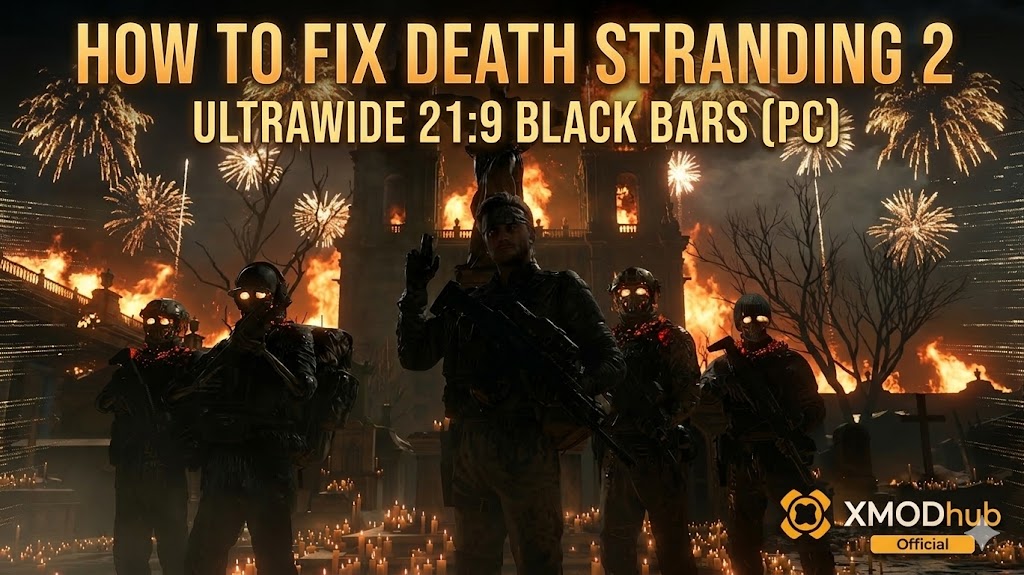 Playing DEATH STRANDING 2: ON THE BEACH on an Ultrawide (21:9) or Super Ultrawide (32:9) monitor is the definitive way to experience the vast, haunting landscapes of Pywel. You just dropped serious money on a premium display to maximize your immersion.
However, because director Hideo Kojima frames his cutscenes with a strict cinematic aspect ratio, the Decima Engine often forces artificial black bars (letterboxing) onto your screen. While the actual gameplay fills your monitor perfectly, the moment a cinematic plays or you open your Cuff Links menu, those massive black pillars instantly return, completely breaking the immersion.
Das könnte Ihnen auch gefallen: DEATH STRANDING 2 Cheat Engine Table vs. XMODhub Trainer: The Best Free Alternative
Editor’s Take: Cinematic Immersion
“I have a 34-inch OLED ultrawide monitor. There is nothing worse than getting hyped for the epic Magellan ship intro, only to feel like I’m watching it through a narrow 16:9 window. The game claims to support ultrawide natively, but the engine artificially locks the aspect ratio during cinematics.”
“I spent hours digging through hex codes to fix this manually, which I’ve outlined below. But since every minor Steam patch breaks the hex edit, I highly recommend using the automated XMODhub ultrawide and FOV tool at the bottom of this guide. It saves so much headaches.”
Quick Answer: How to Remove Black Bars (Hex Edit)
To force the Decima Engine to render cutscenes without black bars on a 21:9 monitor, you can manually edit the game’s executable. Warning: Always backup your ds2.exe first.
- Locate File: Right-click DS2 in Steam > Manage > Browse local files. Find
ds2.exe. - Open Hex Editor: Open the file with a tool like HxD.
- Suche: Search for the standard 16:9 value:
39 8E E3 3F. - Replace: For 21:9, replace with
8E E3 18 40. Für 32:9, replace with39 8E 63 40. Save and launch.
How to Fix Cutscenes Zoomed In & Missing FOV Slider
When you force the game to fill a 21:9 screen via hex edit, the engine simply zooms in on the center of the 16:9 image. This results in characters’ foreheads getting cut off and a claustrophobic vertical Field of View (FOV).
Kojima Productions did not include a native FOV slider for cutscenes. To fix the “zoomed-in” camera, you must use an external FOV injector like XMODhub.
Why Does Kojima Force Black Bars?
Many Japanese developers design cutscenes as meticulously directed movies. The black bars ensure every player sees the exact cinematic framing the director intended. Furthermore, engines stop rendering assets outside the 16:9 view to save performance. While the artistic intention is clear, PC gamers with premium hardware deserve the choice to prioritize immersion.
The Ultimate Fix: XMODhub 1-Click Ultrawide Tool
Every time Steam pushes a patch, your manual hex edits are wiped. The XMODhub PC Utility offers a smarter, update-proof solution.
- •1-Click Black Bar Removal: XMODhub safely injects the correct aspect ratio directly into RAM, removing letterboxing without altering your
ds2.exepermanently. - •Custom FOV Slider: Instantly zoom out the camera during gameplay and cutscenes to fix the “cut-off heads” issue.
- •Update Proof: Because XMODhub dynamically hooks into the game, Steam updates won’t break your settings.
How to Use XMODhub (3 Simple Steps)

- Herunterladen: Get the verified XMODhub client from the official site.
- Start: Open the app and click “Play” on the DS2 module (supports Steam, Epic, and Game Pass).
- Aktivieren: Toggle the “Remove Cutscene Black Bars” option and set your desired FOV using the slider.
Frequently Asked Questions (FAQ)
Q: Will removing black bars cause visual glitches?
A: Occasionally. You might see untextured models or characters popping in at the extreme edges of the screen, as these areas were not intended to be rendered in 16:9.
Q: Does DS2 natively support 32:9 Super Ultrawide?
A: The game supports 21:9 gameplay natively, but 32:9 and cinematic support require manual hex editing or a tool like XMODhub to display correctly.
Q: Can using a FOV tool ban me from the Chiral Network?
A: No. DS2 uses asynchronous multiplayer and lacks aggressive anti-cheat. Adjusting your camera or aspect ratio is completely safe.
Conclusion: See the Full Picture
Playing DEATH STRANDING 2 on a premium ultrawide should be breathtaking. Use the XMODhub PC Utility to safely remove all cinematic letterboxing and experience the journey exactly how your hardware intended.
Think Bigger: XMODhub supports 5,000+ titles including massive hits like Horizon Forbidden West und Der Geist von Tsushima.

Ich bin ein leidenschaftlicher Gamer und Autor bei XMODhub, der sich der Aufgabe verschrieben hat, euch die neuesten Gaming-News, Tipps und Einblicke zu geben.
Verbinden Sie sich mit mir:
LinkedIn-Profil
 Nancy Miller