Zusammenfassung: This complete guide covers Call of Duty Warfare 3 system requirements, detailing the minimum and recommended PC specs needed for smooth gameplay.
Call of Duty Warfare 3 is one of the most anticipated shooters, delivering fast-paced action, immersive maps, and the signature multiplayer chaos the series is known for.
But before you jump into battle, it’s important to know whether your PC can handle the game smoothly.
In this guide, we’ll break down everything you need to know: from the official minimum and recommended system requirements, to whether it can run on a low-end PC, and tips for checking if your setup is ready.
We’ll also explore how tools like XMOD can enhance your gameplay experience with performance boosts and customization options.
By the end, you’ll have a complete overview to prepare your rig for the ultimate Warfare 3 experience.
Inhaltsübersicht
- What is Call of Duty Warfare 3?
- System Requirements for Call of Duty Warfare 3: Minimum and Recommended
- Can You Run Call of Duty Warfare 3 on a Low-End PC?
- Can My PC Run Call of Duty Warfare 3?
- How to Enhance Gameplay Experience with XMOD?
- Schlussfolgerung
What is Call of Duty Warfare 3?
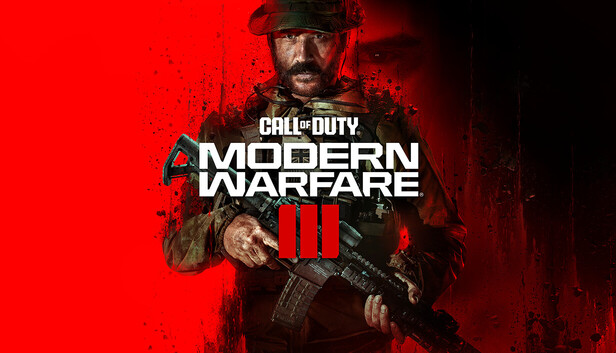
Call of Duty: Modern Warfare III is a first-person shooter developed by Sledgehammer Games and published by Activision, serving as the direct sequel to Modern Warfare II (2022) and continuing the rebooted Modern Warfare storyline. The campaign follows Task Force 141 as they confront the notorious villain Vladimir Makarov, featuring both classic linear missions and new Open Combat Missions that give players more freedom. Alongside the story, the game offers a robust multiplayer mode with remastered maps from Modern Warfare 2 (2009), and an innovative open-world Zombies mode that blends survival with exploration. Available on PC, PlayStation 4 & 5, and Xbox One & Series X|S, it delivers a complete package for fans of intense action and tactical gameplay.
System Requirements for Call of Duty Warfare 3: Minimum and Recommended
To get the game running, you’ll need at least the following setup. These are the minimum requirements, which allow you to play the game but may require lowering graphical settings for smoother performance:
| Komponente |
Mindestanforderung |
| OS |
Windows® 10 64-bit (latest update) |
| Prozessor |
Intel® Core™ i5-6600 or AMD Ryzen™ 5 1400 |
| Memory (RAM) |
8 GB |
| Grafiken |
NVIDIA® GeForce® GTX 960 / GTX 1650 or AMD Radeon™ RX 470 |
| DirectX |
Version 12 |
| Network |
Broadband Internet connection |
| Lagerung |
SSD with 102 GB available space at launch |
For the best experience, smoother frame rates, and higher visual fidelity, your PC should meet the following recommended requirements:
| Komponente |
Recommended Requirement |
| OS |
Windows® 10 64-bit (latest update) or Windows® 11 64-bit (latest update) |
| Prozessor |
Intel® Core™ i7-6700K or AMD Ryzen™ 5 1600X |
| Memory (RAM) |
16 GB |
| Grafiken |
NVIDIA® GeForce® GTX 1080Ti / RTX 3060 or AMD Radeon™ RX 6600XT or Intel® Arc™ A770 |
| DirectX |
Version 12 |
| Network |
Broadband Internet connection |
| Lagerung |
SSD with 102 GB available space at launch |
Can You Run Call of Duty Warfare 3 on a Low-End PC?
If you’re running Call of Duty: Modern Warfare III on a low-end PC that only meets the minimum system requirements, you can still play the game, but performance may not be optimal. Expect to lower graphical settings such as texture quality, shadows, and post-processing effects to achieve stable frame rates. Reducing resolution from 1080p to 900p or even 720p can also help improve performance.
While not as smooth as a recommended PC, optimization can still make the game enjoyable. Since it needs an SSD and 102 GB, ensure your system has enough speed and space to prevent long loads and stuttering.
Can My PC Run Call of Duty Warfare 3?
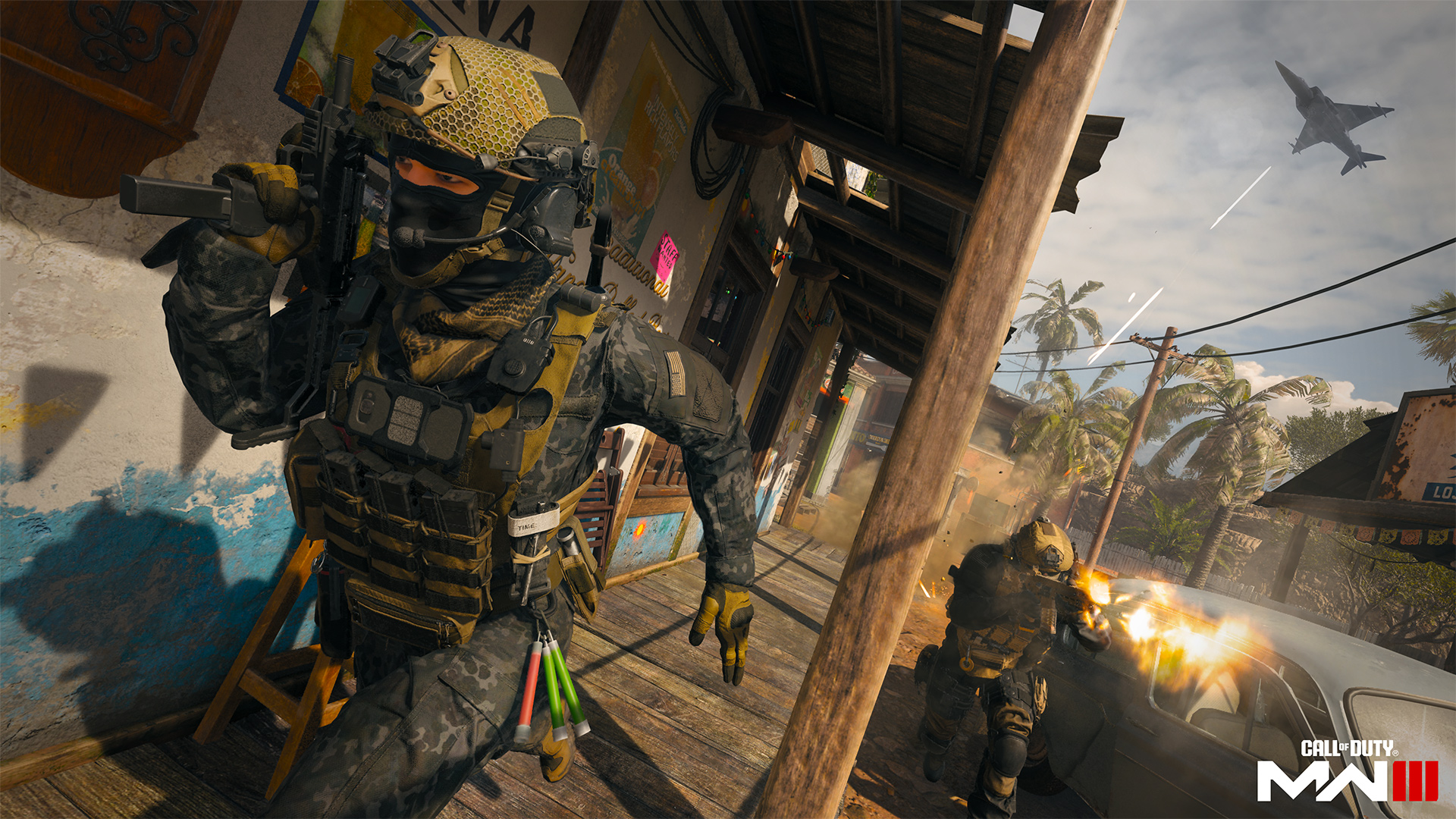
Whether your PC can run Call of Duty: Modern Warfare III depends on how closely it matches the minimum und recommended system requirements.With minimum specs, you can play but may need lower settings, while recommended specs give smoother performance, better visuals, and higher frame rates.
To check, compare your processor, graphics card, and RAM against the official requirements. Don’t forget that the game also requires an SSD with 102 GB of free space, so storage speed is just as important as raw power. If your PC falls short, small upgrades like adding more RAM or switching to an SSD could make a big difference.
How to Enhance Gameplay Experience with XMOD?
You can enhance your Call of Duty Warfare 3 experience using XMOD, a versatile platform designed to expand gameplay beyond the default settings. With access to a library of over 5,000 free and premium trainers and mods, players can tailor their gameplay to suit their preferred style. Here’s how XMOD can help:
- Mods: Improve graphics, add visual effects, customize the user interface, or introduce new gameplay elements to deepen immersion.
- Ausbilder: Adjust in-game stats like health, stamina, or inventory items for smoother progression or experimentation.
- Schummeln: Unlock items, skip difficult sections, or spawn weapons and tools to focus on exploration and story.

- Quality-of-Life Tools: XMOD also provides FPS boosters, translation features for international players, DLC unlockers, and performance optimization tools.
Whether you want to simplify challenges, explore hidden content, or fully optimize your PC’s performance, XMOD gives you complete control over your gaming experience in Call of Duty Warfare 3.
Schlussfolgerung
Call of Duty: Modern Warfare III is one of the most anticipated shooters, but making sure your PC meets the system requirements is key to enjoying it without issues. While low-end PCs can still run the game with reduced settings, a recommended setup will deliver the smoothest and most immersive experience. Tools like XMOD can further enhance performance, and add customization options, ensuring you get the most out of every match. Whether you’re diving into the campaign, multiplayer, or zombies, preparing your system properly will let you fully enjoy everything MW3 has to offer.
Ich bin ein leidenschaftlicher Gamer und Autor bei XMODhub, der sich der Aufgabe verschrieben hat, euch die neuesten Gaming-News, Tipps und Einblicke zu geben.
Verbinden Sie sich mit mir:
LinkedIn-Profil

 Catherine Hu