Zusammenfassung: This guide covers the minimum and recommended PC specifications for Caravanners: Co-op Open World Camping, helping you prepare for a smooth co-op adventure.
Caravanners: Co-op Open World Camping invites players into a relaxing yet adventurous journey where you can explore vast landscapes, set up camps, and enjoy cooperative gameplay with friends.
Whether you’re driving across scenic routes, cooking by the fire, or embarking on resource-gathering trips, the game delivers a unique blend of freedom and teamwork.
In diesem Leitfaden, we’ll go over the game’s minimum and recommended system requirements, help you determine if your PC can run it, and share tips to ensure a smooth and immersive camping experience.
Inhaltsübersicht
- Overview of Caravanners: Co-op Open World Camping
- Minimum and Recommended System Requirements
- Can You Run Caravanners on a Low-End PC?
- Can My PC Run Caravanners: Co-op Open World Camping
- Tips to Boost Gameplay Experience
- Schlussfolgerung
Overview of Caravanners: Co-op Open World Camping

Caravanners: Co-op Open World Camping is an open-world adventure that blends exploration, survival, and social interaction. Releasing on August 18, 2025, the game lets players team up with friends to travel across beautiful landscapes, set up campsites, cook meals, and take part in various outdoor activities. It emphasizes cooperation and freedom, allowing you to craft your own camping stories—whether it’s a peaceful getaway under the stars or a challenging expedition to remote locations.
Minimum and Recommended System Requirements
Mindestanforderungen
To run Caravanners: Co-op Open World Camping on your PC, make sure your system meets these baseline requirements:
| Komponente |
Specification |
| Requires |
64-bit processor and operating system |
| OS |
Windows 64-bit |
| Prozessor |
Intel Core i5–i7 |
| Speicher |
12 GB RAM |
| Grafiken |
Nvidia GTX 1050 (Low–Medium Settings) |
| Lagerung |
18 GB available space |
With these specs, you can run the game at lower settings while still enjoying the open-world camping experience.
Empfohlene Anforderungen
For smoother gameplay, better visuals, and more stable performance, aim for these recommended specs:
| Komponente |
Specification |
| Requires |
64-bit processor and operating system |
| OS |
Windows 64-bit |
| Prozessor |
Intel Core i5–i7 |
| Speicher |
16 GB RAM |
| Grafiken |
Nvidia 2080–3060 (High Settings) / 3060+ (Ultra) |
| DirectX |
Version 12 |
| Lagerung |
18 GB available space |
Meeting these requirements will let you explore Caravanners: Co-op Open World Camping in higher resolution, with richer details and smoother frame rates, especially during co-op sessions.
Can You Run Caravanners on a Low-End PC?
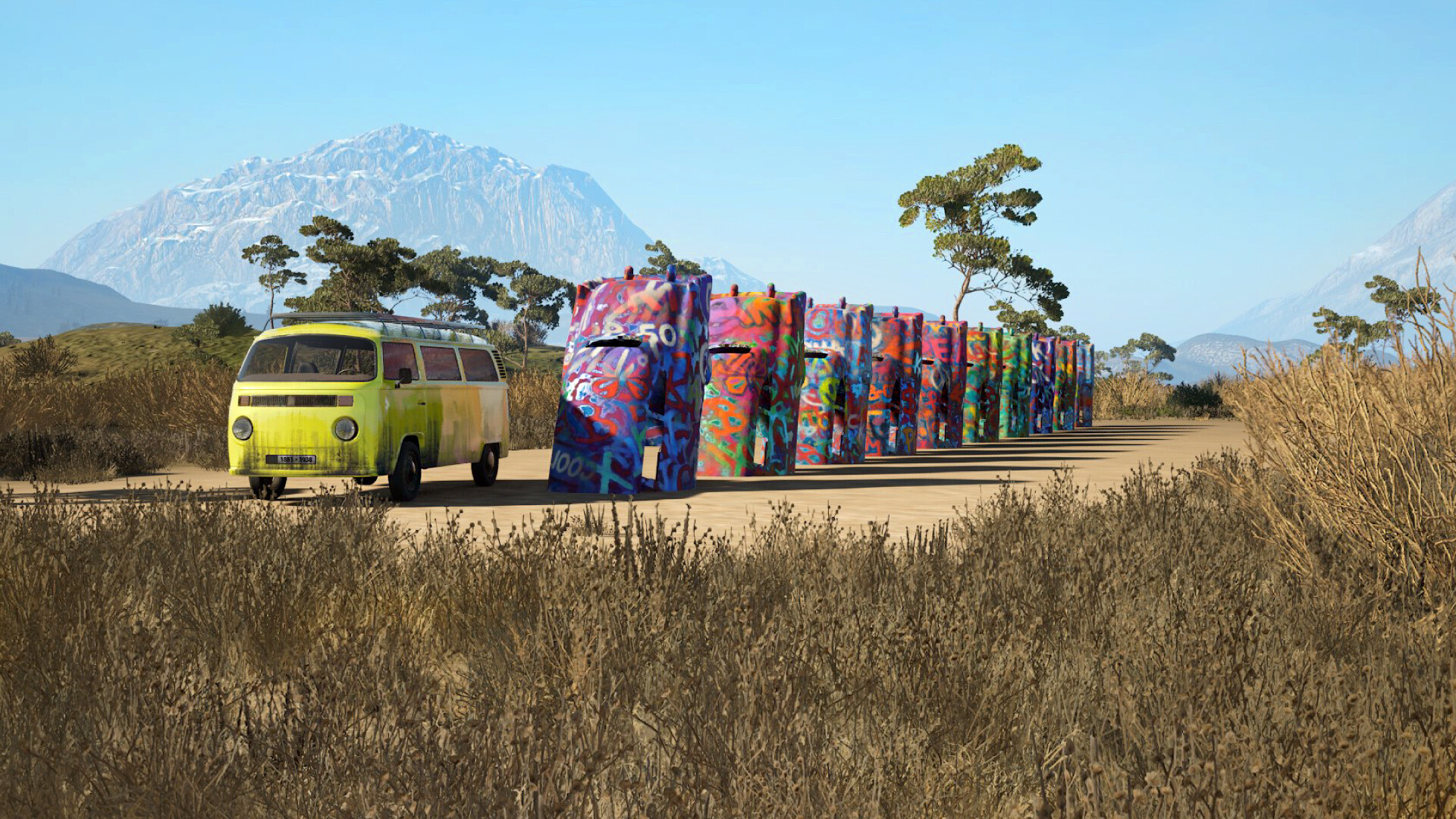
Caravanners: Co-op Open World Camping is designed for mid-range PCs and may struggle on low-end systems. Minimum requirements include Windows 64-bit, Intel Core i5/i7, 12 GB RAM, GTX 1050 with 2 GB VRAM, and 18 GB storage. For smooth gameplay, a system meeting or exceeding these specs is recommended.
Can My PC Run Caravanners: Co-op Open World Camping
If you’re unsure whether your system can handle Caravanners: Co-op Open World Camping, the best way to find out is by comparing your PC’s specifications to the game’s minimum and recommended requirements.
While the minimum specs will let you run the game at lower settings, meeting or exceeding the recommended specs ensures smoother gameplay, higher visual quality, and better overall performance.
You can also use tools like Can You Run It to automatically scan your hardware and instantly determine if your system meets the requirements. This way, you can prepare your setup before the game launches and enjoy an uninterrupted camping adventure with friends.
Tips to Boost Gameplay Experience
To make the most of Caravanners: Co-op Open World Camping, consider these tips:
- Optimize Graphics Settings: Adjust resolution, frame rate, and visual effects based on your PC’s capabilities to ensure smooth performance.
- Keep Drivers Updated: Regularly update your GPU and system drivers to prevent crashes and enhance stability.
- Close Background Applications: Free up system resources by closing unnecessary apps while playing.
- Use XMOD Tools: XMOD will provide cheats, trainers, and other helpful features once the game launches, making it easier to experiment, explore, and enjoy the game fully.
Quick XMOD Tutorial:
-
- Install XMOD: Download and install the XMOD software from the official website.

- Launch the Game via XMOD: Open XMOD and start Caravanners: Co-op Open World Camping through the platform.
- Enable Features: Use the interface to activate cheats, trainers, or overlays as desired.
- Customize Settings: Adjust mods or enhancements to fit your preferred gameplay style.
- Play Cooperatively: Team up with friends to maximize fun, share resources, and explore the open world efficiently.
- Explore Thoroughly: Discover hidden locations, scenic spots, and unique interactions that enrich the camping experience.
By combining these strategies with XMOD’s features, you can enjoy a smoother, more immersive, and fully customizable gaming experience.
Schlussfolgerung
Caravanners: Co-op Open World Camping offers a unique blend of exploration, cooperation, and outdoor adventure, making it a must-play for fans of open-world and social games. Understanding the minimum and recommended system requirements ensures your PC can run the game smoothly, while tools like Can You Run It help verify compatibility.
Enhancing your experience with XMOD—through cheats, trainers, and customizable features—allows players to experiment, explore, and enjoy the game fully. By preparing your system and leveraging these tips, you’ll be ready to embark on unforgettable co-op camping adventures.
Ich bin ein leidenschaftlicher Gamer und Autor bei XMODhub, der sich der Aufgabe verschrieben hat, euch die neuesten Gaming-News, Tipps und Einblicke zu geben.
Verbinden Sie sich mit mir:
LinkedIn-Profil

 Catherine Hu