Zusammenfassung: This guide outlines the minimum and recommended system requirements for Battlefield 6, helping players ensure their PC can run the game smoothly with optimal performance and visuals.
Battlefield 6 is the latest installment in the popular first-person shooter series, offering intense multiplayer battles and stunning visuals.
To enjoy the game at its best, it’s important to understand the minimum and recommended system requirements.
This guide will help you determine if your PC can run Battlefield 6, even on lower-end hardware, and introduce how tools like XMOD can enhance your gaming experience.
Whether you’re upgrading your setup or looking to optimize performance, this overview has you covered.
Inhaltsübersicht
- What is Battlefield 6?
- Battlefield 6 Requirements: Minimum and Recommended?
- How to Optimize Your PC for Battlefield 6?
- Can My PC Run Battlefield 6?
- Wie man die Battlefield 6 Gaming Experience with XMOD?
- Schlussfolgerung
What is Battlefield 6?

Battlefield 6 is a first-person shooter game developed by DICE und veröffentlicht von Electronic Arts. It’s the latest main entry in the Battlefield series, known for its large-scale multiplayer battles, modern and futuristic warfare settings, and dynamic environments. Battlefield 6 features massive maps, up to 128 players on PC and next-gen consoles, and new gameplay mechanics that emphasize teamwork, vehicle combat, and environmental destruction. The game aims to deliver an immersive and intense battlefield experience with updated graphics and fast-paced action.
Battlefield 6 Requirements: Minimum and Recommended
Here are the minimum and recommended system requirements for Battlefield 6:
Minimum System Requirements
| Komponente |
Specification |
| Operating System |
Windows 10/11 |
| Prozessor |
Intel Core i5-8400 |
| Graphics Card |
NVIDIA GeForce RTX 2060 |
| RAM |
16 GB |
| Lagerung |
30 GB free space |
Playable at lower settings with decent performance; lowering graphics may improve smoothness.
Recommended System Requirements
| Komponente |
Specification |
| Operating System |
Windows 10/11 |
| Prozessor |
AMD Ryzen 7 3700X |
| Graphics Card |
NVIDIA GeForce RTX 3060 Ti |
| RAM |
16 GB |
| Lagerung |
30 GB free space |
Optimized for mid-to-high settings, balancing visual quality and performance
Expected Maximum System Requirements (4K Gameplay)
| Komponente |
Specification |
| Operating System |
Windows 10/11 |
| Prozessor |
AMD Ryzen 9 9950X3D |
| Graphics Card |
NVIDIA GeForce RTX 5080 |
| RAM |
32 GB |
| Lagerung |
30 GB free space
|
With these specs, Battlefield 6 will look stunning at 4K resolution, providing top-tier visuals and performance for those who have powerful gaming setups.
How to Optimize Your PC for Battlefield 6?
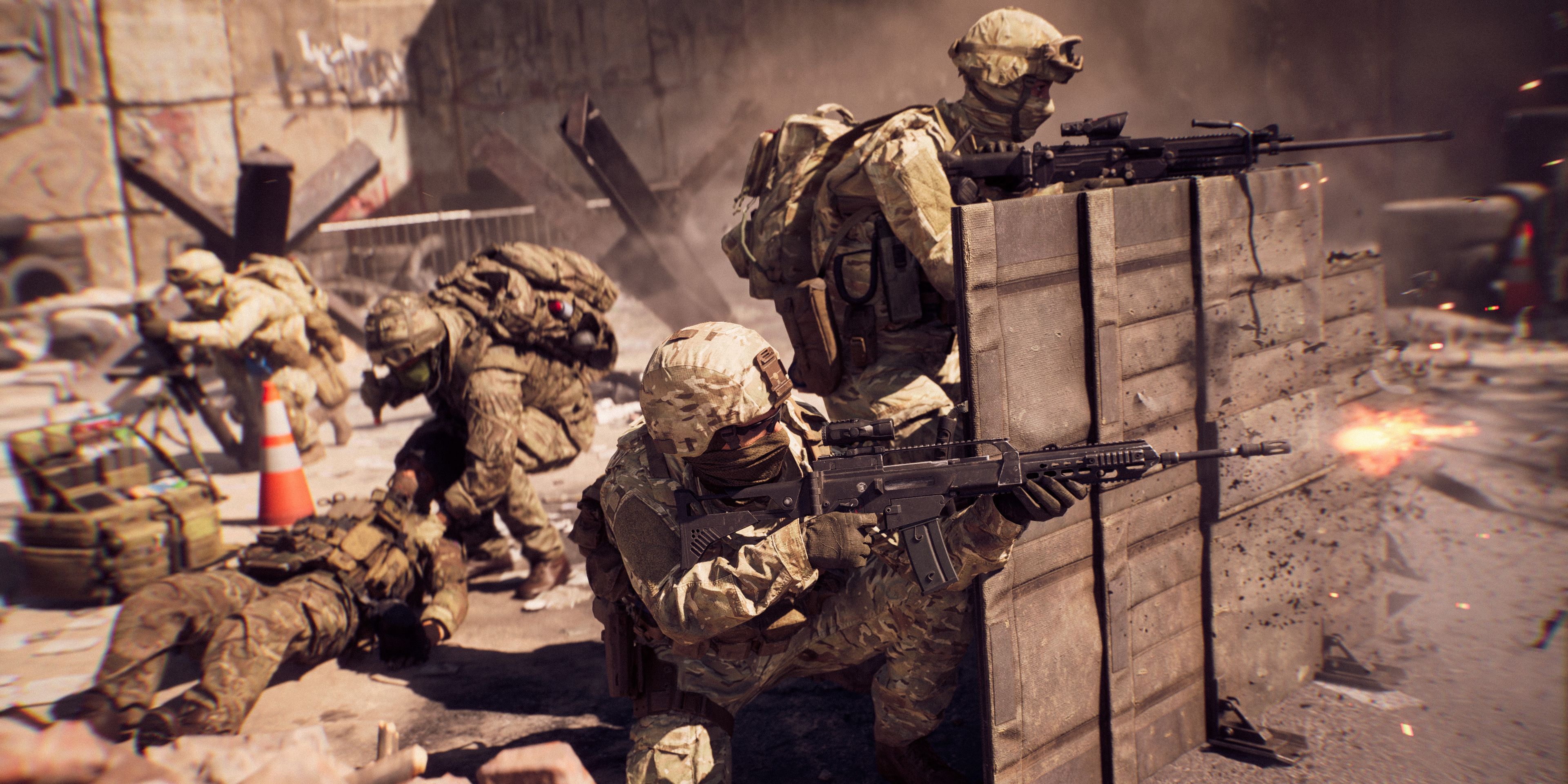
If you’re gearing up to play Battlefield 6 and want a smooth gaming experience, optimizing your PC is key.
Here are some tips to help you get the best performance from your system:
- Keep Graphics Drivers Updated Updating your graphics drivers regularly is vital for getting the most out of modern games. Both NVIDIA and AMD release updates that boost performance and fix issues, especially around new game launches. Be sure to update your drivers before playing Battlefield 6.
- Consider Upgrading Your RAM Although Battlefield 6 recommends 16 GB of RAM, upgrading to 32 GB can benefit players who want to run the game on high settings, especially if you’re multitasking, streaming, or running other applications alongside the game.
- Use an SSD for Installation Installing Battlefield 6 on a Solid-State Drive (SSD) rather than a traditional Hard Disk Drive (HDD) will significantly improve load times and reduce in-game lag. Also, make sure there’s enough free space on your drive for smooth performance.
- Tweak In-Game Settings Even if your PC meets the recommended specs, adjusting the game’s settings can help improve performance. Lowering options like shadows, textures, and visual effects can boost frame rates if you encounter any lag or stuttering.
Can My PC Run Battlefield 6?
Before playing Battlefield 6, it’s important to check if your PC meets the game’s system requirements. Your processor (CPU), graphics card (GPU), RAM, and storage all affect how well the game will run. Meeting the minimum requirements means the game will run but likely with lower graphics settings and reduced performance. The recommended specs, on the other hand, allow for smoother gameplay with better visuals and higher frame rates.
You can use system tools like CPU-Z or online services to compare your PC’s hardware against Battlefield 6’s requirements. If your system falls short, you can still play by lowering in-game graphics settings or upgrading key parts like your GPU or switching to an SSD for faster loading times.
Understanding your PC’s capabilities is key to enjoying Battlefield 6 without lag or crashes.
Wie man die Battlefield 6 Gaming Experience with XMOD?
To take your Battlefield 6 gameplay to the next level, leveraging powerful tools like XMOD can make all the difference in performance and enjoyment.
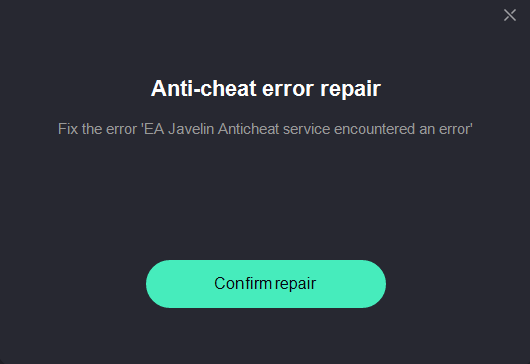
EA Anticheat Error Fix
Best Graphics Settings
Applies optimal smart settings tailored for Battlefield 6 to improve your visual quality and overall game performance.
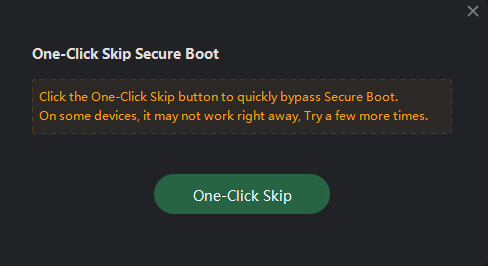
Skip Secure Boot
Fast Steam Unpack
Speeds up the game extraction process from Steam, reducing waiting times during installation or updates.
Custom Crosshair
Provides a dynamic, customizable crosshair overlay that enhances aiming accuracy and targeting, tailored to your preferences.
FPS Graphics Pro
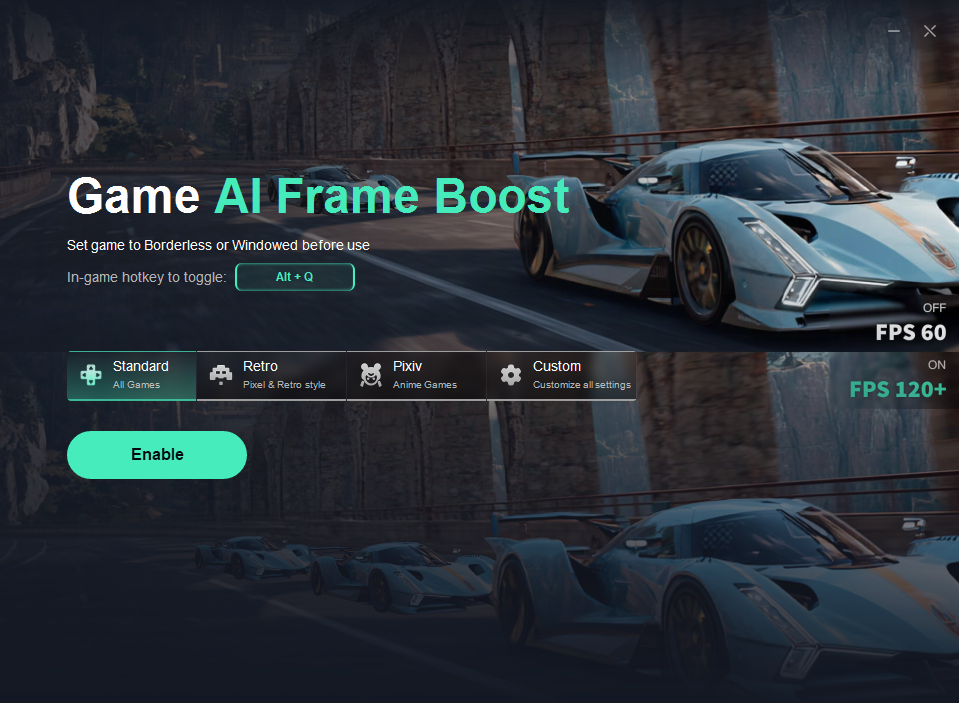
Implements smart graphical optimizations aimed at maximizing your frame rates while maintaining decent visual fidelity.
Speicher Opt
One-click optimization to clean your RAM and virtual memory, freeing up resources for smoother game performance.
Fix DX12 Support
Addresses issues related to DirectX 12, allowing you to install the latest updates and fixes for improved game stability.
Steam Login Fix
Helps resolve login issues with Steam to ensure a seamless connection to your Battlefield 6 account.
Each of these services aims to improve gameplay stability, performance, and customization options while addressing common technical problems encountered by Battlefield 6 players.
Schlussfolgerung
In summary, Battlefield 6 offers an immersive and intense gaming experience that demands a capable PC to run smoothly. By understanding the minimum and recommended system requirements, you can ensure your setup is ready for the action. Optimizing your PC’s performance and leveraging tools like XMOD can further enhance gameplay, reduce lag, and give you a competitive edge. Whether you’re checking if your PC can handle the game or looking to maximize your experience, these steps will help you enjoy Battlefield 6 to its fullest pote
Ich bin ein leidenschaftlicher Gamer und Autor bei XMODhub, der sich der Aufgabe verschrieben hat, euch die neuesten Gaming-News, Tipps und Einblicke zu geben.
Verbinden Sie sich mit mir:
LinkedIn-Profil

 Catherine Hu

 Nancy Miller