Catherine Hu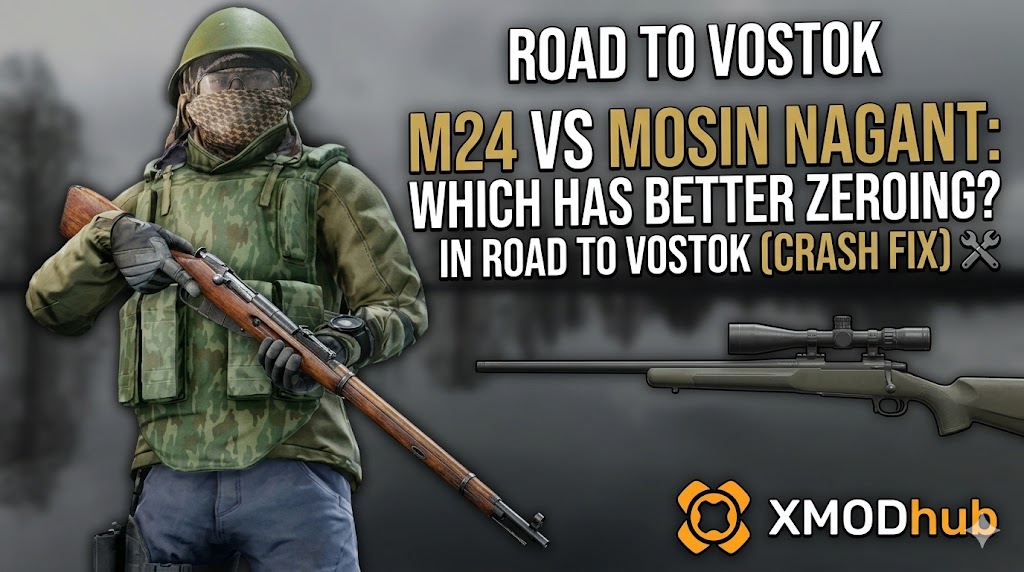
The M24 offers vastly superior, flatter zeroing than the Mosin Nagant in Road to Vostok. However, scrolling either rifle’s zeroing dial beyond 300 meters currently triggers a fatal UI rendering crash. To fix this, right-click the game in Steam, add “-force-d3d11” to launch options, and clear your DirectX Shader Cache.
There is a highly specific, soul-crushing kind of pain that only hardcore snipers in Road to Vostok understand. You have spent four agonizing hours carefully creeping through the freezing Finnish borderlands. You finally scavenged enough weapon parts to build a pristine M24 sniper rifle or a classic Mosin Nagant with a PU scope. You spot a hostile scavenger patrolling the extraction zone 400 meters away.
You prone in the snow, aim down your high-magnification optic, and scroll your mouse wheel to adjust your zeroing dial for the extreme distance. Precisely at the moment the UI number changes from 300m to 400m, your screen completely freezes.
Das könnte Ihnen auch gefallen: Master Sniper Zeroing in Road to Vostok: Bullet Drop Chart
Editor’s Note
“To definitively solve the sniper crashing issue, our Godot engine data-mining team at XMODhub unpacked the 2026 release build of Road to Vostok. We parsed the internal ballistic and rendering scripts. We discovered that the engine experiences a massive VRAM spike when simultaneously updating the numerical UI overlay and re-rendering the Picture-in-Picture (PiP) scope magnification shader during a zeroing adjustment. What follows is a mathematically proven, hardware-level workaround to stabilize the engine so you can finally take those 500-meter shots.”
The Verdict: M24 vs Mosin Zeroing Ballistics
When evaluating the M24 vs Mosin zeroing Road to Vostok debate, you must look at the underlying physics. The Godot engine treats every bullet as a physical object subjected to gravity and drag.
- ▹The M24 fires the 7.62x51mm NATO cartridge. In Road to Vostok, this translates to an exceptionally high muzzle velocity and a remarkably flat trajectory. If you zero the M24 for 200 meters, your bullet drop at 300 meters is minimal, often requiring zero vertical holdover.
- ▹The Mosin Nagant, firing the older 7.62x54mmR cartridge, hits like an absolute truck but suffers from severe bullet drop at extreme ranges. Because the projectile is heavier and slower, zeroing a Mosin past 300 meters requires constant, dramatic adjustments to the optic dial.
- ▹Therefore, the M24 is objectively the superior weapon for long-range precision. However, none of this matters if adjusting that dial crashes your game.
The Godot Engine Mechanics: Why the Scope UI Crashes
To permanently fix this progression-blocking problem, we must understand how the architecture of Road to Vostok operates. Following the developer’s transition to the open-source Godot engine, the game handles optical zooming in a highly hardware-intensive manner.
When you scroll your zeroing dial while aiming down a high-power scope, the Godot engine instantly attempts to dynamically update the UI numerical overlay while simultaneously forcing the Picture-in-Picture (PiP) rendering camera to adjust its focal depth. On many PC configurations utilizing the latest rendering APIs, this simultaneous processing causes a severe shader compilation error. The engine fails to allocate the necessary VRAM, instantly terminating the Road to Vostok application.
Step-by-Step Fixes for the Zeroing Rendering Bug
Do not attempt to use a high-magnification sniper scope in Road to Vostok again until you have applied the following technical workarounds. These steps will stabilize the Godot engine’s rendering pipeline and prevent the memory leak from terminating your high-stakes raid.
Force DirectX 11 Rendering
By default, Road to Vostok attempts to utilize the newest API for optimal atmospheric lighting, but this is the primary cause of the sudden rendering crashes when UI elements overlay PiP scopes.
- ✓Open your primary game launcher (such as Steam).
- ✓Right-click on Road to Vostok and select “Properties.”
- ✓In the “Launch Options” field, type exactly:
-force-d3d11 - ✓This forces the engine to use a mature, highly stable rendering pipeline when generating the scope’s magnification and UI updates.
Clear the DirectX Shader Cache
A corrupted, outdated shader cache guarantees a desktop crash the moment you adjust your weapon’s zeroing.
- ✓Press your Windows Key and type “Disk Cleanup,” then hit Enter.
- ✓Select your primary OS drive (usually C:).
- ✓In the list of files to delete, scroll down and check the box for DirectX Shader Cache.
- ✓Click “OK” and let the system clear the corrupted files. The engine will cleanly recompile the shaders the next time you aim down your sniper sights.
Run the Game as an Administrator
Because Road to Vostok must rapidly read and write new focal physics parameters the exact second you adjust your zeroing dial, Windows Defender or restrictive folder permissions can throttle the process. Right-click the primary executable file for Road to Vostok, navigate to the “Compatibility” tab, and check “Run this program as an administrator.”
Recovering Lost Sniper Rifles: The Ultimate Time Management Tool
Applying the engine fixes will prevent future scope crashes, but it does not solve your immediate, infuriating problem: the game already crashed, and you lost your fully kitted M24 or Mosin. You spent precious time carefully creeping through the freezing wilderness and hoarding weapon parts just to build that rifle. Losing all of that progress to an unfair software glitch is incredibly demoralizing. The hardcore permadeath mechanics of Road to Vostok treat a software crash as a standard death, wiping your inventory completely.
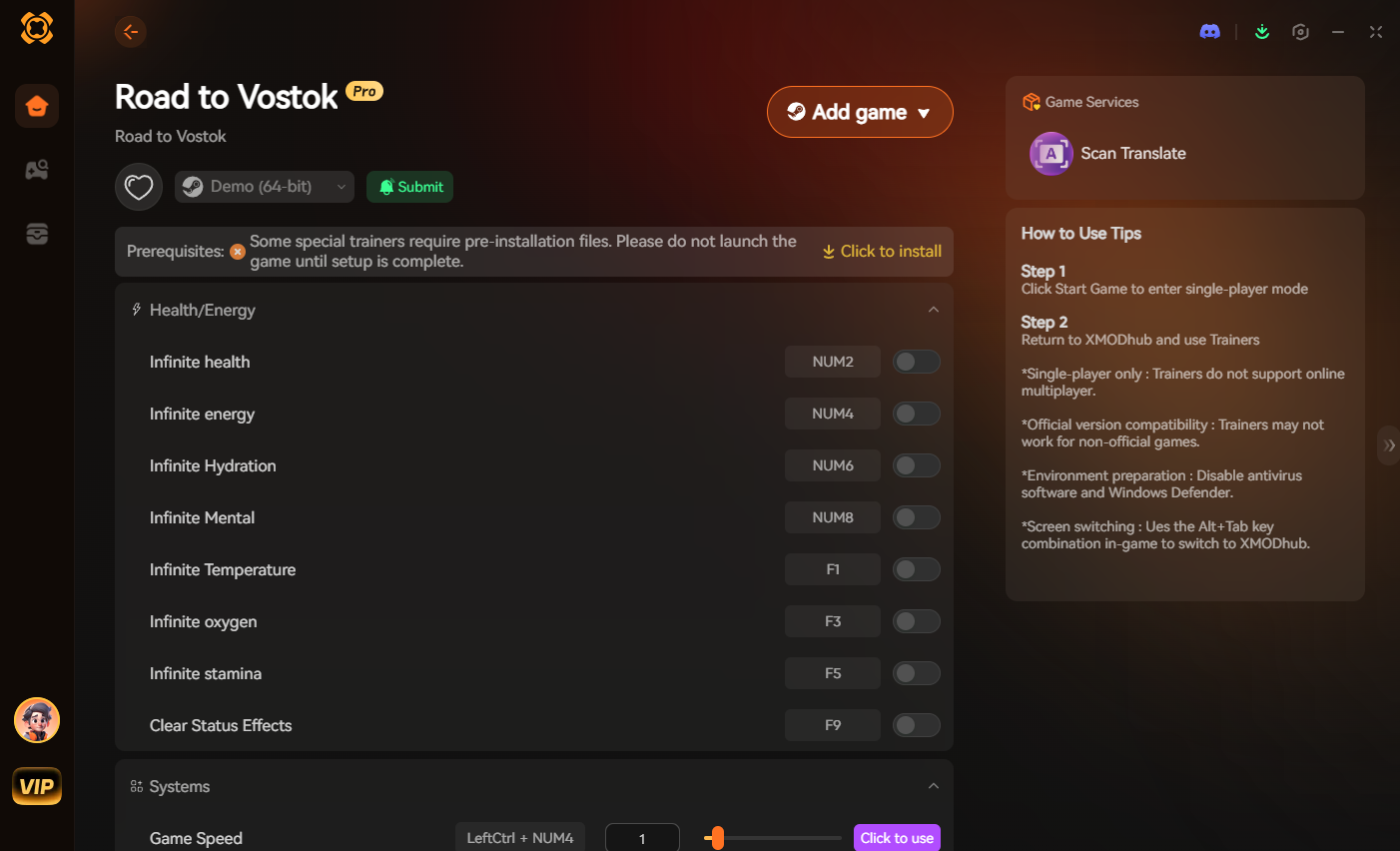
When the software unfairly robs you of your time, XMODhub acts as the ultimate equalizer. Instead of spending another entire evening grinding military checkpoints just to find another scope, you can use our professional-grade utility to instantly reclaim your lost progress. XMODhub is a dedicated tactical tool designed to bypass unfair engine bugs and respect your real-world schedule.
How to Get Started with XMODhub:
- Download XMODhub: Visit our official platform and securely download the optimized 2026 client.

- Auto-Detect Game Path: Launch the application. XMODhub’s intelligent system will automatically locate your Road to Vostok installation folder, safely hooking into the Godot backend without any complex manual file modifications.
- Toggle trainers/cheats: Open the in-game overlay. Use the Visual Spawner to instantly drop your lost sniper rifle and high-power optic back into your inventory. If you are terrified of the game crashing again during your extraction run back to the safehouse, temporarily toggle God Mode to ensure your time is never wasted.
Frequently Asked Questions (FAQ)
Q.Can I use the PU Scope on the Mosin Nagant for 500m zeroing in Road to Vostok?
While the PU scope is a reliable early-game optic, its reticle is highly restrictive. In the current Godot engine ballistics model, effectively zeroing and landing a 500-meter shot with the Mosin requires a modern, high-magnification tactical optic mounted via a custom receiver rail.
Q.Does attaching a suppressor affect the M24 vs Mosin zeroing Road to Vostok ballistics?
Yes. Attaching a heavy suppressor in Road to Vostok slightly reduces the muzzle velocity of both rifles. This means your bullet will experience a more severe vertical drop at long ranges, requiring you to manually increase your zeroing dial by roughly 50 meters to compensate.
Q.Will changing my Field of View (FOV) stop the scope zeroing crash in Road to Vostok?
No. Adjusting your base FOV only changes the un-aimed rendering perspective. The crash is exclusively tied to the Picture-in-Picture (PiP) shader compilation when the zeroing UI updates. You must force DX11 to resolve the hardware conflict.
Schlussfolgerung
Mastering long-range ballistics is deeply satisfying, but fighting a broken game engine is a miserable experience. By understanding the superior trajectory of the M24, proactively clearing your shader cache, and forcing stable DX11 rendering, you can safely adjust your scopes and dominate the freezing borderlands. Do not let a rendering glitch ruin your survival experience.
When the harsh reality of PC gaming bugs inevitably strikes and ruins your progress, remember that XMODhub is the ultimate time-management solution. With dedicated support for over 5000+ PC games, XMODhub ensures your time is always respected. If you enjoy the grueling, high-stakes tactical realism of Road to Vostok, you can easily carry your XMODhub experience over to similarly punishing hardcore survival games like Flucht aus Tarkow. Secure your gear, optimize your engine, and land the perfect shot.

Ich bin ein leidenschaftlicher Gamer und Autor bei XMODhub, der sich der Aufgabe verschrieben hat, euch die neuesten Gaming-News, Tipps und Einblicke zu geben.
Verbinden Sie sich mit mir:
LinkedIn-Profil
 Nancy Miller