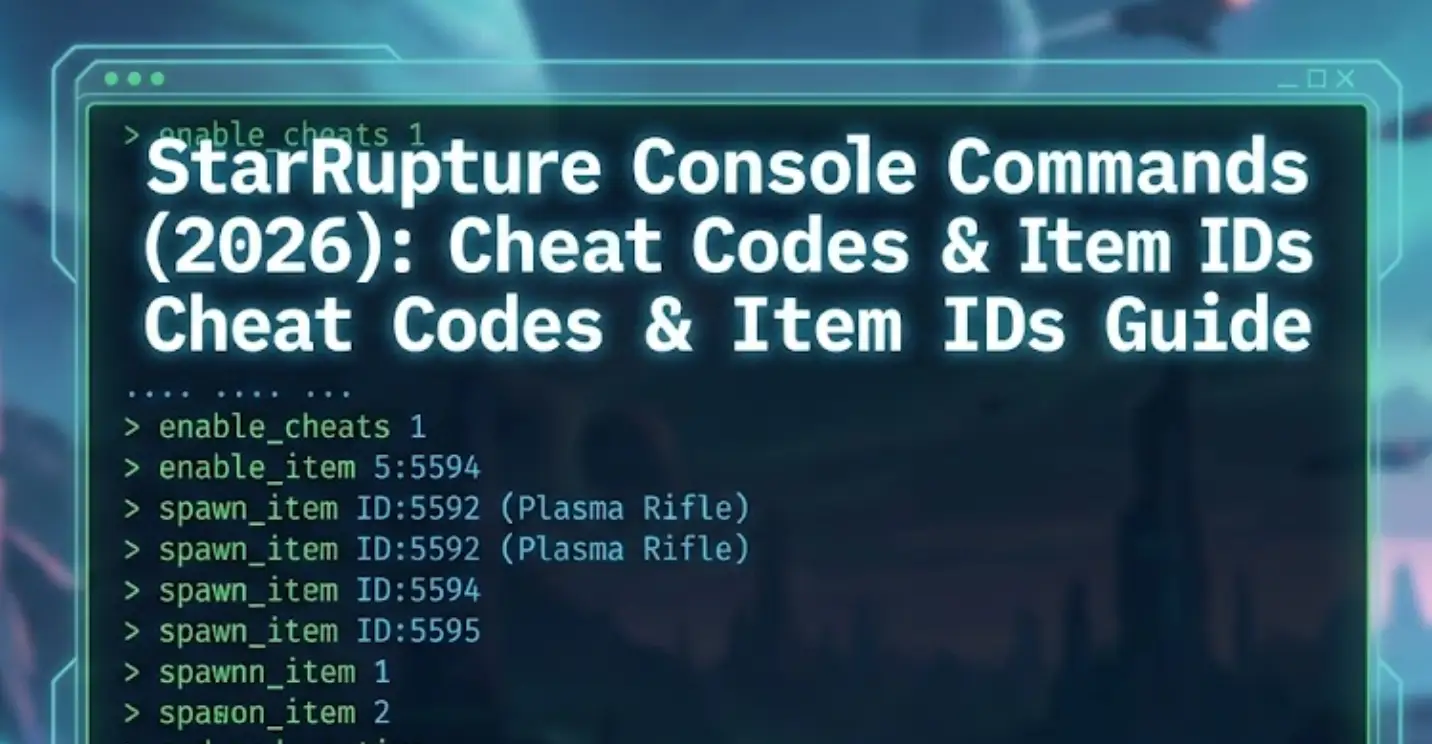
Das Überleben auf einem chaotischen Planeten voller Insektoidenschwärme ist hart. Egal, ob Sie Ihre Basis gegen ein massives “Ruptura”-Ereignis verteidigen oder einfach nur ohne Grenzen kreativ bauen wollen, mit StarRupture Konsolenbefehle kann Ihr Spiel retten.
Allerdings ist der Zugriff auf das Entwickler-Debug-Menü in Unreal Engine 5-Spielen nicht immer einfach.
Im Folgenden finden Sie eine vollständige Anleitung, wie Sie das Öffnen der Konsole erzwingen, die Liste der bekannten Befehle und die sicherere Alternative zum Cheaten, ohne Ihre Speicherdaten zu beschädigen.
Inhaltsübersicht
Anmerkung der Redaktion: Early Access & Konsolensperren
So aktivieren Sie die Konsole in StarRupture
Wesentliche Konsolenbefehle (God-Modus & FPS)
Wie man Artikel-IDs findet (die “Dump”-Methode)
Das Problem: Warum Konsolenbefehle Errungenschaften deaktivieren
Die bessere Alternative: XMODhub Trainer (ohne Tippen)
FAQ
Schlussfolgerung
Anmerkung der Redaktion: Early Access & Konsolensperren
“StarRupture läuft auf der Unreal Engine 5. In vielen Early Access-Builds deaktivieren die Entwickler das Standard-Tilde (~) Konsolentaste, um Fehlerberichte zu verhindern, die durch Benutzer-Cheats verursacht werden.
Wenn die Standardmethoden versagen, spielen Sie wahrscheinlich einen ‘Shipping Build’, bei dem die Konsole entfernt wurde. In diesem Fall ist der XMODhub Trainer die einzige funktionierende Methode, um Cheats wie den God Mode zu aktivieren, ohne die Spieldateien zu verändern.”
- Catherine Hu, Senior Modding Specialist und Spieleautorin bei XMODhub
So aktivieren Sie die Konsole in StarRupture
Um auf das Debug-Menü zuzugreifen, probieren Sie diese UE5-Standardmethoden der Reihe nach aus:
Methode A (Standard): Presse ~ (Tilde), F1, oder F10 während des Spielens.
Methode B (Startoptionen):
Rechtsklick auf StarRupture in Steam > Eigenschaften.
Unter Start-Optionen, Typ: -konsole -debug
Methode C (Input.ini Config):
Gehe zu %LOCALAPPDATA%\StarRupture\Gespeichert\Konfiguration\WindowsNoEditor\
Öffnen Sie Eingabe.ini und hinzufügen:
Ini, TOML
[/Script/Engine.InputSettings]
ConsoleKey=Tilde
Liste der wesentlichen Konsolenbefehle
Wenn sich die Konsole öffnet (ein kleiner schwarzer Balken am unteren Rand), probieren Sie diese Befehle aus, um die Spielwelt zu steuern.
Überleben & Kampf
Gott oder god_mode 1 - Unbesiegbarkeit gegen Aliens und Lava.
unendlich_ausdauernd 1 - Laufen und schürfen für immer ohne Ermüdung.
Geist - Durch Wände fliegen (Noclip).
Spaziergang - Kehren Sie in den normalen Gehmodus zurück.
killall - Eliminiert alle Feinde in Renderdistanz.
Grafiken & Leistung (Schlüsselwörter mit hohem Traffic)
r.setres 1920x1080f - Erzwingt Korrektur der Auflösung.
statistische Daten pro Sekunde - Zeigt einen FPS-Zähler auf dem Bildschirm an, um die Verzögerung während Ruptura-Events zu überwachen.
Wie man Artikel-IDs findet (die “Dump”-Methode)
Spiel-Updates ändern die Item-IDs häufig. Anstatt zu raten, können Sie mit diesem Befehl die aktuell Liste in Ihrer Version:
Befehl:DumpConsoleCommands oder ListInventory
Aktion: Dies gibt normalerweise ein Textprotokoll in Ihrem Spielordner aus. Suchen Sie nach Zeilen, die mit Biomasse_Rohstoff, Erz_Eisen, oder Ammo_Rifle.
(Zu kompliziert? Der XMODhub-Trainer hat ein Dropdown-Menü mit allen Elementen vorgeladen, so dass Sie nicht nach IDs suchen müssen).
Das Problem: Warum Konsolenbefehle Errungenschaften deaktivieren
Die Verwendung der Entwicklerkonsole ist riskant:
Errungenschaftssperre: Tippen Gott markiert deine Speicherdatei normalerweise als “Geschummelt” und deaktiviert die Steam Achievements dauerhaft.
Retten Sie die Korruption: Spawning der falschen Entität (z.B., Boss_01 beschwören in der Basis) kann die Physik-Engine zum Absturz bringen und die automatische Speicherung beschädigen.
Zurücksetzen: Sie müssen die Codes jedes Mal neu eingeben, wenn Sie das Spiel laden.
Die bessere Alternative: XMODhub Trainer (ohne Tippen)
Hören Sie auf, Codes auswendig zu lernen. XMODhub fungiert als visuelles Overlay, das Cheats sicher in den Speicher einfügt, ohne die Spieldateien zu verändern.
F: Kann ich im Mehrspielermodus Konsolenbefehle verwenden?
A: Nein. Konsolenbefehle sind serverseitig. Wenn Sie nicht der Host sind, werden sie nicht funktionieren. XMODhub arbeitet client-seitig für visuelle und Inventar-Änderungen.
F: Wie lautet der Befehl zum Überspringen der Zeit?
A: Versuchen Sie slomo 10, um die Zeit um das 10-fache zu beschleunigen, oder set_time [hour], falls in Ihrem Build verfügbar.
F: Warum meldet die Konsole “Befehl nicht erkannt”?
A: Das bedeutet entweder, dass der Befehl im letzten Patch entfernt wurde, oder Sie haben einen Tippfehler gemacht. Bei Befehlen wird oft zwischen Groß- und Kleinschreibung unterschieden.
Schlussfolgerung: Schummeln Sie klüger, nicht härter
Während god_mode 1 ist ein klassischer Weg zu überleben, indem man sich auf veraltete Konsolenbefehle in StarRupture richtet oft mehr Schaden als Nutzen an. Das Risiko, Steam-Errungenschaften zu deaktivieren, Ihre Speicherdateien mit ungültigen Objekt-IDs zu beschädigen oder einfach die Spielphysik zu zerstören, ist die Mühe nicht wert.
XMODhub bietet eine moderne Lösung: sicheres, visuelles und leistungsfreundliches Cheating, mit dem Sie sich auf den Aufbau der ultimativen industriellen Basis konzentrieren können.
Ein Trainer, Tausende von Welten
StarRupture ist nur der Anfang. XMODhub unterstützt mehr als 5.000+ Spiele, So können Sie sicherstellen, dass Sie über die erforderlichen Werkzeuge für Ihre gesamte Bibliothek verfügen.
Grüne Hölle: Auch von Creepy Jar? Auch dafür haben wir Cheats.
Der Spaltbrecher: Sie lieben die Basisverteidigung? Optimieren Sie sie mit unserem Trainer.
Zufriedenstellend: Bauen Sie Fabriken ohne Grenzen mit unseren Ressourcen-Mods.
Ob du im Amazonas-Dschungel überlebst oder einen Sci-Fi-Planeten automatisierst, XMODhub deckt deine gesamte Spielreise mit einem einzigen Abonnement ab.
Ich bin ein leidenschaftlicher Gamer und Autor bei XMODhub, der sich der Aufgabe verschrieben hat, euch die neuesten Gaming-News, Tipps und Einblicke zu geben.
Ich bin ein leidenschaftlicher Gamer und Autor bei XMODhub, der sich der Aufgabe verschrieben hat, euch die neuesten Gaming-News, Tipps und Einblicke zu geben.
Verbinden Sie sich mit mir:
LinkedIn-Profil
How to Fix Far Far West Crash on Startup & Black Screen
There is nothing more agonizing in PC gaming than having your highly anticipated session ruined by technical failures. When Far Far West crashing issues occur, it completely kills the momentum of your team.…
Far Far West Mounts Guide: Where to Tame the Fastest Horse
The fog rolls in thick across the Weeping Canyons, and the extraction timer is flashing red on your screen. Without a reliable mount, getting caught in the open terrain of Far Far West…

 Catherine Hu