
 Catherine Hu
Summary: Quickly check the minimum and recommended PC specs for Biped 2, along with tips for performance and optimizing your gameplay experience.
Biped 2 brings back the beloved cooperative puzzle-platforming adventure with improved movement mechanics, charming robot characters, and brand-new levels to explore.
Before diving into its duo-focused challenges, it’s important to know whether your PC can handle the game smoothly.
In this guide, we break down the minimum and recommended system requirements, help you determine if your setup can run Biped 2, and offer tips for low-end PCs.
You’ll also learn how tools like XMOD can enhance performance and customize your gameplay experience.
Table of contents
- What is Biped 2?
- System Requirements: Minimum and Recommended
- Can You Run Biped 2 on a Low-End PC?
- Can My PC Run Biped 2?
- How to Enhance Gameplay Experience with XMOD?
- Conclusion
What is Biped 2?

Biped 2 is a cooperative action-adventure game developed by NEXT Studios and published by META Publishing.
In the game, you play as two charming bipedal robots, Aku and Sila, who embark on a journey across an alien planet after receiving a mysterious distress signal.
Gameplay features both single-player and cooperative modes (for 2 or 4 players), pioneering movement mechanics such as controlling each leg separately, using a grappling hook, sliding, and hang gliding.
The focus is on teamwork and coordination: you and your partner must sync movements, alternate roles (legs vs. arms), and solve puzzles designed around collaboration, whether you’re playing alone or with friends.
Biped 2 promises a colorful, physics-driven adventure with playful robots, new traversal systems, and a vast world of puzzles waiting to be explored.
System Requirements: Minimum and Recommended
Before you jump into the cooperative adventure of Biped 2, it’s important to make sure your PC can handle the game smoothly. Below are the official system requirements to help you prepare your setup.
Minimum Requirements
These specs are enough to run the game at basic settings:
- OS: Windows 10/11
- Processor: Intel i3 Sandy Bridge Dual-Core or equivalent
- Memory: 8 GB RAM
- Graphics: NVIDIA GeForce GTX 960
- Storage: 6 GB available space
Recommended Requirements
For a smoother and more visually polished experience, aim for the following:
- OS: Windows 10/11
- Processor: Intel i5 Sandy Bridge Dual-Core or equivalent
- Memory: 16 GB RAM
- Graphics: NVIDIA GeForce GTX 1050 Ti
- Storage: 6 GB available space
Can You Run Biped 2 on a Low-End PC?

Yes — Biped 2 can run on some low-end PCs, but it depends on how close your system is to the minimum requirements. The game isn’t extremely demanding, but weaker CPUs or older GPUs may struggle without lowering settings.
If your PC falls below the minimum specs, you may still be able to play by reducing graphics quality, lowering resolution, and disabling effects like shadows or anti-aliasing. Performance tools such as XMOD can also help optimize FPS and stability, making the game more playable on entry-level hardware.
Can My PC Run Biped 2?
To know whether your PC can run Biped 2, simply compare your hardware with the game’s minimum and recommended system requirements. If your processor, RAM, and graphics card meet—or exceed—the minimum specs, the game should run smoothly at lower settings. Matching the recommended specs will give you much better performance and visual quality.
If you’re unsure how your hardware stacks up, check your PC’s specifications through the Windows System Information panel or use any hardware-check tools. Even if your system is slightly below the minimum requirements, you may still be able to play with optimized settings or performance boosters.
How to Enhance Gameplay Experience with XMOD?

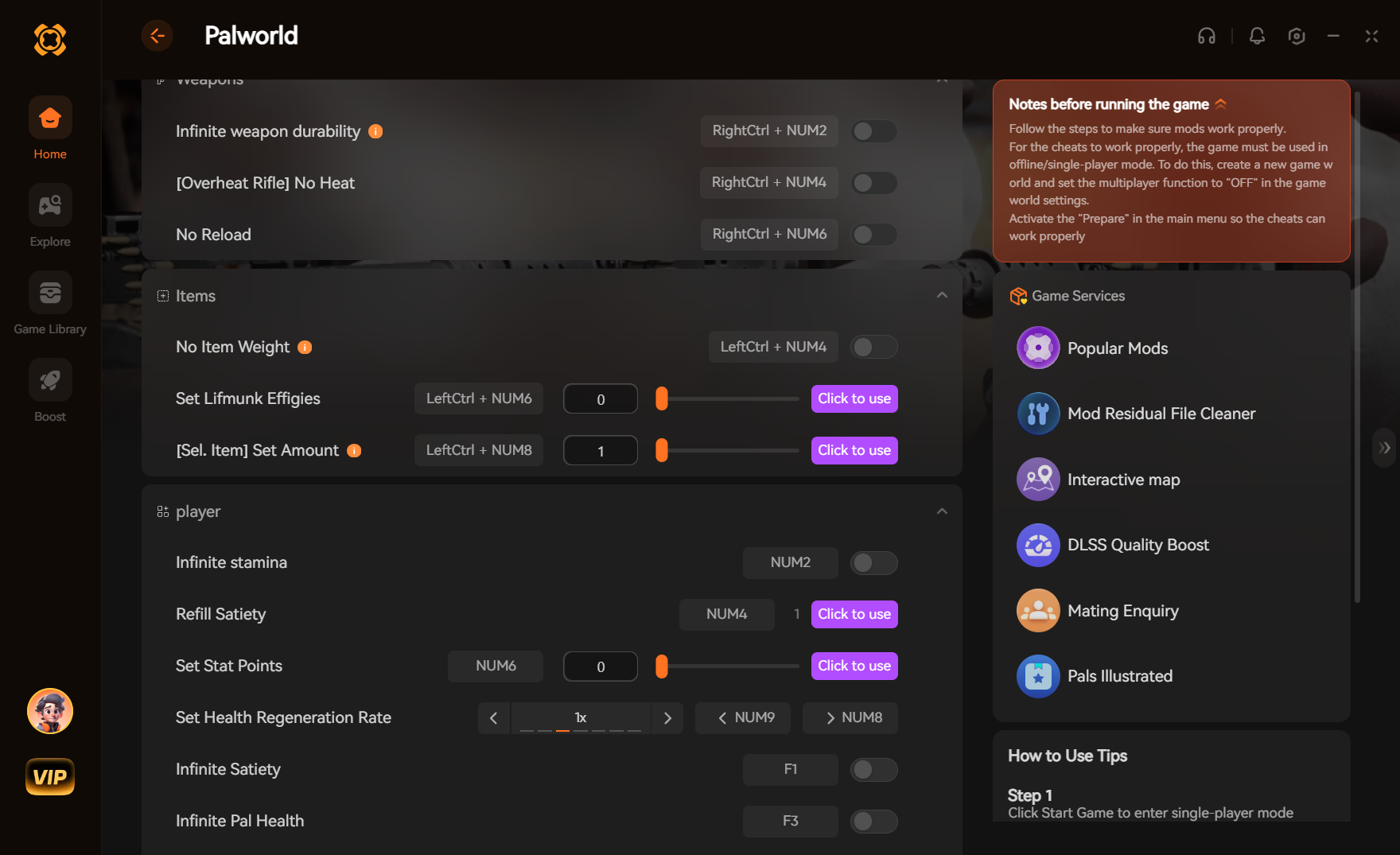
XMOD is a comprehensive toolset built to elevate your gaming experience with features that go far beyond standard gameplay. For Biped 2, XMOD will deliver cheats, trainers, and mods right after release, all fully compatible and consistently updated. With access to over 5,000 free and premium trainers and mods, players can customize the game to suit their playstyle.
Mods: Enhance visuals, refresh textures, tweak the interface, or add new mechanics for a more immersive experience.
Trainers: Adjust stats like health, stamina, ammo, or skill points to simplify progression or test new approaches.
Cheats: Quickly unlock items, bypass tough areas, or spawn gear so you can focus on exploring and enjoying the adventure.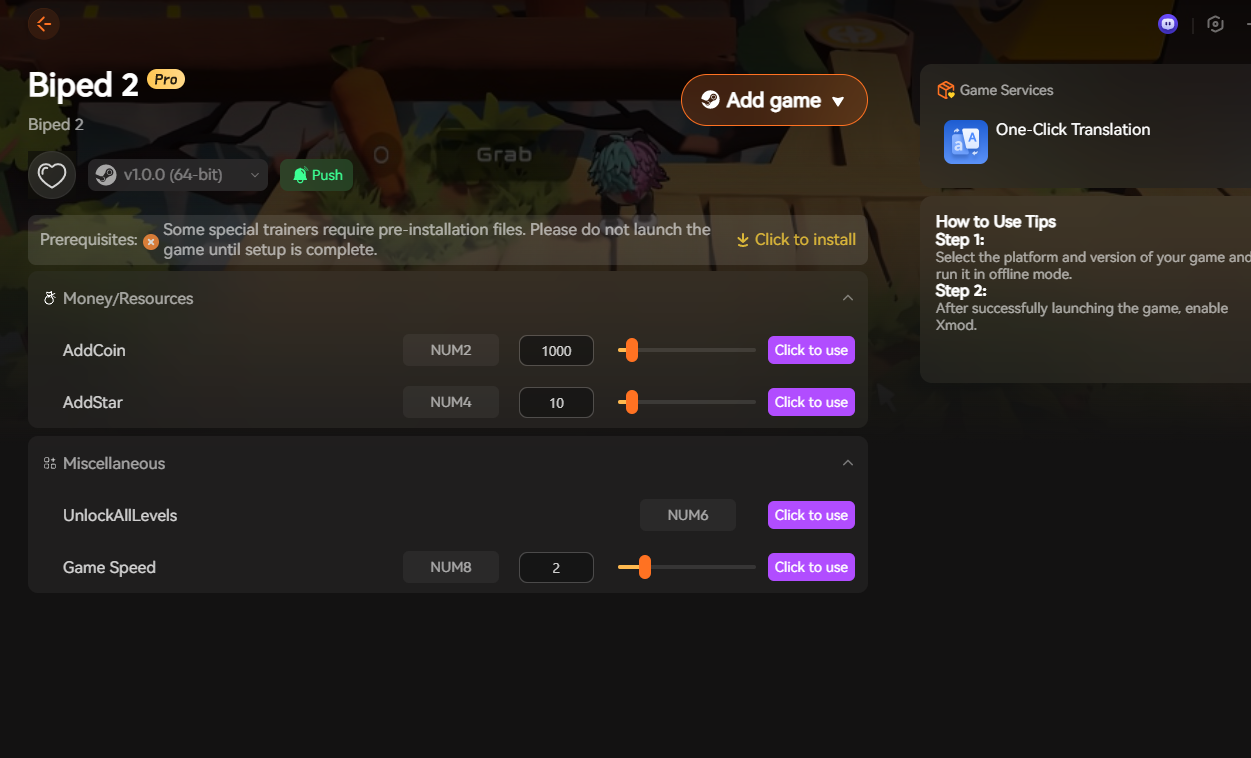
In addition, XMOD offers helpful extras such as translation tools, FPS optimizers, DLC unlockers, and other performance-focused upgrades. Whether you want to make the journey smoother, uncover hidden content, or fine-tune gameplay, XMOD gives you complete control over how you experience Biped 2.
Conclusion
Biped 2 delivers a charming and challenging co-op adventure, and making sure your PC meets the system requirements ensures you get the smoothest experience possible. Whether you’re running a low-end setup or want to push visuals to the next level, there are plenty of ways to optimize performance. And with tools like XMOD, you can go even further—enhancing gameplay, improving stability, and customizing the game to match your playstyle. No matter how you choose to play, Biped 2 offers a fun, engaging journey that’s even better when your system is ready for it.

I am a passionate gamer and writer at XMODhub, dedicated to bringing you the latest gaming news, tips, and insights.
Connect with me:
LinkedIn Profile ↗


 Nancy Miller