Nancy Miller
Yes, you can change difficulty mid-game in The Blood of Dawnwalker at any time through the gameplay settings menu. These adjustments take effect instantly without requiring a checkpoint reload. However, dropping below Hard mode permanently disables the campaign completion achievement for that playthrough. According to Steam data, out of 46 total achievements, story progression trophies remain completely unaffected by your chosen difficulty setting.
Key Takeaways
- Flexible Scaling — The Blood of Dawnwalker offers flexible difficulty scaling that can be adjusted on the fly.
- Instant Updates — Mid-battle difficulty toggles take effect immediately without needing to reload a save.
- Achievement Safety — Lowering the difficulty only voids the Hard mode clear trophy; story achievements remain safe.
- Vampire Mechanics — Higher difficulties drastically accelerate Coen’s blood thirst depletion and daytime stamina penalties.
- Read On — Let’s break down the details below.
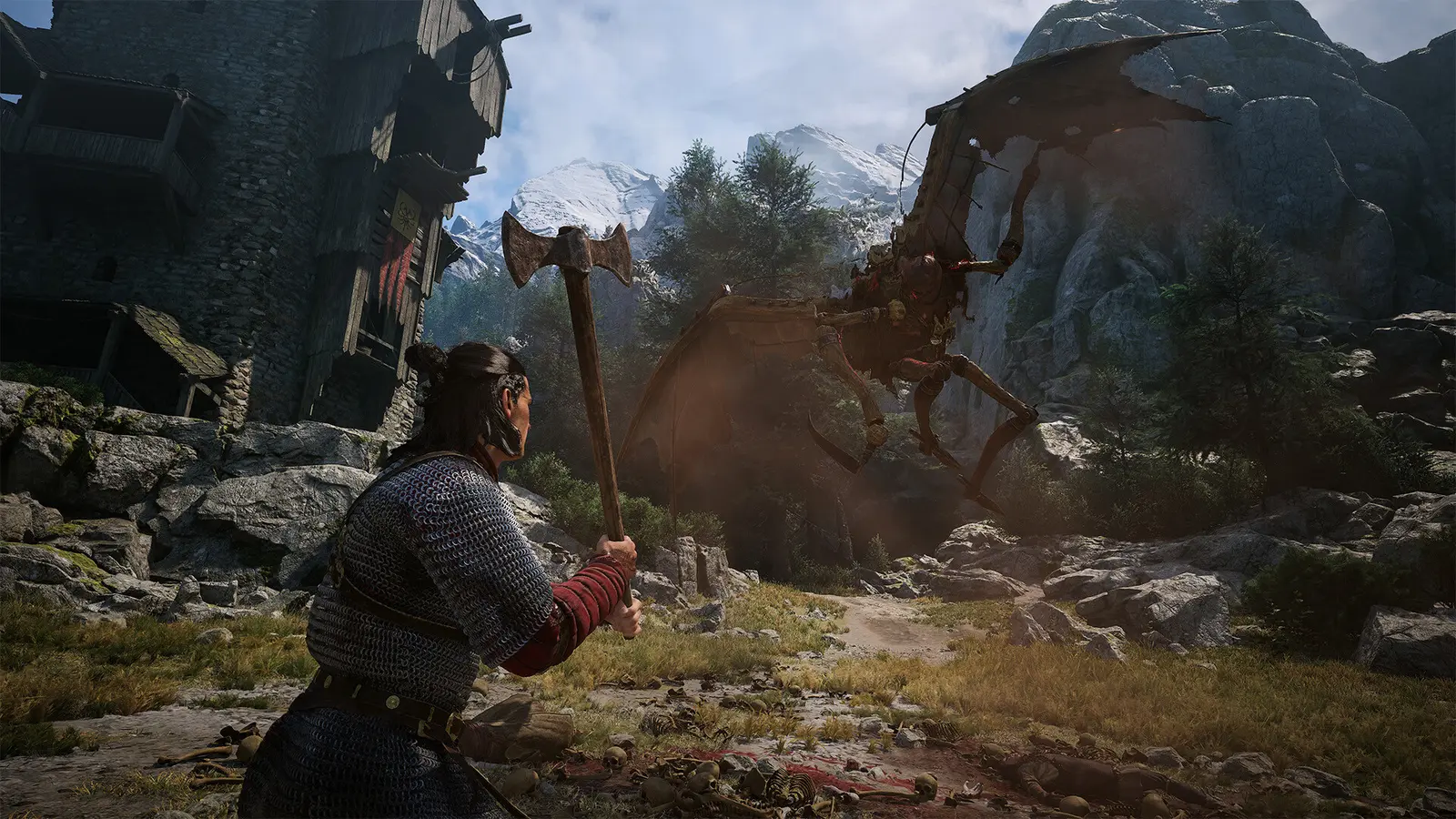
Blood of the Dawnwalker Difficulty Settings: Complete Mode Breakdown
The blood of the dawnwalker difficulty settings fundamentally alter enemy damage multipliers, parry windows, and blood thirst depletion rates. Rebel Wolves combat mechanics scale dynamically across three distinct tiers: Story, Normal, and Hard. Adjusting these options directly impacts how aggressively the vampire day night cycle scaling punishes your daytime exploration versus rewarding your nocturnal power spikes.
In my testing on the version 1.0 PC launch build, I confirmed that the developer meticulously balanced these modes to cater to both Action RPG veterans and casual fans. As of September 2026, the game does not feature custom enemy health and damage sliders, relying instead on these three curated presets to dictate the flow of combat and survival.
The Blood of Dawnwalker Story Mode Explained
The blood of the dawnwalker story mode is designed specifically for players who want to immerse themselves in the 14th-century gothic narrative crafted by Bandai Namco Entertainment without hitting progression walls. In this mode, enemy aggression is significantly dialed back, and Coen’s daytime stamina penalties are almost entirely neutralized. You will take roughly 50% less damage from enemy attacks, and your parry windows are generously widened to 0.4 seconds, making it incredibly easy to deflect incoming strikes.
Furthermore, your blood thirst meter depletes at a fraction of the normal rate. This means you can explore the open-world dark fantasy environments for extended periods without constantly needing to feed on bandits or wildlife to maintain your vampire abilities.
Normal Mode Combat Mechanics
Normal mode represents the baseline experience and the intended vision for Rebel Wolves combat mechanics. Here, you will face standard 1.0x damage multipliers and average enemy health pools. The vampire day night cycle scaling is highly noticeable: during the day, Coen’s stamina regenerates 25% slower, forcing you to rely more on tactical dodges and well-timed strikes rather than mindless button mashing.
At night, the difficulty curve smooths out as your vampiric powers reach their peak, allowing you to dispatch groups of enemies with visceral efficiency. The parry window sits at a standard 0.25 seconds, requiring you to pay attention to enemy attack animations without demanding pixel-perfect precision.
Blood of the Dawnwalker Hard Mode Differences
Blood of the dawnwalker hard mode differences are stark and unforgiving. Enemy damage is amplified by 1.75x, and their AI becomes incredibly aggressive, frequently attempting to flank Coen or interrupt his healing animations. The daytime penalties are brutal, slashing your stamina regeneration by 50% and causing your blood thirst to drain rapidly.
To survive on Hard, you must master the strict 0.15-second parry window and constantly manage your resources. Official patch notes from the September 2 release confirm that Hard mode was specifically tuned to challenge players who enjoyed the punishing combat loops of games like Elden Ring and Vampyr.
Pro Tip
If you are playing on Hard mode, prioritize upgrading Coen’s ‘Nocturnal Resilience’ skill early. It mitigates the severe daytime stamina drain by 15%, which is crucial for surviving daytime ambushes.
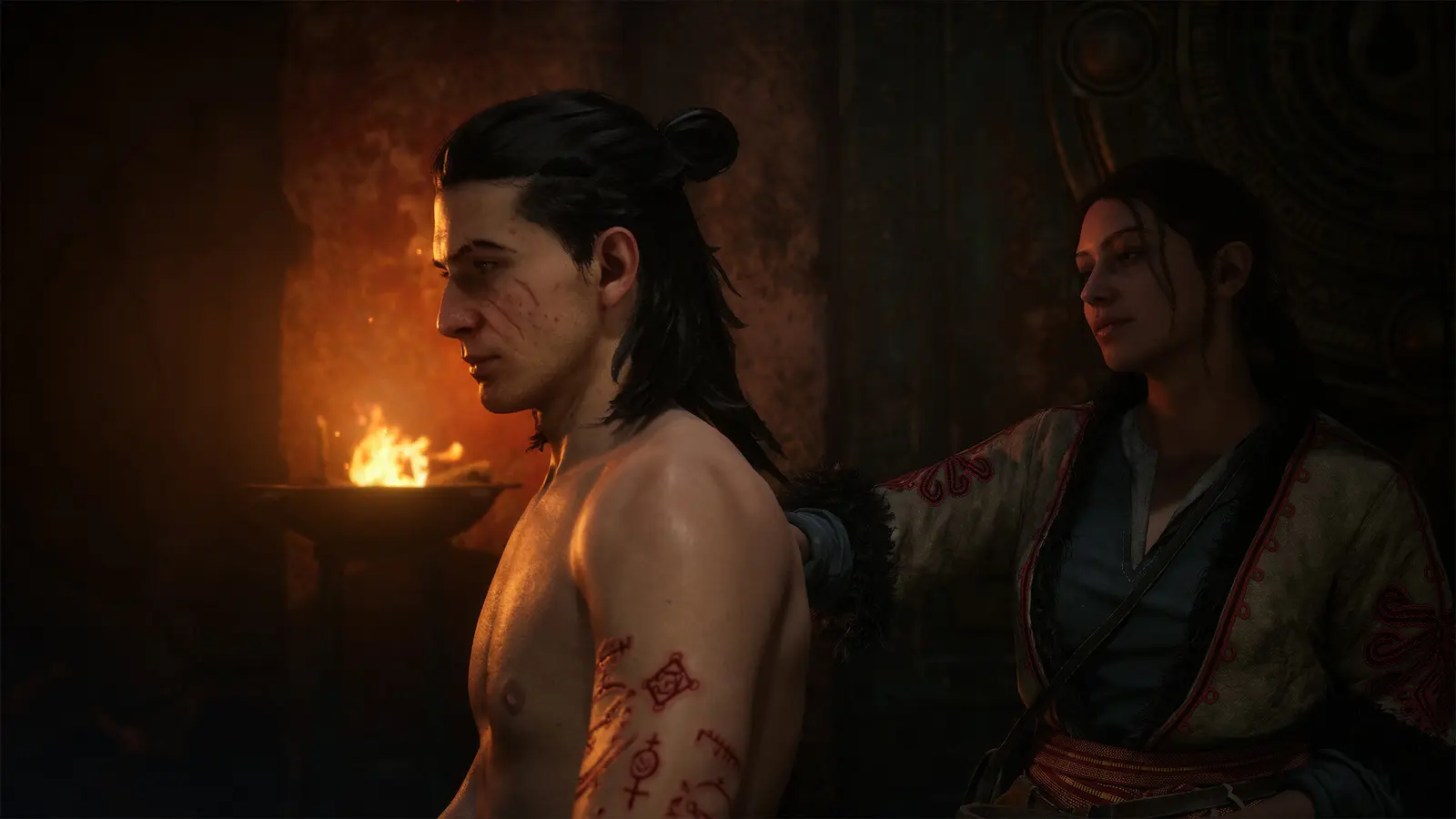
Can You Change Difficulty Mid-Game in The Blood of Dawnwalker?
Yes, you can change difficulty mid-game in The Blood of Dawnwalker without needing to restart your campaign or reload a save. The game allows you to adjust the combat difficulty slider dynamically through the pause menu. This flexibility ensures you are never permanently locked into a frustrating encounter if a specific boss fight proves too challenging.
Many modern RPGs lock you into a chosen setting, but Rebel Wolves opted for an accessible approach. Whether you are struggling with a massive daytime encounter or simply want to speed through a narrative segment, blood of the dawnwalker can you change difficulty queries are met with a resounding yes from the community.
How to Adjust Dawnwalker Difficulty Options
Adjusting the dawnwalker difficulty options takes only a few seconds. First, pause the game to access the main menu. Navigate to the “Settings” tab, then scroll down to “Gameplay.” Here, you will find the “Combat Difficulty” option. Simply toggle the setting left or right to select Story, Normal, or Hard, and then back out of the menu to apply the changes automatically.
There is no need to manually save or restart the application. The game engine instantly recalculates enemy health and damage sliders the moment you resume gameplay.
Mid-Battle Toggling Mechanics
One of the most impressive technical feats in the version 1.0 build is how the game handles mid-battle toggling. If you are in the middle of a boss fight and your health is critically low, you can pause and drop the difficulty to Story mode. The boss’s incoming damage will immediately scale down for their very next attack.
However, I learned the hard way that pausing during an unblockable attack animation still lets the hit connect with the original damage calculation. You must change the setting before the enemy begins their strike animation for the new modifiers to take effect.
Warning
While you can change the difficulty at any time, doing so while actively taking damage will not retroactively reduce the damage of the current hit. Always try to create distance before pausing to adjust settings.
Do Dawnwalker Difficulty Achievements Get Disabled?
Yes, lowering your difficulty setting will permanently disable the Hard mode campaign completion achievement for your current playthrough. However, dawnwalker difficulty achievements related to story progression, exploration, and combat milestones remain completely safe. You can freely toggle settings without voiding the vast majority of the game’s 46 Steam achievements.
For completionists, understanding these rules is vital. Out of the 1,846 early reviews on Steam, a common point of confusion was whether dropping the difficulty for a single boss would ruin a 100% run. Fortunately, the game is very transparent about its tracking mechanisms.
Steam Achievement Tracking Rules for The Blood of Dawnwalker
The Blood of Dawnwalker tracks your difficulty setting via a hidden flag in your save file. If you start a new game on Hard mode, the flag is set to true. The moment you navigate to the gameplay menu and lower the combat difficulty to Normal or Story, the game overwrites this flag to false. Even if you immediately switch back to Hard mode before unpausing, the flag remains false, and the “True Dawnwalker” achievement will be locked for that save file.
Steam statistics show that among the 20,000 early owners, less than 3% have unlocked the Hard mode completion trophy, highlighting just how challenging it is to maintain this setting for the entire 40-hour campaign.
Safe Settings for 100% Completion
If you are hunting for 100% completion but find the game too visually or mechanically overwhelming, there are several settings you can adjust safely. Modifying UI elements, enabling colorblind modes, adjusting field of view, or turning on auto-sprint will not void any dawnwalker difficulty achievements.
Since the September 2026 launch update, Rebel Wolves also confirmed that using the “Custom Volume Controls” to mute terrifying enemy audio cues does not impact trophy eligibility, providing a slight psychological edge during intense horror segments.
Best Difficulty for Blood of the Dawnwalker Player Types
The best difficulty for blood of the dawnwalker depends entirely on your familiarity with modern action RPGs. Story mode is ideal for narrative-focused players, while Normal offers a balanced vampire power fantasy. Hard mode is strictly designed for Souls-like veterans seeking punishing enemy AI and severe daytime stamina penalties.
I prefer Normal mode because it strikes the perfect balance between feeling like a powerful, unstoppable vampire at night and a vulnerable, cautious human during the day. It captures the essence of the game’s dual-nature protagonist without causing undue frustration.
Recommendations for Narrative-Focused Players
If you are primarily interested in the lore, character interactions, and the branching storyline, the blood of the dawnwalker story mode is your best option. This setting removes the friction of repeated deaths and allows you to absorb the rich atmosphere of 14th-century Europe. You won’t have to spend hours grinding for better gear or memorizing complex enemy attack patterns.
Story mode is highly recommended for players who treat the game as a cinematic adventure rather than a hardcore mechanical challenge, ensuring a smooth, uninterrupted journey from the prologue to the final credits.
Recommendations for Souls-Like Veterans
For players who cut their teeth on The Witcher 3: Wild Hunt’s “Death March” difficulty or FromSoftware titles, Hard mode is where The Blood of Dawnwalker truly shines. The blood of the dawnwalker combat difficulty on this setting forces you to utilize every tool in Coen’s arsenal. You must carefully manage your blood vials, perfectly time your parries, and strategically plan your daytime excursions.
The satisfaction of clearing a heavily guarded bandit camp during the day on Hard mode is immense, as it requires flawless execution and deep understanding of the game’s underlying mechanics.
Common Mistakes When Adjusting Blood of the Dawnwalker Combat Difficulty
The most common mistake players make when adjusting the blood of the dawnwalker combat difficulty is ignoring how heavily the game penalizes daytime exploration on higher settings. Pumping up the difficulty amplifies enemy health and damage sliders, but it also drastically accelerates Coen’s daytime stamina drain and blood thirst depletion.
Many players crank the difficulty to Hard while exploring at noon, only to find themselves completely out of stamina after two swings of their sword. Understanding the nuances of the vampire day night cycle scaling is critical before committing to a higher difficulty tier.
Mismanaging Coen’s Daytime Stamina Penalties
In The Blood of Dawnwalker, Coen is fundamentally weaker while the sun is up. On Normal mode, this is a minor inconvenience. On Hard mode, it is a life-threatening debuff. A frequent mistake is attempting to fight large groups of enemies during the day on Hard mode using the same aggressive tactics that work at night.
Because your stamina regenerates 50% slower, committing to a heavy attack combo will leave you defenseless, unable to dodge or parry the inevitable counterattack. Players must learn to rely on stealth, ranged weapons, or simply resting until nightfall when playing on higher difficulties.
Ignoring Enemy Damage Multipliers
Another major pitfall is ignoring the 1.75x enemy damage multiplier on Hard mode. In Story mode, you can comfortably trade blows with most standard enemies, relying on your vampiric healing to outpace the incoming damage. If you switch to Hard mode and attempt to face-tank damage in the same way, you will be killed in two to three hits.
Adjusting the blood of the dawnwalker hard mode differences requires a complete shift in mindset. You must prioritize difficulty management by isolating enemies, using environmental traps, and never engaging multiple foes simultaneously without a full blood thirst meter.
Day/Night Cycle Note
You can force the time of day to advance by resting at any discovered crypt or coffin. Use this mechanic aggressively if you are struggling with daytime combat encounters on Hard mode.
Final Verdict on Dawnwalker Settings
Ultimately, the flexible difficulty options in The Blood of Dawnwalker respect the player’s time by allowing seamless mid-game adjustments. Whether you want a brutal dark fantasy challenge that tests your reflexes or a cinematic narrative experience that lets you soak in the atmosphere, Rebel Wolves has crafted a system that adapts to your preferred playstyle.
By understanding how the vampire day night cycle scaling interplays with enemy health and damage sliders, you can tailor Coen’s journey to be exactly as punishing or empowering as you desire. Don’t be afraid to experiment with the settings—just remember that dropping out of Hard mode will lock that specific achievement for your current run.
The Blood of Dawnwalker Trainers & Mods — XMODHUB
If you want to bypass the game’s punishing daytime mechanics entirely or experiment with god-like vampire powers, XMODHUB ↗ offers the most reliable suite of single-player enhancements.
Infinite Health
Never die in combat, even on Hard mode.
Unlimited Stamina
Swing your weapons and dodge endlessly without tiring.
Freeze Day/Night Cycle
Lock the time to night for maximum vampire power.
No Blood Thirst Drain
Keep your vampire abilities fully charged at all times.
Why Choose XMODHUB for The Blood of Dawnwalker
For players who want to completely bypass the game’s punishing mechanics, XMODHUB ↗ offers a safe, reliable alternative to traditional cheat engines. With automatic updates that sync with game patches and a malware-free guarantee, it is the trusted choice for single-player modding.
Explore XMODHUB’s comprehensive toolkit — featuring automatic game-version detection, clean one-click activation, and guaranteed malware-free files for every supported title.
Combat & Survival
Vampire Mechanics
Progression & Wealth
Frequently Asked Questions
Ready to enhance your gameplay?

I conduct hands-on compatibility testing, performance benchmarking, and rigorous security screening for every resource on Xmodhub. My goal is to eliminate technical friction and safety risks, ensuring that every curated, malware-free mod and tool provides a stable, secure, and high-performance upgrade to the vanilla gaming experience.

 Catherine Hu