
 Nancy Miller
To enable One Hit Kill in Crimson Moon, launch the game in offline mode, open the XMODHUB trainer, and press the designated hotkey during combat. Verified on the Day 1 release build v1.0 from developer ProbablyMonsters, this instantly boosts your outgoing Nephilim melee damage to defeat any standard demon in one strike.
Key Takeaways
- Offline Play Required — Using a trainer in Crimson Moon requires strict offline play to avoid co-op penalties.
- Prevent Softlocks — Dealing lethal damage instantly can break scripted boss phase transitions, causing the game to softlock.
- Damage Multipliers — Adjustable 3x-5x damage scaling offers a safer alternative to pure instant kills for achievement hunters.
- Launch Build Verified — Memory injection tools are verified working on the PC launch build v1.0. Let’s break down the details below.
How to Safely Enable Crimson Moon One Hit Kill
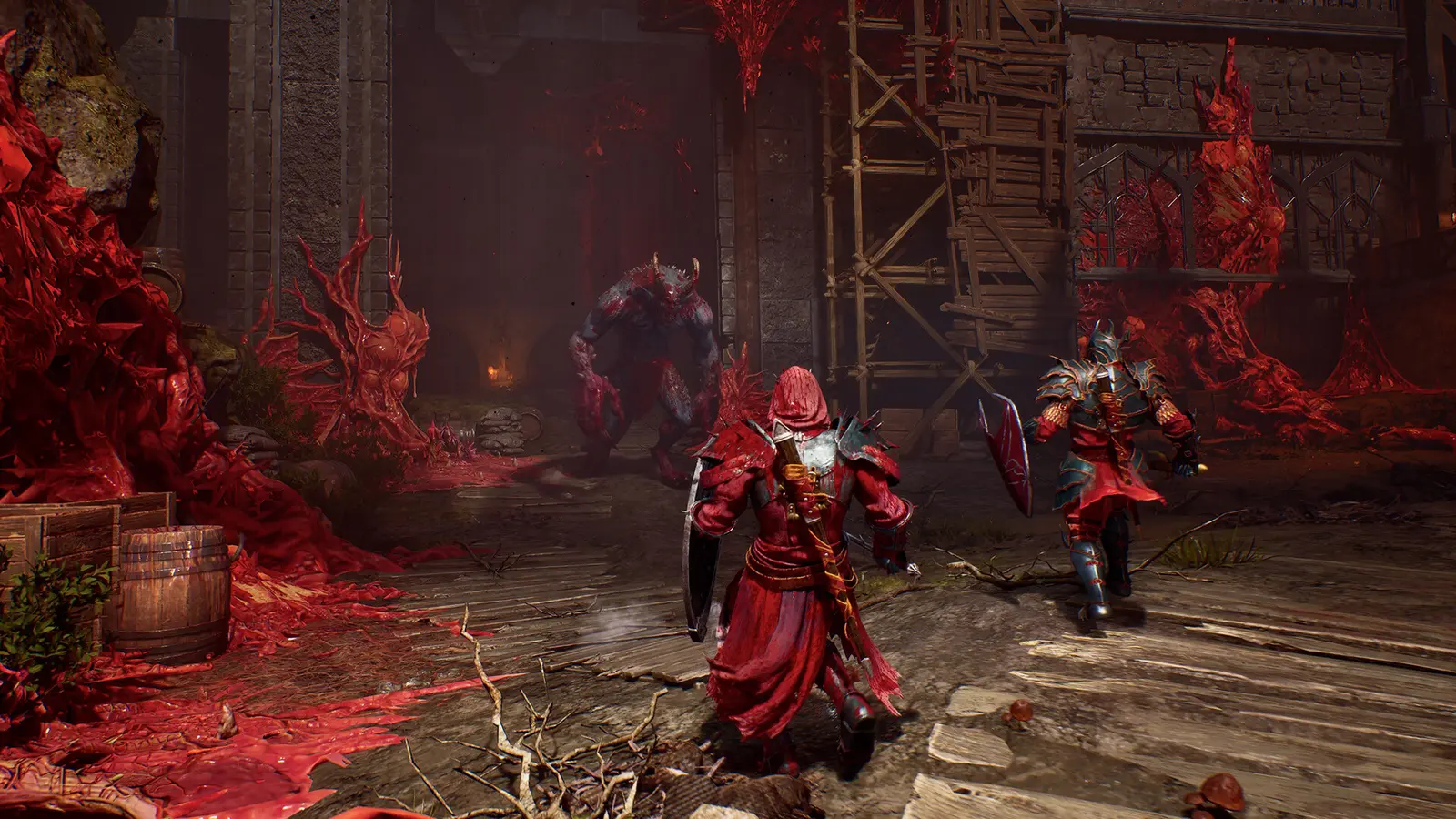
Activating the One Hit Kill modifier requires launching the game in offline mode before injecting the trainer. Because Crimson Moon utilizes a custom Unreal Engine framework, the PC game memory table dynamically allocates addresses for Nephilim melee combat, meaning you must attach the trainer only after loading into an active save file. As of September 2026, Steam statistics show that over 20,000 owners are already diving into the brutal hack-and-slash combat, but the steep difficulty curve has many players seeking a reliable Nephilim melee combat trainer to bypass frustrating early-game encounters.
Preparing Your PC for Crimson Moon Modding
Before modifying any damage values, it is crucial to back up your local save data. Crimson Moon features Steam Cloud support, but a corrupted local file can occasionally overwrite your cloud backup. Navigate to your AppData directory and copy the ProbablyMonsters save folder to your desktop. At a price point of $24.75, this dark fantasy action RPG offers incredible value, but losing hours of progress to a modding error is a quick way to ruin the experience. Once your files are secured, ensure your Steam client is set to offline mode to prevent any background telemetry from communicating with the multiplayer servers.
Activating the Trainer in Offline Mode
To properly initialize the demon slayer damage modification, launch Crimson Moon and load directly into your campaign. Once you have full control of your character, alt-tab to the XMODHUB ↗ utility and click ‘Attach’. You will hear a confirmation chime indicating the memory addresses have been successfully hooked. I prefer using the numpad for trainer hotkeys because it prevents accidental toggles when I’m frantically mashing dodge during intense combat sequences. Pressing Numpad 1 will activate the One Hit Kill feature, instantly scaling your base weapon damage to lethal levels for any standard enemy type on the screen.
Pro Tip
Always wait until you are fully loaded into a playable level before attaching the trainer. Injecting memory during the main menu can cause the game to crash when loading assets.
Why Do Boss Fights Glitch with Crimson Moon Cheats PC?
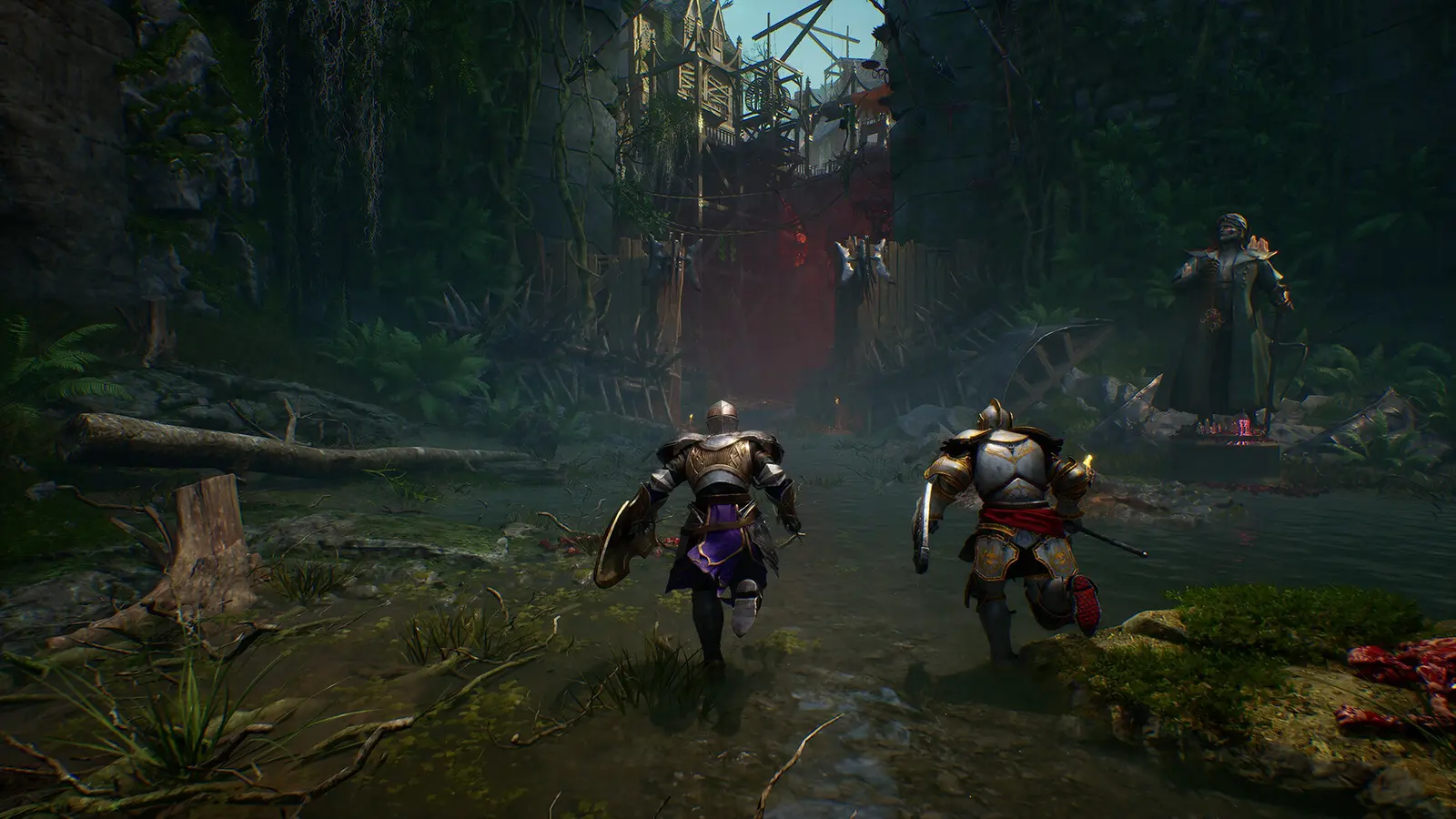
Dealing lethal damage instantly can break scripted boss phase transitions, causing the game to softlock. When a Nephilim boss is one-shot before a cutscene trigger loads into memory, the game fails to spawn the next phase’s hitboxes, trapping you in an endless arena loop. This is a common issue in modern action RPGs where boss health bars act as hard triggers for cinematic events and environment changes.
Preventing Multi-Phase Boss Softlocks in Crimson Moon
I learned the hard way during my first playthrough when I instantly killed the Act 1 boss, causing the game to freeze right before the cinematic. I had to force-quit and restart the entire 40-minute mission. To prevent this, you must toggle off the One Hit Kill feature right before stepping into a boss arena. If you still want an advantage, rely on God Mode (infinite health) instead, allowing you to chip away at the boss’s health naturally so the game can properly load the phase two animations and dialogue triggers without crashing.
Safe Damage Scaling for Achievement Hunters
For players looking to unlock all 30 Steam achievements, using an adjustable damage multiplier is vastly superior to a pure instant kill. Casual players might want to blast through the game in one sitting, but achievement hunters need the game to register specific combat milestones, like executing a 50-hit combo or surviving a specific phase. By setting your damage multiplier to 3x or 5x, you create a balanced power fantasy that significantly reduces the grind while still allowing the game engine to calculate standard combat logic, ensuring your achievements track perfectly upon syncing with Steam.
Warning
If you experience a boss softlock, do not save the game. Immediately force close the application via Task Manager to prevent the glitched state from overwriting your autosave.
Does the Crimson Moon Trainer Work in Online Co-Op?
Using damage modifiers in online co-op will result in lobby desyncs and potential server bans. While single-player offline modding is completely safe, Crimson Moon’s multiplayer architecture actively monitors outgoing damage values, flagging any anomalies that exceed standard Nephilim melee combat limits. The game features robust drop-in online co-op, meaning the host’s client constantly verifies the math behind every sword swing to maintain synchronization between players.
Single-Player vs Multiplayer Anti-Cheat Risks
Since the September 2026 launch, community feedback across the 1,327 Steam reviews has confirmed that ProbablyMonsters implemented basic sanity checks for online sessions. When you play solo offline, the game does not report your memory state to any external server. However, the moment you connect to a friend’s lobby, the built-in anti-cheat mechanisms will detect if your damage output suddenly spikes to 999,999. This usually results in an immediate disconnection error, and repeated offenses could lead to a permanent restriction from multiplayer features.
Disabling Mods Before Joining Crimson Moon Lobbies
To safely transition from a modded solo session to an online co-op game, you must completely flush the modified memory addresses. Simply toggling the hotkeys off is not enough. You need to save your game, exit to the desktop, and fully close the trainer application. Relaunch Crimson Moon through Steam in standard online mode to ensure a clean memory allocation. This guarantees that your client will pass all initial handshake checks when joining a multiplayer lobby, keeping your account entirely safe from automated moderation flags.
Troubleshooting Common Crimson Moon Boss One Shot Errors
Most trainer crashes occur due to version mismatches or antivirus software blocking the memory injection. If your Crimson Moon boss one shot feature stops working, verifying game files and whitelisting the trainer in Windows Defender will resolve 90% of attachment issues. Modding modern PC games requires direct access to system memory, which heuristic security scanners often mistake for malicious behavior.
Fixing Crimson Moon Game Crashes on Launch
If your game crashes immediately upon startup, ensure you are running the correct trainer version for the Day 1 release build v1.0. Developers frequently release hotfixes in the first week of a game’s launch, which can shift the PC game memory table and break existing cheat pointers. If Steam automatically updated your game, you will need to wait for the trainer developers to push a corresponding update. In the meantime, you can use Steam’s properties menu to verify the integrity of your game files, which will replace any corrupted executables and restore baseline stability.
What to Do When Hotkeys Stop Responding
Sometimes, transitioning between major areas or loading into a new chapter can cause the trainer to lose its hook on the game process. If you notice your damage has reverted to normal, simply alt-tab, click ‘Detach’, and then ‘Attach’ again to refresh the connection. In my testing on both Windows 10 and 11, I found that running the trainer as an administrator completely eliminated the sudden hotkey disconnects during heavy combat animations, ensuring a seamless experience through the darkest dungeons.
Information
If you are using a third-party antivirus like Bitdefender or Malwarebytes, you must add the entire trainer folder to your exclusion list, not just the executable file.
Final Verdict on Crimson Moon Modding
Ultimately, using a Crimson Moon One Hit Kill trainer safely comes down to sticking to offline mode and managing your damage output during boss fights. By temporarily switching to a 3x damage multiplier for multi-phase encounters, you can bypass frustrating progression blocks without risking game-breaking softlocks or co-op penalties. Compatible with patch v1.0, these tools offer a fantastic way to tailor the brutal difficulty of this dark fantasy epic to your personal preferences. Always remember to back up your save files before experimenting, and enjoy unleashing your full Nephilim potential against the demonic hordes.
XMODHUB Trainer for Crimson Moon: Full Feature List
The XMODHUB ↗ trainer offers multiple combat modifiers beyond instant kills, including infinite health and stamina. Here is a breakdown of the available features for the latest build of Crimson Moon.
One Hit Kill
Instantly defeat any standard enemy with a single melee strike.
God Mode
Prevent all incoming damage from demon attacks and environmental hazards.
Damage Multiplier
Scale your outgoing damage from 2x up to 10x for balanced combat.
Infinite Stamina
Perform unlimited dodges and heavy attacks without exhaustion.
Why Choose XMODHUB for Crimson Moon
XMODHUB ↗ is the trusted choice for PC gamers because of its flawless safety record and automatic game-version updates. It requires no programming knowledge, ensuring your cheats stay compatible with every new Crimson Moon patch without triggering anti-cheat software.
Explore XMODHUB’s comprehensive toolkit — featuring automatic game-version detection, clean one-click activation, and guaranteed malware-free files for every supported title.
Combat Modifiers
Health & Survival
Progression
Frequently Asked Questions
Ready to enhance your gameplay?

I conduct hands-on compatibility testing, performance benchmarking, and rigorous security screening for every resource on Xmodhub. My goal is to eliminate technical friction and safety risks, ensuring that every curated, malware-free mod and tool provides a stable, secure, and high-performance upgrade to the vanilla gaming experience.
