Catherine Hu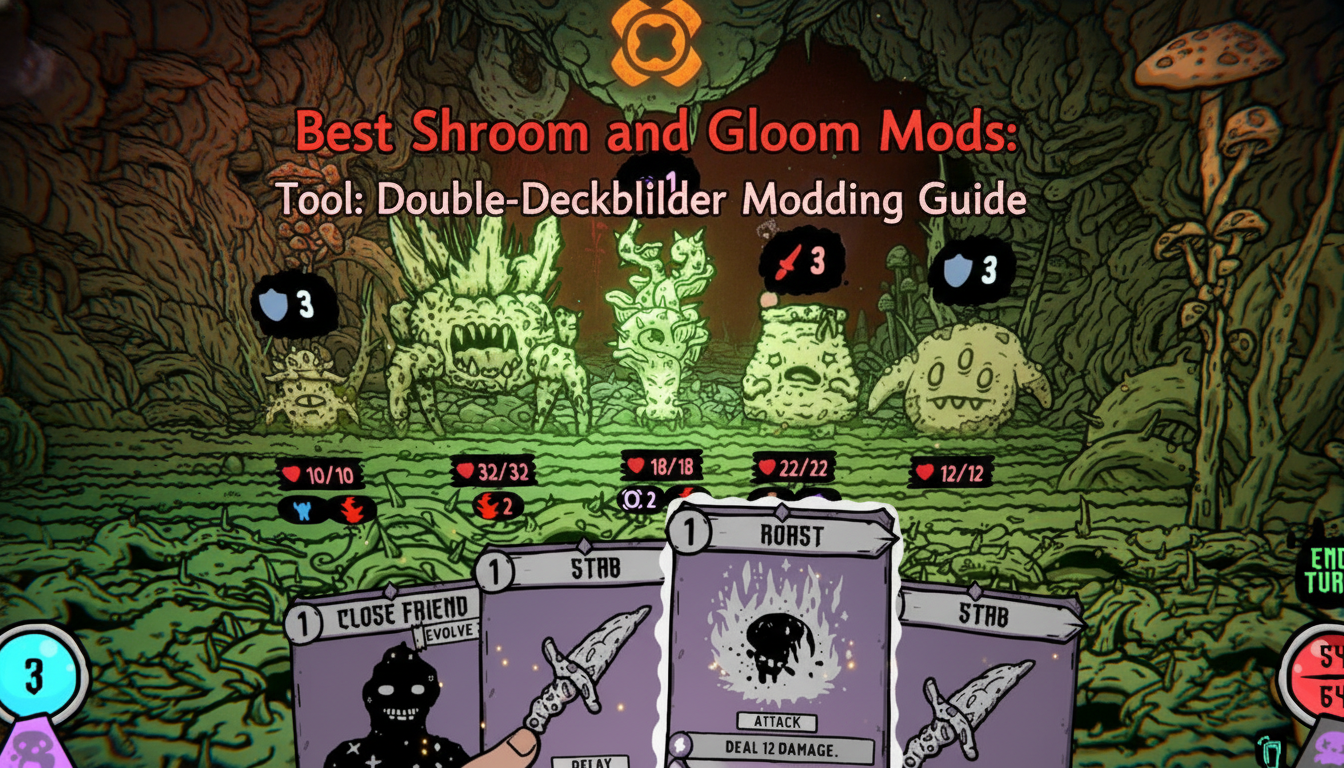
You have just spent the last forty-five minutes carefully curating your Explore deck, meticulously unlocking pathways through the oddly musty, hand-drawn dungeons of the Gloom. You trigger a boss encounter, swap to your Combat deck, and immediately draw a dead hand against a towering myco-monstrosity. In a single turn, your meticulously planned roguelike run is obliterated, taking your infinitely scaled super-weapons with it. If this frustrating scenario sounds familiar, you are likely scouring the internet for a reliable Shroom and Gloom mods tool to tilt the RNG in your favor and reclaim your time.
Because Team Lazerbeam and Devolver Digital’s highly anticipated title introduces a highly complex double-deckbuilding system, traditional modding approaches can be incredibly tricky. Modifying one deck without breaking the synergy of the other requires specialized tools and a deep understanding of the game’s core architecture. This comprehensive guide will break down everything you need to know about utilizing a Shroom and Gloom mods tool, avoiding run-ending file corruption, and dominating the fungal depths.
TL;DR: The Short Answer
- What is a Shroom and Gloom mods tool? It is a third-party application or script designed to alter the game’s memory or save files, allowing players to manipulate card draws, infinite growth modifiers, and health restoration mechanics.
- Why is it difficult? The game features two distinct decks (Explore and Combat). Modifying one often desyncs the other based on community reports from similar dual-deck roguelikes.
- Best Alternative: For players who want immediate, hassle-free tweaks without risking their Early Access save files, professional memory injection software like XMODhub is the recommended solution.
- Core Features to Target: Look for tools that allow you to force-feed your character for health (bypassing the need to roast enemies) or instantly unlock characters like the Janitor and Activist.
Table of Contents
- TL;DR: The Short Answer
- The Unique Architecture of Shroom and Gloom
- Common Mistakes When Modding Double-Deckbuilders
- Alternative Methods to a Dedicated Shroom and Gloom Mods Tool
- Advanced Modding Tips for Infinite Card Growth
- Memory Variables Breakdown: What Can You Actually Mod?
- The Ultimate QoL Solution: XMODhub
- Frequently Asked Questions
- Final Verdict
The Unique Architecture of Shroom and Gloom
Before you can effectively use any Shroom and Gloom mods tool, you must understand exactly how the game processes your data. Launching into Steam Early Access on September 10, 2026, Shroom and Gloom completely reinvents the standard roguelike formula by forcing players to manage hundreds of cards split across two completely different decks.
The Explore deck is your utility engine. According to the developers, you use this deck to reveal, search, break, unlock, ignite, feed, and fix things as you navigate the rich 3D spaces. The Combat deck, on the other hand, is purely for survival. You use it to hack, slash, roast, and eat the fungal enemies blocking your path to The Gloom.
Because these two decks run simultaneously in the game’s background processes, a poorly coded Shroom and Gloom mods tool can easily corrupt your run. If you attempt to inject a Combat card (like a high-level slash) into your Explore deck, the game’s logic engine will likely crash upon attempting to render the hand-drawn animation outside of a combat instance.
If you are the type of player who prefers granular control over your randomized runs and wants to manually edit these distinct memory addresses, you might initially look into setting up a Shroom and Gloom cheat engine table. This approach allows hardcore players to isolate the specific hex values tied to the Explore deck versus the Combat deck, ensuring that modifications remain stable.
Common Mistakes When Modding Double-Deckbuilders
When players first get their hands on a Shroom and Gloom mods tool, the temptation to immediately max out every stat is overwhelming. However, based on community reports from similar deckbuilding roguelikes, taking the brute-force approach almost always leads to a ruined experience. Here are the most common mistakes to avoid:
1. Ignoring the “Eating” Mechanic
In Shroom and Gloom, blocking is secondary to eating. The game provides a bounty of ways to season, skewer, roast, and consume fallen fungal enemies to restore lost health. Many amateur modders try to simply freeze their health value at a maximum number. However, because the game’s code is deeply intertwined with the action of throwing roasted enemies into a pot to cook up game-changing soups, freezing your health might actually lock you out of crucial soup-brewing progression triggers. A good Shroom and Gloom mods tool will let you spawn ingredients rather than just freezing your HP.
2. Over-Bloating the Card Pool
The game offers infinite growth and monstrous mega-combos. You can grow low-level starting cards into over-powered attacks or modify rare cards into game-breaking super-weapons. A massive mistake is using a mod tool to instantly add 50 rare cards to your deck. In a double-deckbuilder, deck bloat is fatal. You will never draw the specific synergy you need. Instead of adding cards, use your tool to multiply the growth rate of the cards you already have.
3. Unlocking Characters Incorrectly
The Early Access launch features five playable characters: Paperboy, Lunch-lady, Concerned Parent, Janitor, and Activist. These are normally unlocked via specific quests that expand your card pools. If a Shroom and Gloom mods tool force-unlocks these characters without triggering the associated quest flags, you may end up with a character who has no starting cards, rendering them completely unplayable.
Alternative Methods to a Dedicated Shroom and Gloom Mods Tool
If you are hesitant to download third-party software for an Early Access game, there are a few alternative methods you can employ to manipulate your runs, though they require significantly more manual effort.
Save File Editing (JSON/XML Manipulation)
Based on community reports for most PC indie roguelikes, save files are often stored locally in a readable format like JSON. By navigating to your local AppData folder, you can open these files in a standard text editor. Here, you can manually adjust your current currency, the current level of a specific growing card, or your current health pool. The downside? One misplaced comma will completely wipe your save file. Always create a backup before attempting manual edits.
Strategic Save Scumming
Because Shroom and Gloom utilizes a roguelike structure, the game likely auto-saves at the beginning of each new dungeon floor or 3D space. If you realize your Combat deck is entirely unsuited for a specific myco-monstrosity, you can force-close the game via the Task Manager before the combat resolves. When you reboot, you will usually be placed back at the start of the room, allowing you to re-roll the RNG of your card draw.
Advanced Modding Tips for Infinite Card Growth
For the veteran players who have successfully integrated a Shroom and Gloom mods tool into their client, the true endgame lies in manipulating the game’s infinite growth system.
Since every attack can be upgraded infinitely, the mathematical scaling of the game can be pushed to absurd limits. Advanced modders should look for the specific floating-point values that govern the “growth multiplier.” Instead of modifying the base damage of a card, modify how much damage it gains per upgrade.
Furthermore, you can use your Shroom and Gloom mods tool to manipulate the soup-crafting mechanics. By forcing the game to recognize every enemy as a “rare” ingredient, every time you throw a roasted enemy into a pot, you will generate the most powerful, game-changing soups available, effectively breaking the game’s difficulty curve without ever touching your base health stats.
Memory Variables Breakdown: What Can You Actually Mod?
When evaluating a Shroom and Gloom mods tool, understanding the backend data structure of the game is critical. Because the developers use a highly dynamic engine to handle the transition between the 3D exploration environments and the 2D combat encounters, different features carry vastly different modification risks.
To help you avoid corrupting your Early Access save files, we have mapped out the core gameplay variables, their typical data types, and the safest modding approaches.
| Gameplay Mechanic | Deck Association | Variable Type | Modification Risk Level | Safest Modding Approach |
|---|---|---|---|---|
| Card Draw RNG | Explore Deck / Combat Deck | Array / Seed | High (Crash/Desync) | Memory injection via verified Shroom and Gloom mods tool |
| Infinite Card Growth | Combat Deck | Float (Multiplier) | Medium | Tweaking the base growth rate multiplier |
| Enemy Eating / Roasting | Global (Utility) | Integer (Stack) | Low | Freezing ingredient quantities |
| Character Unlocks | Global (Progression) | Boolean (True/False) | High (Soft-lock) | Triggering specific quest completion flags |
| Health / Max HP | Combat Deck | Integer | Low | Dynamic health freezing (bypass eating) |
Safely Editing the Explore Deck vs. Combat Deck
The biggest hurdle in Shroom and Gloom modding is the separation of utility and survival. Your Explore deck handles environmental interactions (unlock, ignite, fix), while the Combat deck handles damage and defense. A premium Shroom and Gloom mods tool will never attempt to cross-pollinate these arrays. Forcing an “ignite” utility card into a combat encounter will instantly crash the rendering engine. Always ensure your chosen tool features dedicated, isolated toggles for each specific deck phase.
The Ultimate QoL Solution: XMODhub
Let’s be honest: hunting down reliable hex codes, worrying about Early Access updates breaking your scripts, and manually editing JSON save files is exhausting. When you just want to experience the eyeball-melting, psychedelic neon art of Shroom and Gloom without the frustrating grind, XMODhub is the ultimate solution.
XMODhub is a premium, client-side memory injection platform that eliminates the need for a standalone, sketchy Shroom and Gloom mods tool. It provides a safe, updated, and highly intuitive overlay that interacts seamlessly with the game’s double-deck engine. Whether you want to instantly upgrade your rare cards into super-weapons or ensure you always have enough roasted mushrooms for a health-restoring soup, XMODhub handles the complex background math for you.
Here is how to dominate the Gloom in three simple steps:
- Download and Install XMODhub: Head over to the official XMODhub website, download the secure client, and create your account. The software is lightweight and runs silently in the background.

- Auto-Detect Shroom and Gloom: Launch the game via Steam. XMODhub will automatically detect the active process (even during Early Access patches) and load the specific, verified cheat profile for the game.
- Toggle Your Cheats: Press the designated hotkey to bring up the in-game overlay. From here, you can simply toggle on features like “Infinite Combat Deck Draws,” “Max Soup Healing,” or “Instant Card Growth.” No coding required.
Download Shroom and Gloom Trainer Now
Frequently Asked Questions
When does Shroom and Gloom officially release?
Shroom and Gloom is scheduled to launch into Steam Early Access on September 10, 2026. Because it is an Early Access title, frequent updates are expected, which is why using a constantly updated platform like XMODhub is vastly superior to a static Shroom and Gloom mods tool.
Can I use mods to play as all the characters immediately?
Yes. The game features five starting characters: the Paperboy, Lunch-lady, Concerned Parent, Janitor, and Activist. While these are normally locked behind in-game quests, advanced memory editing tools can trigger the quest completion flags, expanding your card pool and unlocking these characters from day one.
How does the dual-deck system handle modified cards?
It requires precise memory targeting. Because you have an Explore deck for navigating the dungeon and a Combat deck for fighting, a poorly made Shroom and Gloom mods tool might accidentally inject combat stats into an exploration card. High-quality tools isolate the memory addresses for each deck to prevent game-crashing errors.
Do I have to eat the enemies if I use a health mod?
Technically, no. If you use a tool to lock your health at maximum, you can ignore the eating mechanic. However, because cooking roasted enemies into soups provides game-changing buffs beyond just health restoration, it is highly recommended to still engage with the culinary mechanics even if you are using a Shroom and Gloom mods tool for invincibility.
Final Verdict
Surviving the surreal, hand-drawn madness of Shroom and Gloom requires incredible patience and strategic mastery of its double-deckbuilding system. While the infinite growth mechanics and unique enemy-eating features make for a phenomenal roguelike experience, the harsh RNG can sometimes feel punishing. Utilizing a dedicated Shroom and Gloom mods tool is a fantastic way to bypass the frustration, tailor the difficulty to your liking, and experiment with monstrous mega-combos that would otherwise take hundreds of hours to build.
However, to avoid the headaches of broken save files and outdated scripts common with Early Access mods, XMODhub remains the undisputed champion for PC gamers. With support for over 5,000 titles—including other legendary deckbuilders like Slay the Spire and Monster Train—XMODhub guarantees that your journey into the Gloom will be exactly as chaotic, overpowered, and psychedelic as you want it to be. Stop letting bad card draws ruin your runs; take control of the dungeon today.
Stop Grinding, Start Enjoying.
Bypass the tedious resource gathering and unlock your full potential instantly.

I am a passionate gamer and writer at XMODhub, dedicated to bringing you the latest gaming news, tips, and insights.
Connect with me:
LinkedIn Profile ↗