Catherine Hu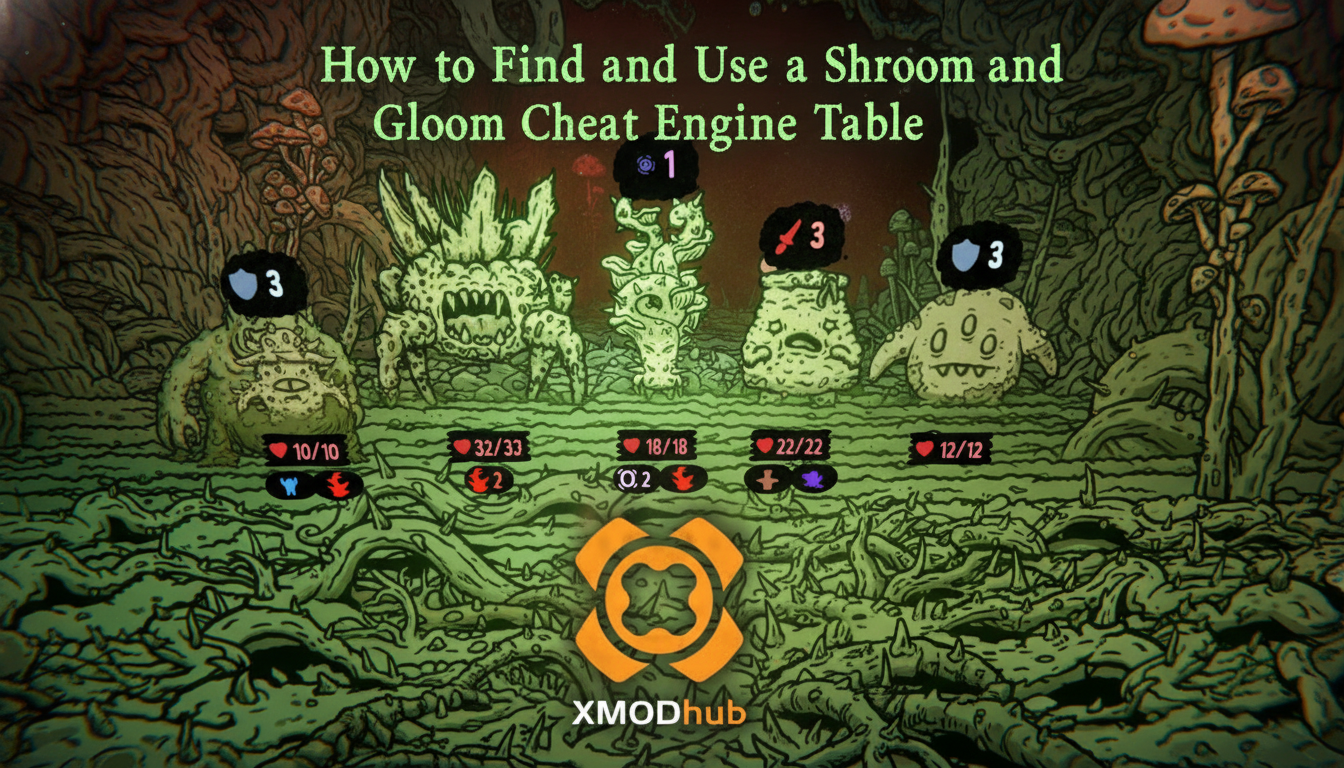
TL;DR: The Short Answer
- Official Developer Console: Currently, there are no officially documented, built-in Shroom and Gloom cheats and console commands available in the Steam Early Access build that launched on September 10, 2026 [2][3].
- Legitimate “Cheats” (In-Game Exploits): Players can achieve god-mode levels of power through the game’s infinite growth mechanics, modifying low-level starting cards into game-breaking super-weapons using the Explore deck [3].
- Healing Exploits: The game fundamentally changes survival mechanics. Instead of blocking, you must eat your enemies. Roasting foes or turning them into game-changing soups provides massive health restoration [2][3].
- Third-Party Modifications: Because native commands are disabled, hardcore players are actively utilizing external memory editors and dedicated trainers to bypass the punishing roguelike grind and secure infinite health.
Table of Contents
- TL;DR: The Short Answer
- The Reality of Shroom and Gloom Cheats and Console Commands
- Mastering the Double-Deck System (Alternative to Cheats)
- The Culinary Survival Guide: Less Blocking, More Eating
- Bypassing the Grind: The Ultimate QoL Solution
- Shroom and Gloom Cheat Engine: Manual Memory Editing
- Top In-Game Exploits and God-Mode Synergies
- Frequently Asked Questions
- Final Verdict
The Reality of Shroom and Gloom Cheats and Console Commands
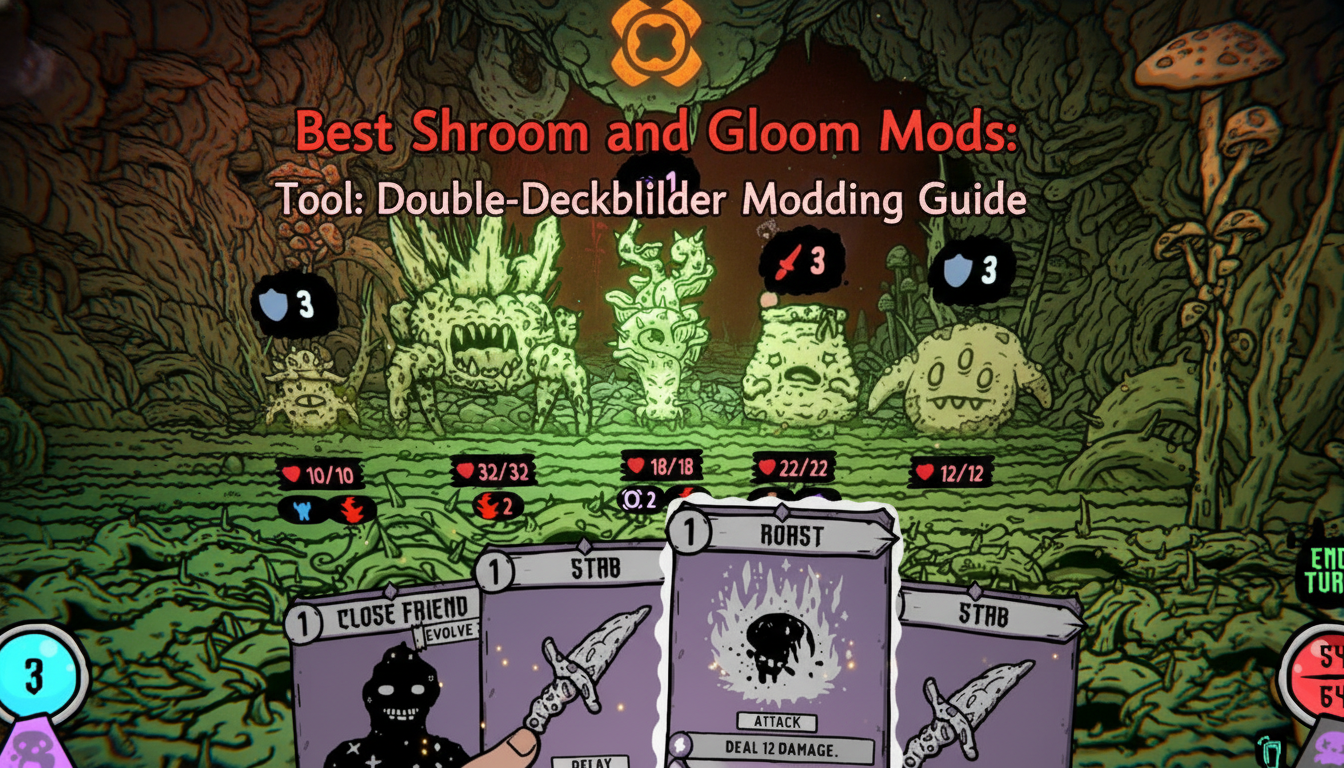
When an unforgiving first-person roguelike deckbuilder hits Steam Early Access, the community’s first instinct is to look for a command-line interface to spawn items or toggle invincibility. Shroom and Gloom, developed by Team Lazerbeam and published by Devolver Digital, is a masterclass in surreal, eyeball-melting art and punishing dungeon exploration [2][3]. However, as of its September 10, 2026 launch [1], the developers have intentionally hidden or completely removed the traditional tilde-key (~) developer console.
Common Mistakes Players Make
The biggest mistake new players make is assuming that Shroom and Gloom will function like traditional PC games where typing “god” or “noclip” will save them from a bad hand of cards. Because the game relies heavily on procedural generation within its dozens of rich 3D spaces [2], trying to force standard engine commands often leads to game crashes or corrupted save files. Players waste hours scouring configuration files looking for a debug mode that simply is not accessible to the public player base.
Alternative Methods
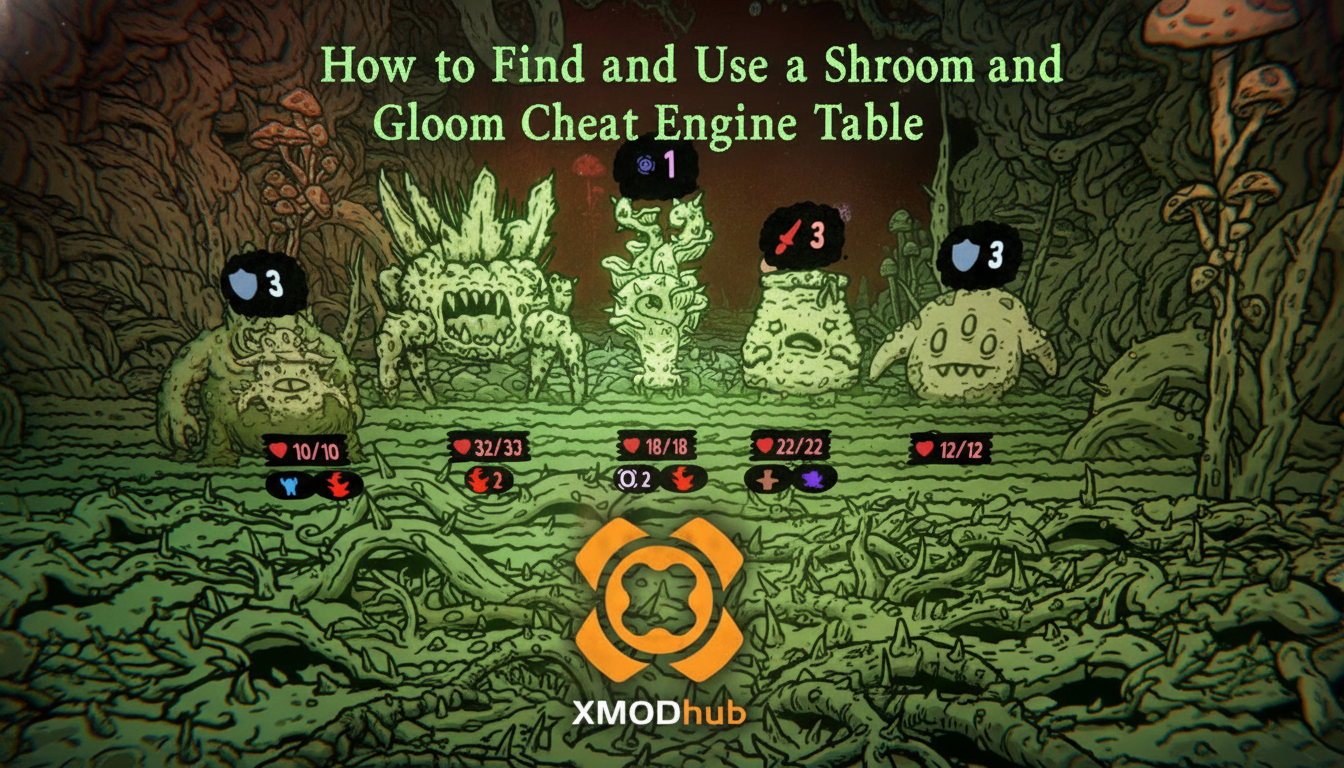
Since you cannot simply type your way to victory, the PC gaming community has had to adapt. The most common alternative for players who want to manipulate the game’s background variables is seeking out a reliable Shroom and Gloom cheat engine table By hooking into the game’s memory processes, players can manually freeze their health values or multiply their card upgrade resources, effectively creating their own Shroom and Gloom cheats and console commands without needing official developer support.
Mastering the Double-Deck System (Alternative to Cheats)
If you prefer to break the game using its own internal logic, you must understand that Shroom and Gloom is not a standard deckbuilder. It is a double-deckbuilder [2][3]. You are tasked with managing hundreds of cards split across two completely distinct decks: the Explore deck and the Combat deck. Mastering the synergy between these two is the closest thing to a legitimate cheat code you can find.
The Explore Deck vs. The Combat Deck
The Explore deck is your utility belt. You use it to navigate the dungeons, reveal secrets, search, break, unlock, ignite, feed, and fix things as you descend toward The Gloom [2]. The Combat deck is your primary weapon, used to hack, slash, and survive fierce battles against fungal foes [2][3].
Common Mistakes in Deckbuilding
Many players fail because they treat Shroom and Gloom like a single-deck game. They hyper-focus on drafting high-damage cards for their Combat deck while completely neglecting their Explore deck. This results in players getting stuck in the surreal, neon-colored hand-drawn dungeons [2] without the ability to modify their cards or unlock new weapons and abilities. Another massive error is discarding rare cards early on because they seem weak, ignoring the game’s core mechanic of infinite growth.
Advanced Tips for Infinite Growth
To truly achieve a game-breaking run without external Shroom and Gloom cheats and console commands, you must exploit the infinite growth system. Shroom and Gloom offers unique ways to grow and modify cards infinitely [3].
- Focus on Low-Level Cards: Do not ignore your starting deck. You can grow low-level starting cards into overpowered attacks over time.
- Modify Rare Cards: Use your Explore deck to interact with the environment and apply modifications to rare cards. With enough patience, these rare cards will transform into absolute super-weapons that can one-shot late-game myco-monstrosities [2][3].
- Quest Synergies: Completing quests unlocks new playable characters like the Paperboy, Lunch-lady, Concerned Parent, Janitor, and Activist [2]. Each character expands your card pools, allowing for increasingly stupid and ridiculous combos [2].
The Culinary Survival Guide: Less Blocking, More Eating
Perhaps the most jarring mechanical shift in Shroom and Gloom is its approach to damage mitigation and healing. The developers have a very clear philosophy: Less blocking, more eating! [3]. Every single enemy you encounter in the game is edible [2].
The Flawed Instinct of Blocking
In almost every other roguelike deckbuilder, playing defensive “block” cards is the key to surviving long runs. In Shroom and Gloom, this is a trap. Why block an enemy’s attack when you could just eat the enemy? [2]. The game actively punishes overly defensive playstyles by overwhelming you with disgusting mushroom monsters.
Alternative Methods: The Art of Cooking
Instead of relying on defensive stats or looking for Shroom and Gloom cheats and console commands to restore your health, you must become a dungeon chef. The game features a massive bounty of ways to process fallen fungal enemies.
- Seasoning and Skewering: Use specific cards to season and skewer enemies during combat.
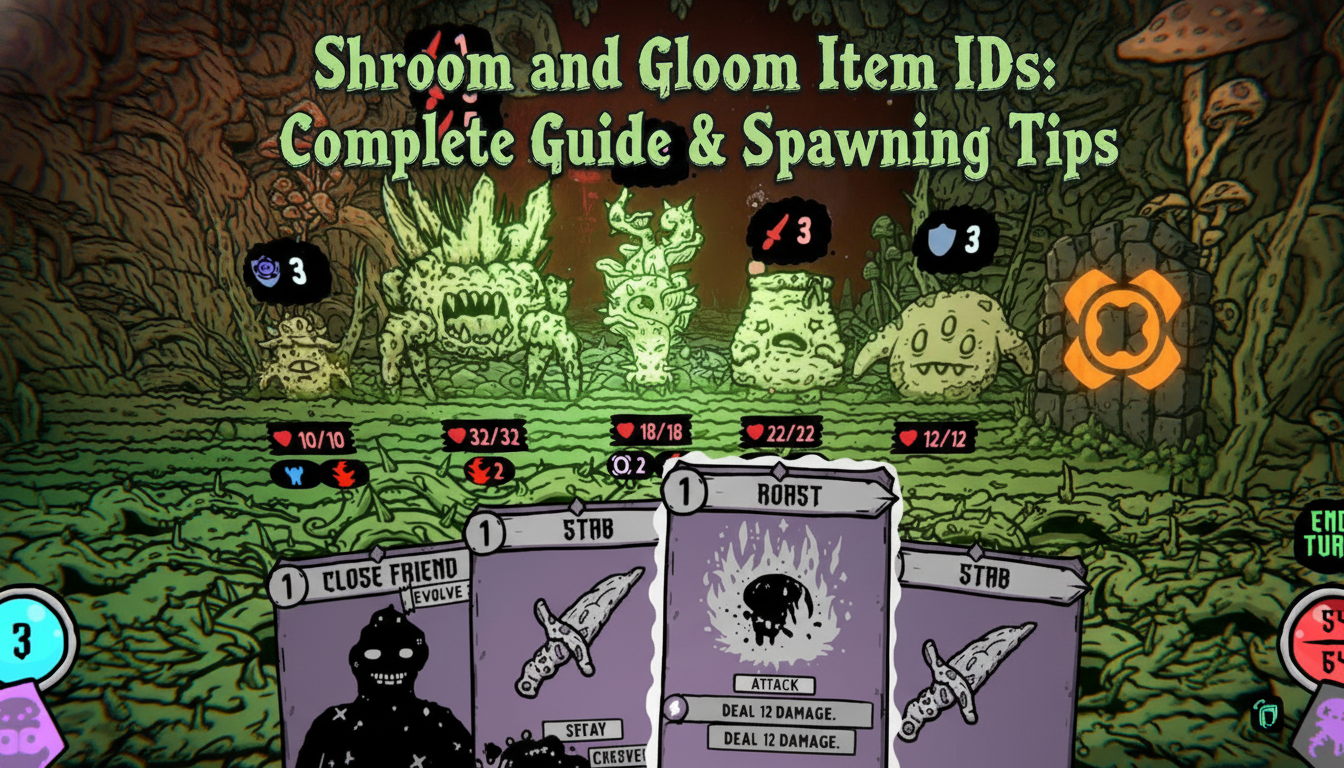
- Roasting: Roasting your foes and eating them immediately is the primary way to restore lost health mid-fight [2][3].
- Brewing Soups: This is the ultimate late-game survival tactic. Do not just eat your roasted enemies right away. If you can survive long enough, throw your roasted enemies into a pot to cook up game-changing soups [3]. These soups provide massive buffs and healing that far exceed standard consumption.
Bypassing the Grind: The Ultimate QoL Solution
While infinite card growth and brewing game-changing soups are incredibly rewarding mechanics, they require an immense amount of time, patience, and trial-and-error. Early Access roguelikes are notoriously unbalanced, and sometimes you just want to experience the eyeball-melting art and surreal world [3] without restarting your run for the fiftieth time because a mushroom monster got a lucky critical hit.
When the legitimate mega-combos fail, and the lack of official Shroom and Gloom cheats and console commands becomes too frustrating, it is time to leverage XMODhub. XMODhub is the premier PC gaming enhancement platform that acts as the ultimate Quality of Life (QoL) solution, injecting safe, reliable modifications directly into your single-player experience. Instead of messing with complicated memory tables, XMODhub offers a seamless interface to activate features like Infinite Health, Instant Soup Brewing, and Infinite Card Modifications.
Here is how you can take total control of your descent into The Gloom:
- Download XMODhub: Install the lightweight, secure client from the official website.

- Auto-Detect Shroom and Gloom: Launch the application. XMODhub will automatically scan your Steam library, recognize the Early Access build of Shroom and Gloom, and load the specific, up-to-date trainer for the game.
- Toggle Cheats: Use your second monitor or an in-game overlay to simply click and toggle the specific enhancements you want. Turn on Infinite Health to safely experiment with eating different enemies, or activate Max Card Growth to instantly see what your deck’s super-weapons look like.
Download Shroom and Gloom Trainer Now
Shroom and Gloom Cheat Engine: Manual Memory Editing
For players determined to build their own Shroom and Gloom cheats and console commands, utilizing a memory scanner like Cheat Engine is the most effective manual workaround. Because the developers at Team Lazerbeam disabled the native command interface, you must hook into the game’s active processes to manipulate background variables.
If you are attempting to create a custom Shroom and Gloom cheat engine table, here are the core memory values you should target to achieve god-like status during your Early Access runs:
| Target Resource | Data Type | Desired Cheat Effect |
|---|---|---|
| Current Health | 4 Bytes | Infinite Health (Freeze value to prevent death) |
| Upgrade Resources | 4 Bytes | Max Card Growth (Modify to 999 for instant upgrades) |
| Soup Ingredients | 2 Bytes | Instant Soup Brewing (Bypass the cooking timer) |
| Deck Draw Limit | Float | Infinite Card Draw (Pull your entire Combat deck) |
Top In-Game Exploits and God-Mode Synergies
If you prefer a vanilla experience without external modifications, you can still “cheat” the system by exploiting the game’s double-deckbuilder mechanics. By perfectly aligning specific cards from your Explore deck with your Combat deck, you can trigger unintended, overpowered loops that melt even the toughest myco-monstrosities.
Here are the most devastating card synergies currently dominating the meta:
| Combat Card | Explore Modifier | Resulting Exploit |
|---|---|---|
| Rusty Cleaver | Fungal Sharpening | Infinite Damage Scaling (Gains permanent damage per kill) |
| Mushroom Skewer | Spicy Seasoning | Massive Health Regeneration (Heals 10x the normal roast value) |
| Basic Block | Spore Infusion | Toxic Retaliation (Reflects 100% of incoming damage as poison) |
Mastering these combinations is the ultimate way to survive the depths of The Gloom when traditional Shroom and Gloom tips fail you.
Frequently Asked Questions
Are there unlockable characters in Shroom and Gloom?
Yes, the Early Access launch features five distinct playable characters: the Paperboy, Lunch-lady, Concerned Parent, Janitor, and Activist. You can unlock these characters and expand your card pools by completing various quests within the dungeons [2].
When did Shroom and Gloom release on PC?
Shroom and Gloom officially launched into Steam Early Access on September 10, 2026 [1][2][3]. The game is currently available for PC players.
How do I heal if there are no healing potions?
Healing in Shroom and Gloom is tied directly to combat. Every enemy is edible. You must use your cards to season, skewer, or roast fallen fungal enemies. Eating them restores lost health, and combining roasted enemies in a pot creates powerful, game-changing soups [2][3].
What is the difference between the two decks in Shroom and Gloom?
The game features a double-deckbuilding mechanic. The Explore deck is utilized to navigate the 3D dungeon spaces, modify cards, and unlock abilities. The Combat deck is strictly used for surviving battles, hacking, slashing, and roasting the myco-monstrosities [2][3].
Final Verdict
Surviving the trippy, hand-drawn depths of Shroom and Gloom requires a fundamental shift in how you play deckbuilders. Because official Shroom and Gloom cheats and console commands are absent from the Early Access build, your success relies entirely on mastering the double-deck system, infinitely growing your cards into super-weapons, and embracing the chaotic nature of eating your enemies instead of blocking their attacks.
However, if the roguelike grind becomes a barrier to enjoying the game’s brilliant surreal aesthetic, you do not have to suffer. By utilizing XMODhub, you can instantly bypass the frustration and tailor the difficulty to your exact preferences. With a massive, constantly updated ecosystem supporting over 5,000+ single-player PC games—including other punishing deckbuilding masterpieces like Slay the Spire and Monster Train—XMODhub ensures that your time spent gaming is always on your own terms. Download the client today, build your ridiculous synergies, and conquer The Gloom.
Stop Grinding, Start Enjoying.
Bypass the tedious resource gathering and unlock your full potential instantly.

I am a passionate gamer and writer at XMODhub, dedicated to bringing you the latest gaming news, tips, and insights.
Connect with me:
LinkedIn Profile ↗