Catherine Hu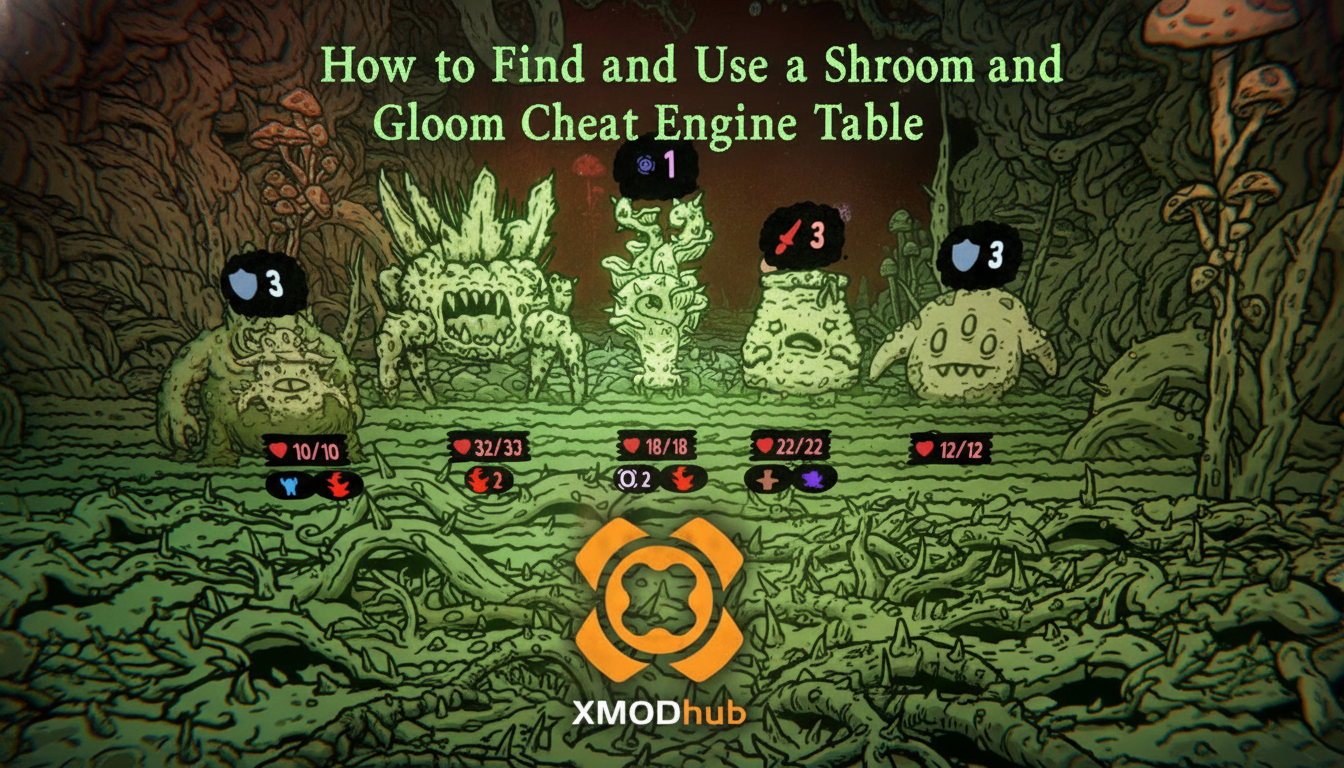
As a veteran of first-person deckbuilders, I know firsthand how punishing infinite scaling can be. When you are trying to manage hundreds of cards split across two entirely different decks—one for exploration and one for combat—a single bad draw can end your run. While memory editing tools can save your sanity, early access titles often present unique challenges for script makers.
TL;DR: The Short Answer
- Current Status: No official cheat engine table has been confirmed yet. Shroom and Gloom is officially scheduled to launch in Steam Early Access on September 10, 2026 [2].
- The Engine Reality: Because the game is not yet publicly available, dedicated
.CT(Cheat Table) files from communities like FearLess Revolution do not exist. - Manual Workaround: Once the game drops, players can manually scan for basic values like Health or Card Upgrade points using standard 4-byte or Float value scans.
- The Ultimate Shortcut: If you do not want to wait for community script updates or deal with pointer scans, skip to the XMODhub section below for a one-click solution.
Table of Contents
- TL;DR: The Short Answer
- Understanding the Need for a Shroom and Gloom Cheat Engine Table
- Which Game Mechanics Will Cheat Engine Target?
- How to Manually Scan Values in Shroom and Gloom (Step-by-Step)
- The Risks of Memory Editing in Deckbuilders
- The Ultimate Shortcut: Using XMODhub
- Anticipated Memory Value Types and Hex Data
- Troubleshooting Common Cheat Engine Crashes
- Frequently Asked Questions
- Final Verdict: Surviving the Gloom
Understanding the Need for a Shroom and Gloom Cheat Engine Table
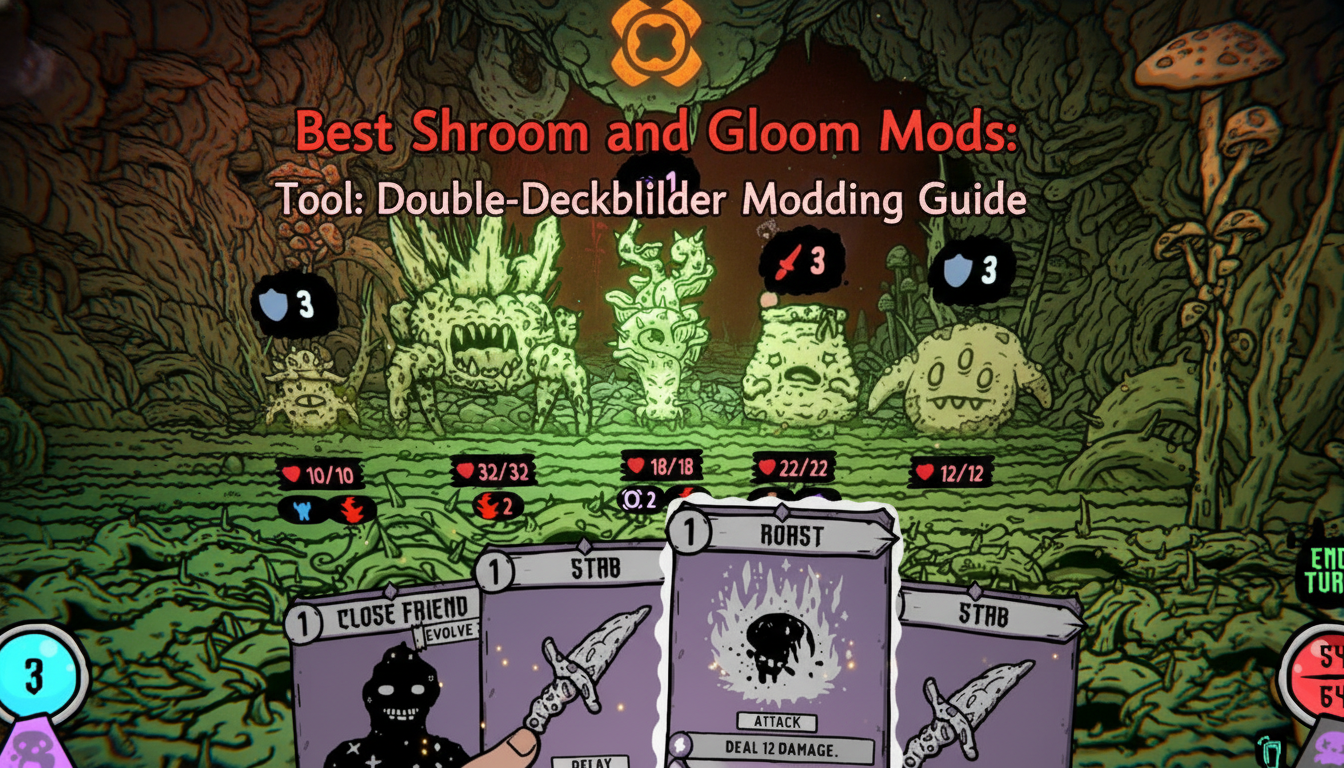
Shroom and Gloom is not your standard card game. Developed by Team Lazerbeam and published by Devolver Digital [2][3], it introduces a highly unusual combination of first-person dungeon exploration and roguelike mechanics [1]. The core difficulty stems from its ambitious double-deckbuilding system [3].
You are tasked with managing two distinct decks simultaneously [2]:
- The Explore Deck: Used to navigate the hand-drawn 3D spaces, reveal secrets, break obstacles, unlock doors, and fix things as you descend toward the mysterious underground area known as The Gloom [2].
- The Combat Deck: Used to hack, slash, and roast the fungal enemies standing in your way [2].
Balancing these two decks requires immense strategic foresight. Furthermore, the game features five unique playable characters at its Early Access launch: the Paperboy, Lunch-lady, Concerned Parent, Janitor, and Activist [2]. Each character likely has different starting pools and synergies. When you factor in the sheer volume of quests required to expand your card pools [2], the grind becomes apparent. A Shroom and Gloom cheat engine table becomes highly desirable for players who want to skip the tedious unlocking process and jump straight into building game-breaking super-weapons [3].
Which Game Mechanics Will Cheat Engine Target?
When a dedicated Shroom and Gloom cheat engine table is eventually released by the modding community, based on community reports from similar roguelike deckbuilders, we can expect script makers to target the following specific mechanics:
1. Health and The “Eating” Mechanic
Unlike traditional card games where you play a “Block” card to mitigate damage, Shroom and Gloom encourages you to eat your enemies [2]. You can season, skewer, or roast fallen fungal foes to restore lost health, or even throw them into a pot to cook game-changing soups [3]. A well-crafted Cheat Engine script will likely feature a “God Mode” or “Infinite Soup” pointer, freezing your health value so you never have to worry about taking lethal damage from a bad draw.
2. Infinite Card Upgrades
The developers have explicitly stated that players can upgrade every attack infinitely, growing low-level starting cards into overpowered attacks or modifying rare cards into monstrous mega-combos [3]. A Cheat Engine table will undoubtedly target the upgrade currency or modification tokens. By freezing these values, players will be able to instantly max out their Combat Deck without having to survive dozens of encounters first.
3. Explore Deck Action Points
Navigating the surreal world of mushrooms and madness requires using the Explore Deck to ignite, feed, and interact with the environment [2]. If these actions are tied to a specific resource pool or limited card draws per room, a Cheat Engine script could theoretically provide “Infinite Explore Actions,” allowing you to fully loot and reveal every single dungeon floor before moving on.
How to Manually Scan Values in Shroom and Gloom (Step-by-Step)
Since no official cheat engine table has been confirmed yet due to the 2026 release date [2], early adopters will need to rely on manual memory scanning. If you are familiar with Cheat Engine, you can easily manipulate basic values like your current Health once you have the game running.
Here is a universal step-by-step guide to scanning for health in single-player PC games:
- Launch the Game and Cheat Engine: Open Shroom and Gloom and load into a dungeon run. Alt-tab and open Cheat Engine.
- Attach the Process: Click the glowing PC icon in the top left of Cheat Engine and select the
Shroom and Gloom.exeprocess. - Initial Scan: Note your character’s current health. Enter this number into the “Value” box in Cheat Engine. Ensure the Scan Type is set to “Exact Value” and Value Type is set to “4 Bytes” (if this fails, try “Float”, as Unity and Unreal engine games often use floating-point numbers for health). Click First Scan.
- Change the Value: Return to the game. You need your health to change. Either take damage from a myco-monstrosity or eat a roasted enemy to restore health [2].
- Next Scan: Pause the game, look at your new health number, enter it into Cheat Engine, and click Next Scan.
- Isolate and Freeze: Repeat this process until only 1 to 3 addresses remain in the left pane. Double-click them to bring them to the bottom table. Check the box next to the address to “Freeze” it, or double-click the value to change it to 9999.
Note: If you prefer native methods over memory injection, check out our guide on Shroom and Gloom cheats and console commands to see if the developers left any debug tools active for players to use.
The Risks of Memory Editing in Deckbuilders
While manual scanning is effective, it comes with inherent risks, especially in games featuring complex arrays like card decks.
Dynamic Memory Allocation: Modern games rarely store health or currency in static addresses. Every time you load a new floor of the dungeon or start a new run, the memory addresses change. This means your manual scan will only work for that specific run. A proper Shroom and Gloom cheat engine table uses pointer scanning to find the base address, ensuring the cheats work every time you launch the game.
Save Corruption: Forcing a rare card to upgrade beyond its intended index limit can cause the game to crash. Because Shroom and Gloom relies heavily on synergies and hand-drawn animations colliding with 3D spaces [3], inputting an invalid card ID via Cheat Engine might result in a visual glitch that permanently corrupts your current roguelike run. Always back up your save files before injecting memory edits.
The Ultimate Shortcut: Using XMODhub
Let us be honest: manually scanning for memory addresses every time you start a new run is tedious. Waiting weeks for a community forum to update a Shroom and Gloom cheat engine table after every minor game patch is even worse. If you just want to enjoy the eyeball-melting art [3] and build stupid combos without the headache of memory editing, there is a much better way.
Don’t want to deal with pointers and Hex values? Directly use XMODhub.
XMODhub is a premium, all-in-one modding platform that automatically detects your game version and injects safe, updated cheats without requiring any technical knowledge. When Shroom and Gloom launches, XMODhub will handle the heavy lifting.
Here is how to bypass the grind in three simple steps:
- Download XMODhub: Install the lightweight client on your PC.

- Auto-Detect Shroom and Gloom: Launch the game. XMODhub will automatically detect the active process and load the correct, patch-verified cheat profile.
- Toggle Cheats: Use your smartphone or a secondary monitor to toggle features like “God Mode,” “Infinite Card Modifiers,” or “Insta-Kill Fungal Foes” with a single click.
No pointer scanning, no crashes, no outdated .CT files. Just pure, unadulterated mega-combos.
Download Shroom and Gloom Trainer Now
Anticipated Memory Value Types and Hex Data
If you are a hardcore modder determined to build your own .CT file on launch day, understanding how modern roguelikes allocate memory is crucial. While we wait for the official release, analyzing similar Unity-based deckbuilders gives us a reliable blueprint of what data types you will need to hunt down.
Below is a technical breakdown of the expected memory structures you will encounter when creating a custom Shroom and Gloom cheat engine table:
| In-Game Resource | Likely Value Type | Scan Strategy & Memory Notes |
|---|---|---|
| Player Health (HP) | Float / 4-Byte | Do not scan during combat animations. Wait for the turn to end, then scan the exact value after eating a roasted enemy or taking damage. |
| Card Upgrade Tokens | 4-Byte | Use an exact value scan in the base camp or upgrade menu. Spend a token to modify a card, then filter the remaining addresses. |
| Explore Deck AP | Float | Action Points in 3D exploration environments are often stored as floating-point decimals. Search for “Decreased Value” after breaking an obstacle. |
| Card IDs (Inventory) | String / Array of Bytes | Highly volatile. Attempting to swap a basic attack for a rare mega-combo card via Hex editing without updating the deck array will likely crash the run. |
| Soup Ingredients | 2-Byte | Inventory stacks for consumable items usually cap at 99, making them prime targets for 2-Byte integer scans. |
Troubleshooting Common Cheat Engine Crashes
One of the biggest frustrations when using a raw Shroom and Gloom cheat engine table is unexpected game crashes mid-run. Because the game relies on complex interactions between the Explore Deck and the Combat Deck, freezing the wrong memory address can break the game’s logic loop.
If your game freezes after injecting a script, check for these common issues:
- Out-of-Bounds Upgrades: The developers promised “infinite” upgrades, but memory has limits. Forcing a card’s damage multiplier beyond standard integer limits (e.g., higher than 2,147,483,647) will trigger an immediate stack overflow.
- Pointer Desync: Roguelikes reload their memory structure every time you enter a new dungeon floor. If you did not use a multi-level pointer for your Health address, your frozen value will point to random memory on the next floor, causing an instant crash.
Frequently Asked Questions
Is there a working Shroom and Gloom cheat engine table right now?
No official fix has been confirmed yet, and no working table exists because the game is slated for release on September 10, 2026 [2]. Any site claiming to offer a download right now is likely distributing malware.
Can I get banned for using Cheat Engine in Shroom and Gloom?
Shroom and Gloom is a single-player roguelike deckbuilder [4]. There is no competitive multiplayer component, meaning there is no server-side anti-cheat to ban you. You are free to modify your single-player experience as you see fit.
How do I heal if I don’t want to use cheats?
The game features a highly unique mechanic: less blocking, more eating [3]. You can season, skewer, or roast your enemies, then eat them to restore health. You can also throw roasted enemies into a pot to cook healing soups [3].
What characters can I play as?
At the Early Access launch, you can choose from five characters: Paperboy, Lunch-lady, Concerned Parent, Janitor, and Activist [2]. You will need to complete quests to unlock them and expand their card pools.
Final Verdict: Surviving the Gloom
Finding a reliable Shroom and Gloom cheat engine table will require patience, as the game’s highly anticipated Early Access launch on September 10, 2026, is still on the horizon [2]. When it does arrive, the dual-deck mechanics and infinite card growth systems will make it a prime target for memory editors looking to break the game’s limits.
However, dealing with broken scripts after every developer patch is a massive headache. If you love roguelike deckbuilders like Slay the Spire and Monster Train but hate the repetitive grind of bad RNG, do yourself a favor and skip the manual memory scanning. XMODhub supports over 5,000 PC single-player games with an actively maintained, one-click interface. It is the ultimate way to ensure your journey into The Gloom is filled with monstrous mega-combos rather than frustrating defeats.
Stop Grinding, Start Enjoying.
Bypass the tedious resource gathering and unlock your full potential instantly.

I am a passionate gamer and writer at XMODhub, dedicated to bringing you the latest gaming news, tips, and insights.
Connect with me:
LinkedIn Profile ↗