Catherine Hu
We have all been there: you spend hours meticulously building your settlement, cultivating fields, and carefully vetting a curious Lizardman with a drifter’s past to join your four-person expedition party [2]. Then, deep in the merciless dungeon, you miss a crucial tactical pause, an acid-spitting monster melts your frontline, and thanks to the game’s unforgiving permadeath mechanic, your carefully nurtured members are gone forever [2][3]. When a hardcore dark fantasy strategy game pushes you to the absolute brink, searching for Dungeon Settlers cheats and console commands isn’t just about taking the easy way out—it is about preserving your sanity and your precious free time.
TL;DR: The Short Answer
If you are looking for a quick way to bypass the brutal difficulty spikes in CanOpener’s latest colony sim dungeon crawler, here is what you need to know based on community reports and the game’s Early Access framework:
- Native Console Commands: As the game enters its Early Access phase on September 4, 2026 [2], official built-in developer console commands are not natively exposed to the player by default.
- Memory Editing: The most reliable current method for modifying values (like rations, wood logs, and gemstone veins) is through external memory scanners.
- Modding: The developers have officially planned modding support, including Steam Workshop integration, which will eventually introduce cheat mods and debug menus [2].
- Automated Trainers: Dedicated PC trainers offer the safest and most streamlined way to toggle infinite health and resources without risking your save file.
Table of Contents
- TL;DR: The Short Answer
- The Brutal Reality of Dungeon Settlers
- The State of Dungeon Settlers Cheats and Console Commands
- Common Mistakes That Lead to Party Wipes
- Alternative Methods: Mastering the Mechanics
- Advanced Tips for Hardcore Expedition Leaders
- The XMODhub QoL Solution
- Manual Save File Editing and Memory Scanning Guide
- Frequently Asked Questions
- Final Verdict
The Brutal Reality of Dungeon Settlers
Developed by CanOpener and WhisperGames, Dungeon Settlers is a fusion of the intricate detail of a colony simulation (highly reminiscent of RimWorld) and the unforgiving tension of a hardcore dungeon crawler [2][3]. Set in a desolate land isolated by magical erosion, you are tasked with building a forward base to conquer the dungeons that serve as the source of all calamities [2][3].
The game relies on a tightly integrated core loop: use resources gathered from dangerous expeditions to develop your settlement, research new technologies, and reach deeper dungeon levels [3]. However, the threat of permadeath looms over every decision [2]. Once a character dies, there is no coming back [2]. This creates a massive demand for Dungeon Settlers cheats and console commands, as players look for ways to recover from devastating RNG (Random Number Generation) elements, such as unexpected encounters with towering giant golems or mysterious ancient trees that demand blood as a sacrifice [2][3].
The State of Dungeon Settlers Cheats and Console Commands
Because Dungeon Settlers is an Early Access title slated for a roughly two-year development cycle starting September 4, 2026 [2], the availability of traditional cheat codes is currently limited. In many modern Unity or Unreal Engine strategy games, the developer console is locked behind debug builds.
Currently, community reports vary on whether a simple launch parameter (like -developer or -console) can unlock a native command line. Until a dedicated debug enabler mod hits the Steam Workshop—which the developers have confirmed is planned for the future [2]—players must look to external software to manipulate the game’s engine.
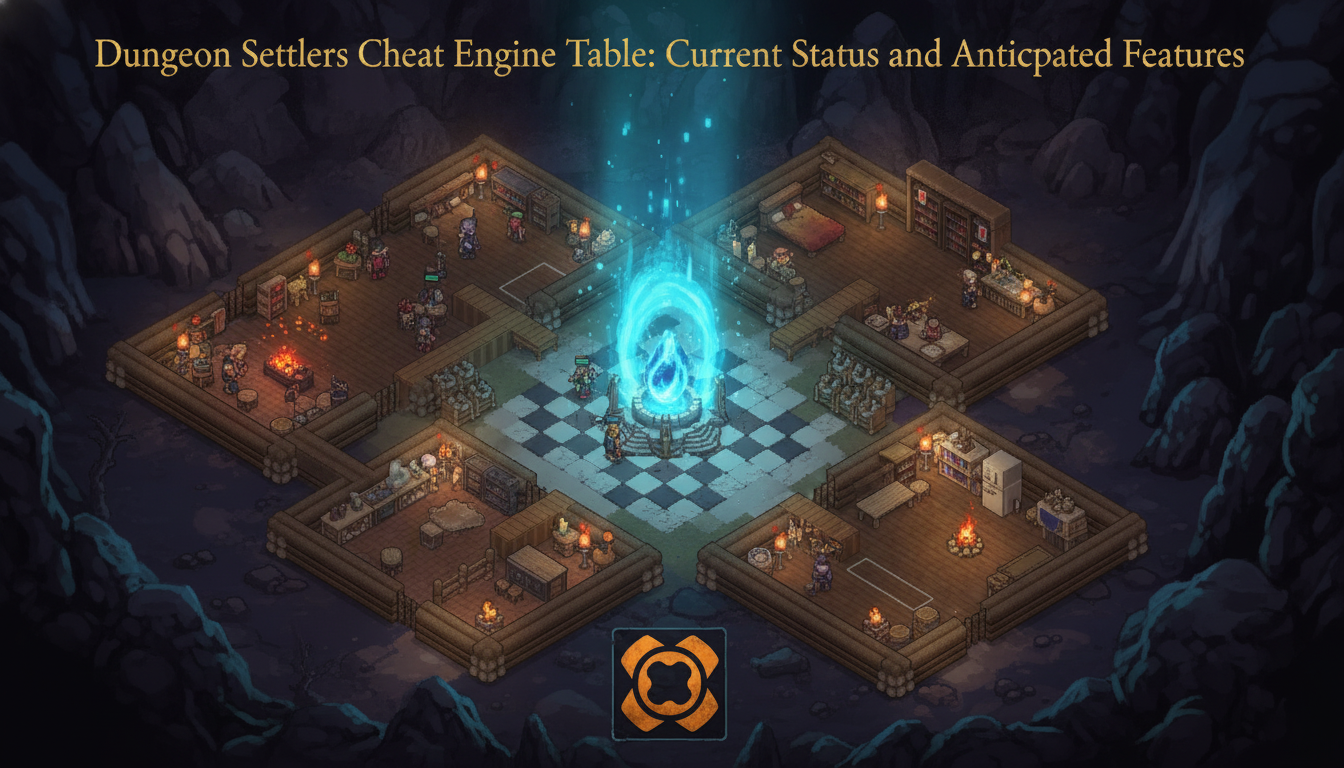
For those looking to bypass the grind immediately and salvage their dying settlements, utilizing a Dungeon Settlers Cheat Engine Table: Current Status and Anticipated Features is currently the most reliable community-driven workaround. These tables allow hardcore PC players to manually hook into the game’s memory to freeze the values of rations, camping supplies, and rare resources like mysterious mandrakes [2].
Common Mistakes That Lead to Party Wipes
Before resorting to memory editing or trainers, it is crucial to understand why you are failing. Dungeon Settlers is labeled a “Hardcore Strategy” game for a reason [2]. Here are the most common mistakes players make that drive them to seek out cheats:
Mistake 1: Ignoring the “Real-Time with Pause” System
Combat in Dungeon Settlers is top-down and takes place in real-time, with no turn or round limits [2][3]. The biggest mistake new players make is treating it like a pure action game. You must utilize the pause system to stop time during chaotic melees [3]. Failing to pause means you will miss opportunities to exploit enemy weaknesses or utilize critical status effects like stun, bleed, burn, provoke, and vulnerable [2][3].
Mistake 2: Poor Settlement Resource Management
Your settlement is your lifeline. If you fail to design rooms efficiently—placing walls and doors to meet your members’ needs, setting up bedrooms, dining areas, and a forge with anvils and smelters—your expedition will fail before it even begins [2]. Players often rush into the dungeon without cultivating fields to grow crops or producing enough rations and camping supplies [2].
Mistake 3: Disjointed Party Synergy
Every recruit has six major abilities and talents, alongside dozens of combat and life-related stats [2]. Throwing four random members together is a death sentence. If your party does not have synergistic skill trees—such as combining a frontline sword/mace user with a backline bow and fire magic user—you will be quickly outmaneuvered by enemy patterns [2].
Alternative Methods: Mastering the Mechanics
If you want to survive without using a Dungeon Settlers cheat engine table, you need to master the game’s deep tactical systems. Here are alternative methods to overcome the brutal difficulty:
Alternative 1: Status Effect Stacking
Do not just rely on raw damage. The game offers a rich variety of mechanics including charge attacks and summons [2]. Use a tank character with a “provoke” (taunt) skill to draw aggro from acid-spitting monsters, while your mages apply “vulnerable” and “burn” status effects [2][3]. Layering these effects is the only legitimate way to overcome seemingly hopeless battles.
Alternative 2: Meticulous Vetting of Recruits
There is a distinct joy in carefully vetting candidates in Dungeon Settlers [3]. Pay close attention to traits based on race, background, and personality [2]. A character’s background might give them unique advantages in specific randomly generated dungeon floors or when trading with dungeon merchants [2]. Never settle for mediocre recruits; wait for promising candidates and help them grow safely through low-level grinding before tackling deeper, more lethal regions.
Alternative 3: Strategic Retreats and Resource Hoarding
The deeper you go, the rarer and more valuable the resources become—but so do the threats [2]. Do not get greedy. If your party is low on health and you have secured valuable wood logs, herbs, and gemstone veins, extract immediately [2]. The remnants of magical experiments will destroy a weakened party, and losing your gear and leveled characters is never worth the risk of one more room.
Advanced Tips for Hardcore Expedition Leaders
For players who want to push the limits of the colony sim mechanics, consider these advanced strategies:
- Optimize the Forge: Prioritize unlocking new buildings and equipment through research as early as possible [2]. An upgraded forge with advanced smelters will allow you to craft top-tier gear, which is the ultimate buffer against permadeath.
- Understand Magical Erosion: The desolate land is isolated by magical erosion [2]. Plan your settlement expansion carefully to maximize safe zones for farming crops and minimizing the travel distance to the dungeon entrance.
- Blood Sacrifices: When you encounter the mysterious ancient trees that demand blood to bear forbidden fruit [2][3], ensure you have a designated “expendable” recruit or a reliable healing setup before interacting, as the rewards can drastically alter your power level.
The XMODhub QoL Solution
Let’s be honest: while mastering real-time with pause combat is rewarding, losing a 20-hour save file because of one bad RNG roll against a giant golem is incredibly frustrating. When community workarounds become too tedious, or when game updates break your memory tables, it is time to look for a permanent Quality of Life (QoL) solution.
This is where XMODhub steps in. Instead of scouring forums for outdated Dungeon Settlers cheats and console commands, XMODhub provides a seamless, client-based overlay that injects safe, tested modifications directly into your game.
Key Features for Dungeon Settlers:
- Infinite Expedition Health: Completely neutralize the threat of permadeath.
- Unlimited Settlement Resources: Instantly max out your wood logs, herbs, gemstone veins, and rations without waiting for crops to grow.
- Instant Research: Bypass the wait times to unlock new buildings and equipment immediately.
How to get started:
- Download XMODhub: Install the lightweight client from the official website.

- Auto-Detect Dungeon Settlers: Launch the game. XMODhub will automatically detect your active session and version (fully supporting the Early Access builds).
- Toggle Cheats: Use your customizable hotkeys or the in-game overlay to activate infinite health and resources on the fly.
Download Dungeon Settlers Trainer Now
Manual Save File Editing and Memory Scanning Guide
If you prefer a hands-on approach over automated trainers while waiting for official Dungeon Settlers mods to drop on the Steam Workshop, manipulating the game’s local data is your next best option. Because the game relies heavily on local instance saves during its Early Access period, players can locate their save directory—typically found in the AppData/LocalLow/CanOpener/DungeonSettlers folder on Windows—and open the .json or .save files using a standard text editor like Notepad++.
However, manually editing JSON files can easily corrupt your campaign if syntax is broken. A much safer and dynamic route for hardcore PC players is using a memory scanner (like Cheat Engine). To successfully bypass the grind, you need to know exactly what data types to search for when your expedition party is in the dungeon or resting at the settlement.
Essential Resource Values for Memory Scanners
When attempting to isolate and freeze specific resources to simulate Dungeon Settlers console commands, use the following data types. Remember to always make a backup of your save file before injecting code or freezing memory addresses.
| Target Resource / Stat | In-Game Function | Recommended Memory Value Type | Search Strategy |
|---|---|---|---|
| Wood Logs | Essential for building basic walls, doors, and bedrooms. | 4 Bytes | Gather wood, search exact value, spend wood, scan next value. |
| Rations | Sustains the expedition party; prevents starvation debuffs. | 4 Bytes or Float | Consume a ration during an expedition, then scan for decreased value. |
| Gemstone Veins | Critical for high-tier forge upgrades and advanced smelters. | 4 Bytes | Mine a vein, search exact value. Extremely rare, so isolate carefully. |
| Character Health | The ultimate buffer against the unforgiving permadeath system. | Float | Take damage from acid monsters, pause the game, and scan the new health pool. |
| Research Points | Bypasses wait times to unlock new technologies and gear. | 4 Bytes | Generate points at the research desk, scan, and freeze to instantly unlock the tech tree. |
By understanding these data structures, you can essentially create your own Dungeon Settlers cheat engine table from scratch, giving you total control over the desolate lands without relying on outdated community uploads.
Frequently Asked Questions
Does Dungeon Settlers feature permadeath?
Yes. The game is designed as a hardcore strategy experience. According to the developers, “once dead, there is no coming back” [2]. This applies to all members of your expedition party, making careful planning and tactical pausing essential.
Are there official Dungeon Settlers cheats and console commands?
As of the September 4, 2026 Early Access launch, there is no officially documented developer console accessible to players [2]. Players currently rely on third-party memory editing tools, trainers, and upcoming mod support to alter game values.
Will Dungeon Settlers support mods?
Yes. The developer, CanOpener, has explicitly stated that they plan to prepare modding support, including full Steam Workshop integration, during the Early Access period to allow the community to create and share content [2]. This will likely be the primary source for future cheat menus.
How does the combat system work?
Combat is top-down and features a “Real-Time with Pause” system [2][3]. There are no turn or round limits. You can control your four-person party as a group or individually, pausing at any moment to analyze enemy traits, assign skills (like fire magic or bow attacks), and manage status effects [2][3].
What kind of base-building elements are included?
The game features robust, high-freedom simulation elements reminiscent of RimWorld [3]. You can freely design rooms by placing walls and doors, build bedrooms and dining areas, set up forges with anvils and smelters, and cultivate fields to grow crops for rations [2].
Final Verdict
Surviving the magical erosion and conquering the source of all calamities in Dungeon Settlers requires immense patience, flawless tactical execution, and impeccable settlement management. While the lack of official Dungeon Settlers cheats and console commands at the start of Early Access might seem daunting, the PC gaming community always finds a way. Whether you choose to meticulously master the real-time with pause combat system, carefully edit your save files, or utilize external tools, the choice of how you conquer the barren land is entirely yours.
For those who simply want to enjoy the dark fantasy atmosphere and base-building without the crushing anxiety of permadeath, automated solutions are the ultimate game-changer. XMODhub supports over 5,000 PC titles—including similar hardcore strategy heavyweights like RimWorld or Dwarf Fortress—ensuring that you spend less time recovering from devastating party wipes and more time building the ultimate expedition settlement.
Stop Grinding, Start Enjoying.
Bypass the tedious resource gathering and unlock your full potential instantly.

I am a passionate gamer and writer at XMODhub, dedicated to bringing you the latest gaming news, tips, and insights.
Connect with me:
LinkedIn Profile ↗
 Nancy Miller