
 Nancy Miller
To use cheats in Hero Siege on PC, switch to offline single-player mode, launch a verified trainer like XMODHUB, and toggle options such as infinite gold, god mode, or XP multipliers. Steam data shows the game has over 1,000,000 owners, many of whom use offline tools to bypass seasonal grinding. Never activate trainers during online multiplayer to avoid server detection and account bans.
Key Takeaways
- Offline Safety — Modding Hero Siege is completely safe when restricted entirely to offline single-player mode.
- Ban Risks — Using memory modifiers in online multiplayer will trigger server-side detection and permanent account bans.
- Trainer Features — PC trainers provide instant access to infinite gold, god mode, and custom experience multipliers.
- Save Backups — Always back up your local AppData save files before injecting any third-party cheat software.
- Version Matching — Ensure your cheat tool matches the latest game patch to prevent crashes. Let’s break down the details below.
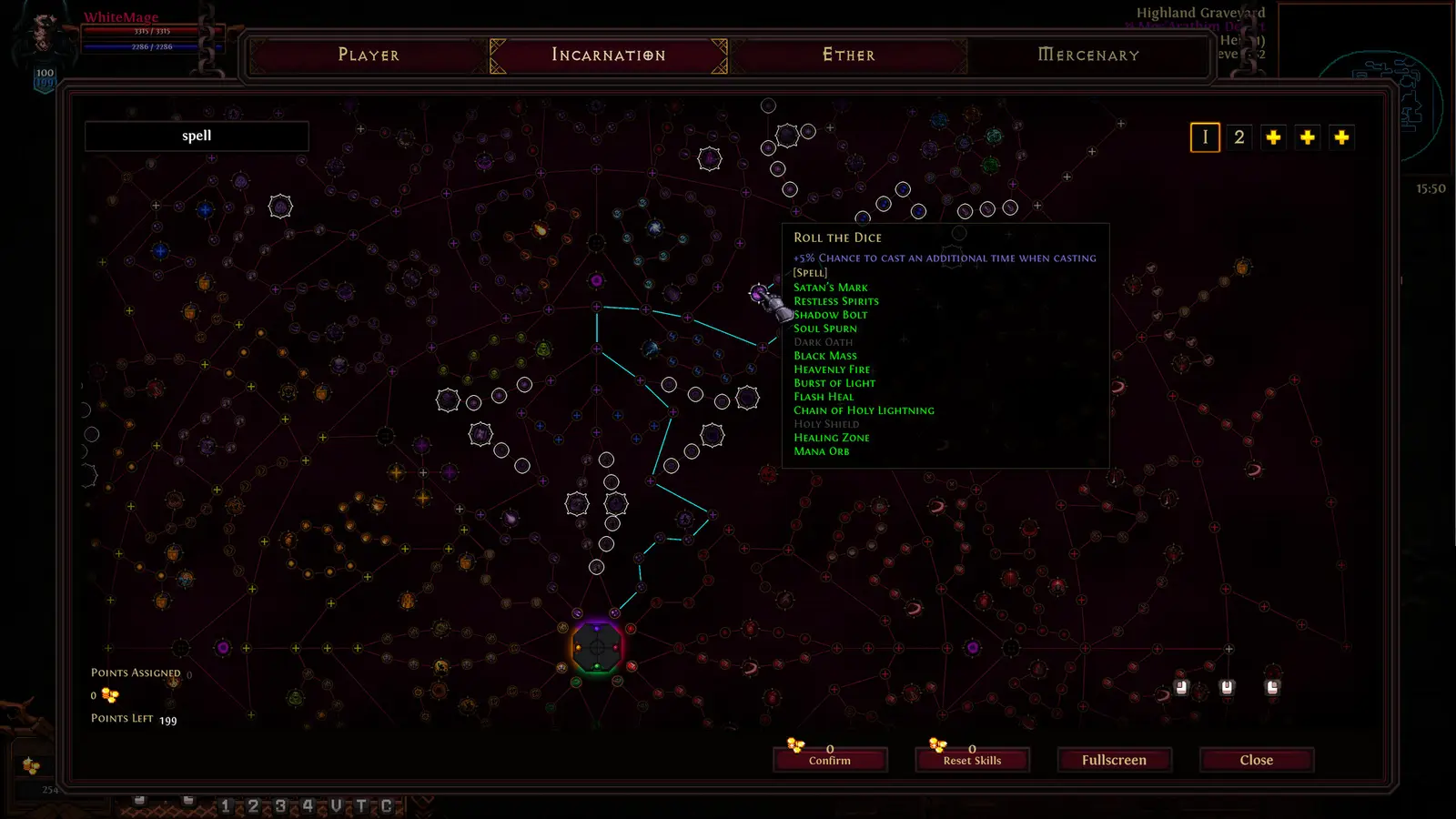
How to Install Hero Siege Cheats PC Safely
To install cheats safely in Hero Siege, you must first disconnect your game from the online servers by selecting offline mode, back up your local save files, and attach a verified memory injector. This ensures your progress remains isolated from the multiplayer leaderboards. Modifying the game requires careful file management to prevent accidental corruption and protect your account from automated bans.
Backing Up Your Hero Siege Save Files
Before utilizing any game trainer or offline character save editor, securing your base progression is mandatory. I learned the hard way that leaving Steam Cloud saves enabled while manually editing local files can cause version conflicts that wipe hours of progress. To back up your data, press Win + R, type %localappdata%, and locate the Hero_Siege folder. Copy this entire directory to your desktop. If a cheat engine table corrupts your character’s stats, you can simply paste this backup folder back into the AppData directory to restore your unmodded state.
Switching to Hero Siege Offline Mode
Hero Siege separates its character rosters into online and offline categories. When you launch the game, you must explicitly select the “Local / Offline” option from the main menu before creating a character or loading a save. Offline characters are stored entirely on your hard drive rather than Panic Art Studios’ servers. Interestingly, Steam statistics show that you can still earn all 145 Steam achievements while playing offline, meaning you can use cheats to unlock difficult milestones without risking your account standing.
Launching the PC Trainer
Once your game is running in offline mode and your character is loaded into a zone, minimize the window and launch your chosen PC trainer with administrator privileges. Modern trainers use memory offset toggles rather than permanent client-side save modifications, meaning the cheats only exist in your RAM while the software is active. Click the “Attach to Process” button (usually targeting Hero_Siege.exe) and wait for the confirmation sound before toggling your desired modifiers.
Important Safety Notice
Never attempt to move an offline character that has been modified with cheats into the online multiplayer environment. The game’s file architecture will flag the impossible stat values immediately.
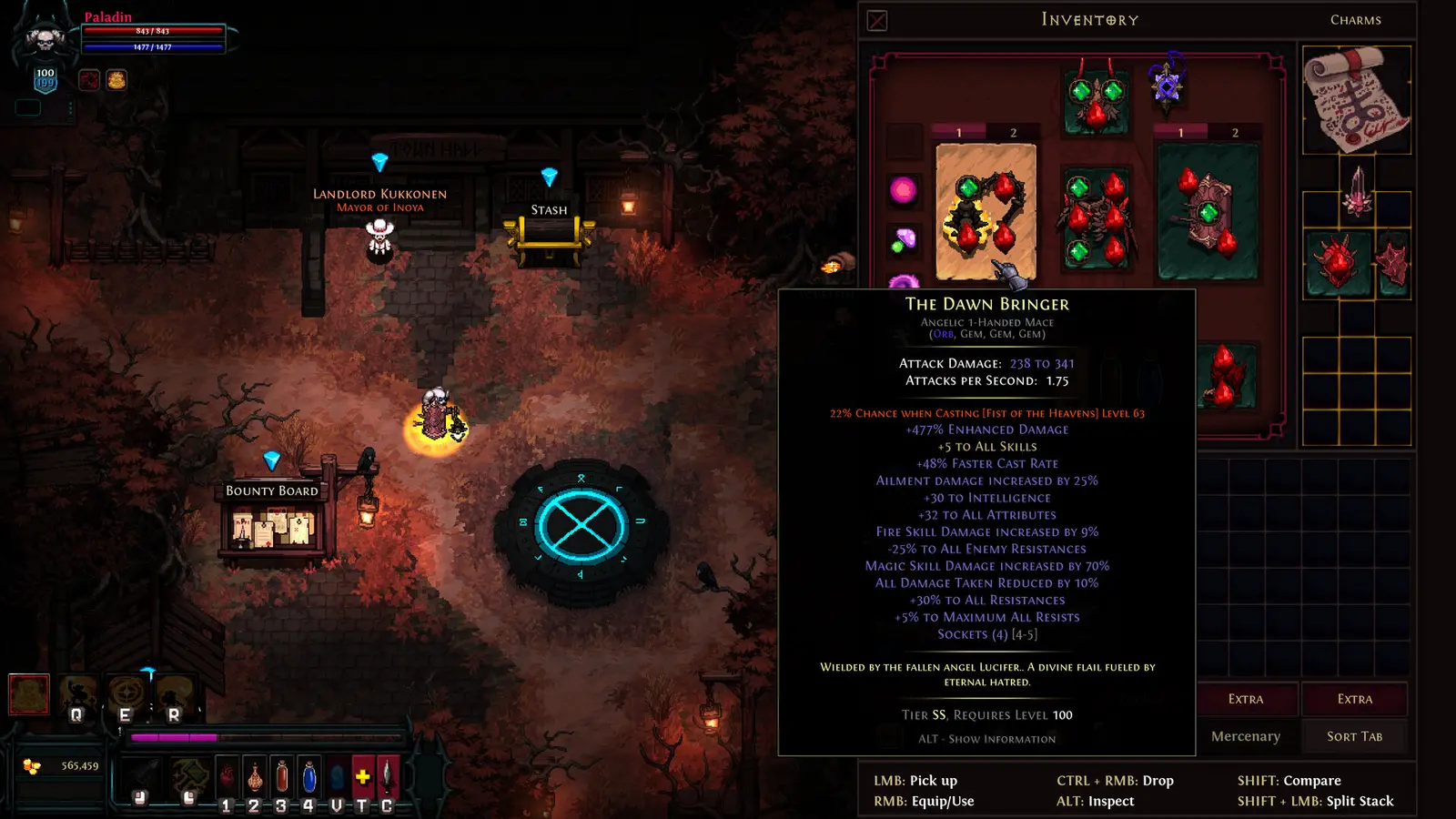
Can You Get Banned for Using a Hero Siege PC Trainer?
You cannot get banned for using a Hero Siege PC trainer as long as you strictly play in offline single-player mode. However, activating memory modifiers or cheat engine tables during online seasonal multiplayer will trigger server-side detection and result in an immediate, permanent account suspension. Always verify your connection status before launching any modding tools.
Panic Art Studios Anti-Cheat Detection Explained
Since its release on January 29, 2014, Panic Art Studios has continuously updated their action role-playing game to protect the integrity of its seasonal economy. Online multiplayer relies on server-side data verification. When you pick up gold, deal damage, or gain experience online, the server cross-references those values against the game’s mathematical limits. If a trainer injects code to deal 9,999,999 damage, the server instantly recognizes the anomaly, disconnects the client, and flags the account for a ban. Cheating in video games with competitive ladders is heavily monitored here.
Why Hero Siege Single Player Cheats Are Safe
Offline mode completely disables this server-side telemetry. Because your save game data is read and written locally, the game has no mechanism to report anomalous stat behavior back to the developers. Steam data shows over 43,000 player reviews, and community consensus confirms that playing entirely offline shields you from the automated anti-cheat systems. You can freely manipulate your inventory, duplicate items, and bypass the grind without fear of losing access to your S$8.50 game purchase.
Why Do Hero Siege Single Player Cheats Stop Working?
Hero Siege single player cheats typically stop working because game updates alter the underlying memory addresses that trainers rely on to inject code. When Panic Art Studios releases a new patch or seasonal update, older trainers will either fail to attach to the process entirely or cause the game to crash upon activation.
Fixing Hero Siege Version Mismatch Errors
Because Hero Siege receives frequent balance patches and seasonal content drops, trainer compatibility is a constant moving target. If your infinite gold or fast leveling toggles suddenly stop functioning, verify your game version on the main menu. You must download a trainer specifically compiled for that exact build. Many premium trainers offer auto-updating features that scan the executable and adjust their memory pointers automatically, saving you the hassle of hunting for new cheat tables after every minor hotfix.
Troubleshooting Hero Siege Cheat Engine Table Crashes
While Cheat Engine is a powerful tool, it requires manual configuration that can easily destabilize the game. I prefer using dedicated trainers over manual cheat engine tables because memory injection trainers preserve character file integrity better than manual binary save editing. If your game crashes when checking a box in Cheat Engine, it usually means the script is trying to write to a protected memory region or the pointer is outdated. Restart the game, load your character fully into a map, and only then reattach the debugger.
Resolving Movement Speed Clipping Issues
Not all crashes are caused by outdated software; sometimes the game engine simply cannot handle the modified values. In my testing on the latest Steam build, I found that setting movement speed above 300% caused my character to clip through dungeon wall collisions in pixel ARPG maps. This results in getting permanently stuck out of bounds, forcing a game restart. When using a hero siege stat editor, keep your speed multipliers at a reasonable 150% to 200% to maintain stable navigation.
Pro Tip
If you are stuck out of bounds due to excessive speed mods, use a town portal skill or item to reset your position safely without losing your current dungeon progress.
Hero Siege Player Segment Comparison: Which Mods to Use?
Choosing the right mods for Hero Siege depends on your goals; casual players benefit most from minor stat boosts and quality-of-life tweaks, while hardcore theorycrafters require god mode and infinite resources to rapidly test endgame builds. Tailoring your cheat configuration prevents you from ruining the core gameplay loop while still respecting your time.
Best Hero Siege Stat Editor Settings for Casuals
If you are new to this panic art studios arpg, activating every cheat at once will quickly drain the fun out of the experience. Casual players should focus on quality-of-life improvements. A moderate 2x XP multiplier reduces the tedious grinding between story acts without instantly maxing out your character. Similarly, using a hero siege infinite gold toggle allows you to freely experiment with the merchant and crafting systems without worrying about resource scarcity, preserving the thrill of finding rare loot drops.
Safe Modding for Hero Siege Endgame Build Testers
For veterans looking to optimize their setups before a new online season begins, the approach is entirely different. Endgame testers should utilize hero siege god mode and instant cooldown modifiers. This allows you to stand directly in boss mechanics to test damage mitigation synergies or spam high-tier abilities to calculate theoretical DPS output. This pixel hack and slash modding approach turns the offline mode into a sterile laboratory, ensuring you know exactly which skill tree paths to pursue when you finally transition back to legitimate online play.
Conclusion: Mastering Hero Siege Offline
Mastering Hero Siege with offline cheats allows you to bypass tedious seasonal grinding and experience the full depth of the game’s class system on your own terms. By adhering to strict single-player usage and maintaining proper save backups, you can safely experiment with endless build combinations without risking your account. Whether you want a slight experience boost to save time or full invulnerability to conquer the hardest dungeons, utilizing a verified PC trainer transforms the game into a personalized sandbox. Remember to always verify your offline status before launching any modifications, and enjoy the freedom of unrestricted ARPG gameplay.
XMODHUB Trainer for Hero Siege: Full Feature List
If you want to skip the tedious seasonal grind and immediately test endgame builds, the XMODHUB ↗ trainer offers a comprehensive suite of memory modifications for Hero Siege.
God Mode
Become completely invulnerable to all enemy damage and environmental hazards.
Infinite Gold
Generate unlimited currency for endless crafting and merchant purchases.
Fast Leveling
Apply custom experience multipliers to reach max level instantly.
Infinite Mana
Spam your most powerful abilities without waiting for resource regeneration.
Why Choose XMODHUB for Hero Siege
XMODHUB ↗ is the trusted choice for ARPG players because of its flawless safety record in offline mode and automatic game-version updates. It eliminates the need for manual memory editing, letting you focus entirely on enjoying your custom builds.
Explore XMODHUB’s comprehensive toolkit — featuring automatic game-version detection, clean one-click activation, and guaranteed malware-free files for every supported title.
Health & Combat
Currency & Items
Progression
Frequently Asked Questions
Ready to enhance your gameplay?

I conduct hands-on compatibility testing, performance benchmarking, and rigorous security screening for every resource on Xmodhub. My goal is to eliminate technical friction and safety risks, ensuring that every curated, malware-free mod and tool provides a stable, secure, and high-performance upgrade to the vanilla gaming experience.
