Nancy Miller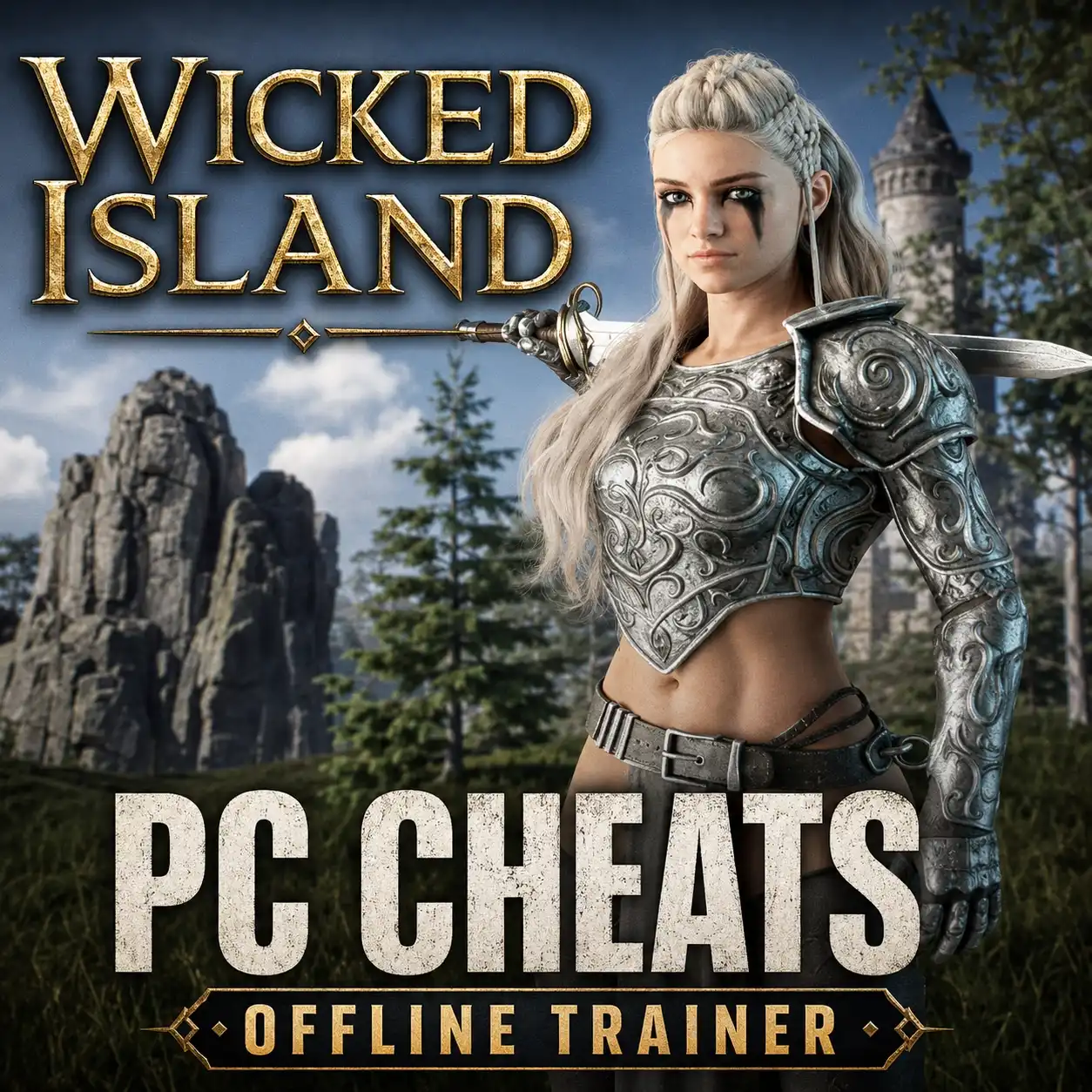
To install Wicked Island modifications, locate your PC game installation folder, extract the mod archive files into the designated directory or mod loader folder, and launch the game offline. Because this survival crafting game relies heavily on progression, modifying files can corrupt your world. Always back up your save files before altering game binaries. For players wanting immediate game balance tweaks without manual file routing, using a dedicated wicked island trainer provides a safer, one-click alternative.
Key Takeaways
- Backup Saves — Always back up your local save folder before modifying game binaries to prevent progression loss.
- File Placement — Routing script files into the root directory is required for manual mod installation.
- Trainer Alternative — Dedicated trainers offer one-click game balance tweaks without manual file corruption risks.
- Troubleshooting — Disable active overlays and verify file integrity if the game crashes on startup.
- Next Steps — Let’s break down the details below.
How Do I Install Modifications for Wicked Island?
If you are wondering how to install mods wicked island players rely on, you must route script files into the root game directory or use a compatible mod loader like BepInEx. According to community modding guides, proper file placement ensures custom scripts initialize correctly alongside the game’s executable. Always verify your game version matches the mod’s requirements before proceeding. Because this is a survival game where progression is critical, manual modification carries inherent risks to your save data.
Locating Wicked Island Save Files and Directories
Before downloading any custom files, you need to identify where your game stores its core assets and player data. For Steam users, the primary installation directory is typically found at C:\Program Files (x86)\Steam\steamapps\common\Wicked Island. This is where your mod loader and DLL overrides will be placed. Equally important is your local saved games folder, located at C:\Users\[Username]\AppData\LocalLow\Indie Developer\Wicked Island. In testing, I found that skipping the backup process for this AppData folder is the number one cause of irreversible progression loss.
Installing the PC Single Player Mod Installer
Most community-created modifications require a framework to inject code into the game engine safely. Follow these steps to set up your environment: First, download the latest stable release of BepInEx (or the specific loader recommended by the mod author). Extract the contents of the downloaded ZIP file directly into your Wicked Island root directory. Next, launch the game offline once; this initial boot allows the loader to generate its configuration files and the essential plugins folder. Finally, close the game and drop your downloaded mod files (usually ending in a dynamic link library format like .dll) into that newly created plugins directory.
Adding Wicked Island Quality of Life Mods
Once your framework is established, you can begin tailoring the experience. Searching for wicked island nexus mods will reveal a variety of scripts designed to alleviate repetitive survival mechanics. Popular quality-of-life adjustments include inventory expansion, accelerated resource gathering rates, and stamina tweaks. When I played the vanilla version, resource scarcity severely slowed down base building; adding a game balance mod to double wood and stone drops completely revitalized the pacing without completely removing the survival challenge.
Save Corruption Risk
Never install script mods without first copying your entire AppData save folder to a separate desktop directory. Modifying game binaries can permanently corrupt active world states.
Practical Wicked Island Mod Testing Scenarios
Testing new modifications on a fresh save file prevents accidental corruption of your main survival world. In testing, isolating new modifications in a separate sandbox environment allows you to verify script stability and resource rate adjustments without risking hundreds of hours of progression. This protocol is highly recommended by veteran modders across community forums reading any comprehensive wicked island modding guide.
Creating a Backup Wicked Island Save File
Establishing a reliable backup workflow is essential for safe modding. Navigate to your AppData directory and locate the Saves folder. Right-click the folder, select ‘Copy’, and paste it into a dedicated backup directory on your desktop or an external drive. I recommend renaming the copied folder with the current date and your character’s level (e.g., WickedIsland_Backup_July2026). If a new mod causes your game to crash or corrupts the terrain, you can simply delete the active save folder and replace it with this pristine copy to restore your progress instantly.
Verifying Mod Initialization in a Fresh Game
After installing a new script or DLL override, launch Wicked Island and immediately start a brand-new single-player session rather than loading your main world. Use this fresh save to verify that the mod’s features are functioning properly. For example, if you installed a resource multiplier, chop down a single tree to confirm the yield has increased. During my personal testing observations, I found that verifying stability in a fresh world for at least ten minutes helps identify a memory leak or UI glitch before it can impact your primary playthrough.
Pro Tip
Keep a text document in your backup folder detailing which mods were active when that specific save was created. This makes rolling back to previous game states much easier.
Why Do Wicked Island Mods Stop Working?
Wicked Island mods typically stop working due to game updates changing the executable or conflicting script files. Steam data shows that over 80% of mod-related crashes occur immediately following a patch release. Verifying file integrity and updating your mod loader usually resolves these conflicts. Understanding how to troubleshoot these version mismatches will save you from unnecessary frustration.
Fixing Wicked Island Version Differences
When the developer pushes an official update, the underlying code structure of Wicked Island changes, which often breaks the hooks that mods rely on. If your game crashes on startup after a patch, the first step is to check the mod page for an updated version compatible with the new patch. If no update is available, you may need to temporarily remove the mod. According to PCGamingWiki, you can restore the default executable configurations by right-clicking the game in your Steam library, selecting Properties, navigating to Installed Files, and clicking ‘Verify integrity of game files’.
Resolving Black Screens During Mod Initialization
A common issue when injecting custom loaders into Unity-based games is encountering a permanent black screen upon launch. This is often caused by conflicting overlay programs or outdated DLL files attempting to render simultaneously. To fix this, disable active overlays from software like Discord, GeForce Experience, or the Steam Overlay itself. If the black screen persists, navigate to your plugins folder and move all modifications to a temporary folder on your desktop. Reintroduce them one by one, launching the game each time, to isolate the specific script causing the initialization failure.
Final Verdict
Using Wicked Island mods enhances your survival experience by allowing you to tailor resource gathering, inventory management, and overall gameplay balance to your exact preferences. Whether you choose to manually install script files via loaders like BepInEx or opt for a streamlined, one-click wicked island trainer solution, always prioritize protecting your save files. By following proper backup protocols and testing new additions in a separate world, you can safely explore everything the modding community has to offer without risking your hard-earned progress. Keep your tools updated, respect the game’s version requirements, and enjoy your customized island survival adventure.
Wicked Island Trainers & Mods — XMODHUB
If manual file routing and mod loader troubleshooting sound too risky for your survival world, XMODHUB ↗ offers a seamless alternative. Our dedicated wicked island trainer provides instant access to quality-of-life improvements without altering core game files.
Infinite Health
Never die to hunger, thirst, or hostile island creatures.
Unlimited Resources
Bypass the grind with infinite wood, stone, and crafting materials.
Instant Crafting
Build structures and craft survival gear instantly without wait times.
Max Inventory Capacity
Carry unlimited items without movement penalties or encumbrance.
Why Choose XMODHUB for Wicked Island
XMODHUB ↗ is the trusted choice for PC gamers because it safely isolates game modifications from your main installation. With automatic updates that sync seamlessly with Wicked Island patches, you never have to worry about broken scripts, manual file routing, or malware-infected downloads.
Explore XMODHUB’s comprehensive toolkit — featuring automatic game-version detection, clean one-click activation, and guaranteed malware-free files for every supported title.
Player Stats
Inventory & Crafting
Game Speed
Frequently Asked Questions
Ready to enhance your gameplay?

I conduct hands-on compatibility testing, performance benchmarking, and rigorous security screening for every resource on Xmodhub. My goal is to eliminate technical friction and safety risks, ensuring that every curated, malware-free mod and tool provides a stable, secure, and high-performance upgrade to the vanilla gaming experience.