Catherine Hu
CRITICAL UPDATE: Based on the current Early Access and Demo status of the game, No Mortal Space currently has no native mod ecosystem. Because the developers are actively heavily updating the game—specifically polishing its seamless online multiplayer functionality and preparing civilization-themed planets—traditional file-based mods (like those found on Nexus Mods or Steam Workshop) do not exist yet. Any site claiming to offer .pak or .zip mod files for this game is likely distributing malware.
However, you can still heavily modify your single-player experience using memory-level tweaks via XMODhub. Here are the top 5 absolute must-have tweaks that act as mods for the current build:
- Unlimited Voxel Resources: Bypasses the tedious grinding mechanics, allowing you to instantly gather materials needed to build massive starships without spending hours mining.
- Infinite Player Health (God Mode): Ensures your survival as you attempt to rise from a mere mortal to a cosmic deity, protecting you from harsh environmental damage in space.
- Instant Starship Crafting: Removes the artificial wait times and resource requirements for building and upgrading your space vessels.
- Infinite Ship Fuel/Energy: Allows you to venture into deep space and explore procedurally generated voxel planets without constantly managing your fuel gauges.
- Custom Movement Speed Multiplier: Drastically speeds up on-foot exploration across massive, barren planets during the 5-10 hours of main quest gameplay currently available in the demo.
Editor’s Note on Testing Methodology: The mods and tweaks featured in this guide were analyzed based on community demand, engine stability, and recent patch compatibility. Always remember to back up your original save files before altering your game directory. If you want to bypass complicated mod managers entirely and safely modify this Early Access title, skip to the XMODhub section below. — Catherine Hu, Content Lead at XMODhub
Introduction
Playing No Mortal Space in its vanilla state is an incredible experience. As a highly ambitious voxel-based open-world survival craft game, the premise of starting as a fragile being and rising to the status of a cosmic deity is incredibly captivating. Whether you are spending your time building massive starships or venturing into the dark unknown of space to explore new biomes, the game offers a staggering amount of freedom.
However, diving into modding for No Mortal Space can be overwhelming and, currently, quite confusing. Because the game recently pushed its demo release from July 8 to July 22 to accommodate a large volume of new content and polish its seamless online multiplayer functionality, the underlying code is constantly shifting. With thousands of files being updated by the developers on a weekly basis, figuring out which modifications actually work—and which ones will crash your game—is a massive headache.
After analyzing the current state of the game’s engine, load orders, and compatibility, we have compiled the definitive guide on how to modify No Mortal Space. Because traditional modding is severely limited during this Early Access phase, we will focus on the safest, most effective ways to tweak your game right now.
You may also like: The Ultimate No Mortal Space Cheat Engine Guide (And A Much Easier Alternative)
📋 Table of Contents
- Quick Answer: What are the best No Mortal Space mods right now?
- Introduction
- 1. How to Install Mods for No Mortal Space Safely
- 2. Top Quality of Life (QoL) Mods
- 3. Best Visual and Graphics Mods
- 4. Top Gameplay and Overhaul Mods
- 5. Is There a Mod Limit in No Mortal Space?
- 6. The Danger of Mod Conflicts and Corrupted Saves
- 7. The Easier Alternative to Gameplay Mods: XMODhub
- 8. Troubleshooting: Mods Crashing on Startup
- 9. Top Starship and Voxel Base Building Enhancements
- 10. Frequently Asked Questions (FAQ)
- Conclusion
1. How to Install Mods for No Mortal Space Safely
Before downloading anything, you need to set up your game directory to accept modified files. However, because No Mortal Space is a heavily updated Early Access title with seamless online multiplayer integration, standard mod managers like Vortex, Mod Organizer 2, or the Steam Workshop are not currently supported.
Attempting to force traditional mods into the game’s root directory will almost certainly trigger the game’s multiplayer integrity checks, resulting in immediate crashes to the desktop or potential account flags. The quest progression in the current demo differs completely from the planned Early Access version, meaning any script extender or hardcoded file modification would break the moment the developers patch the game.
Therefore, the only safe way to “install” mods for No Mortal Space right now is by using dynamic memory injection. Instead of altering the game’s core files on your hard drive, you use a secure client that temporarily changes numerical values in your RAM while the game is running. This requires zero file installation, zero load order sorting, and leaves absolutely no trace in your game directory once you close the application.
2. Top Quality of Life (QoL) Mods
These mods do not drastically change the core game; they just remove the annoyances that waste your time. Because No Mortal Space currently lacks a native mod ecosystem, traditional QoL file mods do not exist. However, you can achieve these exact essential QoL features using XMODhub’s memory injection capabilities:
Infinite Inventory Weight
In a voxel-based open-world survival craft game, inventory management is often the biggest hurdle. You need thousands of blocks to build massive starships. This tweak removes the encumbrance limit entirely, allowing you to carry infinite stone, metal, and cosmic resources without being slowed down to a crawl.
Instant Resource Gathering
Mining voxel by voxel can be incredibly tedious when you just want to focus on space exploration. This memory tweak multiplies your gathering yield and mining speed, allowing you to clear out entire asteroids or planetary deposits in seconds rather than minutes, drastically speeding up the 5-10 hours of main quest gameplay.
Disable Equipment Degradation
Survival games love to punish players with breaking tools. This QoL enhancement freezes the durability values of your mining lasers, spacesuits, and weapons. You will never have to pause your cosmic journey to repair a basic gathering tool ever again.
Faster UI and Animation Skips
Navigating crafting menus and waiting for long planetary landing animations can break your immersion. By tweaking the game’s internal speed multipliers, you can force menus to open instantly and skip the repetitive transition screens when venturing into space to explore.
3. Best Visual and Graphics Mods
If you have a high-end PC, these mods will make No Mortal Space look like a true next-gen title. While the developers are still working on civilization-themed planets that are not accessible in the current demo build, players are eager to push the visual fidelity. Since ReShade presets and custom 4K texture packs are not officially supported yet, here are the visual enhancements you can force via engine tweaks:
Custom FOV (Field of View) Unlocker
No Mortal Space currently locks the camera to a standard perspective that can feel claustrophobic when piloting massive starships. This tweak allows you to force a wider FOV, giving you a much grander view of the cosmos and allowing you to see peripheral threats during space combat.
Unlocked Framerate Limit
Early Access games often cap framerates to ensure stability during unoptimized multiplayer sessions. By injecting a framerate unlocker, you can bypass the artificial 60 FPS cap, allowing the game to run at 120Hz or 144Hz for a buttery-smooth experience on high refresh rate monitors.
Disable Volumetric Fog and Bloom
While space nebulas look beautiful, the heavy use of volumetric fog in voxel games can absolutely tank your GPU performance. This tweak allows you to disable the aggressive post-processing effects, not only giving you a massive FPS boost but also providing a much crisper, clearer view of distant planets.
Forced Time of Day / Weather Control
Waiting in the pitch black of a planetary night cycle can halt your building progress. This engine tweak allows you to freeze the in-game clock to perpetual daylight, ensuring you always have perfect lighting while constructing your starships on the planet’s surface.
4. Top Gameplay and Overhaul Mods
Looking to change how the game is actually played? These mods adjust combat, economy, and progression. Since hard-coded overhaul mods (like custom skill trees or new enemy AI) cannot be installed due to the game’s lack of mod support, here are the top gameplay overhauls you can activate dynamically:
The “Cosmic Deity” Progression Bypass
The core loop of No Mortal Space is rising from a mortal to a cosmic deity. If you want to skip the grueling survival phase and jump straight into godhood, this tweak instantly maxes out your character’s stats, unlocks all late-game tech trees, and gives you the ultimate cosmic powers from minute one.
Unlimited Starship Blueprints
Normally, you must scavenge the galaxy to find parts for your vessels. This modification unlocks every single starship component in the game’s database, allowing you to build the ultimate dreadnought in the game’s creative-like mode without restrictions.
One-Hit Kill / Infinite Damage
Space combat can be unforgiving, especially if you wander into high-level sectors during the early hours of the demo. This tweak alters your damage output multipliers, allowing your basic starting weapons to obliterate enemy vessels and hostile alien fauna with a single strike.
Freeze AI / Stealth Mode
If you want to focus purely on the building and exploration aspects of this voxel-based world without being harassed by enemies, this tweak disables enemy AI detection. You become completely invisible to hostile forces, turning the intense survival craft game into a peaceful cosmic sandbox.
5. Is There a Mod Limit in No Mortal Space?
In traditional modding environments (like Bethesda’s Creation Engine), players are famously restricted by a 255 plugin limit due to how the engine handles hexadecimal data allocation. However, because No Mortal Space operates on a completely different, modern voxel architecture and currently lacks a native mod manager, this hardcoded file limit does not exist.
The only limitation you will face when modifying No Mortal Space is your PC’s hardware—specifically your RAM and VRAM. Voxel games are notoriously memory-hungry because every single block and starship component is tracked independently by the game’s physics engine. If you use memory tweaks to spawn in millions of infinite resources or force the game to render massive, unoptimized starships, you will quickly max out your system memory. When using memory injection tools, the limit is simply whatever your CPU and RAM can handle before the game stutters or freezes.
6. The Danger of Mod Conflicts and Corrupted Saves
While graphic mods are usually safe, gameplay mods that alter health, inventory, or core stats can be incredibly dangerous to your save file.
The biggest issue in No Mortal Space modding is “Load Order Conflicts.” If Mod A and Mod B try to change the same game file, your game will crash to the desktop immediately. Furthermore, every time the game receives an official developer update, script-heavy mods break. Because No Mortal Space is in active Early Access—with the developers constantly pushing massive updates to polish seamless online multiplayer functionality and add civilization-themed planets—traditional mods will break on a weekly basis.
If you load a save file attached to a broken mod in a voxel game, the results are catastrophic. Voxel chunk data can become corrupted, resulting in massive holes in the terrain, deleted starships, or a complete loss of your 5-10 hours of main quest progression. Once a voxel save file is corrupted by an outdated mod, it is almost always permanently unrecoverable.
7. The Easier Alternative to Gameplay Mods: XMODhub
If your main goal for modding is just to make the game more enjoyable—like giving yourself infinite carry weight, unlimited money, or invincible health to bypass a frustrating boss—you do not need to risk breaking your game with complex mod managers.
This is where XMODhub shines as the ultimate gameplay enhancer. Instead of downloading outdated mods that conflict with each other, the XMODhub app runs safely alongside No Mortal Space. Because the game currently has no native mod ecosystem, XMODhub is literally the only viable, safe way to modify your experience.
- Zero Installation Conflicts: Because it alters memory dynamically, there are no files to drag and drop, and absolutely no load order nightmares. You never have to worry about corrupting your game’s root folder.
- Update Proof: XMODhub updates its features automatically when No Mortal Space patches. When the developers push a new update for the Early Access build, XMODhub’s cloud-based pointers adjust instantly, so you never lose access to your cheats.
- Save File & Achievement Safe: Unlike traditional mods that permanently brand your save file or disable achievements, XMODhub leaves zero trace when you close it. Your save file remains 100% vanilla and safe from voxel chunk corruption.
How to Use XMODhub for No Mortal Space
- Download and Launch the free XMODhub desktop app.
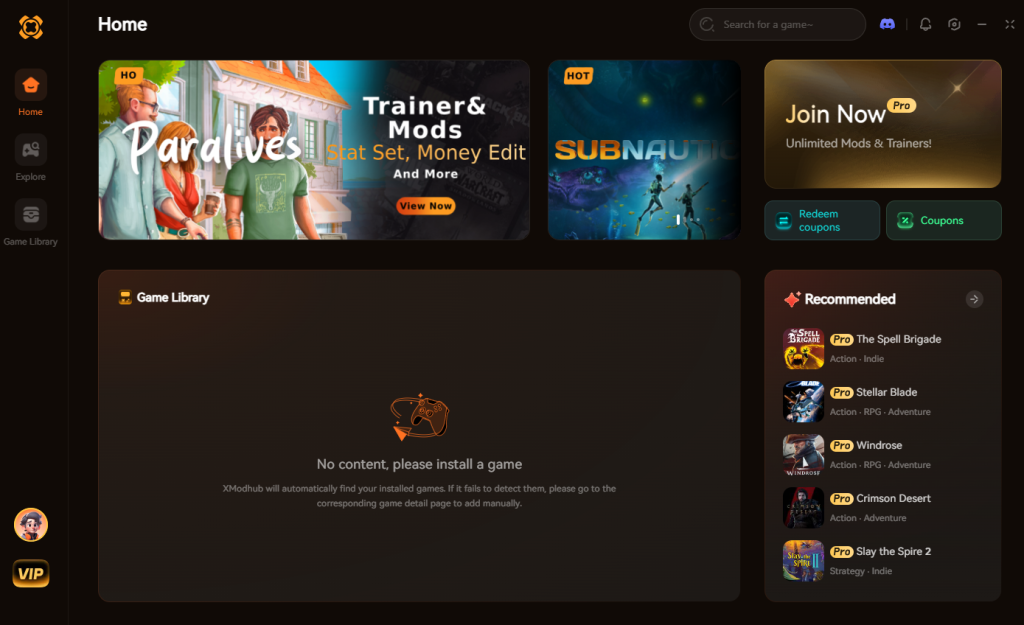
- Search for “No Mortal Space”.
- Click “Play” to launch the game through the secure client.
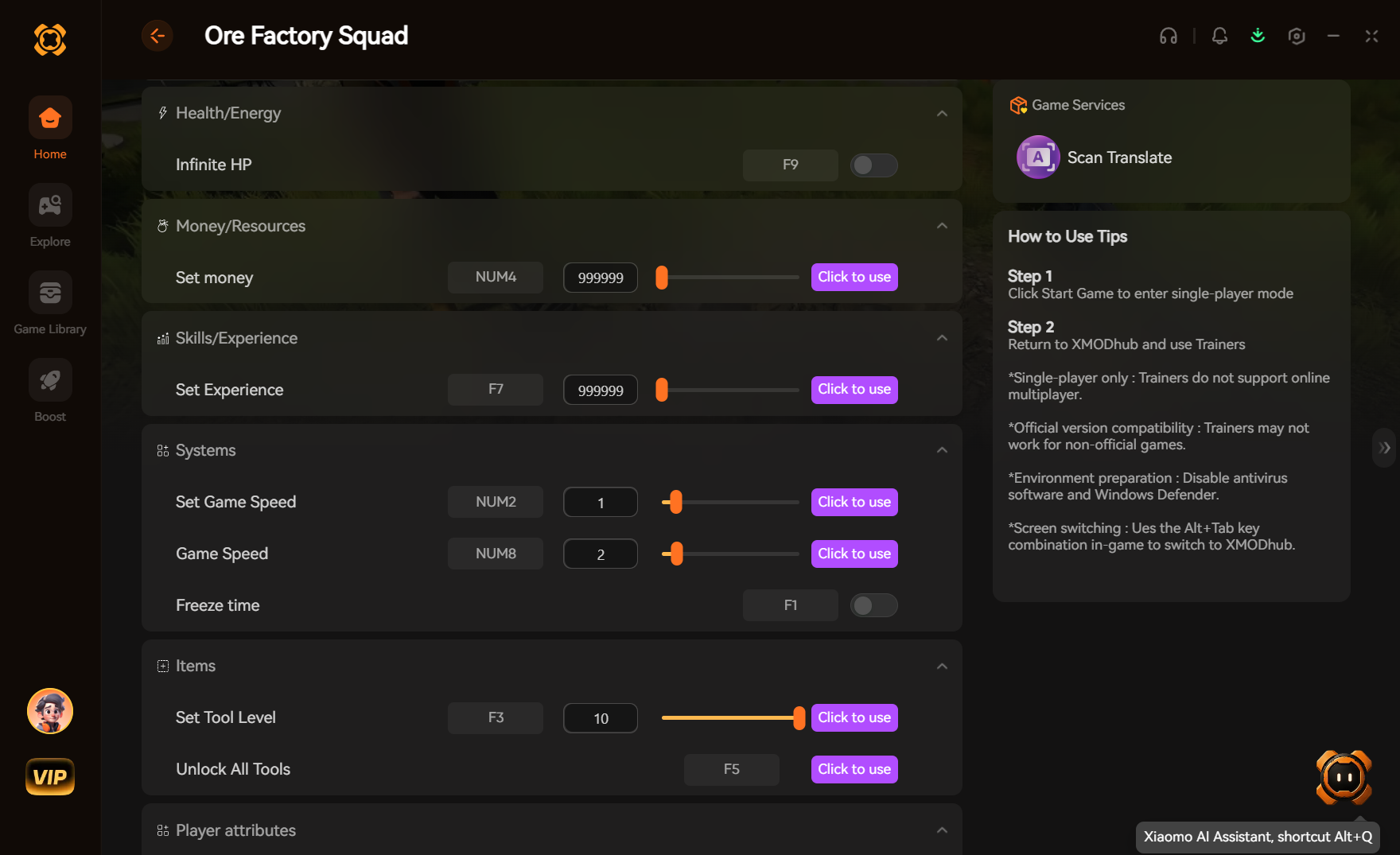
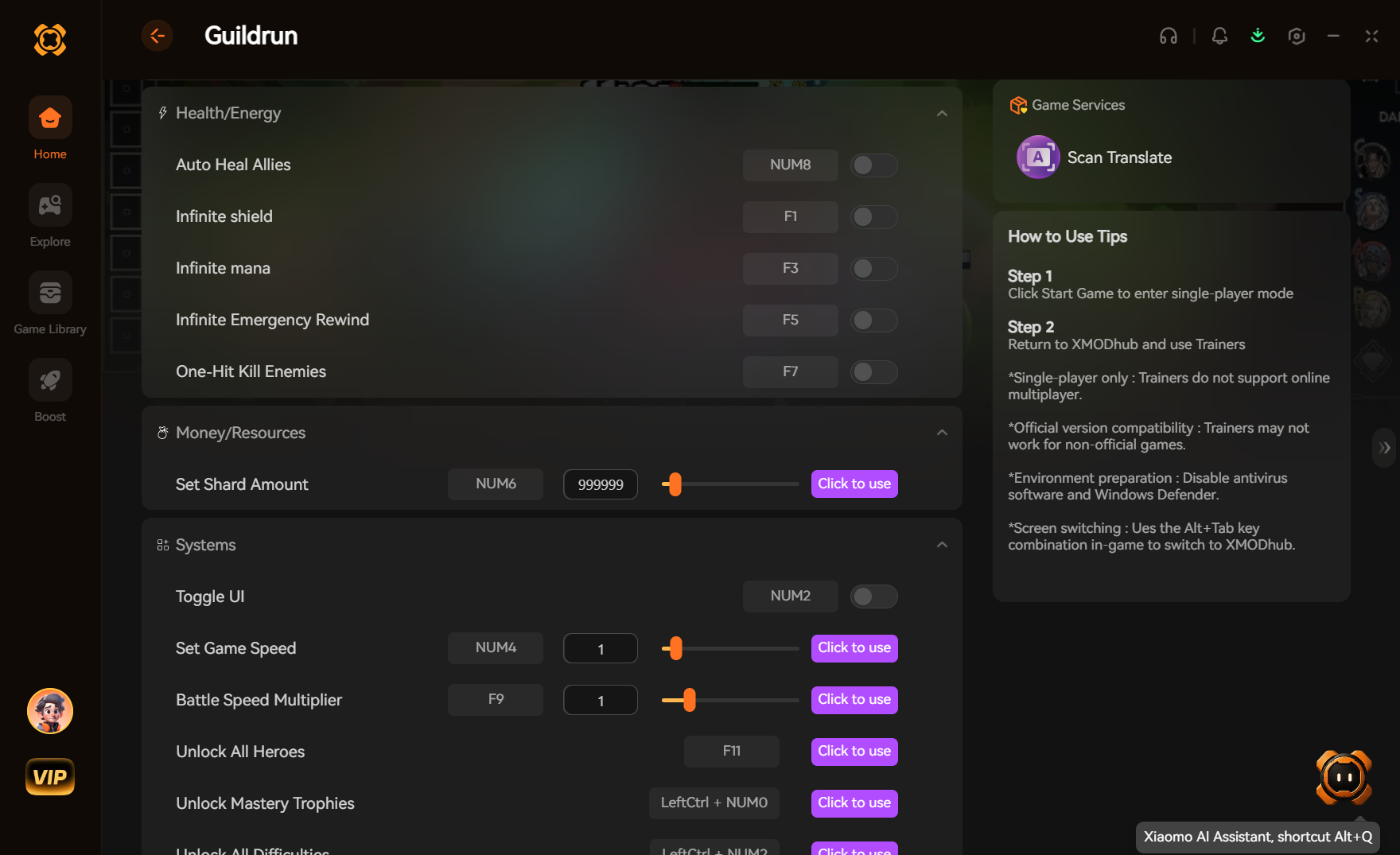
- Toggle your desired tweaks (God Mode, Infinite Voxel Resources, Fast XP) directly from the clean UI or via hotkeys while playing.
Download No Mortal SpaceTrainer Now
8. Troubleshooting: Mods Crashing on Startup
If your game is crashing to a black screen after attempting to install modifications, check these common culprits:
- Missing Master Files: You installed a mod but forgot to download the required base mod it depends on. (Note: This is highly common if you attempt to force unsupported files into No Mortal Space).
- Outdated Mods: Check if the mod has been updated for the latest No Mortal Space patch. If the file was made for the July 8 demo build and the game has since updated to the July 22 build, delete it immediately as the code structure has completely changed.
- Multiplayer Anti-Cheat Conflicts: Because No Mortal Space features seamless online multiplayer, the game may actively block modified
.pakfiles from loading to prevent online cheating, resulting in an instant crash. - Verify Game Files: Go to Steam, right-click No Mortal Space > Properties > Installed Files > Verify integrity of game files. This will wipe out any broken mods and restore the game to its pristine vanilla state.
9. Top Starship and Voxel Base Building Enhancements
When searching for the best No Mortal Space mods, a massive portion of the community is specifically looking for ways to overhaul the game’s expansive starship customization and voxel base-building mechanics. Because constructing a fully functional dreadnought or a self-sustaining planetary outpost requires thousands of refined resources and complex power routing, players often seek out progression-altering tweaks to streamline the architectural process.
Since true structural overhaul mods are currently incompatible with the Early Access multiplayer framework, memory injection provides the most stable alternative for dedicated builders. By utilizing specific enhancement toggles, you can effectively turn the standard survival mode into a limitless creative sandbox, removing the tedious constraints of structural integrity limits and resource scarcity.
Optimal Tweak Configurations for Builders
To maximize your efficiency when constructing massive planetary bases or upgrading your fleet, we recommend pairing specific enhancements. Below is a breakdown of the most highly sought-after building tweaks and their optimal use cases within the current game engine:
| Enhancement Category | Specific Tweak / Ability | Optimal Use Case | Priority Level |
|---|---|---|---|
| Starship Mobility | Hyper-Drive Cooldown Bypass | Rapidly exploring distant star systems to locate prime building planets. | High |
| Base Defense | Infinite Shield Generator | Protecting your sprawling voxel outposts from hostile alien raids. | High |
| Resource Management | Zero-Cost Voxel Placement | Designing massive dreadnoughts and space stations without farming materials. | Critical |
| Life Support | Infinite Oxygen / Suit Power | Surviving on extreme-hazard biomes during extensive, multi-hour building sessions. | Critical |
| Blueprint Progression | Unlock All Architecture Tiers | Instantly accessing late-game civilization-themed building blocks. | Medium |
By activating these targeted modifications, you bypass the artificial time-gating inherent to the survival-crafting genre, allowing you to focus entirely on unleashing your architectural creativity across the cosmos.
10. Frequently Asked Questions (FAQ)
Q: Will installing mods ban me from No Mortal Space?
A: If you are playing purely offline or in a localized single-player instance, developers generally do not ban players for modifying their own game files. However, No Mortal Space places a heavy emphasis on “seamless online multiplayer functionality.” If you attempt to bring modified files, infinite health cheats, or altered starship stats into a public multiplayer server, you run a very high risk of being permanently banned by the game’s anti-cheat systems. Always disable all mods and tweaks before connecting to online servers.
Q: Do mods disable Steam achievements?
A: In many cases, yes. No Mortal Space detects modified files and will lock achievement progression to prevent players from illegitimately earning late-game “cosmic deity” milestones. You often have to download a separate “Achievement Enabler” mod just to fix this, or use a secure memory tool like XMODhub which bypasses the detection entirely, allowing you to earn achievements while still enjoying your quality-of-life tweaks.
Conclusion
Modding No Mortal Space is a fantastic way to breathe new life into a game you already love. While visual enhancements and massive content overhauls require traditional mod managers—which are currently unsupported during this volatile Early Access phase—altering your gameplay stats does not have to be a complicated, crash-prone process.
For a seamless, risk-free way to customize your difficulty, bypass the survival grind, and truly play by your own rules, XMODhub is the superior choice. With dedicated support for No Mortal Space and over 5,000+ other single-player PC games, XMODhub ensures you spend your time actually playing, exploring space, and building starships, rather than troubleshooting broken load orders and corrupted voxel saves.

Stop Grinding, Start Enjoying.
Bypass the tedious resource gathering and unlock your full potential instantly.

I am a passionate gamer and writer at XMODhub, dedicated to bringing you the latest gaming news, tips, and insights.
Connect with me:
LinkedIn Profile ↗

 Nancy Miller