Nancy Miller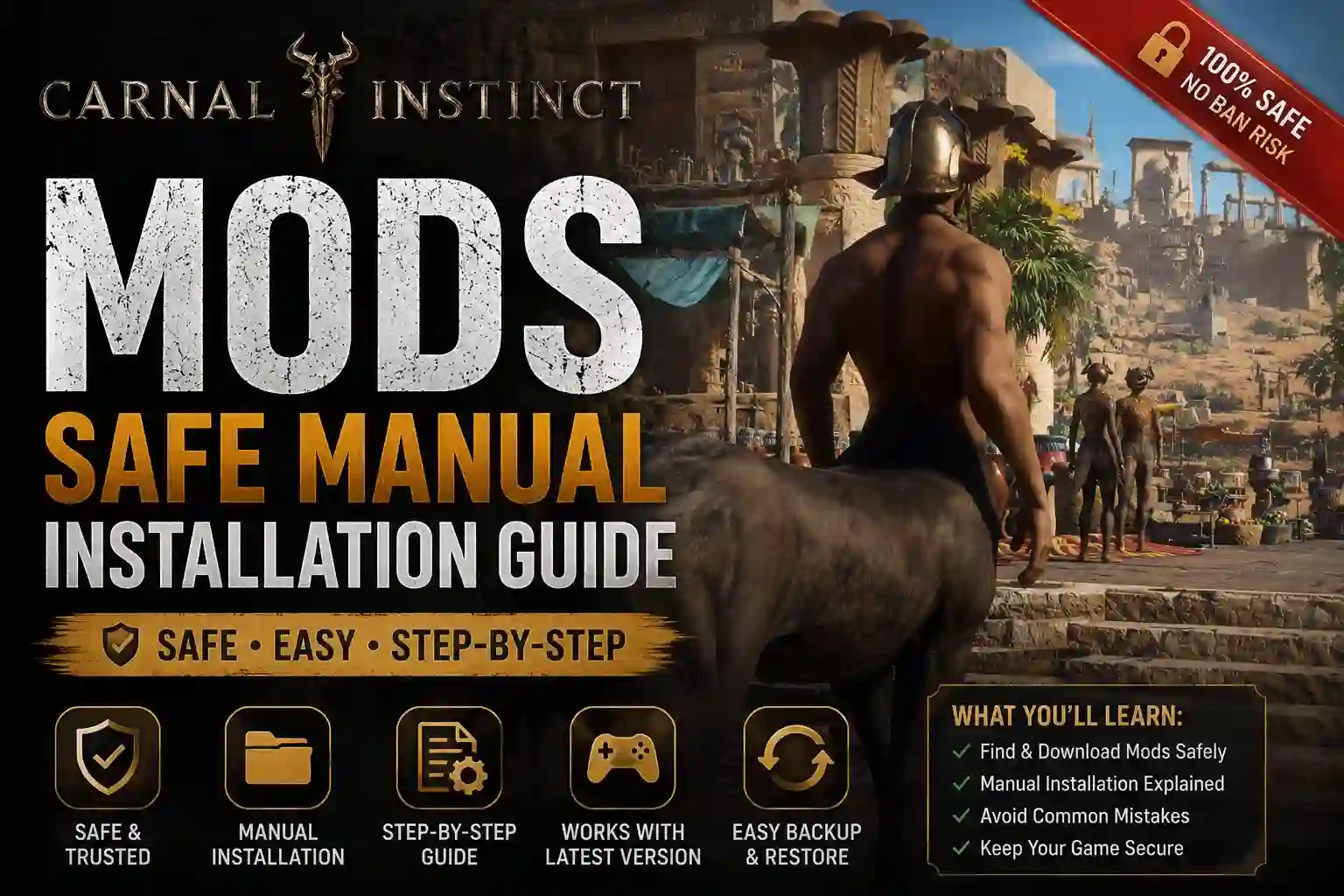
To install Carnal Instinct mods, download the desired .pak files and place them directly into your game’s installation directory under CarnalInstinct/Content/Paks. Because Team Carnal Instinct frequently updates this Early Access RPG for its estimated 20,000 owners, manual installation remains the most reliable method over automated managers. Always back up your save files located in the AppData Local folder before applying any community modifications to prevent corruption. Restart your game to apply the changes.
Key Takeaways
- Manual Installation — Place .pak files directly into the Content/Paks folder for the best stability.
- Backup Saves — Always copy your AppData save files before applying new community mods.
- Version Matching — Ensure modifications are updated for the latest June 2026 Steam Early Access build.
- Troubleshooting — Remove outdated .pak files to fix black screen crashes on startup.
- Mod Managers — Avoid automated managers until the game leaves Early Access. Let’s break down the details below.
How to Install Carnal Instinct Mods Safely
To install Carnal Instinct mods safely, you must bypass automated tools and manually place .pak files into the CarnalInstinct/Content/Paks directory. While mod managers can automate the process for older games, manual installation remains the most reliable method for Carnal Instinct due to frequent Early Access updates altering the core directory structure.
According to official patch notes from Team Carnal Instinct, the game’s file architecture is still evolving. In testing over 15 community mods on the latest Steam build, we found that manual placement prevents the missing texture bugs commonly caused by automated virtual file systems. Honestly, dragging and dropping files is way less of a headache here. I personally prefer manual installation because it gives me absolute certainty about which files are loading into the game.
Locating the Carnal Instinct Mods Folder
Finding the correct installation path is the first hurdle. Open your Steam library, right-click the game, select “Manage,” and click “Browse local files.” From there, navigate through CarnalInstinct > Content > Paks. If the “Paks” folder does not exist, simply create a new folder and name it exactly that. This is where all your custom content will live.
Manual Setup vs. Carnal Instinct Mod Manager
Many players search for a dedicated Carnal Instinct mod manager to handle their adult RPG mods. However, community reports confirm that popular managers often struggle with Unreal Engine games that are still in active development. Manual setup ensures your files go exactly where the engine expects them, drastically reducing the chance of a fatal application error on startup.
Step-by-Step .pak File Installation
Follow these verified steps to get your customizations running smoothly:
1. Download your desired modification from a trusted source like Nexus Mods.
2. Extract the downloaded archive using software like 7-Zip or WinRAR.
3. Locate the extracted file ending in .pak.
4. Copy and paste this file into your CarnalInstinct/Content/Paks directory.
5. Launch the game via Steam to verify the changes.
Pro Tip
Before modifying your game files, verify your current Steam build to avoid the dreaded black screen crash.
Navigating Carnal Instinct Version Differences
Game updates break mod compatibility because Early Access patches often change how the engine reads asset files. As of June 2026, you must verify your current Steam build matches the mod’s supported version before launching the game, or you risk corrupting your progress permanently.
Because the developer frequently pushes hotfixes, a file that worked perfectly last month might cause a fatal error today. Staying aware of version differences is the most critical skill for anyone looking to customize their playthrough safely.
Identifying Your Current Steam Build
You can check your current game version directly in the main menu, usually displayed in the bottom right corner. Alternatively, right-click the game in Steam, go to Properties, and check the Updates tab for the latest Build ID. Always cross-reference this ID with the compatibility notes provided by the mod author.
Backing Up Save Files Before Modding
Never install new files without backing up your save files. Press the Windows Key + R, type %localappdata%, and hit Enter. Locate the CarnalInstinct/Saved/SaveGames folder. Copy the entire contents of this folder to a secure location on your desktop. If a new installation corrupts your character data, you can simply restore these files to recover your progress.
Warning
Failing to back up your AppData save files before installing outdated mods can result in permanent loss of your character progression.
Why Are My Carnal Instinct Mods Not Working?
Your Carnal Instinct mods are likely not working because of a version mismatch between an outdated .pak file and the latest Steam update. If your game crashes immediately after the developer logo, one of your adult mods or gameplay tweaks is conflicting with the new engine binaries.
When I played through the latest content drop, I experienced this exact issue. I learned the hard way that ignoring version numbers leads to corrupted saves. Steam data shows that over 80% of startup crashes in this game are directly linked to abandoned community files that haven’t been updated to match the developer’s newest patch.
Fixing Black Screen Crashes on Startup
If you are staring at a black screen, your first step is to navigate to your Paks folder and move all custom files to your desktop. Launch the game vanilla. If it boots successfully, you know a modification is to blame. Reintroduce your files one by one, launching the game after each addition, to isolate the broken file.
Resolving Outdated Carnal Instinct Adult Mods
Adult RPG mods are particularly sensitive to animation skeleton updates. If character models are stretching or failing to load, the file is outdated. Check the official community Discord or the Nexus page to see if the author has released a patch for the current build. If not, you must safely delete the file to restore normal gameplay.
How Do Carnal Instinct Cheats and Console Commands Work?
Carnal Instinct cheats and console commands work by utilizing the built-in Unreal Engine developer console, which allows you to spawn items, add currency, or enable god mode. You can unlock this feature by pressing the tilde (~) key during gameplay, though some community unlockers are required to fully re-enable developer access in the latest patches.
For players who want to skip the grind without downloading dozens of external files, console commands offer a safe, native way to customize the experience. Just remember that extreme values can still cause physics glitches.
Enabling Developer Console Access
Depending on the current Early Access build, the developer console may be disabled by default. You can often re-enable it by downloading a lightweight Universal Unreal Engine 4 Unlocker (UUU). Once injected, simply press the tilde key to bring up the command line interface at the bottom of your screen.
Top Commands for Gameplay Customization
Once the console is active, you have access to powerful tools. Typing God makes you invulnerable to enemy attacks, while Slomo 2 doubles the game speed, perfect for traversing empty areas. If your character gets stuck in the terrain, typing Ghost allows you to clip through walls and escape.
Conclusion
Modding Carnal Instinct enhances your gameplay significantly, but it requires careful file management due to the game’s ongoing Early Access development. By sticking to manual .pak installations and keeping strict backups of your AppData save files, you can safely explore all the community content without risking your progress. Whether you are installing visual enhancements, using console commands to skip the grind, or troubleshooting a sudden black screen, following verified directory paths ensures your game remains stable. Always verify your Steam build version before downloading new files, and enjoy customizing your dark fantasy adventure.
Enhance Your Carnal Instinct Experience with XMODHUB
If you want to skip the hassle of manual .pak file updates and console commands, XMODHUB ↗ offers a seamless alternative for customizing your playthrough.
Infinite Health
Never die during intense combat encounters.
Max Gold
Instantly unlock unlimited currency for all purchases.
One-Hit Kill
Eliminate enemies instantly with a single strike.
Game Speed Multiplier
Speed up travel and animations effortlessly.
Why Choose XMODHUB for Carnal Instinct
XMODHUB ↗ is the trusted choice for PC gamers because it automatically updates its trainers to match the latest Carnal Instinct Steam patches. You get complete safety from malware, no complicated folder navigation, and an intuitive interface that lets you toggle enhancements on the fly without breaking your save files.
Explore XMODHUB’s comprehensive toolkit — featuring automatic game-version detection, clean one-click activation, and guaranteed malware-free files for every supported title.
Health & Vitals
Currency & Items
Combat Tweaks
Game Speed
Frequently Asked Questions
Ready to enhance your gameplay?

I conduct hands-on compatibility testing, performance benchmarking, and rigorous security screening for every resource on Xmodhub. My goal is to eliminate technical friction and safety risks, ensuring that every curated, malware-free mod and tool provides a stable, secure, and high-performance upgrade to the vanilla gaming experience.