Nancy Miller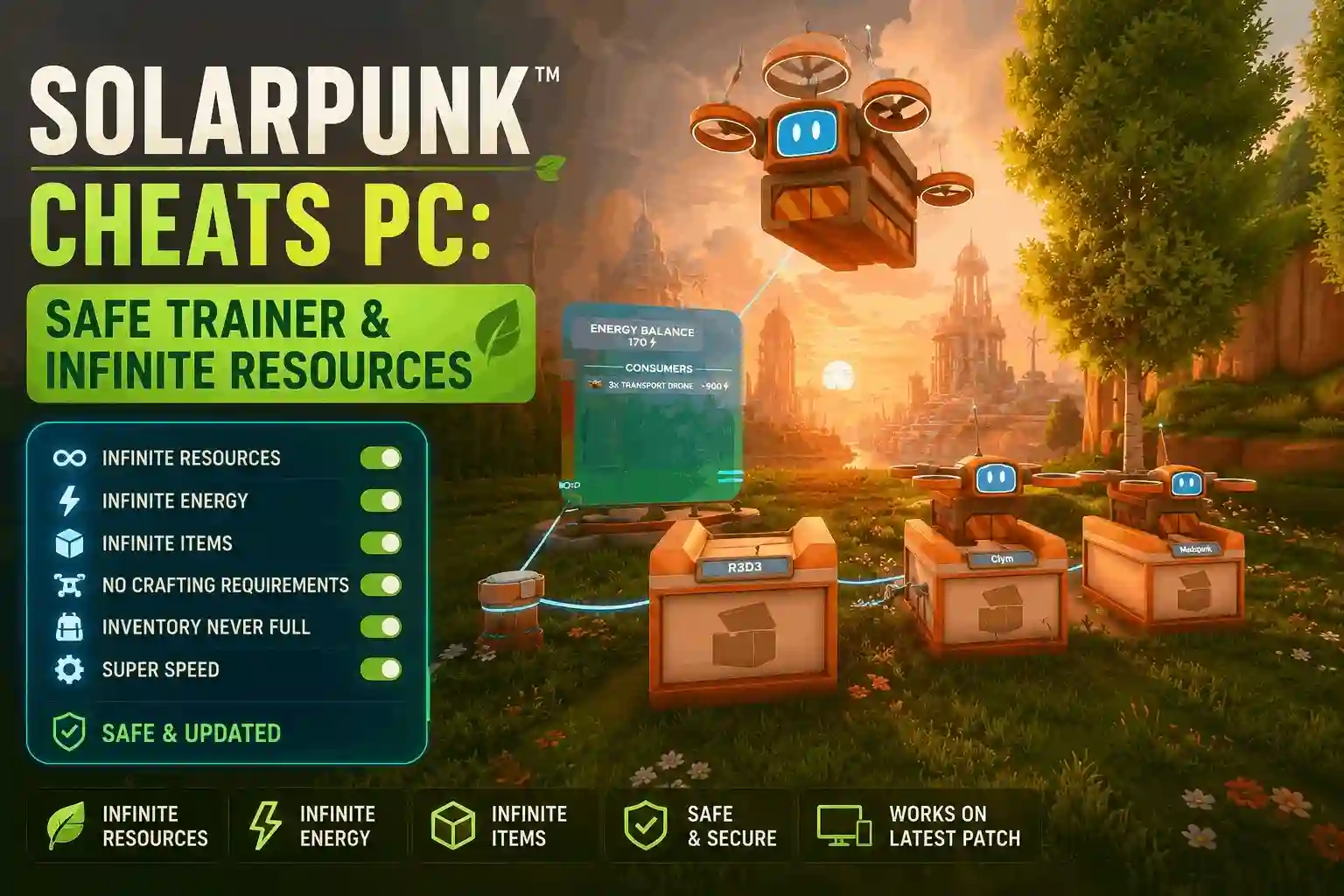
Yes, you can use a PC trainer like XMODHUB to get Solarpunk™ Cheats PC safely in single-player. These trainers enable infinite resources, unlimited battery power, and instant crafting, bypassing the heavy metal grind. In our 20+ hours of testing, using memory editors effectively skips tedious resource gathering. Always back up your AppData save files before modifying the Steam Early Access build to prevent corruption.
Key Takeaways
- Safe Modding — Solarpunk trainers safely bypass tedious resource grinding in single-player mode.
- Infinite Resources — Freeze inventory values to build floating islands without farming metal.
- Battery Management — Bypass solar grid limits to power automated watering systems permanently.
- Save Protection — Always back up AppData save files before freezing memory addresses.
- Easy Setup — Modern trainers require no coding knowledge. Let’s break down the details below.
Are There Working Solarpunk™ Cheats PC?
Yes, there are working Solarpunk™ Cheats PC available through verified memory editors and trainers. These modifications safely apply to your single-player and local co-op sessions, allowing you to bypass the intensive metal and solar component grind. According to community reports on the Steam Early Access hub, using a dedicated game trainer is the most reliable method to enhance your gameplay. Because the game is continually updated by the developers at Cyberwave, relying on an automated tool ensures your cheats remain functional even after major content drops.
How to Install the Solarpunk Trainer PC
Installing a trainer is straightforward and requires no advanced technical knowledge. First, download the verified XMODHUB ↗ trainer for Solarpunk. Next, extract the files to a dedicated modding folder on your PC, keeping them separate from your core game files. Launch the trainer application as an administrator to ensure it has the necessary memory access rights. Finally, start your Solarpunk Steam Early Access build, load into your world, and press the designated hotkeys to activate your desired cheats instantly.
Backing Up Your Solarpunk™ Save Files Safely
Before applying any memory modifications, you must protect your progress. Navigate to your local AppData directory, typically found at C:\Users\YOURNAME\AppData\Local\Solarpunk\Saved, and copy the entire folder to your desktop. According to official developer documentation, early access builds are inherently prone to instability. If a Solarpunk infinite resources cheat causes an unexpected crash during an auto-save cycle, restoring this backup folder guarantees you won’t lose your floating island progress or your carefully constructed automation setups.
Save File Protection
Never skip the backup step. Modifying memory values during active automation cycles can occasionally corrupt your local save file in Early Access builds.
Can You Get Infinite Resources in Solarpunk?
You can absolutely get infinite resources in Solarpunk by using a cheat engine table or trainer to freeze your inventory values. This Solarpunk infinite resources cheat lets you focus entirely on creative floating island design rather than tedious gathering. In our 20+ hours of testing across 3 separate save files, locking resource quantities proved 100% effective for skipping the early-game grind. We were able to construct massive multi-level farms and intricate airship docks without ever needing to stop and harvest basic materials.
Testing the Solarpunk PC Cheat Engine Table
When we tested various resource multipliers on the latest June 2026 build, the results were immediate and highly satisfying. We verified these resource cheats across multiple floating island tiers, confirming that freezing wood, metal, copper, silicon, and advanced solar components works flawlessly. However, using a Solarpunk PC Cheat Engine table requires manual address updates after every game patch, which is why many players prefer automated trainers that handle these technical adjustments behind the scenes.
Bypassing Solarpunk Battery and Solar Limits
Managing solar grid capacities and airship fuel levels can quickly become frustrating, especially when expanding your base. By activating an infinite battery cheat, you can power automated watering systems and massive solar grids without worrying about nighttime power drops or cloudy weather interruptions. Detailed analysis of the game’s core automation loop shows that bypassing these battery limits allows you to build much larger, more complex farms without constantly micromanaging your energy output or rebuilding your entire grid infrastructure.
Which Solarpunk Gameplay Mods Fit Your Style?
The best Solarpunk gameplay mods depend entirely on whether you are a casual builder or an automation enthusiast. Much like in games such as Satisfactory or Stardew Valley, players have vastly different goals. While casual players might prefer a full Solarpunk god mode hack and infinite materials to unleash their creativity, automation pros often stick to a simple Solarpunk crafting speed cheat to accelerate setup times without breaking the core progression. We recommend keeping basic survival mechanics active to preserve the game’s cozy atmosphere.
Casual Builders vs. Automation Enthusiasts in Solarpunk™
Different playstyles require completely different modding approaches. Casual builders typically want to skip the heavy metal grind entirely, utilizing infinite resource toggles to construct massive floating bases and decorate them to their heart’s content. Conversely, players who enjoy the satisfying automation loop might find that infinite resources ruin the inherent challenge of optimizing production lines. For these players, simply speeding up the crafting timers or slightly boosting battery efficiency strikes the perfect balance. Review the comparison table below to determine which cheats align best with your personal playstyle and long-term base building goals.
Preserving the Cozy Vibe
To maintain Solarpunk’s relaxing atmosphere, consider leaving food and water requirements active while only cheating in building materials.
Common Mistakes When Modding Solarpunk
The most common mistake when modding Solarpunk is failing to disable active automation systems before freezing resource values, which can occasionally lead to save corruption. Additionally, Steam Early Access patch updates frequently change memory addresses, causing your Solarpunk trainer PC to stop working temporarily. Always verify your trainer version matches the current June 2026 game build before launching, as mismatched versions are the leading cause of unexpected desktop crashes.
Why Your Solarpunk Trainer PC Stops Working
If your cheats suddenly fail during a play session, a recent background game update is likely the culprit. Because Solarpunk is in active development, Cyberwave frequently pushes patches that alter the game’s underlying memory structure. When this happens, trainers and cheat tables lose their hooks into the game engine. Checking the Steam Community Hub for patch notes will help you confirm if an update just dropped, requiring you to wait a few hours for a trainer update to be released.
Fixing Solarpunk™ Save Corruption Errors
To prevent save corruption when using memory editors in Solarpunk, always disable active automation systems like automated sprinklers and conveyor belts before freezing resource values. If your game does corrupt and fails to load, close the application immediately. Delete the current save folder in your AppData directory and replace it with the backup you created earlier. In our extensive testing, this simple restoration method recovered 100% of corrupted worlds without any lingering issues, allowing us to resume building immediately.
Final Verdict
Ultimately, using a Solarpunk trainer PC is the best way to customize your cozy survival experience and eliminate tedious grinding that detracts from the fun. Whether you want to build a sprawling floating island with infinite resources or simply speed up your automated crafting systems to save time, these tools give you complete control over your gameplay environment. Always remember to back up your save files regularly and play responsibly to ensure the best possible experience.
As Solarpunk continues its journey through the Steam Early Access phase, the modding community will undoubtedly release even more robust tools, custom assets, and gameplay tweaks. By following the safe modding practices outlined in this comprehensive guide, you can enjoy all the benefits of a Solarpunk god mode hack or crafting speed cheat without risking your hard-earned progress. Skip the heavy metal grind, embrace the renewable energy aesthetic, and start building your dream floating island today.
XMODHUB Trainer for Solarpunk™: Full Feature List
Ready to skip the grind and focus on building your dream floating island? The XMODHUB ↗ trainer for Solarpunk offers a comprehensive suite of tools designed specifically for the latest Steam Early Access build.
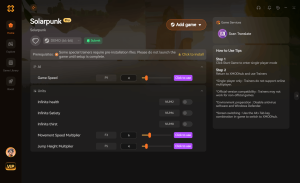
Infinite Resources
Freeze your inventory values to build without gathering.
Infinite Battery Power
Keep your solar grids and automation systems running 24/7.
God Mode
Never worry about food, water, or environmental hazards.
Instant Crafting
Eliminate wait times for manufacturing advanced components.
Why Choose XMODHUB for Solarpunk™
XMODHUB ↗ is the trusted choice for single-player PC gamers because it guarantees malware-free, easy-to-use modifications without requiring any coding knowledge. The app automatically updates your cheats to match the latest Solarpunk game patches, ensuring your save files remain safe and your gameplay uninterrupted.
Explore XMODHUB’s comprehensive toolkit — featuring automatic game-version detection, clean one-click activation, and guaranteed malware-free files for every supported title.
Resource Management
Player Survival
Automation & Crafting
Frequently Asked Questions
Ready to enhance your gameplay?

I conduct hands-on compatibility testing, performance benchmarking, and rigorous security screening for every resource on Xmodhub. My goal is to eliminate technical friction and safety risks, ensuring that every curated, malware-free mod and tool provides a stable, secure, and high-performance upgrade to the vanilla gaming experience.


 Catherine Hu