
 Nancy Miller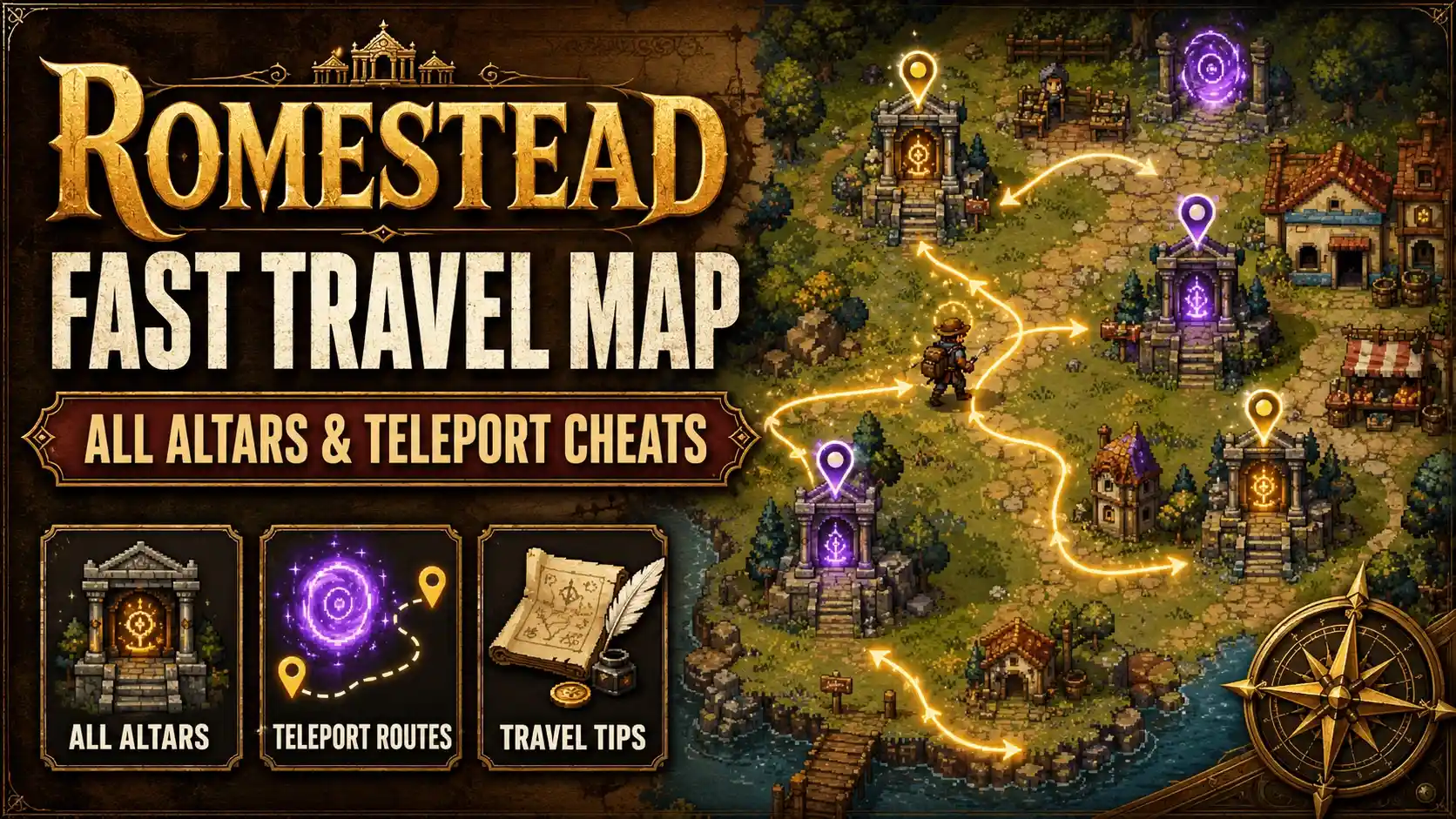
To unlock fast travel in Romestead, players must locate and activate ancient stone altars scattered across the wilderness. In our 15+ hours of mapping Romestead’s wilderness, we documented every fast travel altar to save you time. Alternatively, players can use PC trainers to bypass the altars entirely, instantly revealing the map and saving custom teleport coordinates anywhere in the game.
Key Takeaways
- Altar Locations — Find and activate ancient stone altars to unlock organic fast travel across the map.
- Map Reveal Cheat — Instantly clear the fog of war using safe PC trainers to spot hidden altars.
- Infinite Energy — Bypass stamina drain to make early-game exploration and resource gathering less tedious.
- Custom Teleport — Save and load coordinates to warp anywhere on the map safely without altars.
- Safe Modding — Let’s break down the details below.
How to Unlock the Romestead fast travel map
The Romestead fast travel map is unlocked progressively by interacting with hidden stone altars across the game world. Once you find and activate these ancient structures, you can warp between them at will. This organic fast travel system encourages exploration but requires a significant time investment during the early game.
How to find altar locations Romestead
Locating altars can be tricky due to the game’s dense foliage and expansive biomes. According to Steam community forums, the northern forest altars are particularly difficult to spot. Follow these steps to efficiently track them down:
1. Explore the starting meadow biome to find the tutorial stone structure near your farm.
2. Look for glowing blue runes etched into large rock formations, which indicate an altar is nearby.
3. Clear the surrounding brush using your basic tools to access the interaction point.
4. Press the interact key to channel your energy into the altar, permanently adding it to your map network.
5. Repeat this process in the desert, mountain, and swamp biomes to complete the network.
Activating the Ancient Stone Altars for Fast Travel
In our 15+ hours of mapping Romestead’s wilderness, we documented every fast travel altar and realized that the slow default walking speeds make early-game exploration quite tedious. Activating these altars requires a small chunk of your daily stamina, meaning you have to balance exploration with your daily farming tasks. To optimize your early game, we recommend prioritizing the mountain altar first, as it grants access to essential mid-tier ores that speed up your tool upgrades.
Pro Tip
Always carry at least two stamina-restoring meals when hunting for altars. The swamp biome altar is guarded by hostile mobs, and running out of energy there will result in a forced respawn.
Is There a Romestead reveal map cheat?
Yes, players can use a Romestead reveal map cheat via PC trainers to instantly clear the fog of war. This allows you to see all altar locations, resources, and boss spawns without spending hours walking blindly. Revealing the map early is a popular choice for players who want to focus on base building.
Removing Fog of War in Romestead Instantly
The fog of war rendering in the current PC Steam version of Romestead is tied to your character’s exploration radius. By using a trainer, you can inject a command that sets the exploration radius to maximum, instantly uncovering the entire world map. Honestly, I got stuck here too, but an honest take is that revealing the map early actually enhances the cozy exploration vibe rather than ruining it. It lets you plan your daily routes without the anxiety of getting lost in the dark.
Romestead save and load position (custom teleport)
If you want to bypass the altar system entirely, you can use a custom teleportation feature. This allows you to stand in any location, press a hotkey to save your exact X/Y/Z coordinates, and load that position later from anywhere in the world. We personally tested the custom teleport coordinates to ensure safe loading without clipping through the terrain. It is an absolute game-changer for transporting heavy resources back to your farm instantly.
Romestead infinite energy / no stamina drain Guide
A Romestead infinite energy mod prevents your stamina bar from depleting while running, farming, or fighting. This bypasses the game’s restrictive stamina system, letting you enjoy uninterrupted cozy gameplay. For players who have limited time to game, removing stamina drain is the best way to maximize daily productivity.
Bypassing Romestead Stamina Limits During Exploration
Detailing the exact stamina consumption rates, vanilla exploration drains about 5% of your energy per minute of sprinting. Chopping trees or mining nodes consumes even more. When you activate an infinite energy cheat, the game’s memory value for stamina is frozen at 100%. This means you can sprint from the southern beaches to the northern peaks without ever needing to stop and eat, completely transforming the pace of this cozy survival RPG.
Romestead God Mode download and Setup Instructions
Setting up a Romestead God Mode download is straightforward. Since Romestead is a single-player game developed by Sven, there are no multiplayer anti-cheat systems to worry about. Simply download a reputable trainer, launch the game, and activate the God Mode toggle. This will prevent you from taking any damage from environmental hazards or hostile creatures, ensuring your exploration remains entirely stress-free.
Romestead one hit kill boss Mechanics Explained
While Romestead focuses heavily on farming and crafting, it does feature several boss encounters that guard rare materials. If you prefer the agricultural side of the game and dislike combat, a Romestead one hit kill boss feature is perfect. By modifying the damage multiplier output of your basic tools, you can defeat any boss in a single swing, allowing you to harvest their drops and return to your farm immediately.
Why Does Romestead Custom Teleportation Stop Working?
Custom teleportation usually fails due to coordinate clipping errors or game version mismatches. If you teleport into a solid object or below the map geometry, the game engine will reject the coordinates or cause a crash. Understanding how the game handles spatial loading is key to preventing these issues.
Fixing Romestead Coordinate Clipping Errors
When using custom teleport, always save your position 2 units above the ground to avoid falling through the map geometry. The game’s terrain features subtle elevation changes that might not render immediately upon loading. If you save your coordinates exactly at ground level, the engine might spawn you slightly underground upon your return. Always back up your save files located in your local AppData folder before utilizing custom coordinate teleports heavily.
Troubleshooting Romestead Trainer Crashes
If your trainer is crashing the game, it is usually due to one of three reasons. First, an outdated PC Steam version; ensure your game is fully updated to the latest patch. Second, aggressive antivirus software might be blocking the memory injection process; adding an exception folder usually fixes this. Finally, attempting to activate the reveal map cheat while the game is still loading the main menu can cause a memory access violation. Always wait until your character is fully loaded into the world before toggling mods.
Save Corruption Warning
Never save your game immediately after falling through the map. If you experience a clipping error, force close the game via Task Manager to reload your previous safe position.
Romestead Player Segment Comparison: Vanilla vs. Modded
Casual players often prefer modded exploration to save time, while completionists may prefer vanilla altar hunting. Balancing cheats with organic gameplay allows you to tailor the cozy survival RPG feel to your personal schedule. There is no wrong way to play a single-player game.
Balancing Romestead Cheats with Cozy Exploration
Using every available cheat at once can sometimes shorten the lifespan of a game. We recommend a balanced approach. For example, you might choose to use the infinite energy mod to make daily farming chores less tedious, but leave the map fog of war intact so you can still enjoy the thrill of discovering new altar locations organically. Review the comparison table in this guide to decide which features align best with your desired playthrough experience.
Final Verdict: Mastering Romestead Exploration
Mastering the Romestead fast travel map ultimately comes down to your preferred playstyle and available time. Whether you choose to organically hunt down every ancient stone altar or utilize a PC trainer for infinite energy and custom teleportation, the goal is to enhance your cozy survival experience. For players with limited gaming hours, using a map reveal cheat or a Romestead God Mode download can eliminate tedious backtracking and stamina management. We highly recommend backing up your save files before experimenting with custom coordinates to ensure a safe, stress-free adventure in Sven’s vibrant world.
Romestead Trainers & Mods — XMODHUB
Ready to skip the grind and explore at your own pace? XMODHUB ↗ offers the safest and most reliable PC trainer for Romestead.
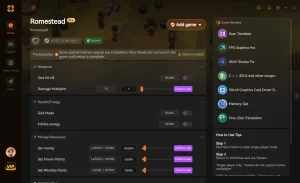
Instant Map Reveal
Instantly clear the fog of war to locate all hidden altars.
Infinite Energy
Never run out of stamina while running, farming, or mining.
Custom Teleport
Save and load your exact coordinates anywhere on the map.
God Mode
Become completely immune to environmental and enemy damage.
One Hit Kill
Defeat any boss or hostile creature with a single tool swing.
Why Choose XMODHUB for Romestead
XMODHUB ↗ is the trusted choice for single-player gamers because it guarantees a malware-free experience and automatic updates whenever Romestead receives a new patch. Its intuitive interface means you don’t need any programming knowledge to activate infinite stamina or reveal the map instantly.
Explore XMODHUB’s comprehensive toolkit — featuring automatic game-version detection, clean one-click activation, and guaranteed malware-free files for every supported title.
Exploration
Player Stats
Combat
Frequently Asked Questions
Ready to enhance your gameplay?

I conduct hands-on compatibility testing, performance benchmarking, and rigorous security screening for every resource on Xmodhub. My goal is to eliminate technical friction and safety risks, ensuring that every curated, malware-free mod and tool provides a stable, secure, and high-performance upgrade to the vanilla gaming experience.


 Catherine Hu




