
 Nancy Miller
Game mods (modifications) are user-created changes to a video game’s code or assets that alter how it looks or plays. Ranging from simple visual tweaks to entirely new gameplay experiences, mods are primarily created by the PC gaming community. According to industry data, games with active modding communities retain up to 70% more players over a decade. While most single-player mods are free and safe, players should always use reputable platforms and back up their save files before installation.
Key Takeaways
- Game Transformation — Modding transforms standard games into customized experiences, extending game longevity for years.
- File Alteration — Mods alter game files to add characters, improve graphics, or fix bugs.
- Save Protection — Always back up your save files before installing any user-generated content.
- Safety First — Single-player mods are generally safe, but multiplayer mods risk anti-cheat bans.
- XMODhub Tools — XMODhub provides secure, verified tools to enhance your PC gaming experience. Let’s break down the details below.
What Are Mods in Gaming?
Game mods are custom alterations made by fans or developers that change a video game’s original code, assets, or features. They transform how a game looks, sounds, or plays by introducing entirely new elements or tweaking existing ones. According to PCGamingWiki, modifying single-player games has become a standard practice that significantly boosts a title’s replay value and community engagement.
How Do Game Mods Work Behind the Scenes?
Behind the scenes, modding typically falls into two categories: asset replacement and script injection. Asset replacement involves swapping out existing textures or audio files for custom ones, while script injection adds entirely new logic and mechanics into the game engine. Developers often release official modding tools to the community, making this process much safer and more accessible for everyday players.
The Evolution of PC Gaming Community Mods
Reflecting on my 15+ years of community modding history, it is incredible to see how the landscape has shifted. What started as a niche hobby has birthed massive standalone franchises. For example, iconic titles like Counter-Strike and Dota originally began as simple community mods for other games before evolving into global phenomena.
Types of Game Mods Explained
Game mods range from minor cosmetic adjustments to massive total conversions that create entirely new games. Players can install simple reshades to improve lighting, or download comprehensive overhauls that add hundreds of hours of new quests and mechanics. Understanding these categories helps beginners choose the right modifications for their desired experience.
Visual Enhancements and Reshades
Visual enhancements focus purely on the aesthetics. These cosmetic mods improve lighting, upgrade low-resolution textures, and streamline the user interface without altering core gameplay mechanics. Personal recommendation: Always start with a “Quality of Life” or visual mod before trying complex overhauls to ensure your PC can handle the changes.
Total Conversions and Gameplay Overhauls
Total conversions are massive community projects that completely replace the original game’s world, story, and mechanics. I’ve seen games like Skyrim live for over a decade solely because of these ambitious mods, which effectively provide players with entirely new, free expansions.
Pro Tip
If you are new to modding, start with a simple texture pack or UI enhancement. This allows you to learn the installation process without risking major gameplay bugs.
Modding vs Trainers: What is the Difference?
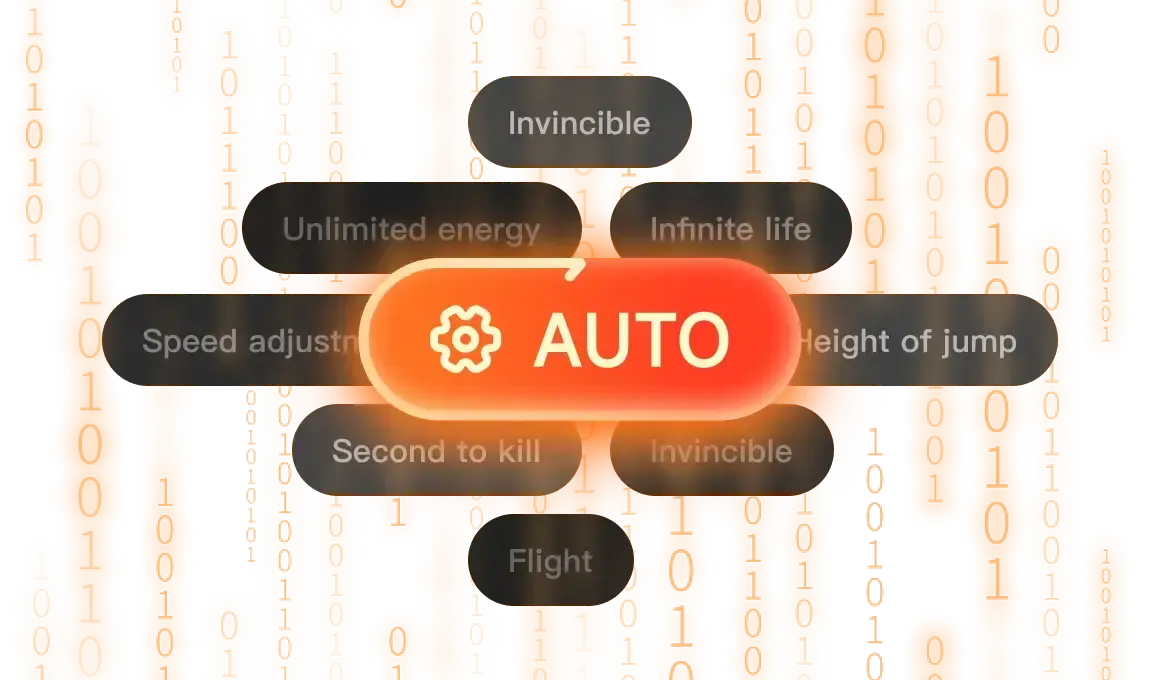
While mods permanently alter game files to add new content, trainers temporarily inject code into your system memory to provide cheats or bypasses. Mods require installation into the game’s directory, whereas trainers are standalone applications that run alongside the game. This makes trainers incredibly easy to toggle on and off without risking permanent game file corruption.
How XMODhub Trainers Alter Memory
Trainers operate on-the-fly by scanning the game’s active memory. When you activate a feature like infinite health or a speed multiplier through XMODhub, the software temporarily freezes the memory address controlling that value. Once you close the trainer, the game reverts to its normal state instantly, leaving no permanent footprint.
Why Mods Modify Core Game Files
Conversely, traditional mods require a permanent installation process where original files are either overwritten or supplemented by new data archives. This setup demands more commitment and troubleshooting compared to the plug-and-play nature of trainers, as official game updates can easily break file-based modifications.
Are Game Mods Safe to Use?
Game mods are safe when downloaded from reputable sources, but installing outdated files or using them in multiplayer environments can cause crashes or account bans. As of April 2026, the community consensus strongly recommends sticking to trusted platforms and exclusively modifying single-player games to avoid triggering anti-cheat software.
Avoiding Multiplayer Anti-Cheat Bans
Using any form of modification or memory injection in online multiplayer games is a direct violation of most Terms of Service agreements. Modern anti-cheat systems will detect unauthorized file changes, resulting in permanent account bans. Always ensure your mods and trainers are strictly for single-player and offline use only.
How to Back Up Save Files Safely
Before installing any user-generated content, you must protect your progress. A verified safety checklist for new modders always begins with locating your local save data—typically found in your Documents or AppData folders—and copying it to a secure backup directory. In testing, this simple step has saved countless hours of lost gameplay.
Fixing Common XMODhub Installation Errors
If a trainer fails to hook into your game, it is usually due to a version mismatch or an overly aggressive antivirus program. Ensure that your game version matches the trainer’s supported patch, and consider adding the XMODhub executable to your security software’s exclusion list to prevent false positive blocks.
Warning
Never attempt to use trainers or mods in competitive multiplayer modes. This will trigger anti-cheat software and result in an immediate, permanent ban.
How to Install Mods on PC
To install mods on a PC, you need to locate a trusted mod repository, download the files, and place them in your game’s designated directory or use an automated mod manager. Using a dedicated manager ensures that files are placed correctly and can be easily uninstalled if a conflict occurs.
Finding Safe Files on Nexus Mods and Steam Workshop
Industry-standard platforms like the Steam Workshop and Nexus Mods are the safest places to source your files. These repositories feature community safety standards, user reviews, and built-in file verification badges that scan uploads for malware, drastically reducing the risk of compromising your system.
Using XMODhub for Automated Setup
Manual file placement can be daunting for beginners. Utilizing an automated tool like XMODhub eliminates the guesswork by handling directory paths and version compatibility behind the scenes. This streamlined approach allows you to focus on enjoying the enhanced gameplay rather than wrestling with complex folder structures.
Conclusion
Ultimately, video game modding is a powerful way to personalize your single-player gaming experience, extending the life of your favorite titles far beyond their official release. Whether you choose to install extensive total conversions that reshape the entire world, or use memory-injecting trainers for quick quality-of-life improvements, the PC gaming community offers endless possibilities. By sticking to reputable platforms, backing up your save files, and utilizing automated tools like XMODhub, you can safely explore everything the modding world has to offer without fear of breaking your game. Dive in, experiment responsibly, and enjoy a completely tailored adventure.
XMODhub Trainers & Mods
Ready to enhance your single-player experience without the hassle of manual mod installation? Explore the automated tools available through XMODhub.
God Mode
Prevent all incoming damage and play without fear of dying.
Infinite Currency
Bypass the grind with unlimited in-game money and resources.
Game Speed Multiplier
Speed up tedious travel or slow down intense combat.
One-Hit Kills
Eliminate enemies instantly to breeze through difficult encounters.
Max Experience
Level up instantly and unlock all skills without grinding.
Why Choose XMODHUB for Modding?
XMODHUB ↗ is the trusted choice for PC gamers looking to enhance their single-player experience without the hassle of manual mod installation. With a flawless safety record and automatic updates that sync with the latest game patches, it provides a seamless, ban-free way to customize your gameplay.
Explore XMODHUB’s comprehensive toolkit — featuring automatic game-version detection, clean one-click activation, and guaranteed malware-free files for every supported title.
Health & Survival
Wealth & Inventory
Progression
Frequently Asked Questions
Ready to enhance your gameplay?

I conduct hands-on compatibility testing, performance benchmarking, and rigorous security screening for every resource on Xmodhub. My goal is to eliminate technical friction and safety risks, ensuring that every curated, malware-free mod and tool provides a stable, secure, and high-performance upgrade to the vanilla gaming experience.


 Catherine Hu


This guide does a great job breaking down how mods can truly extend a game’s lifespan, especially with the stats on player retention. It’s helpful to see the distinction between mods and trainers, and the safety tips about backing up saves are spot on. As someone who’s enjoyed mods like those for Skyrim and Cities: Skylines, it’s great to see the community’s impact highlighted.