Catherine Hu
There is nothing worse than engineering the perfect combo run in RACCOIN: Coin Pusher Roguelike — TNT Coins stacked, lucky wheel primed, ticket count high — only to boot the game and find your progress gone. A Steam Cloud sync conflict, a botched update, or an accidental file deletion can wipe out your unlocked characters and high-score milestones in seconds.
Whether you want to manually back up your run data before trying mods, transfer your save to a new PC, or simply understand where RACCOIN stores its files on your hard drive, this guide gives you the exact, verified paths and step-by-step instructions.
Expert Note: The Steam Cloud Danger in Roguelikes
“RACCOIN is exactly the type of game where Steam Cloud sync becomes a real enemy. You finish a great run, unlock a new character, exit the game — and then Steam overwrites your local save with an older cloud version on the next launch. I’ve seen this happen repeatedly with Unity-based roguelikes right around launch windows, when game updates are frequent. Even if you never plan to use mods or trainers, please back up your SaveGames folder manually right now. A corrupted run record in RACCOIN means losing your character unlocks, high scores, and item discoveries all at once. Don’t find out the hard way.”
— Senior PC Modding Specialist, XMODhub
Windows PC Save File Location (Steam)
Quick Answer: Press Win + R, type %appdata%, navigate one level up to the AppData folder, then open LocalLow → RACCOIN Coin Pusher Roguelike → SaveGames.
RACCOIN is built on Unity, which by default writes persistent save data to the AppData\LocalLow directory — not the more commonly known AppData\Local. This trips up a lot of players searching in the wrong place.
C:\Users\[Your Username]\AppData\LocalLow\RACCOIN Coin Pusher Roguelike\SaveGames\- ➤
C:\Users\[Your Username]\AppData\Local\RACCOIN Coin Pusher Roguelike\SaveGames\ - ➤
C:\Users\[Your Username]\AppData\Roaming\RACCOIN Coin Pusher Roguelike\SaveGames\ - ➤
C:\Users\[Your Username]\Documents\RACCOIN Coin Pusher Roguelike\
How to navigate there step by step:

Press Windows Key + R to open the Run dialog.
Type
%appdata% and press Enter. This opens AppData\Roaming.In the address bar, click on AppData to go one level up.
Open the LocalLow folder.
Locate and open the RACCOIN Coin Pusher Roguelike folder.
Open the SaveGames subfolder. Your
.save files are stored here.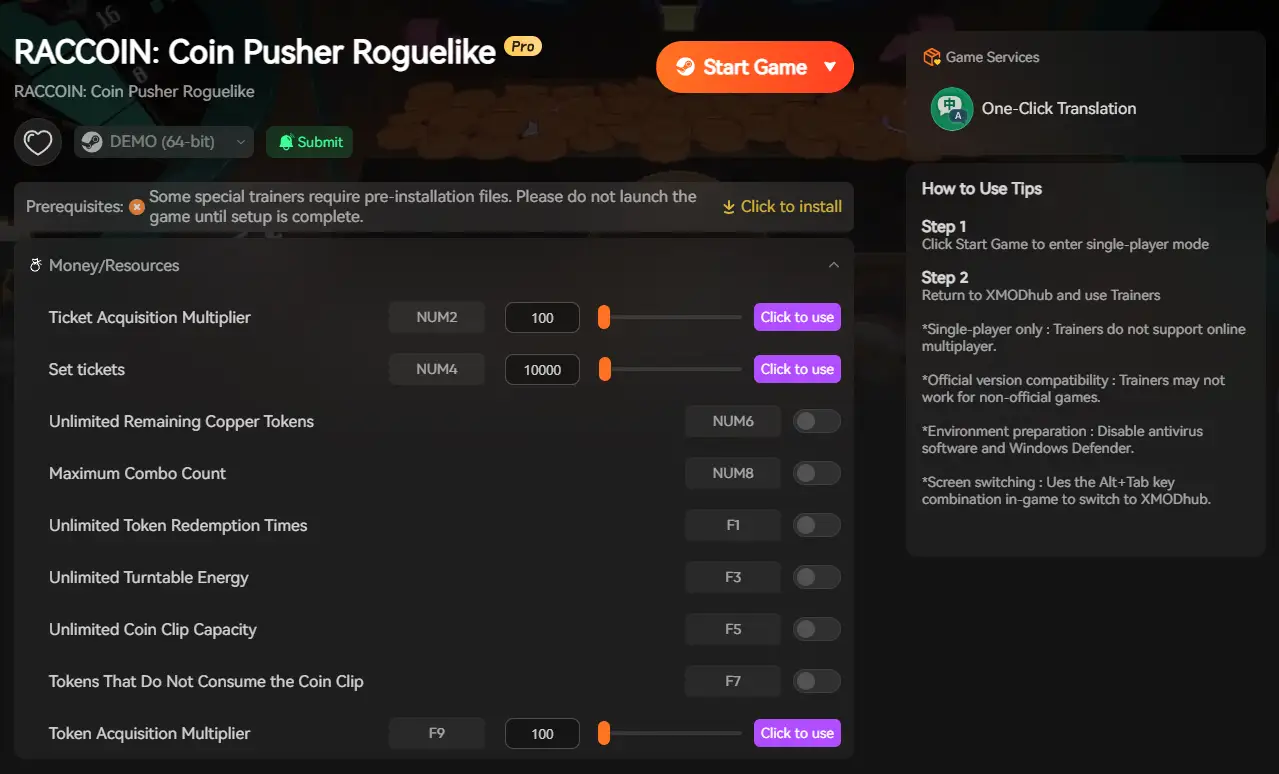
If you cannot see the AppData folder in File Explorer, click the View tab and check the Hidden items checkbox to make it visible.
Where RACCOIN Stores Its Data: Folder Breakdown
Understanding what each folder contains helps you back up the right files and avoid deleting anything critical.
| Folder | Contents | Should You Back This Up? |
|---|---|---|
SaveGames\ |
Run progress, unlocked characters, high scores | Yes — always |
LocalLow\RACCOIN...\ |
Root Unity persistence folder | Yes, as a full copy |
Steam\userdata\[ID]\3784030\ |
Steam Cloud sync cache | Only if disabling Cloud |
No native config (.ini) file exists in RACCOIN. The game does not expose a configuration file for graphics tweaks or frame rate unlocking. Unity handles these settings internally through the in-game options menu. Do not attempt to create or edit a config file manually — it will have no effect.
Steam Deck Save File Location
RACCOIN is a Windows-only title at launch, and official Steam Deck compatibility has not been confirmed. However, players running it through Proton on Steam Deck can find save data buried inside the Unity compatdata structure.
/home/deck/.local/share/Steam/steamapps/compatdata/3784030/pfx/drive_c/users/steamuser/AppData/LocalLow/RACCOIN Coin Pusher Roguelike/SaveGames/Tips for Steam Deck users:
✦
You will need RACCOIN’s Steam App ID: 3784030 to locate the correct compatdata folder.
✦
Enable Show Hidden Files in the Dolphin file manager (Ctrl + H) to access the .local directory.
✦
Since Steam Deck support is unofficial for now, save stability may vary with Proton version updates. Back up the entire 3784030 folder regularly.
Troubleshooting: Steam Cloud Sync Errors
If your save keeps reverting to an older state after a game update or PC restart, Steam Cloud is most likely overwriting your local file.
In your Steam Library, right-click RACCOIN: Coin Pusher Roguelike and select Properties.
➤
Under the General tab, toggle Steam Cloud to OFF.
➤
Manually copy your SaveGames folder to a safe backup location on your desktop.
➤
Launch the game and confirm your progress loads correctly from the local file.
➤
Exit the game cleanly, then re-enable Steam Cloud. Steam will prompt you to choose which version to keep — select Keep Local.
Unity-based games sometimes create a save timestamp mismatch after patches, which causes Steam Cloud to treat your newest local file as the “older” version. Disabling Cloud before major game updates and re-enabling afterward is the safest workflow during RACCOIN’s active post-launch patch window.
The Smarter Way: 1-Click Auto-Backups with XMODhub
Manually navigating to AppData\LocalLow every session is tedious — and one wrong click in a system folder can permanently delete progress you cannot get back. If Steam Cloud is also misbehaving during patch updates, you need a more reliable layer of protection.
The XMODhub PC Client includes a built-in Save Manager designed for exactly this situation:
✨
Automated Backups: XMODhub creates a timestamped backup of your RACCOIN save every time you exit the game. No manual folder digging required.
✨
Version History Rollback: A bad patch corrupted your character unlocks? Roll back to any previous save state with a single click.
✨
Visual Dashboard: View, name, and organize multiple save snapshots — useful for tracking high-score run attempts across different coin builds.
✨
Trainer Integration: Beyond save management, XMODhub gives RACCOIN players one-click access to infinite tickets, coin pool unlockers, and character unlock trainers — all applied safely without touching core game files.
Frequently Asked Questions (FAQ)
Q: Can I transfer my RACCOIN save file to another PC?
A: Yes. For Steam users, copy the entire SaveGames folder from AppData\LocalLow\RACCOIN Coin Pusher Roguelike\ onto a USB drive or cloud storage, then paste it into the exact same directory path on your new machine. Make sure RACCOIN is fully closed on both computers before doing this.
Q: What if my RACCOIN save file is missing entirely after an update?
A: First, check whether Steam Cloud accidentally restored an older (possibly empty) save by overwriting your local file. Disable Steam Cloud temporarily via Properties, then check the LocalLow path directly. If the file is genuinely gone, XMODhub’s rollback feature can restore a previous automated backup if you had the client running.
Q: Can I edit my RACCOIN save file manually to add tickets or coins?
A: Unity .save files are typically serialized in binary or JSON format and can technically be hex-edited, but this is high-risk and will likely corrupt your run state. There is no guarantee the file format is stable across patches either. The far safer approach is to use XMODhub’s trainer, which injects values at the memory level without modifying your save file at all.
Q: Will backing up and restoring a save file get me banned?
A: No. RACCOIN is a single-player game with no competitive online mode tied to a server-side account. Managing your own local save files carries zero ban risk. Only avoid using modified saves in any future leaderboard or community challenge features the developers may add.
Conclusion: Protect Your Progress
Finding and backing up your RACCOIN: Coin Pusher Roguelike save file is the single most important habit you can build as a new player. Given that RACCOIN launched in late March 2026 and is in an active patch window, Steam Cloud sync conflicts and update-related save issues are genuinely common right now.
The exact path — C:\Users\[Username]\AppData\LocalLow\RACCOIN Coin Pusher Roguelike\SaveGames\ — is your starting point. Copy it somewhere safe before you do anything else.
If you’d rather not think about it at all, the XMODhub Save Manager automates the whole process and adds version rollback on top. And if you’re looking to go further — infinite tickets, full coin pool access, or unlocking every character from the start — XMODhub’s native RACCOIN trainer support has you covered on that front too. One platform, zero hassle.

I am a passionate gamer and writer at XMODhub, dedicated to bringing you the latest gaming news, tips, and insights.
Connect with me:
LinkedIn Profile ↗


 Nancy Miller