Nancy Miller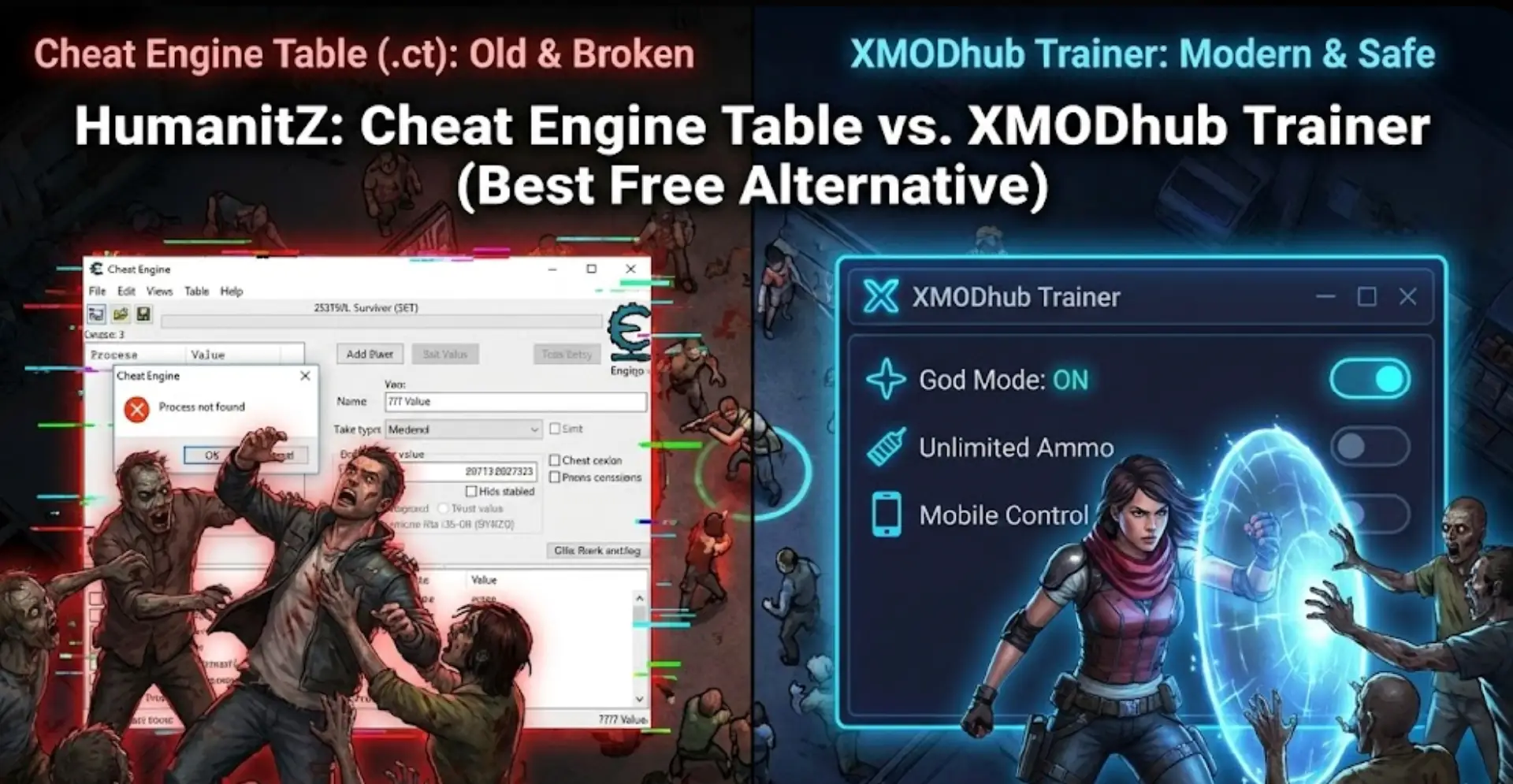
You are deep into a survival run in HumanitZ. Night is falling, a horde is approaching, and you just need a little extra ammo to survive. You spent 20 minutes scouring forums for a working HumanitZ Cheat Engine table (.ct file). You finally load it, and… it says “Process not found,” values show “???”, or it crashes your game entirely.
The era of manually searching for outdated memory addresses and risking save corruption is over.
Today, we break down why the XMODhub Trainer is the safer, smarter evolution of Cheat Engine for HumanitZ players struggling with Early Access updates.
You may also like: console commands
Editor’s View: The “Early Access Update” Nightmare
“As a fan of survival games like HumanitZ, I love the frequent Early Access updates. But I hate what they do to Cheat Engine tables. When Patch 0.9.x dropped last week, every single script in my favorite CT table broke instantly. My unlimited scrap and ammo pointers were useless because the memory addresses changed.
With XMODhub, I didn’t even have to check the version. The app detected the new patch and auto-updated the trainer in seconds. It saves me hours of troubleshooting.”
— Alex Chen, Senior Game Analyst at XMODhub
At a Glance: HumanitZ Cheat Engine Table vs. XMODhub
| Feature | Cheat Engine Table (.ct) | XMODhub Trainer |
|---|---|---|
| Game Updates (EA) | Breaks Instantly (Must wait for manual fix) | Auto-Updates (Cloud Sync immediately) |
| Ease of Use | Hard (Manual attaching & script loading) | Easy (One-click sliders & toggles) |
| Resource Cheats | Difficult (Pointers often buggy/”???”) | Stable (Pre-coded options) |
| Safety | High Risk (Unverified forum uploads) | Verified (Digitally Signed Code) |
| Mobile Control | No | Yes (Free Remote App) |
| Cost | Free | Free |
The “Hard Way”: How to Use a HumanitZ Cheat Engine Table
If you insist on using the old-school method for HumanitZ, be prepared for legwork:
- Download Cheat Engine (risk of installer bloatware).
- Find a .ct file matching your exact game version on a forum. Old tables rarely work.
- Launch HumanitZ and load your save.
- Alt-Tab, open Cheat Engine, attach to the correct game process.
- Load the table and hope the pointers for “Health” aren’t showing “???” marks.
Warning: Forcing wrong values in survival games can permanently corrupt your save data.
The “Easy Way”: How to Use XMODhub in HumanitZ
Compare that grind to the XMODhub experience:
- Download and Launch XMODhub.

- It automatically detects HumanitZ. Click “Play”.

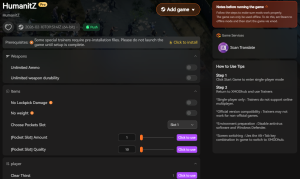
- Use the overlay or mobile app to toggle cheats instantly.
Done. No version matching, no broken pointers.
Top HumanitZ Cheats Included in XMODhub
HumanitZ is brutal. Resource scarcity is real. While Cheat Engine struggles with complex inventory systems, XMODhub offers tailored features to bypass the grind:
01God Mode / Infinite Health
Never fear a zombie horde again.
02No Hunger / No Thirst
Ignore survival mechanics and focus on exploration.
03Unlimited Stamina
Sprint forever without getting winded.
04Unlimited Ammo & No Reload
Essential for surviving big fights.
05Mega Item Durability
Stop your weapons from breaking mid-combat.
Game Pass & Microsoft Store Support: The Cheat Engine Killer
Do you play survival games on Xbox Game Pass for PC? You know Cheat Engine often fails completely on Windows Store games due to encrypted executable files.
While HumanitZ is primarily on Steam, XMODhub’s engine is built specifically to handle encrypted Game Pass/Windows Store directories natively. We bypass these hurdles automatically, ensuring your cheats work regardless of the platform.
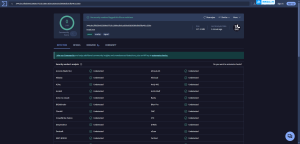
Safety Check: VirusTotal Proof
Is XMODhub safe? Yes. Trainers are often flagged as “False Positives” by antiviruses because they inject code into memory—just like a virus, but for a good cause.
Unlike random .ct files from forums that could contain malware, XMODhub is:
- Digitally Signed by a verified company.
- Bloatware Free in our installer.
- Scanned Daily for security.
Why is XMODhub the Best WeMod Alternative for HumanitZ?
WeMod is a major player, but XMODhub offers key advantages:
- Support for 5,000+ games: A huge and growing library covering both new releases and classic titles, all in one place for easy access.
- Launch-day trainers and mods: Get trainers and mods for new games right from release day — no long waiting, just instant enhanced gameplay.
- Community Requests: Our cheat creation is driven by user votes, not just popularity.
FAQ: HumanitZ Cheats
Q: Why does my HumanitZ Cheat Engine table show “???” values?
A: This means the table is outdated. The game received an update, changing the memory addresses. You must find a new table or switch to XMODhub, which updates automatically.
Q: Can I use XMODhub in HumanitZ Multiplayer?
A: No. XMODhub is designed for Single Player use only. Using cheats on public servers violates terms of service and risks a ban.
Conclusion
Stop fighting with broken pointers and outdated forums. The zombie apocalypse is hard enough without your tools failing you. Upgrade to the XMODhub Trainer for HumanitZ—the modern, safe, auto-updating alternative.

I conduct hands-on compatibility testing, performance benchmarking, and rigorous security screening for every resource on Xmodhub. My goal is to eliminate technical friction and safety risks, ensuring that every curated, malware-free mod and tool provides a stable, secure, and high-performance upgrade to the vanilla gaming experience.


 Catherine Hu