Catherine Hu
Editor’s View: Why This Matters
I specifically wrote this guide because Unreal Engine games like Styx can be tricky. Losing a standard save is annoying, but losing a ‘Goblin Master’ difficulty save is heartbreaking. Even if you don’t use cheats, please backup your SaveGames folder manually right now.”
There is nothing worse than sinking 20 hours into a “Ghost” run (No Kills, No Alerts) in Styx: Blades of Greed, only to have your save file corrupted by a crash or a bad cloud sync. Whether you want to manually backup your progress before a difficult heist, transfer your save to a Steam Deck, or tweak the config file to finally turn off that aggressive Motion Blur, you first need to find where the data is hidden on your drive.
Below is the exact file path for Styx: Blades of Greed on Windows and Steam Deck, along with a safer, automated method to protect your goblin’s progress.
You may also like:
Styx: Blades of Greed Cheat Engine Table vs. XMODhub Trainer: Best Free Alternative (2026)
Windows PC Save File Location (Steam/Epic)
For the Steam and Epic Games versions of Styx: Blades of Greed, the save files are located in the standard Unreal Engine Local AppData folder.
C:\Users\%USERNAME%\AppData\Local\StyxBoG\Saved\SaveGames\(Note: The folder might be named Styx3 or StyxBladesOfGreed depending on your specific launch version.)
How to navigate there quickly:
- Press Windows Key + R on your keyboard to open the Run dialog.
- Type
%localappdata%and press Enter. - Scroll down and open the StyxBoG (or Styx3) folder.
- Navigate to Saved > SaveGames.
Note: You will see files like Profile_0.sav or Checkpoint.sav. If you cannot see the “AppData” folder, you need to enable “Hidden Items” in the View tab of your File Explorer.
Styx: Blades of Greed Config File Location
If you need to manually tweak graphics settings that aren’t in the menu (like disabling Chromatic Aberration or Motion Blur to spot guards easier), you need to edit the .ini file.
C:\Users\%USERNAME%\AppData\Local\StyxBoG\Saved\Config\WindowsNoEditor\How to Edit:
- 1. Right-click
GameUserSettings.iniorEngine.ini. - 2. Select Open with Notepad.
- 3. Look for
[ScalabilityGroups]or addr.MotionBlurQuality=0to the bottom of the file to disable blur.
Warning: Always backup the file before saving changes.
Steam Deck / Linux Save Location
If you are playing Styx: Blades of Greed on the Steam Deck, the Windows file structure is emulated within the Proton layer.
/home/deck/.local/share/Steam/steamapps/compatdata/[SteamAppID]/pfx/drive_c/users/steamuser/AppData/Local/StyxBoG/Saved/SaveGames/Tip: You will need the specific App ID for Styx. Check SteamDB or the URL of the game’s store page to find this number.
Game Pass Save Location (The Tricky Part)
If you are playing on Xbox Game Pass (PC), your saves are NOT in the folder mentioned above. They are encrypted in a protected system container.
C:\Users\%USERNAME%\AppData\Local\Packages\[PublisherName].StyxBoG_xxxxx\SystemAppData\wgs\Note: These files are long hexadecimal strings (e.g., 000000145A…). You cannot simply rename them to work on the Steam version without a specialized converter tool.
The Smarter Way: One-Click Backup with XMODhub
Navigating through hidden AppData folders every time you want to secure a “No Kills” checkpoint is tedious. One accidental delete, and your run is over. XMODhub offers a built-in Save Manager designed specifically for games like Styx.
01Auto-Backup
XMODhub automatically creates a restore point every time you exit the game.
02Checkpoint Management
Create named backups like “Before Boss” or “Perfect Stealth Run” and switch between them instantly.
03Visual Interface
No digging through folders. See your saves with timestamps and screenshots.
XMODhub: More Than Just a Save Manager
XMODhub is your ultimate all-in-one toolkit for PC gaming. Whether you need powerful Trainers for Infinite Amber, real-time Interactive Maps of the levels, or tools to unlock FPS, XMODhub has you covered.
How to Use XMODhub for Styx:
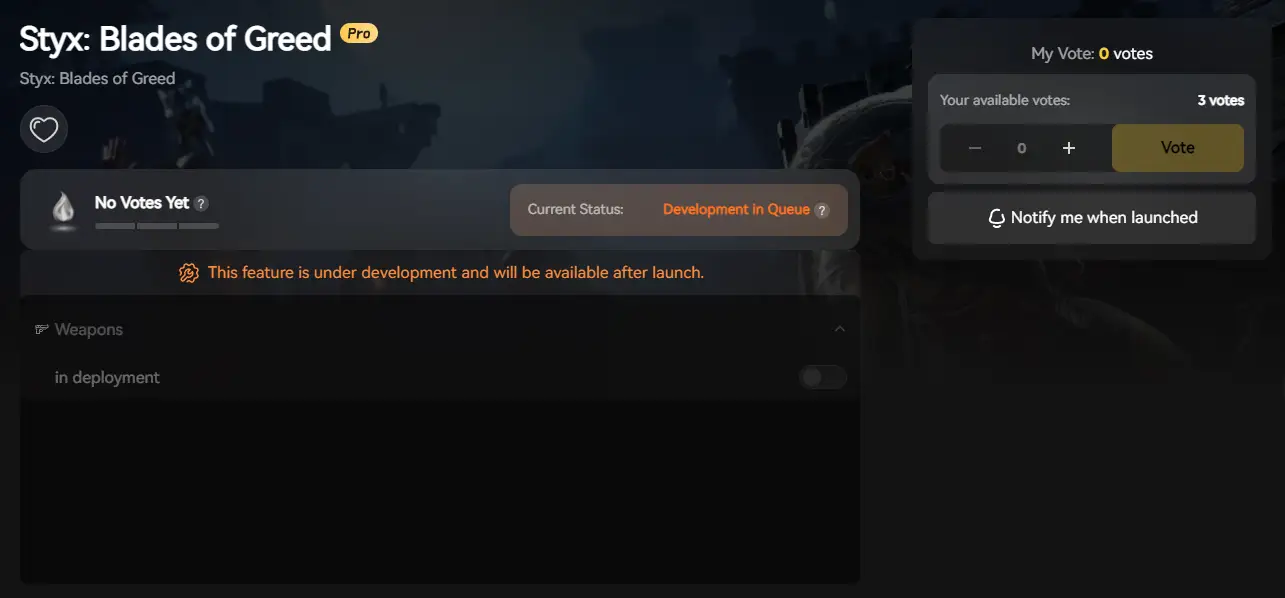
1. Download and Install the XMODhub client safely.

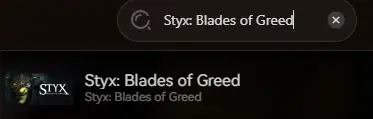
2. Search for “Styx: Blades of Greed”.
3. Launch and play with peace of mind!
FAQ
Q: Can I transfer my Styx save from Game Pass to Steam?
A: Generally, no. Game Pass saves are encrypted. However, XMODhub’s Save Manager attempts to read and decrypt these files for local backups, which gives you a better chance of migration than manual copying.
Q: What happens if I delete the GameUserSettings.ini file?
A: The game will regenerate a default config file upon the next launch, resetting your graphics settings to High/Medium. This is a good way to fix a black screen glitch.
Q: Does modifying save files ban me?
A: In single-player/co-op mode, absolutely not. Modifying your save (e.g., to add Skill Points) is safe. However, verify you are offline if the game introduces any ranked leaderboards.
Conclusion
Locating your Styx: Blades of Greed save file is a crucial skill, whether you are recovering from a crash, migrating to a Steam Deck, or editing config files to remove annoying visual effects.
However, digging through hidden system folders carries a risk. If you prefer a safer, “set it and forget it” solution that protects your hard-earned stealth progress, we highly recommend the XMODhub Save Manager. Keep your “Ghost” rating safe.

I am a passionate gamer and writer at XMODhub, dedicated to bringing you the latest gaming news, tips, and insights.
Connect with me:
LinkedIn Profile ↗


 Nancy Miller