
 Catherine Hu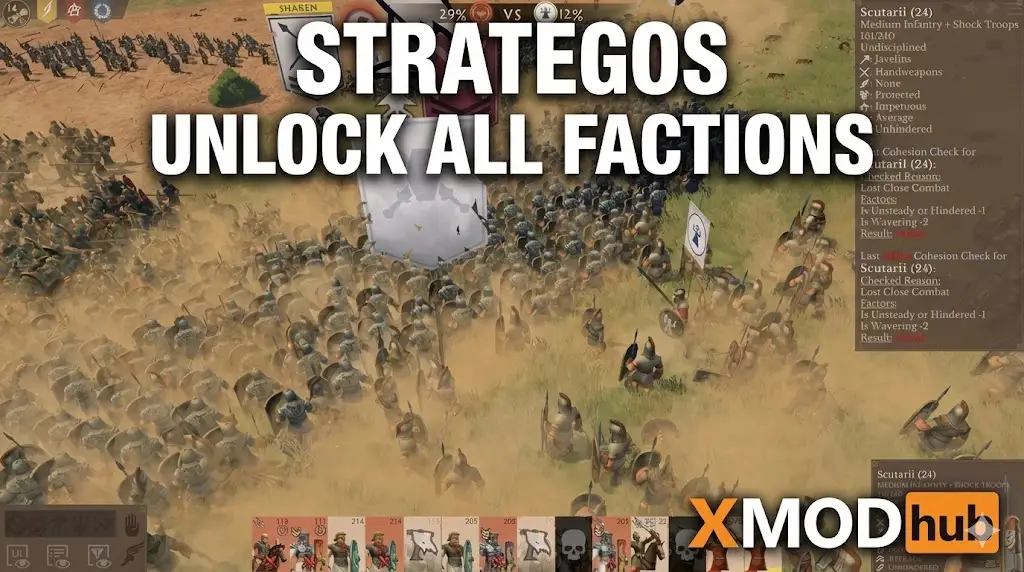
We’ve all been there: you just bought Strategos to play a specific faction in skirmish mode, only to find it locked behind a 40-hour campaign. Honestly, I don’t have time to grind through missions I don’t care about just to play the army I actually want. Whether you’re a casual player or a competitive strategist testing builds, unlocking everything immediately lets you play the game on your terms.
Key Takeaways
- Fastest Method – The XMODhub trainer unlocks all factions instantly with one click.
- Free Alternative – Save editing works but requires manual file backup to prevent corruption.
- Console Status – Native console commands for unlocking factions are often disabled in the current build.
- Scope – Unlocking factions primarily affects skirmish and multiplayer lobbies, not campaign scripts.
Let’s break down the details below.
Instant Strategos Faction Unlock with XMODhub
If you want to bypass the technical hassle of editing files, the dedicated trainer is the safest bet. XMODhub provides a streamlined tool that toggles unlocks directly in memory without permanently altering your game installation.
📈 Unlock All Factions
Instantly access every playable army in skirmish and custom battles without playing the campaign.
💰 Infinite Resources
Set your gold, minerals, and energy to maximum to build massive armies immediately.
⏱️ Instant Build
Remove construction and recruitment times to deploy units as fast as you can click.
❤️ God Mode
Keep your units and buildings invincible against enemy attacks during matches.
⚔️ No Fog of War
Reveal the entire map to see enemy movements and base locations instantly.
These featured mods are just the beginning. Whether you’re looking to skip tedious grinding, experiment with different playstyles, or speed up your progression, XMODhub’s comprehensive toolkit offers dozens more options tailored to your playstyle.
XP/Progression
- Unlock All Factions – Access every army
- Unlock All Tech – Instant research completion
- Max Commander Level – Instant hero leveling
Money/Resources
- Infinite Gold – Never run out of currency
- Infinite Energy – Remove power caps
- Zero Upkeep – Remove unit maintenance costs
Combat/Damage
- One-Hit Kills – Destroy enemies instantly
- Infinite Ammo – No reloading for units
- No Cooldowns – Spam special abilities
How to Install the Strategos Trainer
Getting started is straightforward. First, download the XMODhub launcher from the official site. It automatically detects your Strategos installation, whether you’re on Steam or Epic Games. Run the installer and let it update to the latest version compatible with the 2026 patch. I recommend disabling your antivirus temporarily during installation, as false positives are common with game injection tools.
Activating the Strategos Faction Unlocker
Once installed, launch Strategos through the XMODhub client. When you reach the main menu, press the overlay key (usually F1 or Insert). Navigate to the “Progression” tab and toggle the “Unlock All Factions” switch. You should hear a confirmation sound. Now, when you enter Skirmish or Multiplayer lobby setup, all previously locked factions will be selectable. You don’t need to restart the game for this to take effect.
Manual Ways to Unlock All Factions in Strategos
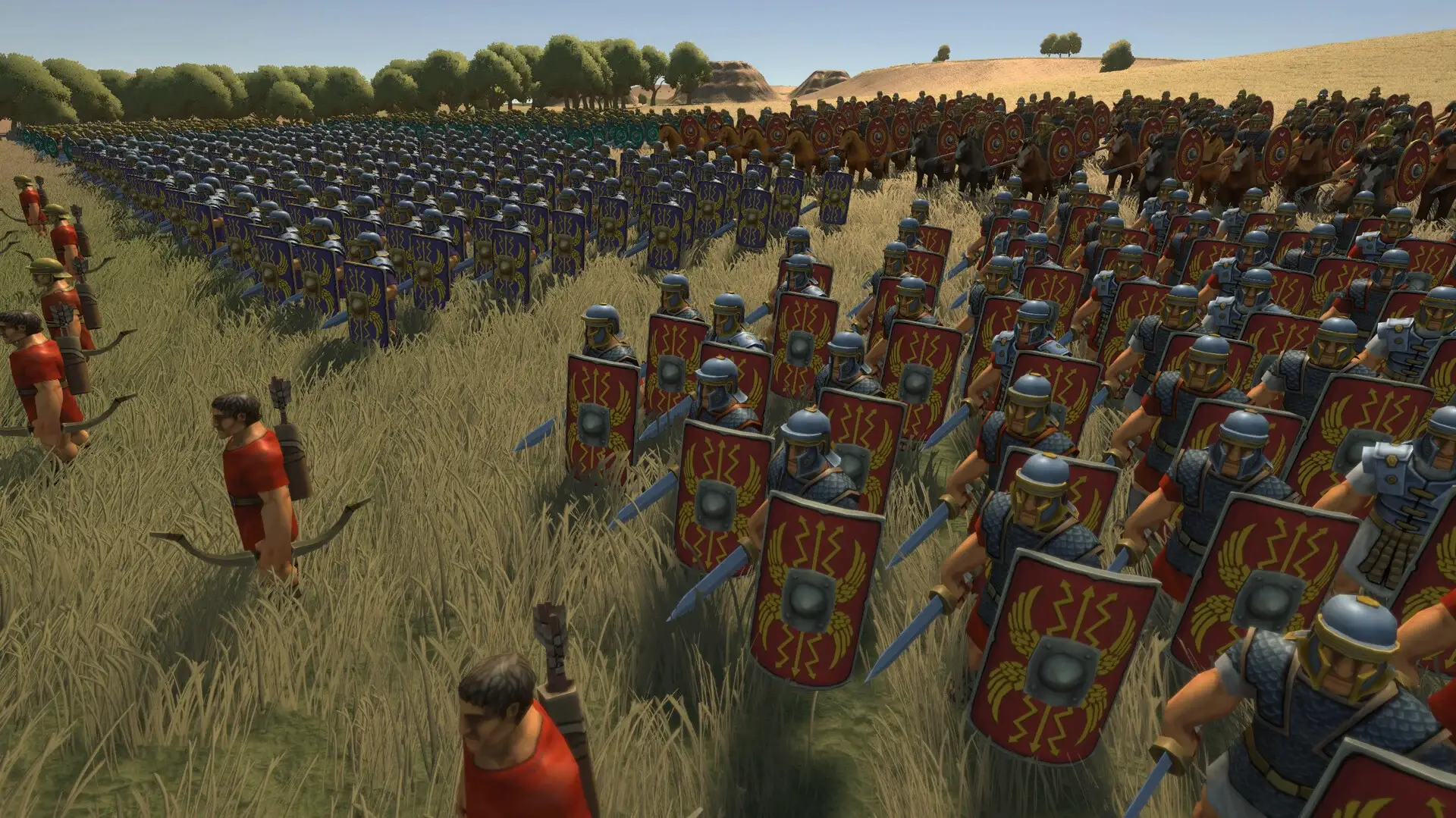
If you prefer not to use third-party software, there are manual methods available. These require a bit more technical know-how and carry a slight risk of corrupting your save data if done incorrectly.
Using Strategos Console Commands
Strategos has a built-in debug console, though developers often disable it in public builds. To attempt this, press the tilde key (~) or CTRL+SHIFT+C during gameplay. If a command line appears, try typing unlock_all or campaign.complete_all. Note that these commands often disable achievements for your current session.
Editing Your Strategos Save File
This method involves editing the configuration file that tracks your campaign progress. Navigate to your save directory, usually found at:
C:/Users/[Username]/AppData/Local/Strategos/Saved/Config/PlayerProfile.xmlOpen this file with Notepad. Look for lines labeled <Faction id="x" unlocked="false"> and change “false” to “true”. Save the file and restart the game. Always create a backup copy of this file before making any changes. Seriously, don’t skip this step unless you like starting over from scratch.
Which Strategos Unlock Method is Best for You?
Choosing the right method depends on your technical comfort level and how permanent you want the changes to be.
Strategos Trainer vs Manual Editing
The trainer is generally superior because it’s non-destructive. You can turn the “Unlock All Factions” cheat on to play a specific match and turn it off if you want to resume your campaign progress legitimately later. Manual editing permanently changes your profile state, which can be harder to reverse if you change your mind.
When to Use a Strategos Save Editor
Save editing is the better choice if you are playing on a system where trainers can’t run (like some cloud gaming setups) or if you want to create a specific “scenario” save file to share with friends. It’s also useful if you want to unlock just one specific faction rather than all of them at once.
Why the Strategos Faction Unlocker Stops Working?
Sometimes you might find that the unlocker simply refuses to work. This is usually due to game updates or software conflicts.
Solving Strategos Version Conflicts
Strategos receives frequent balance patches. When the game version (e.g., v1.5) doesn’t match the trainer version, the memory addresses change, and the cheat fails. Always ensure your XMODhub client is updated to match the current build of the game. The client usually auto-updates within hours of a new game patch.
Common Strategos Trainer Errors
If you see a “Process Not Found” error, launch the game first, then ALT+TAB out to launch the trainer. If the cheats toggle on but immediately turn off, your antivirus is likely blocking the injection. Add the XMODhub folder to your antivirus exclusion list to fix this.
Strategos Unlock All Factions FAQ
Ready to enhance your gameplay?

I am a passionate gamer and writer at XMODhub, dedicated to bringing you the latest gaming news, tips, and insights.
Connect with me:
LinkedIn Profile ↗




 Nancy Miller
I like how you lay out the trade-offs between instant unlocks and manual save editing, especially the reminder about backing up files first. One thing worth keeping in mind is how patches can quietly break these methods, so checking game version compatibility before trying anything can save a lot of frustration. It’s a helpful overview for players who just want to experiment with factions without sinking dozens of hours into the campaign.