
 Nancy Miller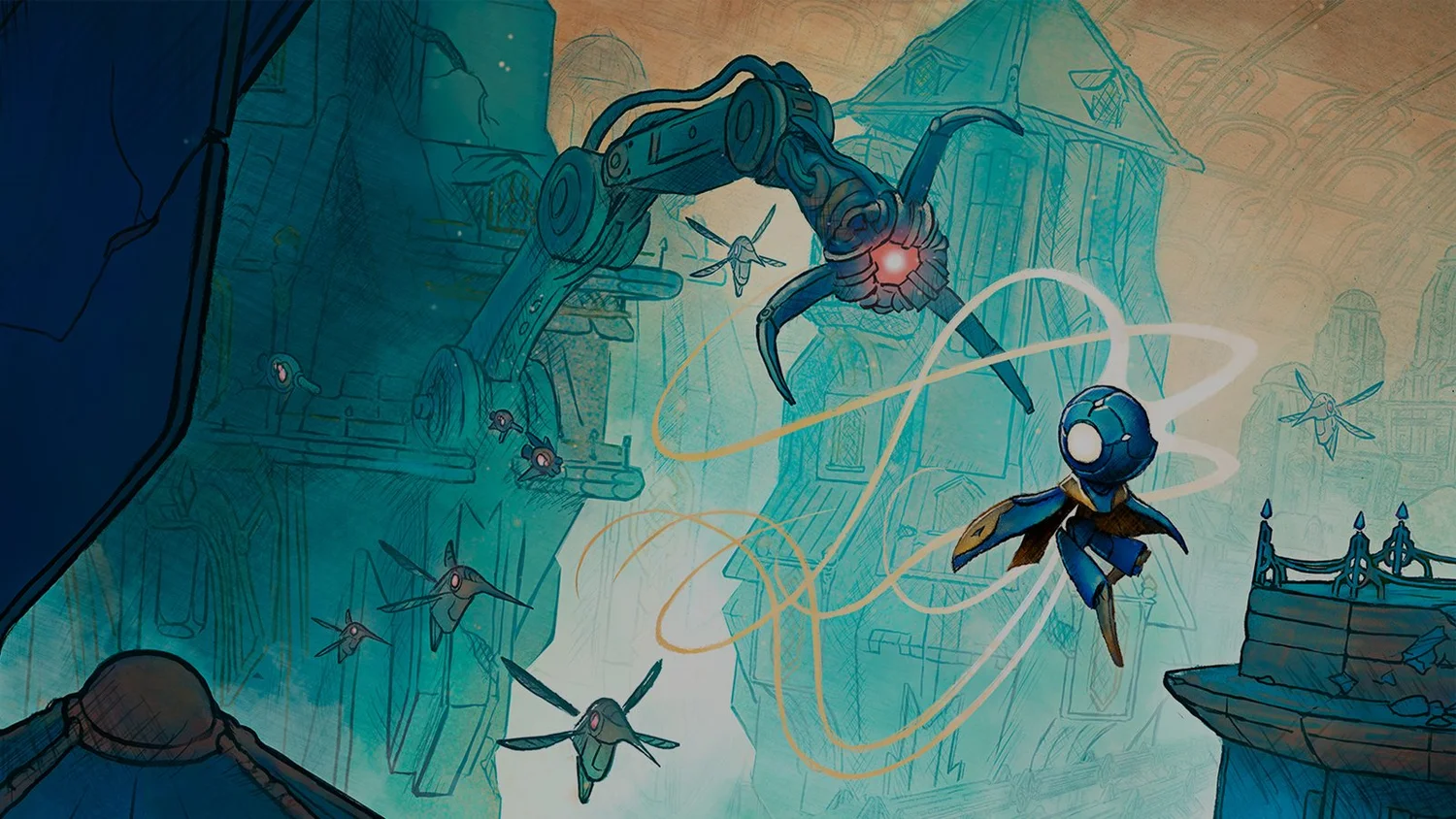
Exploring the vast, decaying world of the Vessel in MIO: Memories in Orbit is a breathtaking experience, but the punishing difficulty spikes can quickly turn awe into frustration. The game’s atmosphere is heavy, and the lore is deep, but getting stuck on a single platforming puzzle for an hour breaks that immersion. Whether you are stuck backtracking through dangerous zones or facing a boss that wipes your health bar in seconds, sometimes you just need a little help to keep the story moving. I’ve hit those same walls, and using a reliable trainer can be the difference between quitting in anger and enjoying the rest of the game.
Key Takeaways
- God Mode allows you to explore the Vessel without fear of taking damage.
- The XMODhub trainer is safe and malware-free for single-player use.
- Works with the latest 2026 game patch and release version.
- Always backup your save files before applying any mods or cheats.
Let’s break down the details below.
MIO: Memories in Orbit Trainer Features
If you want to skip the complex manual setup of script editors, XMODHUB offers an all-in-one solution that auto-updates with the game. Here are the most popular features available for the current version.
❤️ Infinite Health
Lock your health value to maximum, ensuring you survive even the toughest boss attacks without restarting.
⏱️ Speed Multiplier
Increase your movement speed to breeze through backtracking sections and explore the map faster.
🛡️ God Mode
Become completely invincible to all damage sources, including environmental hazards and enemy projectiles.
⚔️ One-Hit Kills
Deal massive damage to enemies, instantly defeating standard mobs and shortening boss phases.
These featured mods are just the beginning. Whether you’re looking to skip tedious grinding, experiment with different playstyles, or speed up your progression, XMODHUB’s comprehensive toolkit offers dozens more options tailored to your playstyle.
Player Stats
- Infinite Health – Never lose HP during combat
- God Mode – Complete invulnerability
- Infinite Energy – Use skills without depletion
Movement & Physics
- Speed Multiplier – Run faster across the map
- Jump Height – Reach inaccessible platforms
Complete MIO: Memories in Orbit Walkthrough Cheats List
Understanding exactly what each cheat does is crucial for tailoring your experience. Some players only want to speed up travel, while others prefer to remove the threat of death entirely. Below is a detailed look at the core functions available in the trainer.
Activating MIO: Memories in Orbit Infinite Health
The Infinite Health cheat is the most popular option for players struggling with the game’s combat. Unlike God Mode, which often prevents your character from reacting to hits, Infinite Health typically locks your HP value at its maximum. This means you will still see hit animations and get knocked back, preserving the “feel” of combat without the risk of a Game Over screen. It is particularly useful in Metroidvania games like this where learning enemy patterns is key, as it allows you to practice indefinitely.
Using God Mode in MIO: Memories in Orbit
God Mode takes protection a step further. When enabled, your character becomes impervious to all forms of damage. This is essential for bypassing frustration during platforming sections with environmental hazards like spikes or toxic zones. If you find yourself stuck on a boss that fills the screen with projectiles, toggling God Mode can let you focus purely on dealing damage without worrying about dodging every single attack. Be aware that some scripted death sequences might still affect you, so it’s always wise to save beforehand.
Infinite Energy for Skill Spamming
In MIO, your abilities are tied to an energy meter. This resource management is a core part of the challenge, forcing you to choose between offense and defense. Cheats can freeze this value, allowing you to use your dash, shield, or special attacks indefinitely. This changes the combat flow from careful resource management to pure action, letting you unleash your most powerful moves continuously. This is especially fun for testing out high-cost abilities that you normally wouldn’t use frequently.
One-Hit Kills for Grinding
Sometimes you just want to see the story without the slog of combat. One-Hit Kill mods modify the damage calculation to ensure every hit you land is lethal to enemies. This is incredibly useful for second playthroughs or when you need to grind for resources dropped by specific enemies. Instead of spending minutes on a single encounter, you can clear entire rooms in seconds. However, use this with caution during scripted boss fights, as killing a boss too quickly can sometimes break the game’s scripting events.
Speed and Movement Cheats for Exploration
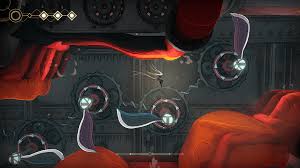
The Vessel is a massive, labyrinthine structure, and backtracking is a core part of the gameplay loop. However, traversing the same corridors repeatedly can become tedious. Speed cheats allow you to increase your movement velocity, cutting travel time significantly. This is perfect for when you need to return to a previous area to unlock a door with a newly acquired ability but don’t want to spend twenty minutes walking there. Advanced movement cheats might also include “Jump Height” modifiers, letting you reach ledges that are normally inaccessible until later in the game.
How to Install MIO: Memories in Orbit Mods?
Installing cheats for PC games has become much simpler over the years. You generally have two options: using a dedicated trainer app like XMODhub or manually injecting scripts with tools like Cheat Engine. Here is how to get started safely.
Setting Up the MIO: Memories in Orbit Cheat Engine
If you prefer manual control, you can use Cheat Engine tables. This method gives you granular control but requires more setup:
- Download Cheat Engine: Install the latest version from the official website.
- Find a Table: Search for a `.CT` file specifically made for MIO: Memories in Orbit. Ensure it matches your game version.
- Launch the Game: Start MIO and load into your save file.
- Attach the Process: Open the .CT file, click the “PC” icon in Cheat Engine, and select the MIO game process from the list.
- Activate Scripts: Check the boxes at the bottom of the window to enable specific cheats like Infinite Health or Ammo.
While powerful, this method requires you to find updated tables for every new game patch, which can be a hassle compared to auto-updating trainers.
Safe Modding Practices for MIO: Memories in Orbit
Modding a single-player video game is generally safe, but there are precautions you should take. Before activating any cheats, always create a backup of your save file. Save corruption is rare but possible when modifying game values. Navigate to your save directory, usually located in AppData/LocalLow/MIO, and copy the files to a safe folder. Additionally, ensure you add your trainer or cheat tool to your antivirus exclusion list, as security software often flags game injection tools as false positives due to how they interact with system memory.
Practical Scenarios: When Should You Use Cheats?
Cheating doesn’t have to mean ruining the game. Many players use these tools to smooth out rough edges in the game design. Here are a few scenarios where using a trainer can actually enhance your experience.
Bypassing Difficulty Spikes in The Vessel
Sometimes you encounter a section that feels unfairly difficult compared to the rest of the game, stopping your progress dead in its tracks. Instead of banging your head against the wall for hours, toggling on Infinite Health for just that one section allows you to bypass the frustration and continue enjoying the story and exploration. Once you are past the hurdle, you can disable the cheat and resume normal play.
Mastering MIO: Memories in Orbit Boss Fights
Bosses in this genre are often multi-phase endurance tests. If you are struggling to learn the attack patterns of a late-game boss because you keep dying in the first phase, try using God Mode to observe the entire fight without attacking. This lets you learn the tells and dodge timings for every phase without the pressure of restarting. Once you feel confident, turn the cheats off and fight the boss legitimately. This turns the trainer into a practice tool rather than a “win button.”
Testing High-Level Builds Early
With a trainer, you can unlock all skills or give yourself infinite currency to max out a skill tree immediately. This lets you test if a specific build is viable before committing hours of legitimate gameplay to it. You can experiment with different weapon combinations and ability synergies to find the playstyle that suits you best, then reload your clean save and work towards that build naturally. This is also great for speedrun planning, allowing you to route the most efficient path through the game’s upgrades.
Why Is My MIO: Memories in Orbit Trainer Not Working?
If your cheats aren’t activating, it is usually due to a version mismatch or security software interference. Here is how to troubleshoot the most common issues.
Troubleshooting Version Mismatches
Game updates often change the memory addresses that trainers rely on. If the game was recently patched, your trainer might be outdated. Check the trainer’s version number against the game’s version displayed on the main menu. If they don’t match, you will likely need to wait for an update or use an auto-updating tool like XMODhub. Using an outdated trainer can lead to crashes or unexpected behavior.
Fixing Common MIO: Memories in Orbit Errors
Crashes upon activation are often caused by conflicting overlays. Try disabling Discord, Steam, or NVIDIA overlays before launching the trainer. If hotkeys aren’t responding, run the trainer as an Administrator to ensure it has the necessary permissions to inject into the game process. Also, ensure that your numpad is active if the trainer uses numpad keys for activation.
MIO: Memories in Orbit Frequently Asked Questions
Ready to enhance your gameplay?

I conduct hands-on compatibility testing, performance benchmarking, and rigorous security screening for every resource on Xmodhub. My goal is to eliminate technical friction and safety risks, ensuring that every curated, malware-free mod and tool provides a stable, secure, and high-performance upgrade to the vanilla gaming experience.


 Catherine Hu

The difficulty in MIO: Memories in Orbit seems to be part of the charm, but I can totally relate to how frustrating those intense moments can be. Trainers like these really seem like a great way to keep the momentum going when you’re stuck!