
 Nancy Miller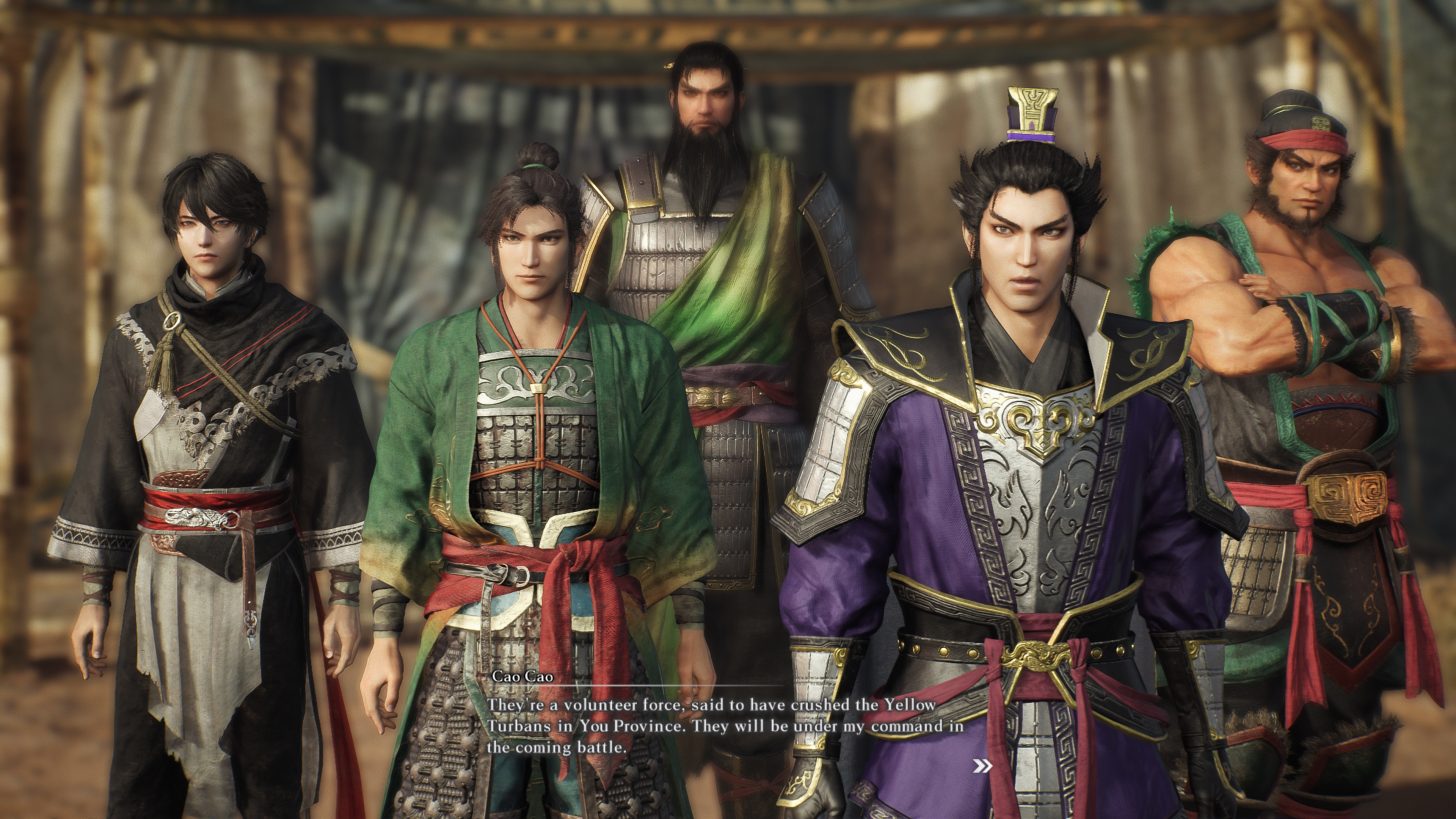
The battlefield in Dynasty Warriors: Origins has evolved, bringing DLC, uncharted action, unleashed by new weapons that completely redefine the Musou experience. Whether you are a veteran of the Three Kingdoms or a newcomer looking to carve a path through thousands of enemies, the latest content drop adds layers of tactical depth we haven’t seen in years. Honestly, I got stuck grinding for the new Azure Dragon spear myself until I found a better way to experience the power fantasy immediately.
Key Takeaways
- Instant Access – Unlock all DLC weapons without the tedious grind
- Infinite Musou – Keep your special attacks active 100% of the time
- Safe Progression – Use trainers in offline mode to protect your save data
- God Mode – Experiment with new movesets without fear of defeat
Let’s break down the details below.
Accessing DLC and New Weapons in Dynasty Warriors: Origins
The latest update for Dynasty Warriors: Origins introduces a suite of high-performance gear that changes how you approach crowd control. Getting your hands on these items, however, isn’t always straightforward. Koei Tecmo has implemented a progression system that often gates the best equipment behind significant time investments.
Locating the New Content in Dynasty Warriors: Origins
After purchasing the downloadable content, you must verify the installation files through your platform’s store. On Steam, right-click the game, select Properties, and check the DLC tab to ensure the “Weapon Pack 1” box is ticked. Once in-game, visit the Blacksmith in the hub area. You should see a new “Special Requisition” tab where the new items are listed, though they may be locked behind currency or level requirements initially. If the tab doesn’t appear, try restarting the game client to force a server-side refresh of your entitlements.
Unlocking Secret Weapons in Dynasty Warriors: Origins
Beyond the standard DLC, there are secret variants that require specific in-game achievements. Typically, these involve completing “Chaos” difficulty stages with an S-rank rating. For many players, this difficulty spike is a major hurdle. The requirements often demand perfect play, forcing you to maintain a high combo count while avoiding damage entirely. This is where many casual players hit a wall, unable to access the content they paid for due to the steep skill curve. The frustration of failing a 30-minute mission because of one stray arrow is real, and it’s exactly why many turn to alternative unlocking methods.
Which DLC Weapons Provide the Best Uncharted Action?
Not all weapons are created equal. The new arsenal focuses on “uncharted action,” a marketing term that translates to unique movesets that break the traditional square-square-triangle combo structure.
Analyzing Movesets in Dynasty Warriors: Origins
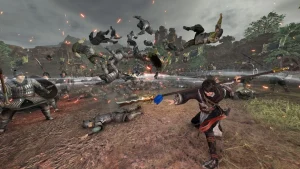
The new weapons prioritize fluidity and area-of-effect (AOE) damage. For example, the new Twin Pikes allow for aerial juggling that was previously impossible with standard gear. This verticality opens up new tactical options, letting you isolate commanders from their peons. Understanding these movesets is key to mastering the new mechanics, as button-mashing will leave you vulnerable during recovery frames. The animation canceling potential on the new Phoenix Blade, specifically, allows for infinite loops if timed correctly.
Advanced Combo Strings
To truly master the DLC weapons, you need to look beyond the basic inputs. The Azure Dragon spear features a hidden charge mechanic: holding the heavy attack button for exactly 1.5 seconds releases a shockwave that breaks enemy guard instantly. Similarly, the Phoenix Blade has a “rising phoenix” launcher that can be followed up by an air-dash cancel, keeping you airborne and out of reach of ground troops. These advanced techniques are essential for Chaos difficulty, where staying mobile is the only way to survive.
Comparing Base Gear vs New DLC Weapons
To help you decide if the upgrade is worth your time, here is a breakdown of how the new DLC gear stacks up against the best base game weapons.
Unleash the Action with XMODHUB
If grinding for S-ranks sounds like a chore, you can bypass the frustration entirely. XMODHUB offers a safe, all-in-one solution to unlock the full potential of Dynasty Warriors: Origins instantly.
⚔️ Infinite Musou
Keep your Musou gauge permanently full to unleash special attacks continuously without needing to charge up.
❤️ God Mode
Become completely invincible to enemy attacks, allowing you to fight on Chaos difficulty with zero risk.
💰 Weapon Unlock
Instantly access all weapons and gear slots without having to complete specific achievement requirements.
💰 Infinite Gold
Set your gold to maximum to purchase every available upgrade, horse, and consumable from the shop.
These featured mods are just the beginning. Whether you’re looking to skip tedious grinding, experiment with different playstyles, or speed up your progression, XMOD’s comprehensive toolkit offers dozens more options tailored to your playstyle.
Combat/Damage
- Infinite Musou – Unlimited special attacks
- One-Hit Kills – Defeat officers instantly
- Max Combo – Always maintain max combo count
Health/Energy
- God Mode – Infinite health
- Infinite Stamina – Dash and dodge without limits
Money/Resources
- Infinite Gold – Maximize currency
- Weapon Unlock – Get all gear instantly
Installing the Dynasty Warriors: Origins Trainer
Setting up the trainer is simple and does not require modifying game files manually. Download the XMODHUB client, search for “Dynasty Warriors: Origins” in the library, and click “Play.” The tool automatically detects your game version, whether you are on Steam or another launcher. It injects the mods into the memory only when the game is running, leaving your installation clean.
Activating Dynasty Warriors: Origins Infinite Musou
Once in-game, you can toggle features using hotkeys or the overlay menu. To activate Infinite Musou, simply press the assigned key (usually F1 or NumPad 1). You will hear a confirmation sound, and your Musou bar will lock at 100%. This allows you to spam your most powerful attacks to clear screens of enemies instantly, which is perfect for farming materials or leveling up weak characters.
How Do You Maximize Gameplay with Cheats?
Using cheats isn’t just about making the game easier; it’s about customizing the experience. In a hack and slash game like this, the fun comes from the power fantasy.
Enabling Dynasty Warriors: Origins God Mode
God Mode is particularly useful when learning the attack patterns of new DLC bosses. By removing the penalty of death, you can study their telegraphs and practice your parry timing. It transforms the game from a stressful survival challenge into a sandbox where you can experiment with different weapon combinations without fear of restarting the level.
Using the Dynasty Warriors: Origins Weapon Unlock
The weapon unlock feature is a massive time-saver for players who want to jump straight into the “uncharted action.” Instead of spending 50+ hours grinding for rare drops, you can instantly populate your inventory with high-stat gear. This is ideal for content creators who need to showcase specific builds or for players with limited time who just want to experience the full breadth of the combat system immediately.
Why Do Dynasty Warriors: Origins Cheats Stop Working?
Trainers rely on specific memory addresses that often change when the game is updated. If your cheats suddenly stop working, it is usually due to a version mismatch.
Fixing Dynasty Warriors: Origins Version Mismatches
When the game receives a patch (like the recent DLC update), the memory addresses shift. XMODHUB updates its trainers automatically, but you must ensure you are running the latest version of the client. If you encounter issues, restart the XMODHUB app to force a check for updates. Always ensure your game version matches the trainer version displayed in the app.

Resolving Common Trainer Connection Errors
Sometimes security software can flag trainers as false positives because they inject code into other processes. To fix this, add the XMODHUB installation folder to your antivirus exclusion list. The default path is usually:
C:/Users/[Username]/AppData/Local/XMOD/Running the application as an administrator can also resolve permission issues that prevent the trainer from attaching to the game process. Additionally, to prevent save corruption, always back up your save folder found in My Documents/KoeiTecmo/DynastyWarriorsOrigins before activating any inventory-modifying cheats. While the trainer is safe, game crashes during auto-saves can occasionally cause data loss, so a manual backup is a smart precaution.
Dynasty Warriors: Origins FAQ
Ready to enhance your gameplay?

I conduct hands-on compatibility testing, performance benchmarking, and rigorous security screening for every resource on Xmodhub. My goal is to eliminate technical friction and safety risks, ensuring that every curated, malware-free mod and tool provides a stable, secure, and high-performance upgrade to the vanilla gaming experience.


 Catherine Hu
I love how this DLC really pushes the boundaries of what’s possible in *Dynasty Warriors: Origins*. The new weapons seem to open up so many fresh ways to play! I’ve been curious about whether the Azure Dragon spear is better for crowd control or bosses, though.