Nancy Miller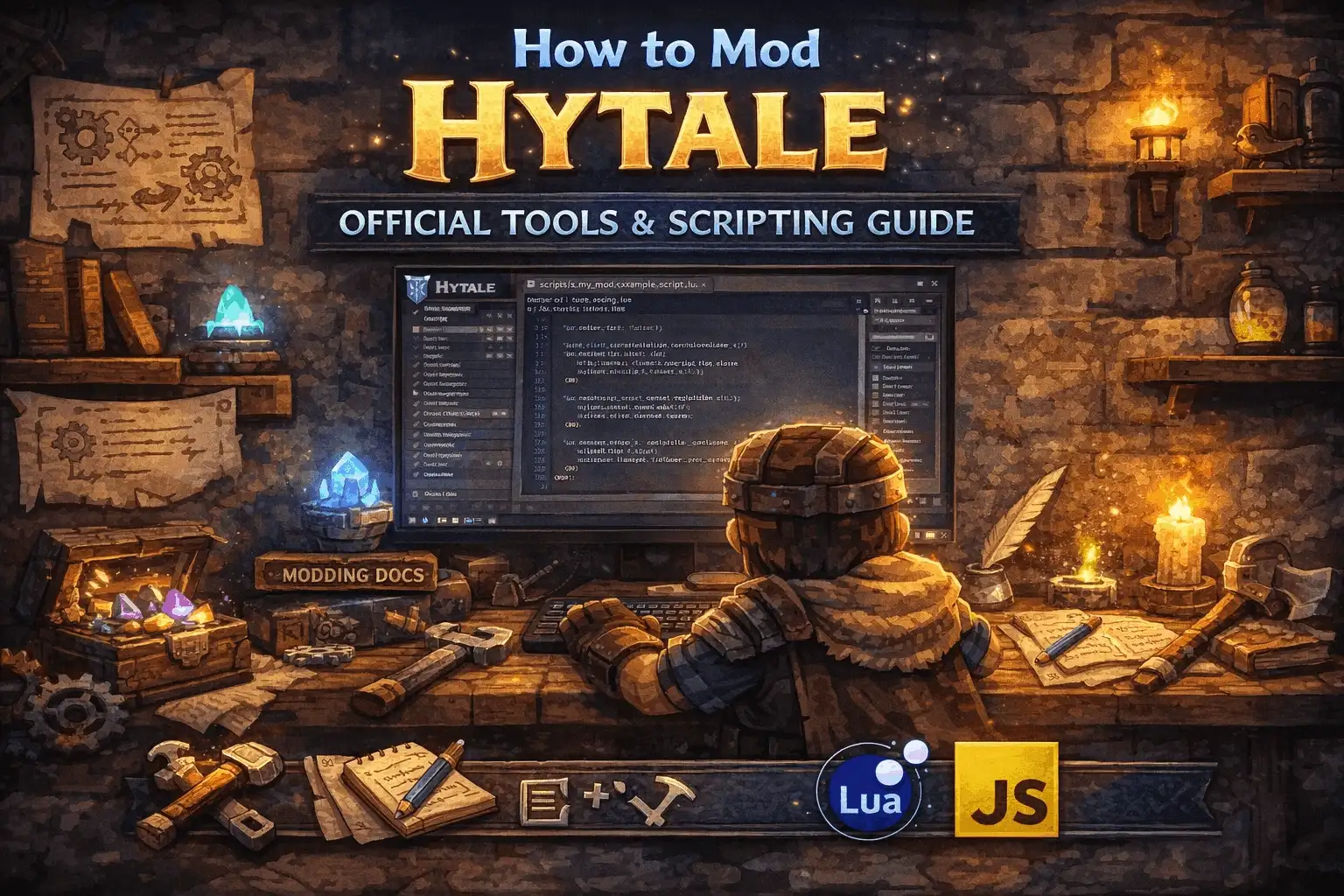
We have been waiting for Hytale for what feels like an eternity, but the promise of its modding capabilities keeps the hype alive. Unlike other sandbox games where modding feels like hacking the mainframe, Hytale is handing us the keys to the kingdom from day one. Honestly, looking at the tools they are providing, it makes my years of wrestling with J3ava archives feel almost archaic. Whether you are a veteran builder or a code-curious beginner, the creative suite is a game-changer.
Key Takeaways
- Official Tools – Hytale Model Maker runs directly in your browser for real-time collaboration.
- C# Scripting – Say goodbye to Java; Hytale uses C# for more accessible and powerful behavior scripting.
- No External Loaders – You won’t need Forge or Fabric; mod loading is native to the client.
- Live Reloading – Change textures and models on the fly without restarting the server.
- Safe Cheats – Use trainers for single-player adventure mode testing without risking bans.
Let’s break down the details below.
Key Takeaways for Hytale Modding
The Power of Hytale Model Maker
The crown jewel of Hytale’s creative suite is the Hytale Model Maker (HMM). Unlike traditional modeling software that requires heavy downloads, HMM is entirely browser-based. This means you can collaborate with friends on a single model in real-time, similar to working in a Google Doc. You can paint textures, animate bones, and adjust attachment points without ever leaving Chrome or Firefox. It streamlines the workflow significantly, removing the friction of exporting and importing files constantly.
Hytale Scripting vs Minecraft Modding
If you are coming from the Minecraft modding scene, you are used to the Java ecosystem. Hytale takes a different approach by utilizing C# for its scripting API. This architecture allows for more robust performance and easier integration with the game engine. The game separates client-side and server-side assets strictly, which prevents the common “mismatched mod list” errors that plague other sandbox games. You write your scripts, attach them to entities or blocks, and the game handles the synchronization automatically.
How to Mod Hytale Using Official Tools?
Getting Started with Hytale Model Maker
To begin modding, you will access the Hytale Model Maker through your web browser. The interface is divided into three main panes: the model hierarchy on the left, the 3D viewport in the center, and the texture/UV mapping tools on the right. You can start by importing a standard template, like a Kweebec or a basic sword, to understand how the bones are rigged. The “Live Preview” button is your best friend here; it pushes your current work directly to your connected Hytale client so you can see how the item looks in-game instantly.
Understanding Hytale Scripting Basics
Scripting in Hytale revolves around “Behaviors.” Instead of rewriting core engine code, you create scripts that define how an object interacts with the world. For example, if you want to create a wand that shoots fireballs, you would write a C# script that listens for a “UseItem” event and then spawns a projectile entity. The API is designed to be modular, so you can stack multiple behaviors on a single object. Here is a conceptual example of how a simple interaction might look in code:
void OnItemUse(Player player) {

Projectile.Spawn("fireball", player.Position, player.LookDirection);

}
Customizing Hytale Server Assets
One of the coolest features is how servers handle assets. When a player joins your modded server, Hytale automatically downloads the necessary models, textures, and sounds to their client. You do not need to ask players to install a modpack beforehand. As a server admin, you can edit these assets live. If you decide the sky should be purple or the trees should be made of crystal, you can apply those changes in the config, and all connected players will see the update immediately without needing to reconnect.
Is Hytale Modding Harder Than Minecraft?
Why Hytale Does Not Need External Mod Loaders
In the voxel sandbox genre, we are used to relying on third-party tools like Forge or Fabric to inject code into the game. Hytale eliminates this by having modding support built directly into the engine’s core. The game is designed to be modified. This means updates to the game won’t instantly break every mod you have installed, as the internal API maintains backward compatibility much better than unofficial hooks ever could.
Transitioning from Java to Hytale C# Scripting
For those who have spent years learning Java, moving to C# might seem daunting, but it is actually a smooth transition. Both are object-oriented languages with similar syntax. C# offers some modern conveniences that make scripting logic cleaner, such as properties and events. The Hytale API is also fully documented within the editor, so you get intelligent code completion that tells you exactly what functions are available, unlike the guesswork often required when decompiling obfuscated game code.
Enhancing Hytale Gameplay with Trainers
Using XMODHUB for Single-Player Hytale Cheats
While the official tools are great for creating content, sometimes you just want to experiment in adventure mode without the grind. This is where XMODHUB’s Hytale trainer comes in handy. It provides a suite of single-player enhancements that let you bypass resource gathering or test combat mechanics safely. Whether you are testing a new dungeon build or just want to fly around the zones of Orbis unrestricted, these tools offer a simple overlay to toggle features on and off instantly.
❤️ Infinite Health
Never worry about dying during exploration. Perfect for testing boss mechanics or surviving high-level zones.
⏱️ Super Speed
Traverse the vast world of Orbis in seconds. Great for scouting locations for your next base build.
💰 Infinite Items
Get unlimited building blocks and crafting materials instantly without the need for farming resources.
⚔️ One-Hit Kills
Clear enemies instantly to focus on the story or reach specific areas without combat delays.
These featured mods are just the beginning. Whether you’re looking to skip tedious grinding, experiment with different playstyles, or speed up your progression, XMODHUB’s comprehensive toolkit offers dozens more options tailored to your playstyle.
Safety Tips for Offline Hytale Mods
It is crucial to distinguish between official server-side mods and client-side trainers. Tools like XMOD are designed strictly for offline or single-player use. Attempting to use memory injectors on public servers is a violation of the Terms of Service and will likely result in an account ban. Always ensure you are in “Adventure Mode” or playing locally before activating any external cheats to keep your account safe and respectful of the multiplayer community.
Why Do Hytale Mods Fail to Load?
Fixing Common Hytale Model Maker Errors
A common issue beginners face is the “Texture Not Found” error when exporting models. This usually happens because the texture file path in the browser does not match the local directory structure expected by the game. Ensure that all your texture names use lowercase characters and no spaces, as the Hytale engine is case-sensitive. Also, verify that you have saved your UV map changes before hitting the “Live Preview” button, or the model will appear as a flat purple block.
Troubleshooting Hytale Server Connection Issues
If players are getting disconnected with “Asset Mismatch” errors, it often means the server has pushed an update that the client failed to download correctly. In Hytale, this is usually fixed by clearing the client-side cache. Navigate to your Hytale installation folder and delete the `cache` directory. On the next connection, the game will force a fresh download of all server assets, ensuring everyone is on the same version.
How to Mod Hytale: Frequently Asked Questions
Finding the Best Hytale Modding Communities
The best place to start is the official Hytale Discord server, which has dedicated channels for scripting and modeling. There are also community-run forums like HytaleHub where creators share open-source scripts and asset packs. Engaging with these communities early can save you hours of frustration, as many common scripting hurdles have already been solved by experienced members.
Understanding Hytale Copyright Rules
Hytale has a creator-friendly policy, but there are limits. You are generally allowed to monetize your own original assets and servers, but you cannot sell mods that contain ripped assets from other IP holders (like Nintendo or Disney characters). Always check the latest EULA updates on the official website before setting up a donation store for your server.
Ready to enhance your gameplay?

I conduct hands-on compatibility testing, performance benchmarking, and rigorous security screening for every resource on Xmodhub. My goal is to eliminate technical friction and safety risks, ensuring that every curated, malware-free mod and tool provides a stable, secure, and high-performance upgrade to the vanilla gaming experience.


 Catherine Hu