Mastering the massive procedurally generated world of Hytale is going to be an adventure. Whether you plan to get stuck building a complex castle in Adventure Mode or simply want to experiment with the game’s physics and block mechanics in creative freedom, using Hytale console commands will likely be a popular way to bypass the grind.
However, as veterans of similar sandbox games know, accessing the developer debug menu and typing long strings of text isn’t always the smoothest experience—especially if you are worried about disabling achievements.
Below is a guide on what we expect from Hytale’s command system upon release, how server admins might prepare, and a safer alternative – XMODhub Trainer, to cheat without risking save corruption.
Editor’s Note: Are Console Commands Available in Hytale Yet?
How Will We Enable the Console in Hytale? (Predictions)
Expected Essential Hytale Console Commands List
New: Hytale Server Admin Commands (For Multiplayer Hosts)
The Challenge of Hytale Item IDs
The Problem: Achievements & Save Risks with Commands
The Better Alternative: XMODhub Trainer (No Typing)
How to Use XMODhub Trainer for Hytale (On Launch)
FAQ
Conclusion
Editor’s Note: Are Console Commands Available in Hytale Yet?
“It is crucial to state clearly: Hytale has not yet been released. Therefore, there are absolutely zero officially confirmed console commands or cheat codes available for the public right now. Anyone claiming otherwise is misleading you.
However, drawing from our experience supporting over 5,000 games at XMODhub, and given Hytale’s roots in the sandbox genre established by Minecraft, we can make highly educated predictions about how its command system will function. We are preparing our tools now so you have a streamlined alternative the moment the game launches.”
— Catherine Hu, Game Writer at XMODhub
How Will We Enable the Console in Hytale? (Predictions)
When Hytale launches, accessing the debug menu or chat command window will likely follow standard industry methods used in similar voxel games:
Method A (Standard): Pressing the Forward Slash (/) key or Tilde (~) key during gameplay to open the chat/command window.
Method B (World Creation): When creating a new single-player world, there will likely be a toggle option (e.g., “Allow Cheats”) that must be enabled before generation.
Expected Essential Hytale Console Commands List
While we wait for the official wiki, here are the types of commands we fully expect to see based on genre standards:
Player & Survival Cheats
/gamemode creative (or /gamemode 1) – The standard command to enter creative mode, granting flight, invulnerability, and infinite resources.
/god or /heal – Grants instant health restoration or invincibility against threats like the Varyn.
/give [playername] [item_id] [amount] – The essential command to spawn specific blocks, weapons, or tools directly into your inventory.
World & System Commands
/time set day – Instantly resets the day/night cycle to morning.
/weather clear – Stops rain or storms to improve visibility.
/tp [coordinates] – Teleport to specific X, Y, Z coordinates in the vast world.
/kill @e[type=hostile] – A potential utility command to wipe out nearby hostile mobs.
New: Hytale Server Admin Commands (For Multiplayer Hosts)
Hytale has a massive focus on community servers. If you plan to host a server, you won’t just need cheats; you’ll need moderation tools. Based on typical server architectures, aspiring admins should prepare for commands similar to these:
/op [playername] – Grants “Operator” status to a player, allowing them to use admin commands.
/kick [playername] [reason] – Temporarily removes a disruptive player from the server.
/ban [playername] [reason] – Permanently blocks a player’s account or IP from joining.
/stop or /save-all – Safely saves the world data and shuts down the server instance.
/whitelist add [playername] – Adds a player to the allowed list for private servers.
The Challenge of Hytale Item IDs
To use the expected /give command, you will need to know the specific, exact internal name string for every single item in the game.
In a game like Hytale with potentially thousands of items, guessing IDs becomes a nightmare that breaks immersion.
Is that basic wood block called hytale:oak_log or hytale:wood_block_oak?
Is that high-tier weapon called hytale:void_sword or something else entirely?
This tedious reliance on external wikis for Item IDs is a primary reason why many players prefer visual trainers over manual text commands.
The Problem: Achievements & Save Risks with Commands
Using built-in developer console commands in modern gaming often comes with frustrating side effects:
Achievement Lock: It is highly likely that Hytale will follow suit with other modern titles: once you activate a cheat command like /gamemode creative in a survival world, that save file is permanently flagged, disabling achievements/trophies.
Inconvenience: Having to constantly open a chat window to re-type commands breaks the flow of gameplay.
The Better Alternative: XMODhub Trainer (No Typing)
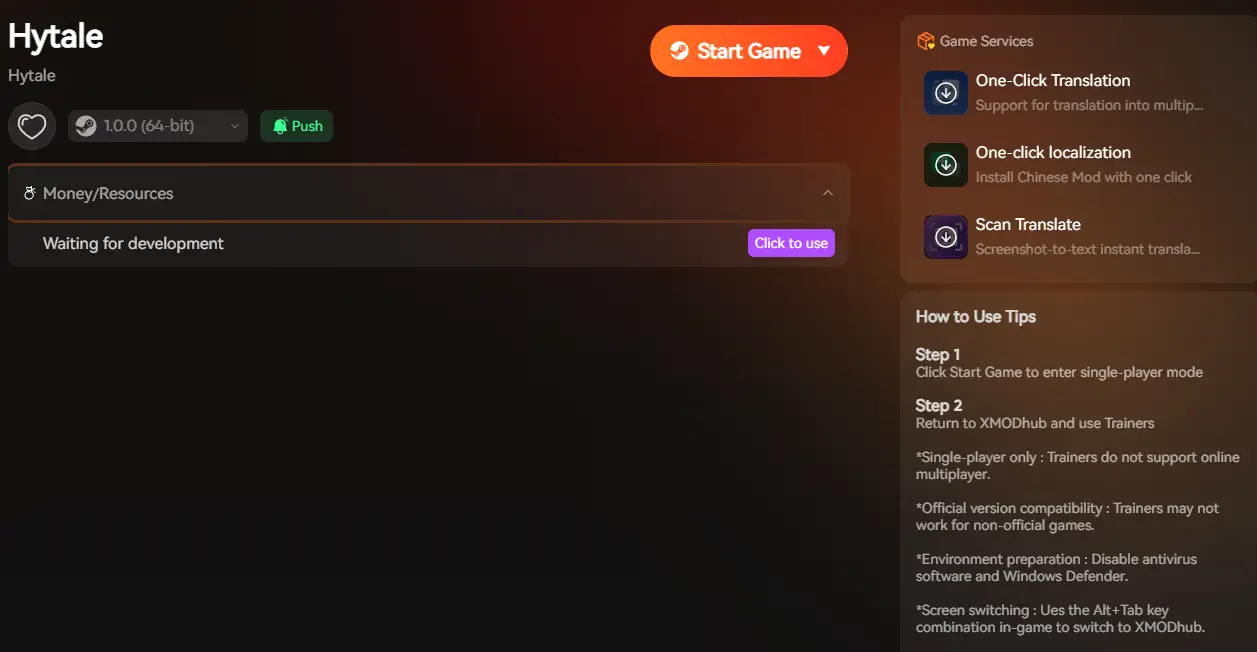
Stop planning to memorize hundreds of item IDs or sacrifice your achievements. Upon Hytale’s release, XMODhub aims to act as a visual overlay that bypasses the need for the text console entirely.
Launch: Open XMODhub—on release day, it is designed to automatically detect your installed copy of Hytale.
Activate: Click “Play” and use simple toggles for “Infinite Health” or “Fly Mode” without ever touching a keyboard console.
FAQ
Q: Can I use console commands in Hytale Multiplayer public servers?
A: No. Console commands are almost always server-side. You would need to be a server administrator (OP) to use them. You cannot join a public hub and type /gamemode creative. XMODhub is also strictly for single-player or private admin use.
Q: Are there Hytale cheat codes for PS5 or Xbox?
A: Consoles rarely get access to text-based debug commands due to platform restrictions. If Hytale comes to consoles, your only option for cheats would likely be built-in creative mode settings. XMODhub is a PC-exclusive utility.
Q: What will be the cheat command for infinite money/resources in Hytale?
A: It will likely be the /gamemode creative command, which gives you access to the entire item catalog. If you want to stay in survival mode but just want specific resources, you would use the /give command, provided you know the Item ID.
Conclusion
While the wait for Hytale continues, we can be certain of one thing: the freedom to customize the experience through cheats and commands will be essential for both creative players and server administrators.
However, relying on outdated text-based console commands is becoming a thing of the past. Memorizing endless wikis of Item IDs, dealing with clunky chat windows, and risking your hard-earned achievements just to fly around your own server isn’t the modern gaming experience you deserve.
When Hytale finally launches, XMODhub aims to be the superior, safer alternative. By offering a visual interface that bypasses the console entirely, you can focus on building your adventure, not typing code.
Don’t just wait for Hytale—get ready for it.
XMODhub already supports over 5,000 existing games, including the titans of the genre that paved the way for Hytale:
I am a passionate gamer and writer at XMODhub, dedicated to bringing you the latest gaming news, tips, and insights.
Connect with me:
LinkedIn Profile ↗
Aliens Fireteam Elite 2 One Hit Kill Cheat: Max Damage Guide
Nothing is more frustrating than dropping into the hostile environments of LV-558, only to get your entire four-player squad wiped out by bullet-sponge Xenomorphs on the higher Intense or Extreme difficulties. You are…
How to Increase Movement Speed in Aliens: Fireteam Elite 2
You are pinned down in a dark, atmospheric corridor on planet LV-558. Your pulse rifle is clicking empty, the toxic gas from a malfunctioning Atmos processor is rapidly filling the room, and a…
One thought on “Hytale Console Commands (Pre-Launch Guide): Predicted Cheats & Admin Codes”
I totally agree with the point about the potential issues with achievements and save corruption when using console commands. A safer option like XMODhub sounds like a solid choice for anyone who just wants to experiment without the risks.

 Catherine Hu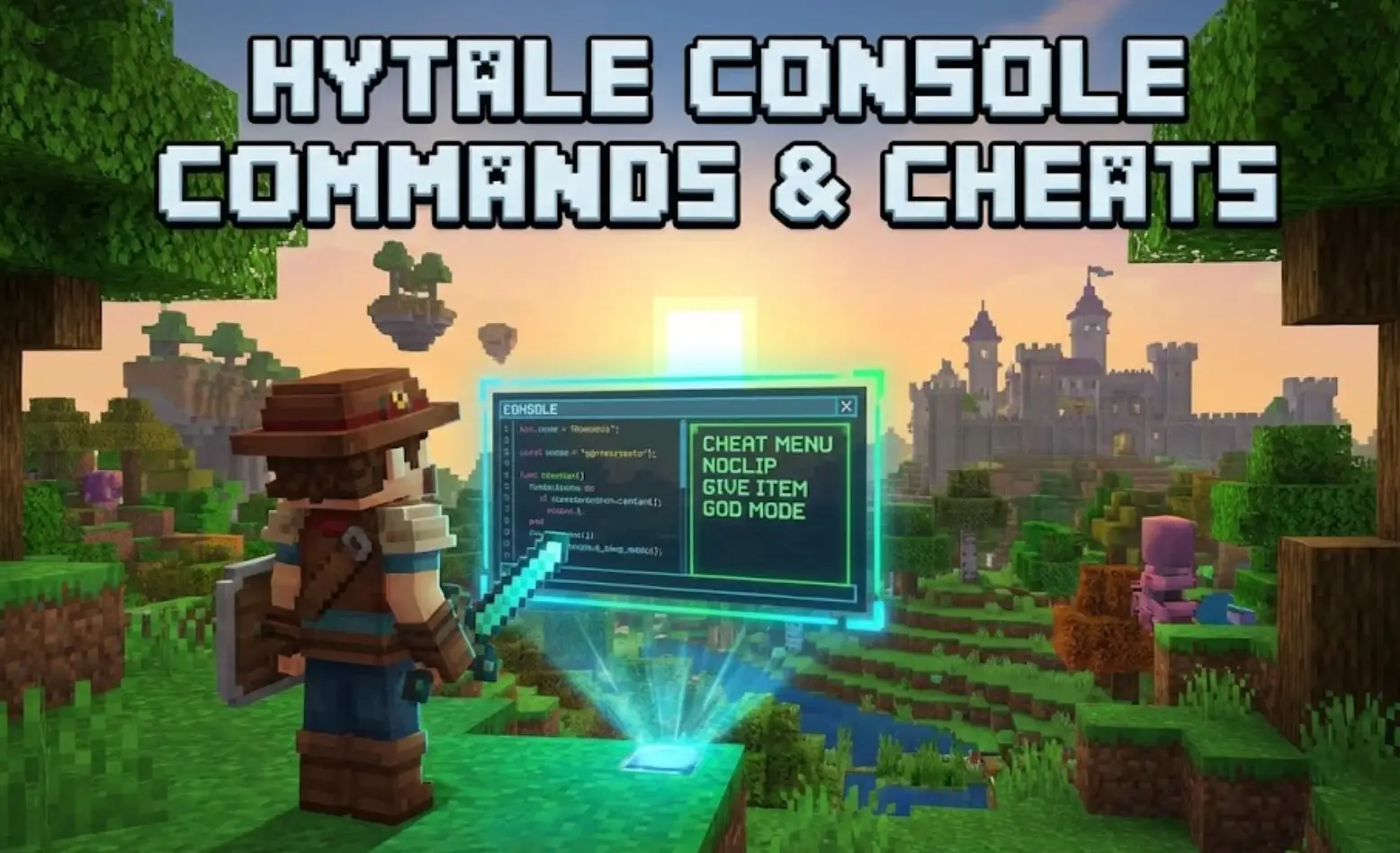






 Nancy Miller

I totally agree with the point about the potential issues with achievements and save corruption when using console commands. A safer option like XMODhub sounds like a solid choice for anyone who just wants to experiment without the risks.