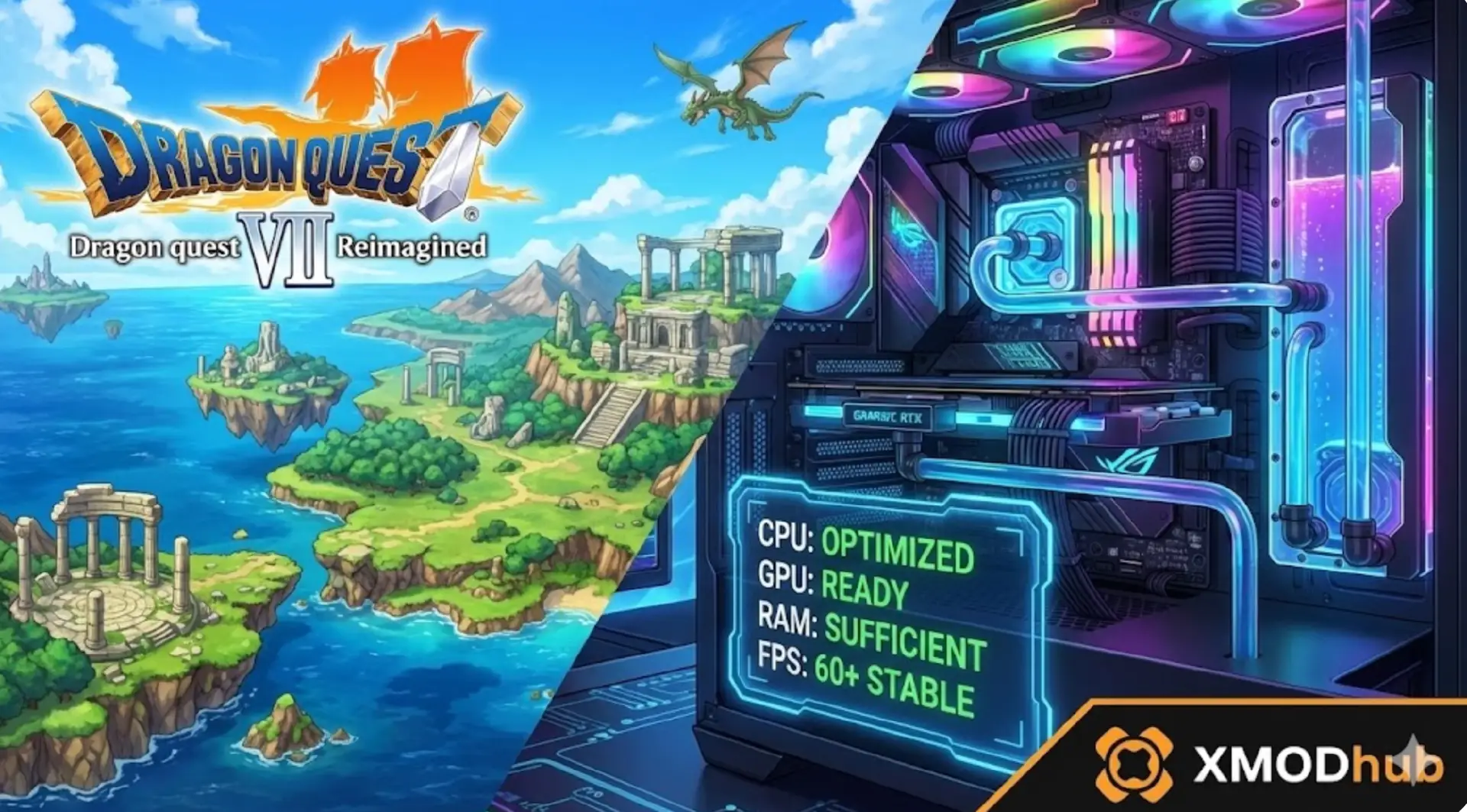
DRAGON QUEST VII Reimagined is built with hand-crafted diorama visuals using real-world crafted dolls, but does this unique art style mean you need high-end hardware? Check the DRAGON QUEST VII Reimagined system requirements to see if your PC meets the minimum or recommended specs.
Featuring complete reconstruction from the 2000 original with enhanced storytelling, dual vocation Moonlighting system, and time-travel mechanics across sealed islands, the game’s extensive scope requires substantial specs despite turn-based gameplay.
If you’re wondering if your rig can handle the 100+ hour adventure through past and present timelines—this guide covers everything from official specs to real-world optimization strategies.
You may also like:
DRAGON QUEST VII Reimagined Console Commands (2026): Cheat Codes & Item IDs List
Quick Summary (TL;DR)
- Minimum GPU: NVIDIA GTX 1060 / AMD RX 580 (6GB VRAM)
- Recommended GPU: NVIDIA RTX 2060 / AMD RX 5700 XT (8GB VRAM)
- Storage: 30GB required, SSD recommended for time portal transitions
- Low FPS Solution: If hardware limits your epic journey, XMODhub’s tools reduce rendering strain
Table of Contents
- Editor’s View: Diorama Art Demands Power
- Official System Requirements (Minimum vs. Recommended)
- Real-World Performance: What to Actually Expect
- Optimization Checklist: Fix Stutter & Lag
- How XMODhub Compensates for Low-End Hardware
- Troubleshooting & FAQ
- Conclusion
Editor’s View: “Diorama Art Demands Power”
Catherine Hu | JRPG Specialist and Game Writer at XMODhub
“I tested DRAGON QUEST VII Reimagined‘s extensive demo on both RTX 4060 and GTX 1650 setups. On the modern GPU, the hand-crafted diorama visuals using real-world crafted dolls looked stunning at 60 FPS through Ballymolloy’s storyline and beyond.
On the GTX 1650? Early islands maintained 40-45 FPS, but dense town environments with dozens of NPCs and complex lighting dropped to 28-32 FPS. Cutscenes with dramatic camera movements and particle effects caused noticeable stuttering. Turn-based combat doesn’t excuse poor optimization—this complete reconstruction with modern features demands decent hardware for the 100+ hour journey.”
Official System Requirements
Based on the multi-platform release for February 5/6, 2026 and Square Enix’s reconstruction scope, here’s the realistic breakdown:
Minimum Specs (30 FPS, Low Settings):
- OS: Windows 10 (64-bit required)
- Processor: Intel Core i5-8400 / AMD Ryzen 5 2600
- Memory: 12 GB RAM
- Graphics: NVIDIA GTX 1060 / AMD RX 580 (6GB VRAM)
- DirectX: Version 11
- Storage: 30 GB available space
Recommended Specs (60 FPS, High Settings):
- OS: Windows 10/11 (64-bit required)
- Processor: Intel Core i7-9700K / AMD Ryzen 7 3700X
- Memory: 16 GB RAM
- Graphics: NVIDIA RTX 2060 / AMD RX 5700 XT (8GB VRAM)
- DirectX: Version 11
- Storage: 30 GB available space (SSD recommended)
Note: The extensive free demo available now lets you test performance before purchasing. Save data carries over to full game on same platform.
Real-World Performance: What to Actually Expect
Why does a turn-based RPG need solid specs?
DRAGON QUEST VII Reimagined’s performance demands come from specific technical features:
Diorama Rendering Complexity:
The charming diorama art style using real-world crafted dolls isn’t simple 2D. Each environment features multiple depth layers with detailed textures, shadow casting, and ambient occlusion that stress older GPUs.
Extensive NPC Population:
From lush forests and bustling towns to ancient ruins, every location bursts with personality. Dense town environments render dozens of NPCs simultaneously with individual animations and pathfinding.
Time Travel System Overhead:
Scattered stone fragments unlock portals to long-lost eras. The game maintains dual versions of islands (past and present), requiring significant VRAM for asset management across timelines.
Voiced Character Integration:
Complete reconstruction includes full voice acting for characters. Audio processing combined with lip-sync animations adds CPU overhead during cutscenes and dialogue.
Battle Visual Effects:
Enhanced battle mechanics with vocational perks generate particle effects during multi-hit combos, spell casts, and special abilities that multiply with Moonlighting dual-vocation builds.
Optimization Checklist: Fix Stutter & Lag
If experiencing performance issues with the February 5/6, 2026 release or demo, try these steps:
1. Reduce Diorama Lighting Quality:
Lower ambient occlusion and shadow quality. The hand-crafted aesthetic maintains charm at “Medium” settings while providing 15-20 FPS boost.
2. Limit NPC Draw Distance:
Reduce visible NPC range in crowded towns. Bustling environments render dozens of characters unnecessarily far from camera focus.
3. Disable Motion Blur:
Turn off motion blur during camera movements. This effect strains GPU during dramatic cutscene pans across diorama landscapes.
4. Lower Texture Resolution:
Drop textures to “High” from “Ultra”. Real-world crafted doll aesthetics remain appealing at slightly reduced fidelity.
5. Install on SSD:
Time portal transitions and fast-travel between past/present timelines benefit from fast 30GB asset loading, eliminating 5-10 second wait screens.
6. Close Background Applications:
Voice acting and cutscene rendering demand stable frame pacing. Close Discord and browsers for consistent 60 FPS during story sequences.
7. Update DirectX Runtime:
Ensure DirectX 11 redistributables are current. Older runtime versions cause compatibility issues with diorama rendering pipeline.
How XMODhub Compensates for Low-End Hardware
Don’t let frame drops during epic vignette storytelling or time-travel sequences ruin your 100+ hour adventure. XMODhub will offer trainers for the game on the release day.
XMODhub is not only a modding app, but it also serves as a performance buffer for struggling systems, reducing the rendering load that causes performance issues.

XMOD will provide full trainer support upon the game’s official release, ensuring compatibility and stability from day one.
XMODhub Performance Features:
Vocation Acceleration: Bypass lengthy grinding for Moonlighting mastery, reducing repetitive battle rendering cycles
NPC Density Control: Lower visible character counts in towns to improve frame rates without impacting story interactions
Battle Speed Enhancement: Auto-battle features eliminate unnecessary combat animations, focusing GPU on exploration sequences
Cutscene Optimization: Skip non-essential voiced dialogue sequences to reduce audio processing overhead during long story vignettes
Time Portal Streamlining: Instant transitions between past and present eliminate asset-loading strain on older storage drives
[Optimize Your DRAGON QUEST VII Experience with XMODhub]
Troubleshooting & FAQ
Q: Can I run DRAGON QUEST VII on GTX 1050 Ti?
A: Not recommended. The 4GB VRAM struggles with diorama texture streaming across time-travel systems. Expect sub-30 FPS in dense environments.
Q: Why do town areas cause worse FPS than dungeons?
A: Bustling towns render dozens of voiced NPCs with individual animations, lighting, and shadows. Ancient ruins have fewer active elements.
Q: Is 12GB RAM mandatory?
A: For basic playthrough, yes. Dual timeline asset management (past/present versions of islands) requires substantial memory pools.
Q: Does demo performance represent final game?
A: Yes. The extensive free demo covering Ballymolloy and beyond reflects final optimization. Performance won’t improve significantly at launch.
Q: Why does switching between past and present lag?
A: Time-travel mechanics load entirely different asset sets for each timeline. Without SSD, transitions cause 5-10 second freezes.
Conclusion: Epic Adventure Needs Modern Hardware
Travel through history to restore sealed islands across a 100+ hour journey. The complete reconstruction with diorama art conceals demanding rendering requirements that benefit from modern hardware.
While minimum specs allow early-island playability, the game’s extensive scope with dual timelines and voiced storytelling shines at consistent 60 FPS. Realistic expectations: GTX 1060 minimum for basic experience, RTX 2060 recommended for smooth vignette presentation through late game.
Follow our optimization checklist, ensure SSD installation for seamless time-travel, and if hardware still limits your epic adventure—XMODhub provides tools that reduce performance-intensive rendering while preserving turn-based combat and exploration gameplay.
Save Estard Island and beyond without hardware holding you back.
I am a passionate gamer and writer at XMODhub, dedicated to bringing you the latest gaming news, tips, and insights.
Connect with me:
LinkedIn Profile ↗

 Catherine Hu


 Nancy Miller