If this is your first week in StarRupture, you might think it’s just another “mine rocks, build towers” game. But wait until the fifth wave of enemies breaches your perimeter, or you’ve spent three hours sprinting across the map just to find a single vein of rare ore. That’s when it hits you: In this game, information is ammunition.
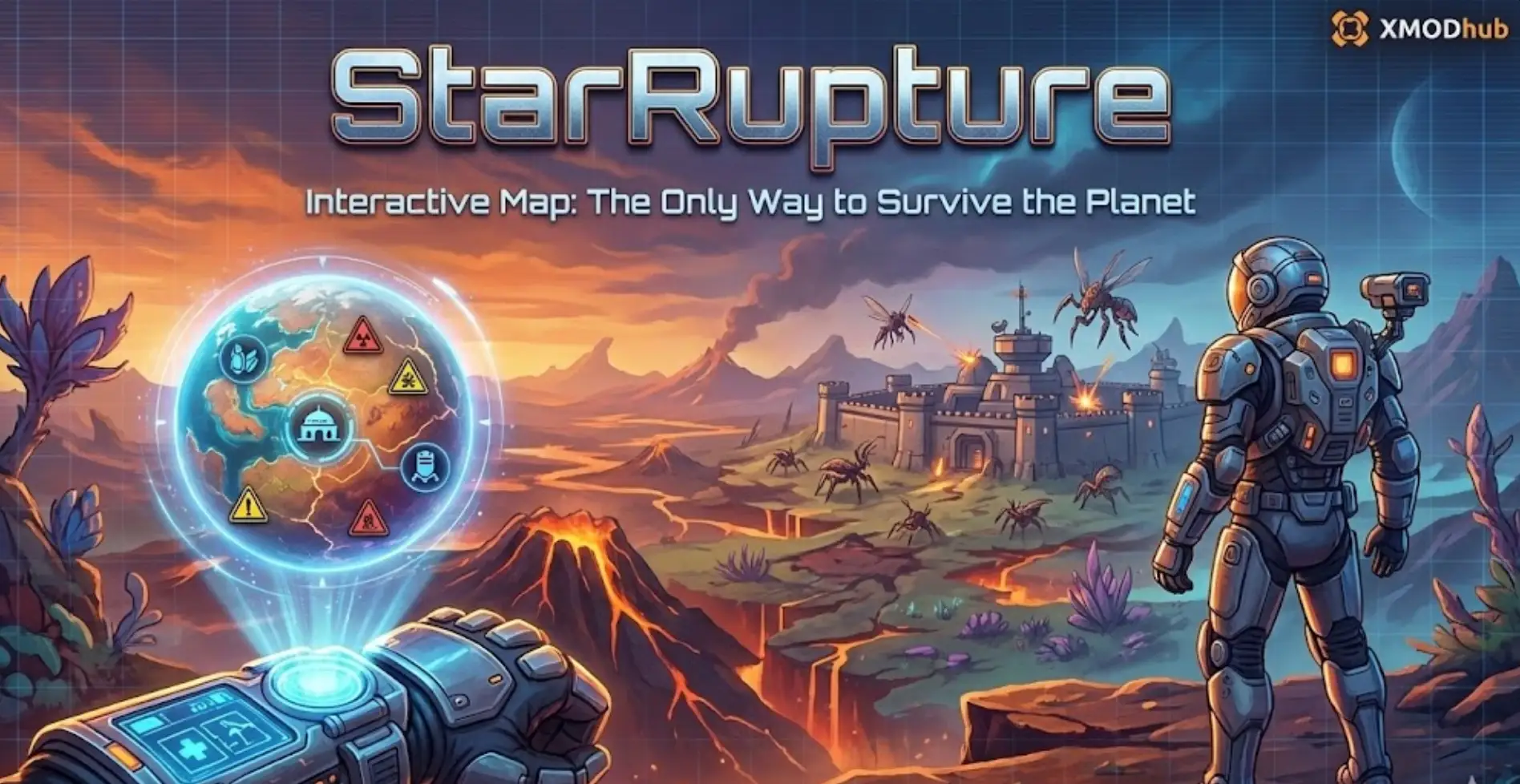
That is exactly why everyone is searching for a StarRupture interactive map.
Today, as part of the XMODhub team (and as someone who has lost way too many bases to surprise bug attacks), I’m going to show you how to use XMODhub interactive map tools to stop wandering blindly and start dominating the planet.
You may also like:
StarRupture Console Commands (2026): Cheat Codes & Item IDs Guide
Table of Contents
- What is a StarRupture Interactive Map?
- CRITICAL: How to Unlock the In-Game Map
- Map Breakdown: Key Resource Locations
- Does StarRupture Have Console Commands?
- The XMODhub Edge: Reveal Everything Instantly
- How to Use XMODhub for StarRupture
- FAQ – Common Questions
- Conclusion & Similar Games
Editor’s Note:
Unlike typical open-world games, StarRupture’s map is NOT available from the start. Many players think their game is bugged because pressing ‘M’ does nothing.
Spoiler Alert: You have to earn it. I’ve included a specific guide below on how to unlock it ASAP so you don’t get lost in the fog. — XMODhub Gaming Team
What is a StarRupture Interactive Map?
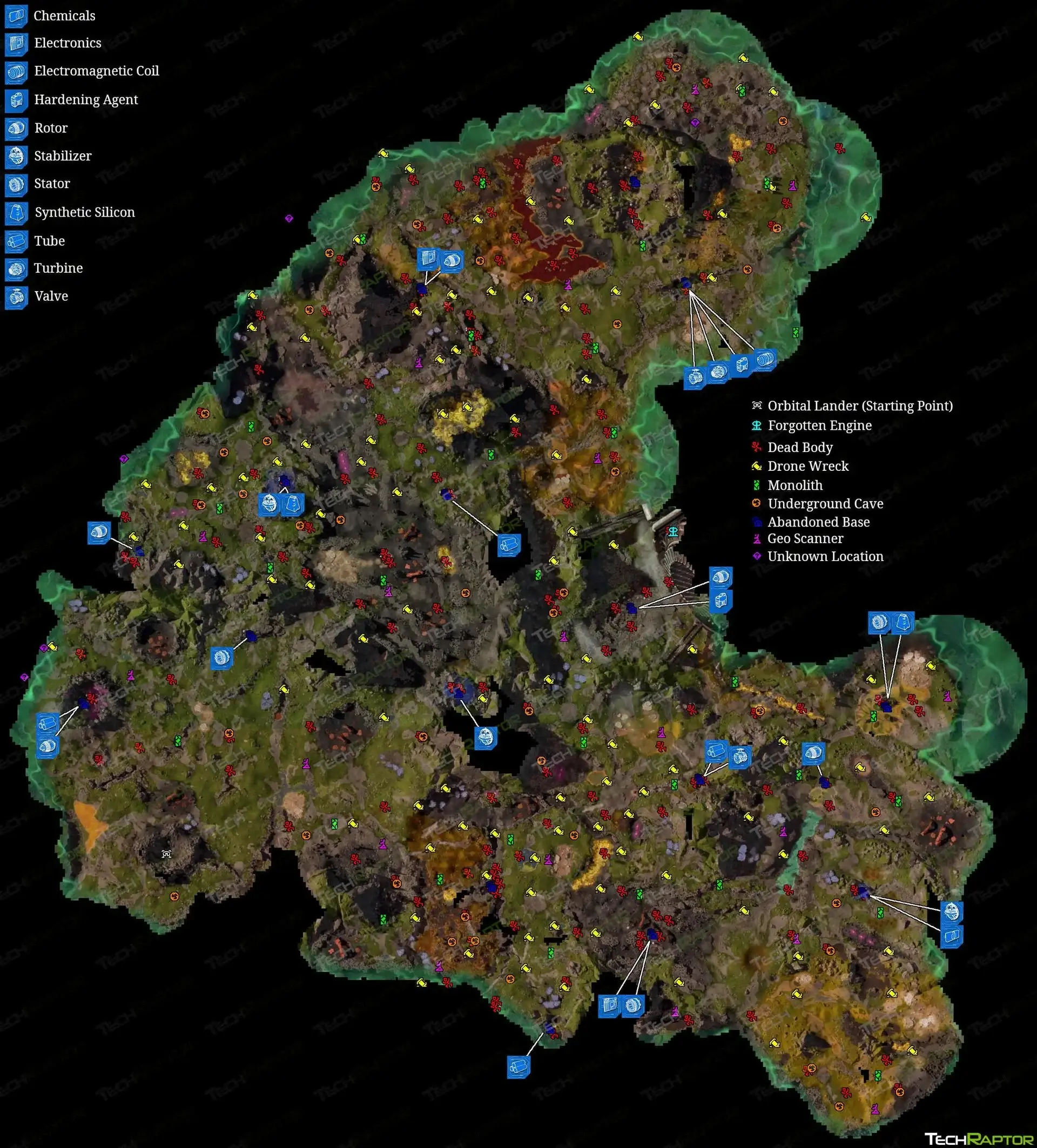
Quick Definition: A StarRupture Interactive Map is a visual tool (often community-hosted) designed to help players navigate the procedural world of Arcadia-7. While the game features procedural generation, key landmarks often follow a set logic (e.g., specific biomes to the North/East). These maps allow you to filter Resource Nodes, locate Hidden Dungeon Entrances, and plan Base Defense Layouts before you even step foot in the danger zone.
CRITICAL: How to Unlock the In-Game Map
If you are pressing ‘M’ and nothing happens, don’t panic. You haven’t unlocked the feature yet. In the 2026 Early Access build, map data is a “corporate privilege.”
To unlock the map, you must:
- Focus on your Orbital Launcher quests.
- Level up your standing with Griffits Blue Corporation to Level 3.
- This usually requires shipping roughly 1,500 Credits worth of Titanium Sheets or Wolfram Plates.
- Once reached, access the Corporate Terminal to download the “Planetary Data” package.
Pro Tip: Don’t explore too far from your drop pod until you have this unlocked. The fog of war is unforgiving.
Map Breakdown: Key Resource Locations
Even with procedural generation, the “Logic” of the world generation remains consistent. Here is where you need to look for the mid-game bottlenecks:
1. Where to Find Helium-3 & Wolfram
- Helium-3 (The Purple Gas):
- Direction: Head East from your starting Drop Zone.
- Landmark: Look for the massive mountain ridge. You usually need to cross it to find the purple vent deposits.
- Wolfram (Tungsten):
- Direction: Often found in the orange-hued rocky biomes, typically North-West.
- Appearance: Look for orange crystalline formations on rock faces.
2. The Forgotten Engine (Teleporter Unlock)
Tired of walking? You need the Teleporter.
- Location: Far North-East corner of the map.
- Objective: You are looking for a massive structure called the Forgotten Engine.
- Reward: Clearing this dungeon and powering it up is the only legitimate way to unlock the Teleporter technology for fast travel between bases.
Does StarRupture Have Console Commands?
This is the most common question we get. The short answer: No.
Unlike Skyrim or Factorio, StarRupture (in its current Early Access state) does not have a native developer console accessible via the tilde (~) key for players. You cannot type codes like god or give item.
- The Problem: If you get stuck in geometry or lose your inventory to a glitch, the game provides no built-in way to fix it.
- The Solution: This is where Trainers become essential.
The XMODhub Edge: Reveal Everything Instantly
Since the game hides the map behind a grind wall and lacks console commands, XMODhub offers the tools to let you play your way.
- Map Revealer Mod: Instantly clear the “Fog of War” without needing Griffits Blue Corp Level 3. See the entire planet layout immediately.
- Teleport to Waypoint: Don’t want to walk 20 minutes to the Forgotten Engine? Just set a waypoint on your map and teleport there instantly.
- Unlimited Resources: Skip the grind for Titanium Sheets and focus on building the ultimate fortress.
(Note: Please use mods responsibly. We recommend using them in Single Player or Private Co-op sessions to respect the experience of public lobbies.)
How to Use XMODhub for StarRupture
If you’ve never used a game trainer or mod before, don’t worry. We designed XMODhub to be “Plug and Play.” You don’t need to be a coder or mess with complex game files.
Here is the simple 3-step process to unlocking the Map Revealer and Teleporter features:
Step 1: Download the XMODhub Client
Instead of downloading sketchy .exe files from random forums, grab the official XMODhub All-in-One Client.
- Go to the [StarRupture Game Page] on XMODhub.
- Click the big green “Download Trainer” button.
- Safety Note: Our client scans all mods for malware daily, ensuring your PC stays clean.
Step 2: Launch & Detect

- It will automatically detect your installation of StarRupture (whether you are on Steam, Epic, or GOG).
- Click “Play” within the XMODhub app to launch the game. This injects the mod menu safely into the game memory.
Step 3: Activate Your Cheats
Once you are in-game and have loaded your save file:
- To Reveal Map: Press
F1 (or the custom hotkey shown in the app). Watch the Fog of War vanish instantly!
- To Teleport: Open your (now visible) map, right-click a location to set a waypoint, and press
F6. Poof—you’re there.
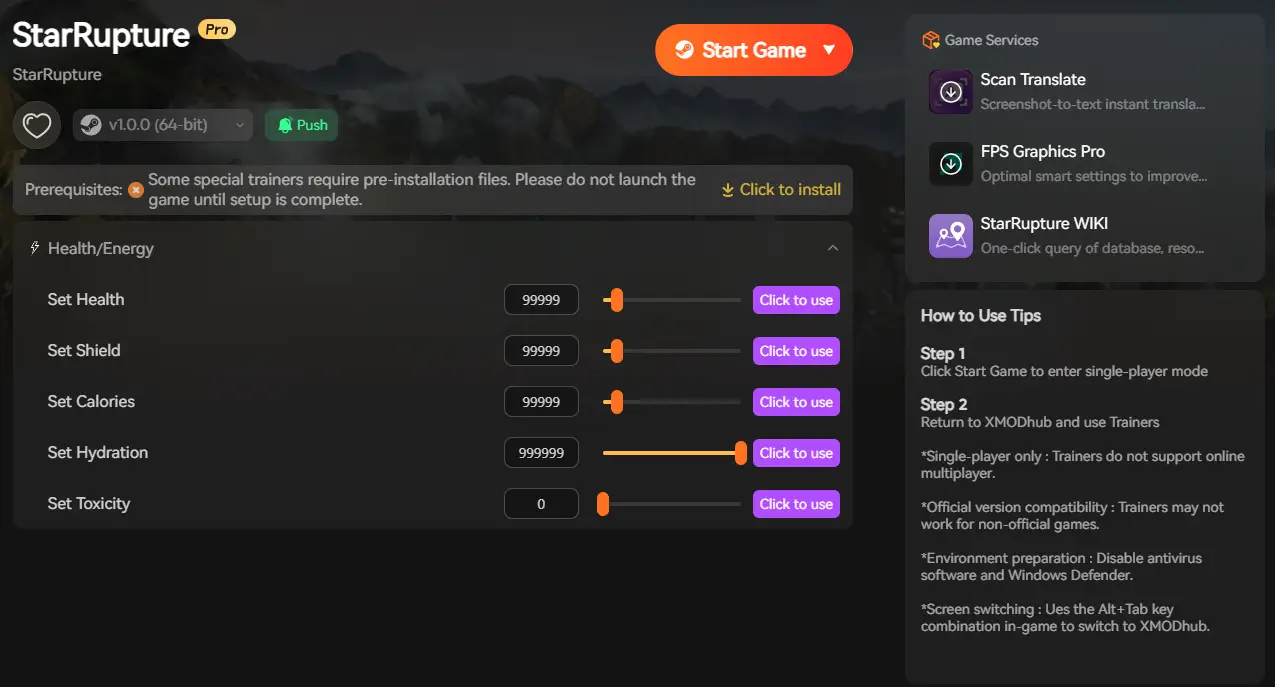
- Infinite Resources: Toggle
F2 to freeze your resource count, allowing you to build without limits.
FAQ – Common Questions
Q: Is the StarRupture map the same for everyone? A: No, the terrain is Procedurally Generated. However, the Macro-Layout (Biome placement) is often consistent. For example, the Volcanic Biome is almost always in the North.
Q: Can I fly in StarRupture? A: Not natively. You get a double jump and a hover mechanic later on, but true “Creative Mode” flying requires an external Trainer (like the one on XMODhub).
Q: Where are the Blueprints for Level 3 Walls? A: These are fixed spawns within specific “Dungeon” areas. Check the Swamp Biome caves; they often hold the bio-laboratory blueprints needed for advanced defense.
Conclusion
In the harsh, shifting world of StarRupture, knowledge is power. Whether you unlock the map legitimately through the Griffits Blue Corp grind or use a shortcut to reveal it all, knowing where your Helium-3 is located is the difference between survival and extinction.
More Than Just StarRupture Did you know XMODhub supports over 5,000 games?

If you love the automation and survival loop of StarRupture, check out our premium tools for these similar hits:
I am a passionate gamer and writer at XMODhub, dedicated to bringing you the latest gaming news, tips, and insights.
Connect with me:
LinkedIn Profile ↗

 Catherine Hu