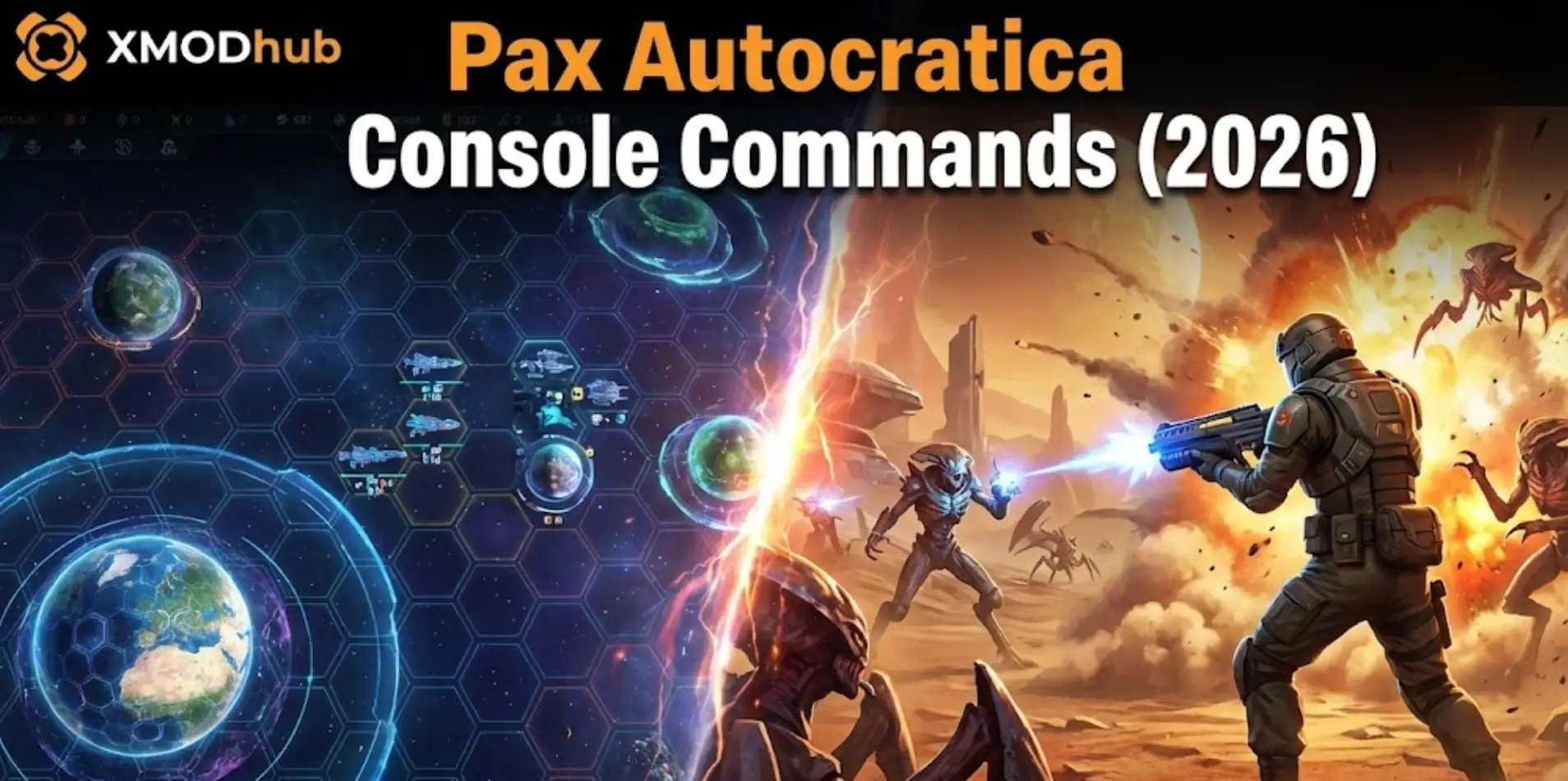
Unifying the Tyris System in Pax Autocratica is a brutal balancing act. One moment you are a dictator issuing decrees from your orbital palace, and the next you are leading a squad in a Roguelite FPS battle to suppress a rebellion.
Because of this punishing difficulty—especially in the recently released Prologue—many players are searching for Pax Autocratica console commands.
Whether you need Infinite Credits to build your colony or God Mode to survive the chaotic FPS skirmishes, accessing the debug menu seems like the quickest fix.
However, developer Multiverse has locked the standard console in the public build to prevent engine crashes.
Below is the complete guide on how to force the console open, the differences between Prologue and Release cheats, and the safer alternative – XMODhub trainer.
“Unlike standard strategy games, Pax Autocratica runs two simulation layers simultaneously: the Colony Sim (Macro) and the FPS Combat (Micro).
In my testing of the Pax Autocratica: Prologue (v0.9.2), I found that forcing the console open often breaks the game logic. For example, if you use a killall command while the camera is zooming down from orbit to ground, the ‘Unification Progress’ tracker often gets stuck.
While you can edit the launch options to enable it, using a memory trainer that respects these state transitions is much safer for your 40-hour campaign.”
— Catherine Hu, Senior Modding Specialist and Game Writer at XMODhub
How to Enable the Console (Prologue & Full Game)
If you are comfortable with potential crashes, here is how to try and force the debug menu:
Launch Options (Steam):
Right-click Pax Autocratica (or Prologue) in your library > Properties.
In the Launch Options field, type: -console -dev_mode.
Config File Edit:
Navigate to %AppData%/LocalLow/Multiverse/PaxAutocratica/Config/.
Open GameSettings.ini (or PrologueSettings.ini) with Notepad.
Find EnableDebugOverlay=False and change it to True.
In-Game:
Press the Tilde (~) key or F1.
(Note: If the console text appears as yellow squares, the developer has patched this method in the Day 1 update. Skip to the XMODhub Solution.)
Essential Console Commands List
Note: Commands are context-sensitive. Using FPS cheats in Strategy mode (and vice versa) may do nothing or crash the game.
Strategy / Colony Cheats
add_credits [amount] – Adds the primary currency for building and unit production.
set_loyalty [0-100] – Instantly sets global citizen loyalty (prevents rebellions).
instant_decree – Removes the cooldown timer for passing new laws.
fog_off – Reveals the entire Tyris System map.
FPS / Combat Mode Cheats
god – Standard God Mode (Invincibility for your character).
infinite_ammo – No reloads for your Plasma Rifle/Sidearm.
kill_radius [number] – Kills all enemies within X meters (useful for clearing waves).
fly – Enables Noclip (use carefully to avoid falling through the terrain).
Pax Autocratica Item IDs & Resources
To use the spawn_item [ID] command, you need the internal names. These are crucial for the Roguelite progression elements:
Rare Resources:
Res_CoreFragment (Used for permanent Roguelite upgrades).
Res_Biomass_Alpha
Weapons (FPS Mode):
Wpn_AutoRifle_Mk1
Wpn_HeavyOrdnance
(Finding these IDs is tedious because they change between the Prologue and the Full Release. The XMODhub Trainer features a visual Item Spawner menu, so you don’t need to guess.)
Where is the Save File Located? (AppID: 1067360)
If you want to backup your save before experimenting, here are the correct paths:
Warning: Save files are checksum-protected. Manually editing the hex code will flag the file as “Corrupted.”
Warning: FPS Mode vs. Strategy Mode Desyncs
The biggest risk with using the console in Pax Autocratica is State Desync.
If you force a win_mission command while in the FPS view, the Strategy layer often fails to register the victory, leaving you stuck with no rewards and a locked “Next Turn” button.
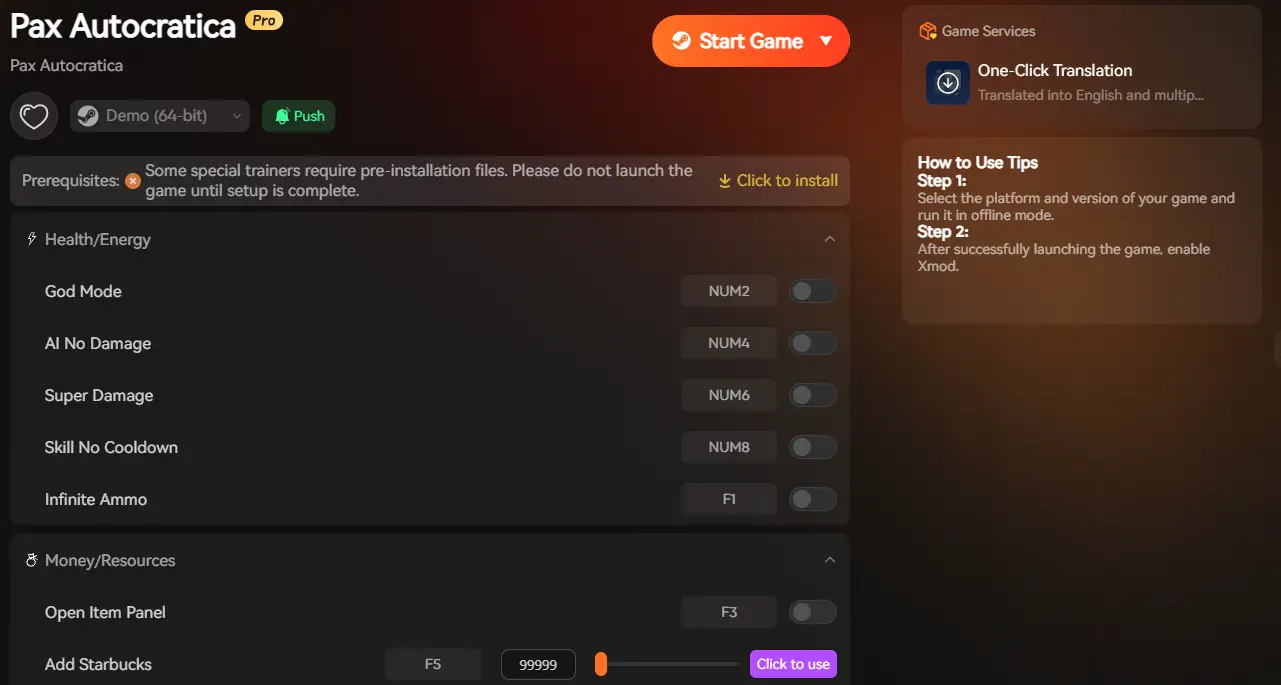
XMODhub prevents this by hooking into the GameManager directly, ensuring that both the Strategy and FPS layers update correctly when you cheat.
The Better Alternative: XMODhub Trainer
Why fight the game engine? XMODhub is designed to handle Pax Autocratica‘s unique hybrid gameplay automatically.
Launch: Open XMODhub—it automatically detects your installed copy of Pax Autocratica (works for both Prologue & Full Game).
Activate: Click “Play” in the client, then press F1 (or use the Overlay) in-game to toggle cheats instantly.
FAQ
Q: Do these commands work in the Prologue?
A: Most commands work in the Prologue, but the Item IDs often change. XMODhub updates its trainer automatically to support both the Prologue (AppID 4107120) and the Full Release.
Q: Will I get banned for using cheats?
A: Pax Autocratica is a single-player experience. You will not be banned, but using console commands may disable Steam Achievements. Using XMODhub prevents this achievement lock.
Q: Does XMODhub work on Steam Deck?
A: Yes! Since Pax Autocratica is playable on Steam Deck, our trainer works in Desktop Mode. It is much easier than typing commands on a virtual keyboard.
Conclusion: Unify the Tyris System Your Way
Pax Autocratica is an ambitious game, but its dual-genre difficulty shouldn’t stop you from enjoying the story. Whether you want to focus purely on the Colony Sim without resource stress, or dominate the FPS battles, you have options.
Instead of risking a corrupted save file, try the XMODhub Trainer.
I am a passionate gamer and writer at XMODhub, dedicated to bringing you the latest gaming news, tips, and insights.
Connect with me:
LinkedIn Profile ↗
How to Survive the Minotaur Curse Puzzles in Resonance: A Plague Tale Legacy
You are trapped in the labyrinth, the walls are shifting, and the oppressive darkness of the ancient island is closing in. If you are searching for how to survive the Minotaur Curse puzzles…
Best SurroundedByBoys Mods Tool (2026): Safe Downloads & No-Crash Guide
Quick Answer: What is the best and safest SurroundedByBoys mods tool? To modify your gameplay safely without corrupting your save files, you need to use the right SurroundedByBoys mods tools: XMODhub: The absolute…

 Catherine Hu