Nancy Miller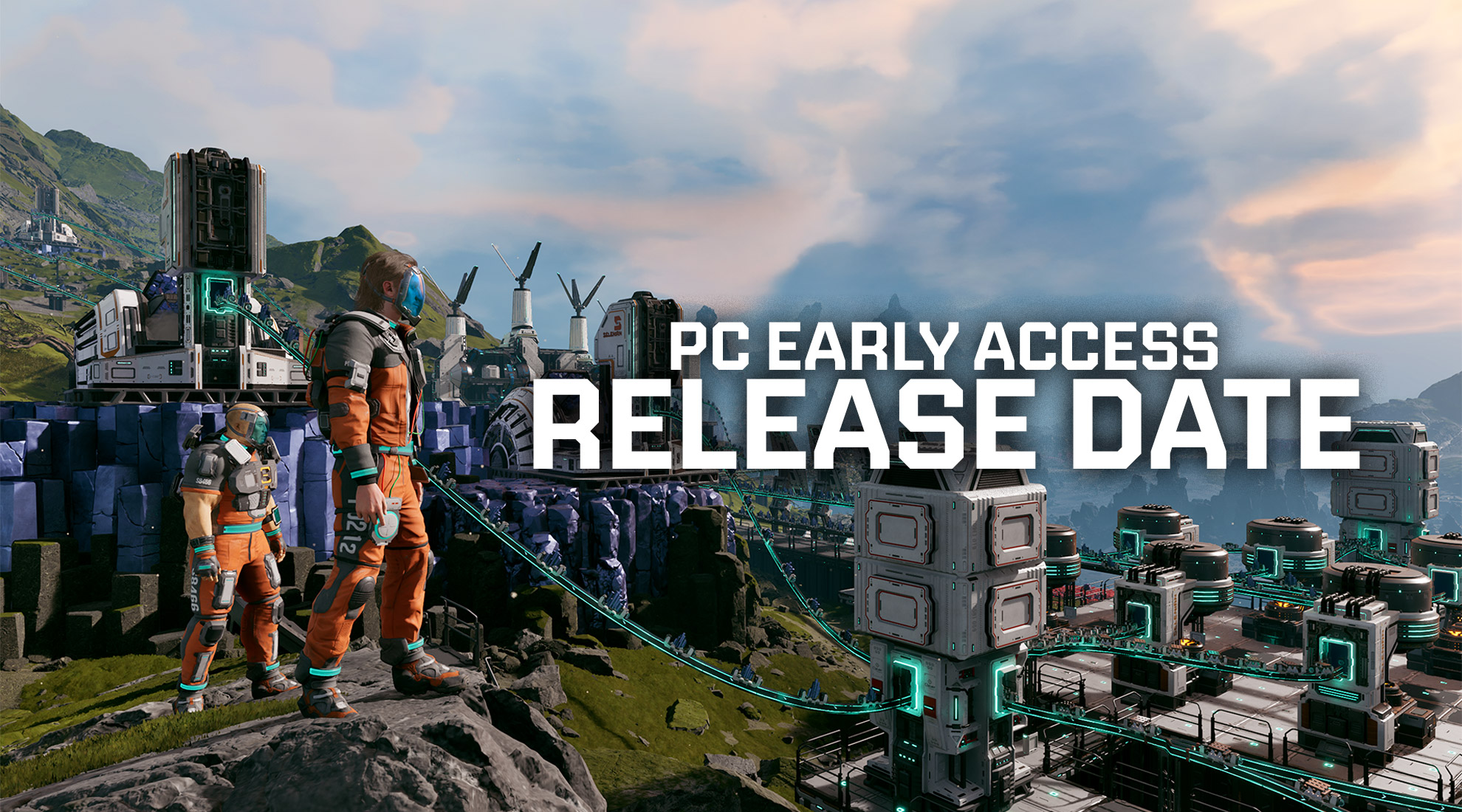
Key Takeaways
-
- The Difficulty Curve: StarRupture combines frantic FPS combat with complex industrial management, creating a steep grind that many players want to bypass.
- Technical Hurdles: Manually editing Unity engine memory values (Floats/Doubles) often leads to crashes or corrupted save files after game updates.
- The XMOD Solution: Automated trainers (like XMODHUB) offer a safer, version-matched alternative to raw script injection.
- Strategic Usage: Smart players use cheats for “stress testing” base defenses, not just for invincibility.
Below, we cover both the “manual” way for tech-savvy users and the “automated” way for seamless gameplay.
Quick Facts (Read Before You Use Any Trainer or Table)
Recommended Use Case
Best for single-player/offline base design, resource grind reduction, and defense stress testing.
Avoid bringing any cheats into multiplayer environments.
Save Backup (Non-Negotiable)
Before testing any table/trainer, create a backup of your save folder:
AppData\Local\StarRupture\Saved. A “Testing” save is strongly recommended.
Tip: For best stability, treat cheats as a temporary tool (testing and scouting), not a permanent always-on mode.
Survival at the Edge of the Galaxy
StarRupture is not your typical survival game. It uniquely blends open-world exploration, complex industrial automation, and high-octane FPS tower defense. You are constantly juggling three balls: mining resources to upgrade your tech, building intricate conveyor belt systems, and defending it all against waves of insectoid aliens. Perfect for building massive structures without wait times, like those in our Base Building Guide.
The real pain point arises when the “Swarm” mechanics scale up. A single breach in your walls can destroy hours of optimization. Additionally, collecting biomass and rare minerals from volcanic biomes often requires tedious grinding. This high-stakes environment is exactly why many players look for a StarRupture Cheat Engine table—sometimes you just want to focus on the creativity of building without the anxiety of constant annihilation.
The Hard Way: Using a StarRupture Cheat Engine Table
For those who prefer a hands-on technical approach, manually scanning memory is an option. However, StarRupture runs on the Unity engine, which makes this process significantly harder than in older games.
Step 1: Scanning for the Right Value Type
Beginners often fail here. In Unity games, values like Health, Energy, or Ammo are rarely stored as “4-Byte Integers.” They are almost always stored as Float or Double.
- The Process: Open Cheat Engine, attach it to the StarRupture process, and set “Value Type” to Float.
- The Scan: Search for your current health (e.g., 100). Take damage, pause, and search for the new value.
- The Trap: The value might be “99.45” internally but display as “99” on screen. You may need to use “Value between…” scans to catch it.
Step 2: Dealing with Dynamic Memory
Found the address? Great. But once you restart the game, that address will change. This is called Dynamic Memory Allocation. To make a permanent Cheat Engine table, you must perform a “Pointer Scan” to find the static base address that points to the dynamic health value. This requires advanced knowledge of hexadecimal offsets.
Why Players Are Abandoning Manual Tables
While manually editing memory feels powerful, it comes with significant downsides for a game in active development like StarRupture.

The “Update Break” Cycle
Every time the developers release a patch (even a small hotfix), the memory structure changes. Your saved Cheat Engine table (CT file) will stop working immediately. You are then forced to wait days for a community member to upload a new script, or spend hours re-scanning pointers yourself.
The Automated Solution: Why XMOD is Superior
If Cheat Engine is the “manual transmission” of modding, XMOD is the autopilot. It bridges the gap between complex coding and user-friendly gameplay. It effectively solves the “Update Break” problem by automatically matching the correct trainer version to your game client.
VS Cheat Engine
No need to scan memory types or understand hex code. XMOD handles the technical backend automatically.
Auto-Updating
The platform detects your game version and matches it with the correct trainer, preventing crashes.
Key XMOD Features for StarRupture
The trainer suite is designed to address specific frustrations in the StarRupture gameplay loop:
- ✓Infinite Resources (Biomass/Iron): Lock your minerals to max. This allows for instant base expansion without the need to spend hours mining rocks manually.
- ✓No Overheat / Instant Cooldowns: StarRupture’s combat relies on managing weapon heat. Removing this limit turns your character into a walking turret.
- ✓God Mode: Essential for exploring hazardous biomes like volcanic zones without taking environmental damage or dying to sudden lava bursts.
How to Safe-Mod StarRupture with XMOD (Step-by-Step)
Getting started is safer and faster than downloading random zip files. Follow this protocol to ensure your save files remain uncorrupted.

- Backup Your World: Before installing anything, navigate to your save folder (
AppData\Local\StarRupture\Saved) and copy your world files to a separate folder. This is your fail-safe. - Install XMOD Client: Download the verified installer. It acts as a library manager for all your supported games.
- Launch via Client: Open XMOD, search for “StarRupture,” and click “Play.” This injects the trainer code safely as the game launches.
- Toggle Hotkeys: Once in-game, use the designated hotkeys (usually F1-F12) to toggle cheats on or off. You should hear a confirmation sound.
Uninstall, Restore & Safety Rules (So You Don’t Lose a World)
Safe Usage Rules
- Always back up saves before testing new toggles.
- Prefer a dedicated “Testing” save for experiments.
- Use “lock” features temporarily—turn them off after testing.
- Avoid multiplayer: keep cheat usage strictly single-player/offline.
Restore Checklist
- Exit the game first, then close the trainer client.
- Reboot if the game stays unstable (clears leftover hooks).
- If a save won’t load, replace it with your backup folder copy.
- After a patch, confirm compatibility before opening your main world.
Important Note on Updates
StarRupture is actively updated. If you experience crashes or non-working hotkeys right after a patch,
the safest move is to disable all toggles, restart, and verify your trainer is matched to the current game version before loading a valuable save.
Pro Tips: Enhancing the Game (Not Just Breaking It)
Using cheats doesn’t mean ruining the game. Here is how expert players use XMOD StarRupture Trainer to enhance the experience creatively.
Strategy 1: The “Architect” Stress Test
Create a separate save file labeled “Testing”. Use XMOD to toggle “Instant Build” and “Infinite Materials”. Construct the ultimate defensive perimeter you have in mind—far larger than what you can currently afford. Then, trigger a max-level wave to see where the aliens break through. Once you learn the weak points, reload your main (legit) save and apply that architectural knowledge.
Strategy 2: The “Scout Drone” Mode
StarRupture has beautiful, distinct biomes. Use “God Mode” and increased “Movement Speed” to act as a scout drone. Fly through the map to locate rare resource nodes, mark them on your map, and then turn the cheats off. Now you have a clear objective for your legitimate playthrough: “Build a road to that specific coordinate.”
StarRupture Base Building Guide: Best Starter Layout&Trainer
StarRupture Resource Map: Mining Locations & Biome Guide
StarRupture Power Guide: Connect Rails, Fix Overload & Solar Ratios
StarRupture Crash Fix: 7 Steps to Stop Freezing & Errors
Frequently Asked Questions
Is XMOD safe to use with StarRupture?
Yes, XMOD is designed for single-player safety. It operates offline and does not trigger anti-cheat bans as long as you avoid multiplayer lobbies.
Why does my Cheat Engine table stop working?
Game updates change memory addresses. Cheat Engine tables rely on static pointers that break easily. XMOD trainers are updated centrally to match new game versions.
Can I use XMOD for other games?
Absolutely. The XMOD client supports a vast library of games, allowing you to manage cheats for your entire Steam or Epic Games library from one interface.
Will this corrupt my save file?
Modding always carries a slight risk. However, XMOD is generally safer than manual hex editing because it modifies runtime values rather than the save file structure itself. Always backup your save folder to be safe.
Why do StarRupture Cheat Engine tables stop working after an update?
Because patches often change Unity memory layouts. A table that relies on older pointer paths can fail immediately after even a small hotfix.
My hotkeys (F1–F12) don’t respond—what should I check?
Make sure the game window is focused, and try toggling cheats on a fresh session. If a patch just landed, confirm trainer compatibility with the current game version first.
Will using a trainer disable achievements?
It depends on the game/platform. If achievements matter to you, use a separate “Testing” save and keep cheats off during normal progression.
Why does my edited value “snap back” after I change it?
Many values are recalculated by game logic or stored in multiple places (display vs runtime). That’s why “lock” toggles are often more stable than one-time edits.
Can I use cheats in multiplayer?
Not recommended. Keep cheat usage strictly to single-player/offline to avoid fairness issues and unpredictable outcomes.
The game crashes after enabling cheats—what should I do first?
Disable all toggles, restart the game, and verify you’re using a version-matched trainer for the current patch. Then test again on a non-critical save.
Ready to stop scanning memory addresses and start building your empire?
Save time and avoid crashes by switching to a verified trainer solution. Experience the game on your own terms with tools you can trust.

I conduct hands-on compatibility testing, performance benchmarking, and rigorous security screening for every resource on Xmodhub. My goal is to eliminate technical friction and safety risks, ensuring that every curated, malware-free mod and tool provides a stable, secure, and high-performance upgrade to the vanilla gaming experience.


 Catherine Hu