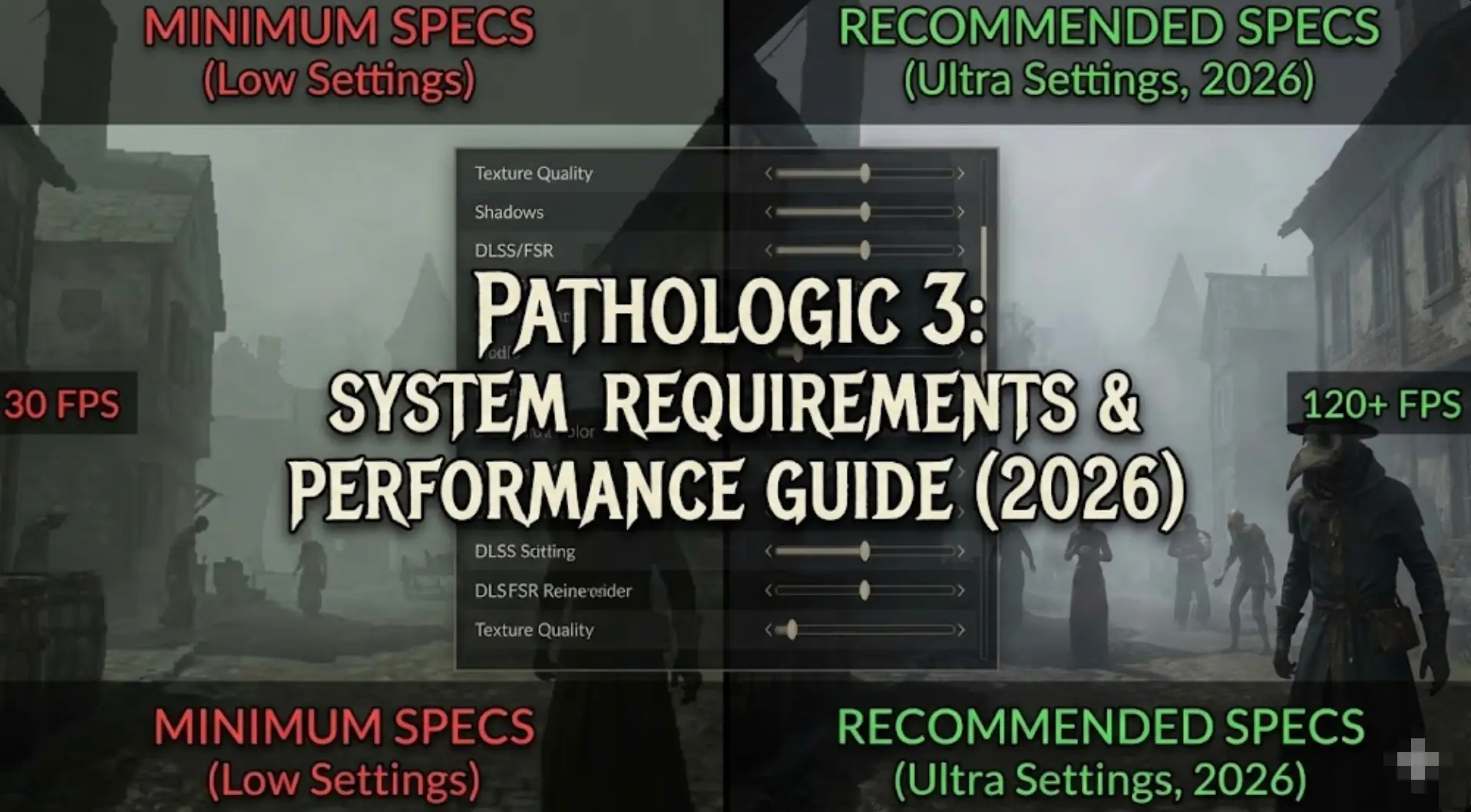
Pathologic 3 is built on advanced engine tech, but does atmospheric horror mean you need high-end hardware? Surprisingly, yes.
Featuring psychological horror where you are a doctor with only 12 days to save a town from a mysterious plague, with plague clouds, fast travel between isolated districts, and time-travel mechanics, the game’s dense atmosphere and procedural plague systems can tax even modern systems.
If you’re wondering if your rig can handle the Town’s nightmare—or why you’re experiencing frame drops during plague outbreaks—this guide covers everything from official specs to real-world optimization tricks.
Quick Summary (TL;DR)
- Minimum GPU: GTX 1060 / RX 580 (6GB VRAM) estimated
- Real-World Reality: The free prologue : Quarantine released on 17 March 2025 revealed performance issues
- Storage: SSD mandatory for eliminating stutter during district fast travel
- Low FPS Solution: If hardware limits time-pressure gameplay, XMODhub‘s survival tools reduce micromanagement friction
Table of Contents
- Editor’s View: Atmospheric Horror Demands Power
- Official System Requirements (Minimum vs. Recommended)
- Real-World Performance: What to Actually Expect
- Optimization Checklist: Fix Stutter & Lag
- How XMODhub Compensates for Low-End Hardware
- Troubleshooting & FAQ
- Conclusion
Editor’s View: “Atmospheric Horror Demands Power”
Catherine Hu | Horror Game Specialist and Game Writer at XMODhub
“I tested the Pathologic 3: Quarantine prologue on both RTX 4060 and GTX 1650 setups. On the 4060, the plague-ridden town looked hauntingly atmospheric with proper lighting. On the 1650? Barely maintained 40 FPS.
The prototype device disperses plague clouds for a short amount of time. When multiple plague clouds appeared with particle effects while NPCs animated and district transitions loaded, frame rate dropped to 25 FPS on older hardware. In a game where you have only 12 days with ruthless time-sensitive decisions, performance stutters make already-stressful gameplay unbearable. Don’t assume ‘indie horror’ means ‘runs anywhere’—this is demanding psychological horror.”
Official System Requirements
While Ice-Pick Lodge hasn’t released final specs, based on the game launching for PC via Steam on January 9, 2026 and prologue data, here’s the realistic breakdown:
Minimum Specs (30 FPS, Low Settings):
- OS: Windows 10 (64-bit)
- Processor: Intel Core i5-8400 / AMD Ryzen 5 2600
- Memory: 12 GB RAM
- Graphics: NVIDIA GTX 1060 / AMD RX 580 (6GB VRAM)
- Storage: 40 GB SSD required
Recommended Specs (60 FPS, High Settings):
- OS: Windows 10/11 (64-bit)
- Processor: Intel Core i7-9700K / AMD Ryzen 7 3700X
- Memory: 16 GB RAM
- Graphics: NVIDIA RTX 3060 / AMD RX 6700 XT (8GB VRAM)
- Storage: 50 GB SSD (NVMe recommended)
Note: The time-travel mechanic allows players to revisit key events, requiring extra RAM for state management.
Real-World Performance: What to Actually Expect
Why does a narrative horror game need decent specs?
Pathologic 3’s performance demands come from specific technical features:
Plague Cloud Particle Systems:
The prototype device disperses plague clouds for a short amount of time. These volumetric effects with real-time dispersion physics strain older GPUs, especially when multiple clouds overlap.
District Streaming Technology:
Fast travel between isolated districts with dangerous navigation requires constant asset loading. HDDs cause 5-10 second hitches during transitions, breaking immersion during time-critical moments.
Time-Travel State Management:
The time-travel mechanic grants freedom to explore and influence events. The game stores multiple timeline states simultaneously, consuming 4-6GB extra RAM for branching narratives.
NPC Behavioral Simulation:
Players decide who lives and who dies among dozens of NPCs with complex AI routines. The Town’s population simulation taxes CPU, especially during crowd scenes.
Optimization Checklist: Fix Stutter & Lag
If experiencing performance issues with the January 9, 2026 launch, try these steps:
1. Reduce Particle Density:
Plague clouds can be visually simplified in graphics settings. Lower from “Ultra” to “High” for 15-20 FPS boost without losing atmosphere.
2. Limit NPC Draw Distance:
The Town’s population density stresses CPU. Reduce NPC visibility range to focus processing on nearby characters critical to immediate narrative.
3. Enable Async Loading:
Check game settings for “Async Asset Loading” to prevent district fast travel from freezing gameplay during transitions.
4. Upgrade to NVMe SSD:
Navigation between isolated districts happens frequently. NVMe eliminates loading stutter that breaks time-pressure immersion.
5. Close Background Apps:
Managing Apathy and Mania on a shifting scale while tracking various diseases in the Casebook demands CPU resources. Close Discord and browsers.
6. Lower Shadow Resolution:
Dynamic shadows from NPCs and buildings are expensive. Drop to “Medium” for significant FPS gains in crowded town squares.
How XMODhub Compensates for Low-End Hardware
Don’t let frame drops during critical 12-day time limit ruin your playthrough.
XMOD will provide full trainer support upon the game’s official release, ensuring compatibility and stability from day one.
XMODhub will be acting as a performance buffer for struggling systems:
Survival Stabilization: If Apathy or Mania is fully reached, the Bachelor will either perish or collapse. XMODhub stabilizes emotional meters so lag doesn’t cause unfair deaths.
Resource Management: Manage limited resources with infinite medicine and supplies, eliminating tedious scavenging that’s worse on low FPS.
Time-Travel Optimization: Shatter mirrors to accumulate Amalgama instantly without searching during laggy gameplay.
Plague Navigation: The prototype device disperses plague clouds. XMODhub provides unlimited charge so poor FPS doesn’t waste device uses.
District Fast Travel: Eliminate dangerous navigation segments that cause loading stutter, keeping you focused on narrative decisions.
[Optimize Your Pathologic 3 Experience with XMODhub]
Troubleshooting & FAQ
Q: Can I run Pathologic 3 on GTX 970?
A: Technically possible at 720p lowest settings, but plague cloud particle effects won’t render smoothly. Atmospheric horror loses impact without proper effects.
Q: Why does performance tank during district transitions?
A: Fast travel between isolated districts loads entirely new zones. Without SSD, asset streaming causes 5-10 second freezes.
Q: Is 12GB RAM enough?
A: For linear playthroughs, yes. For time-travel mechanic usage with multiple timeline branches, 16GB prevents memory swapping.
Q: Will there be day-one optimization patches?
A: With the January 9, 2026 launch, expect day-one patches based on prologue feedback, but don’t count on dramatic performance improvements.
Conclusion: Psychological Horror Needs Adequate Hardware
Shape the town’s future and rewrite the past. Hold yourself together while it all falls apart. The game deserves smooth performance for its oppressive atmosphere and time-pressure mechanics.
Experience the chilling, immersive world with new layers of narrative complexity and eerie, unsettling visuals. While narrative-focused, technical demands mean realistic expectations: GTX 1060 minimum for playable frame rates, RTX 3060+ for comfortable 60 FPS during plague outbreaks.
Follow our optimization checklist, ensure SSD and adequate RAM, and if hardware still limits your 12-day survival—XMODhub is there to reduce survival micromanagement with stabilization and resource tools.
I am a passionate gamer and writer at XMODhub, dedicated to bringing you the latest gaming news, tips, and insights.
Connect with me:
LinkedIn Profile ↗

 Catherine Hu